Do Not Sell My Personal Information Jump to content
View in the app

A better way to browse. Learn more.

Subaru Owners Club UK | Subaru Forums

A full-screen app on your home screen with push notifications, badges and more.

To install this app on iOS and iPadOS
  1. Tap the Share icon in Safari
  2. Scroll the menu and tap Add to Home Screen.
  3. Tap Add in the top-right corner.
To install this app on Android
  1. Tap the 3-dot menu (⋮) in the top-right corner of the browser.
  2. Tap Add to Home screen or Install app.
  3. Confirm by tapping Install.

Ian214

Members
  • Joined

  • Last visited

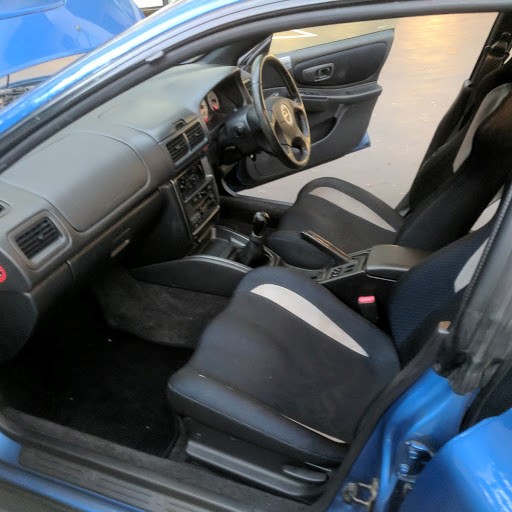
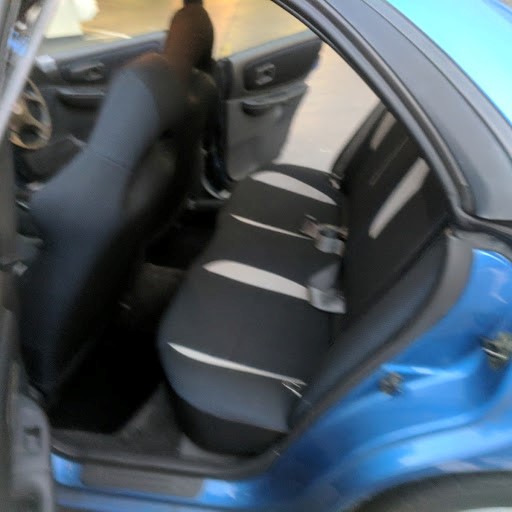
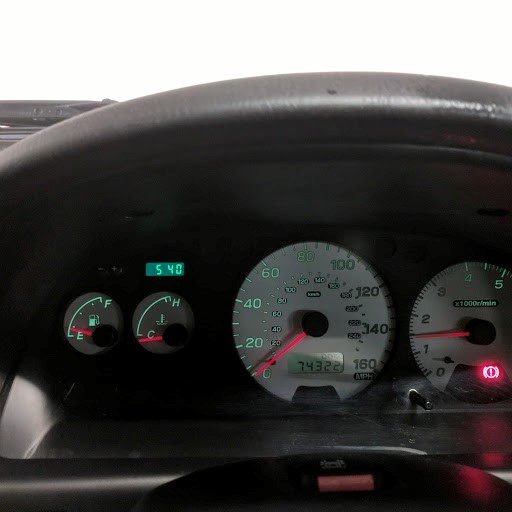
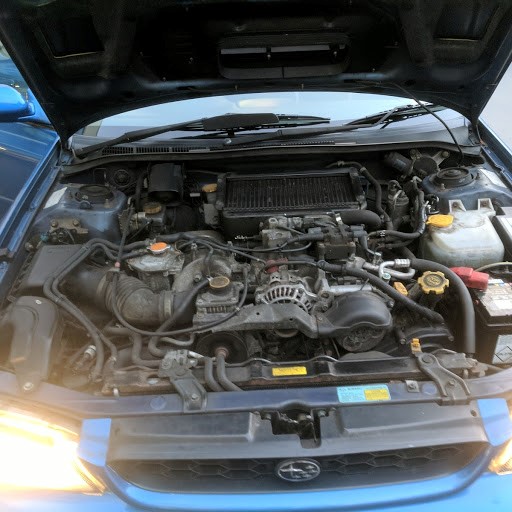
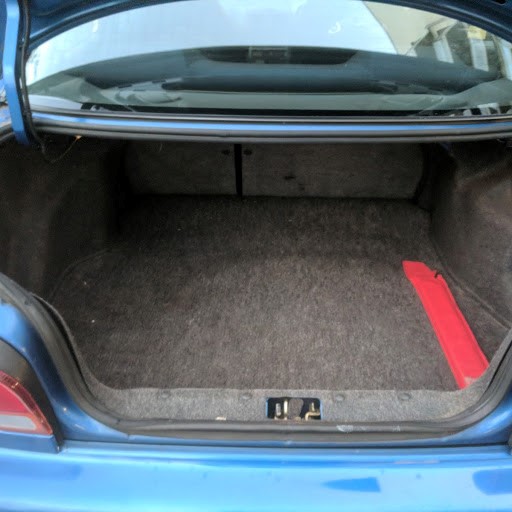
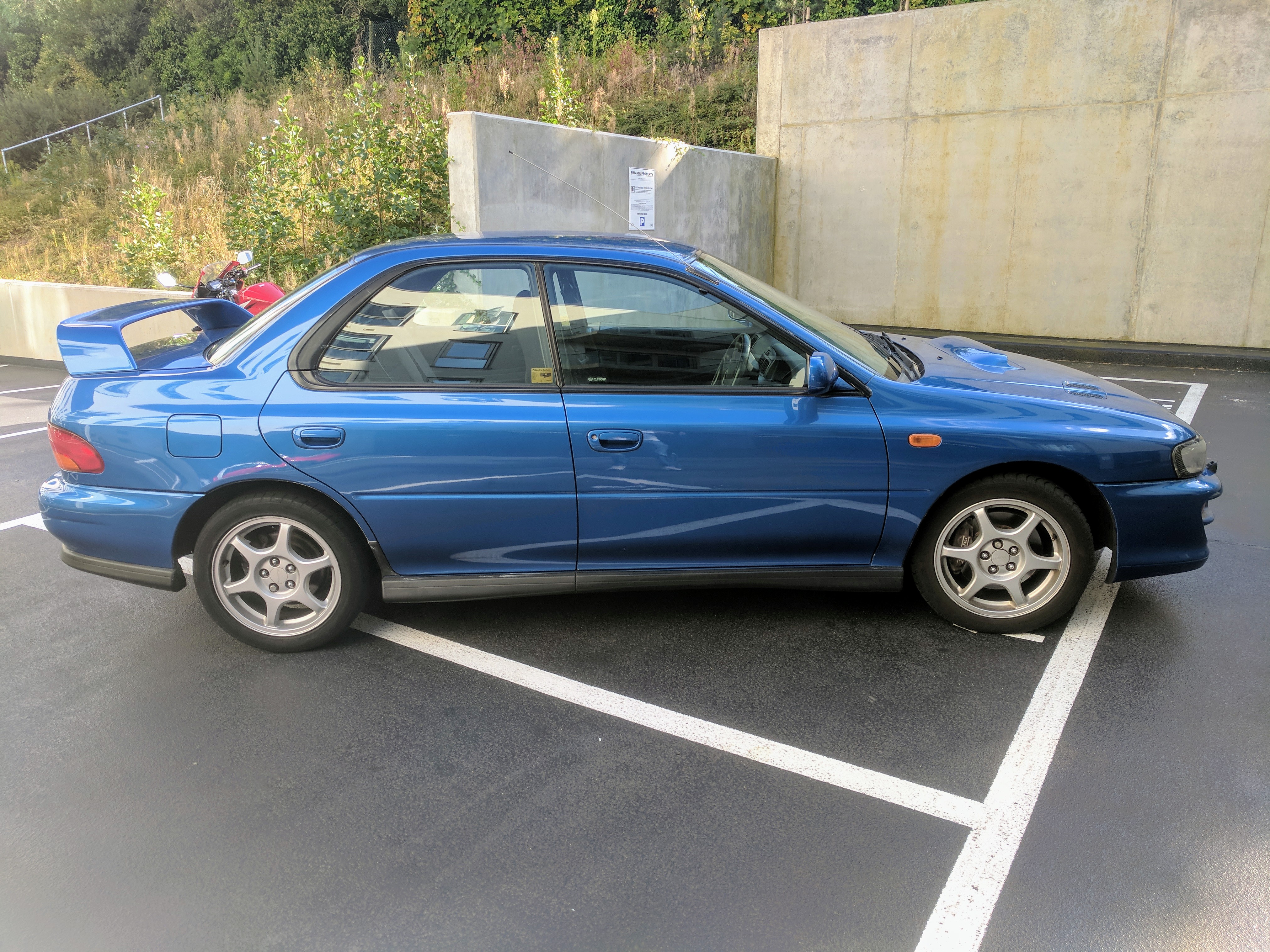
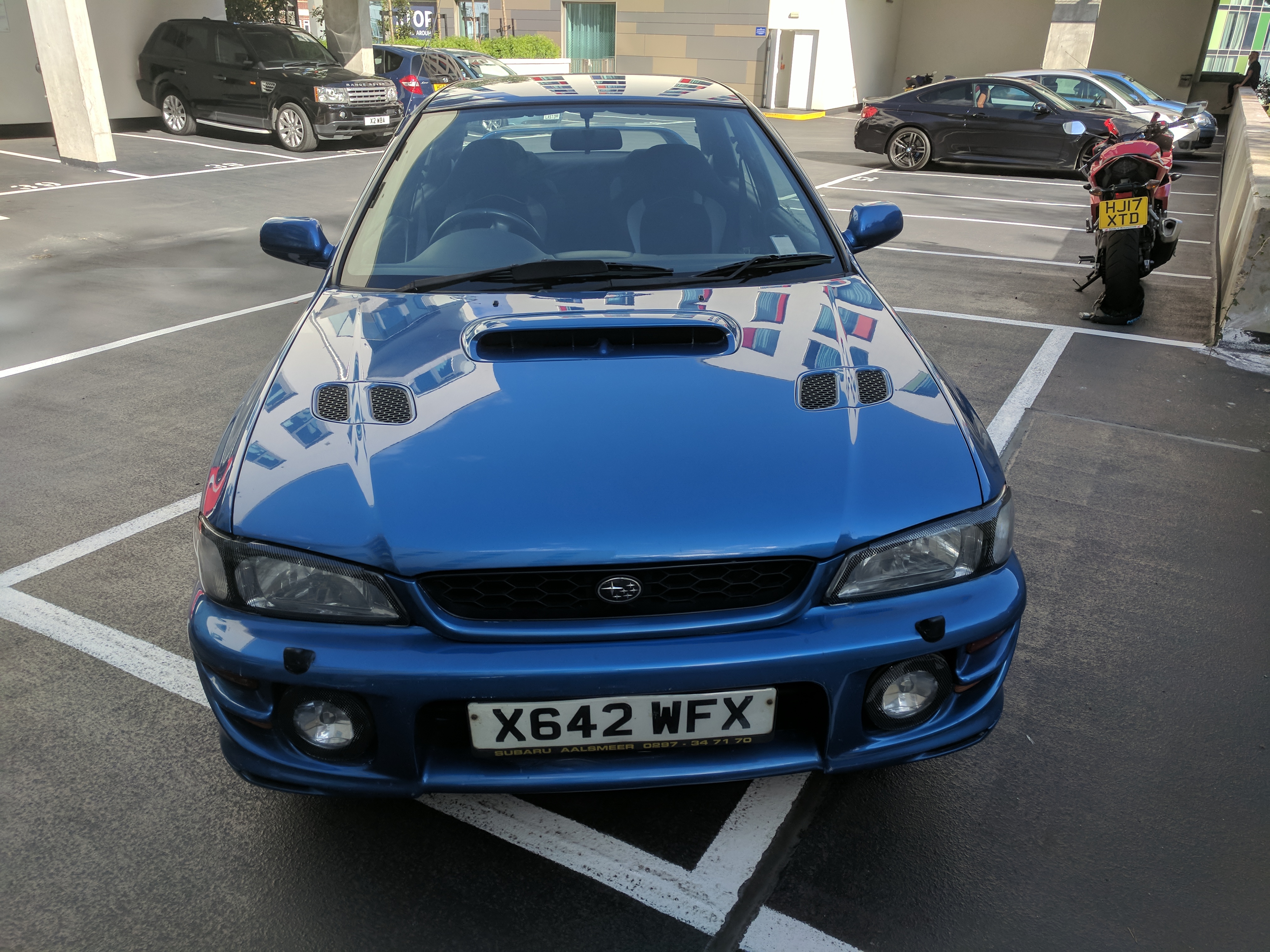
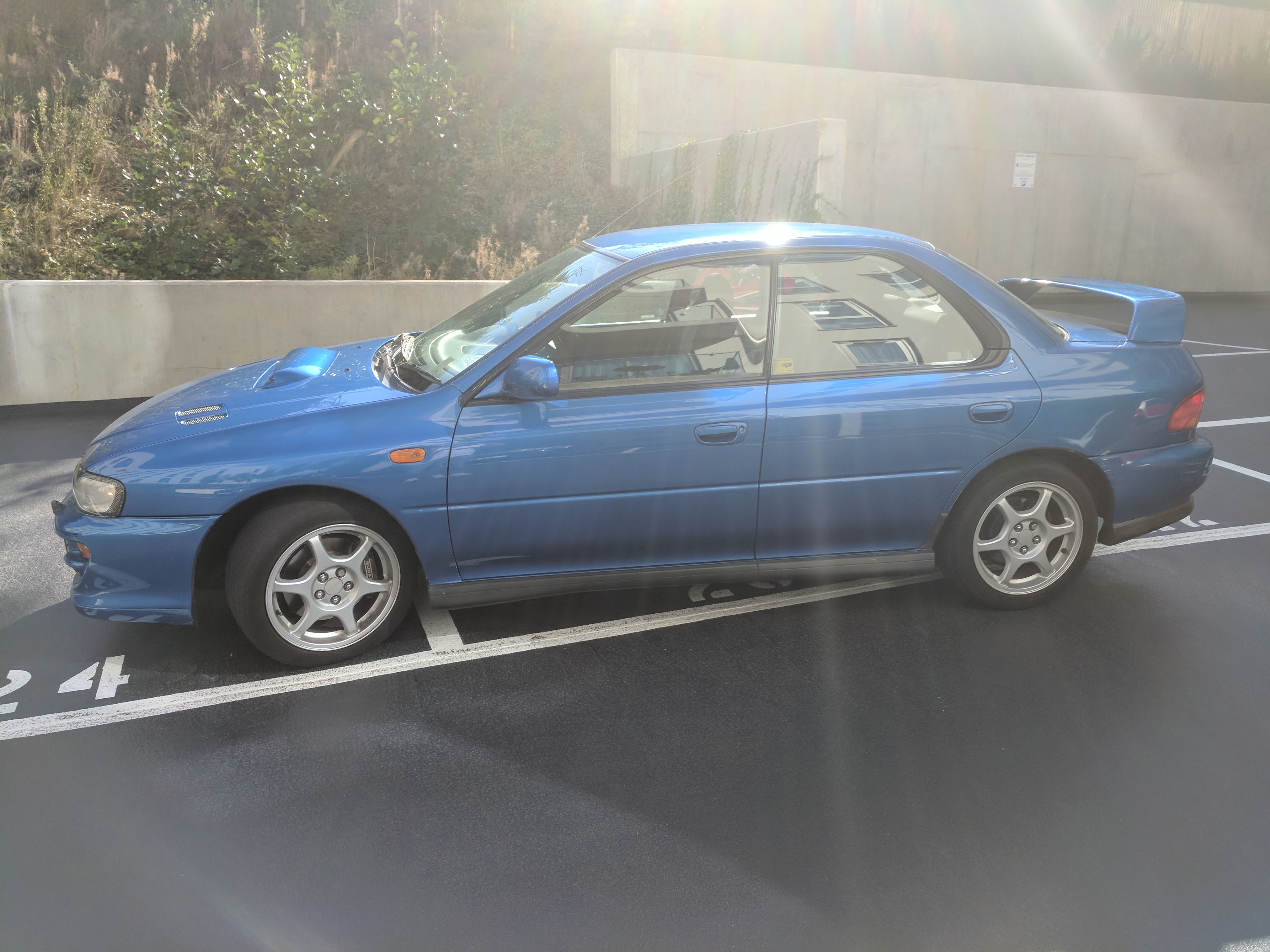
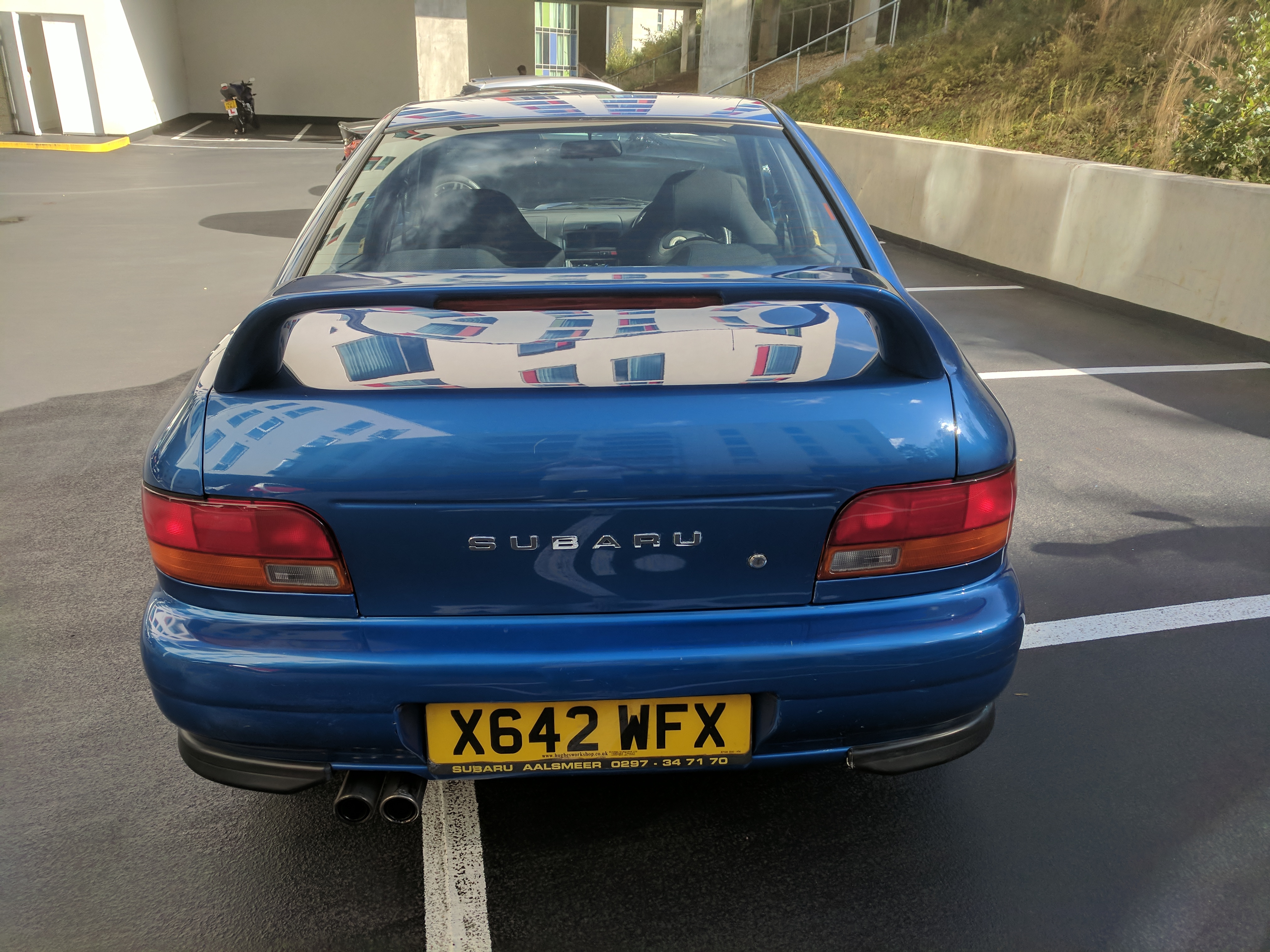
  1. Subaru Impreza Turbo 2000 AWD with no modifications. 1st Reg Sept 2000. 74,000 miles. One Owner from New. Fully documented Service History, with last Service Aug 2017. Cambelt replaced at 65K Miles. MOT until Sept 2018. Air conditioning. 2 Keys, all Docs and Original Tool Kit. Has been totally reliable and bodywork good. Always garaged. New car and only 1 parking space forcing sale of this appreciating 'classic'.

Background Picker
Customize Layout

Configure browser push notifications

Chrome (Android)
  1. Tap the lock icon next to the address bar.
  2. Tap Permissions → Notifications.
  3. Adjust your preference.
Chrome (Desktop)
  1. Click the padlock icon in the address bar.
  2. Select Site settings.
  3. Find Notifications and adjust your preference.