Do Not Sell My Personal Information Jump to content
View in the app

A better way to browse. Learn more.

Subaru Owners Club UK | Subaru Forums

A full-screen app on your home screen with push notifications, badges and more.

To install this app on iOS and iPadOS
  1. Tap the Share icon in Safari
  2. Scroll the menu and tap Add to Home Screen.
  3. Tap Add in the top-right corner.
To install this app on Android
  1. Tap the 3-dot menu (⋮) in the top-right corner of the browser.
  2. Tap Add to Home screen or Install app.
  3. Confirm by tapping Install.

VIK

Supporting Members
  • Joined

  • Last visited

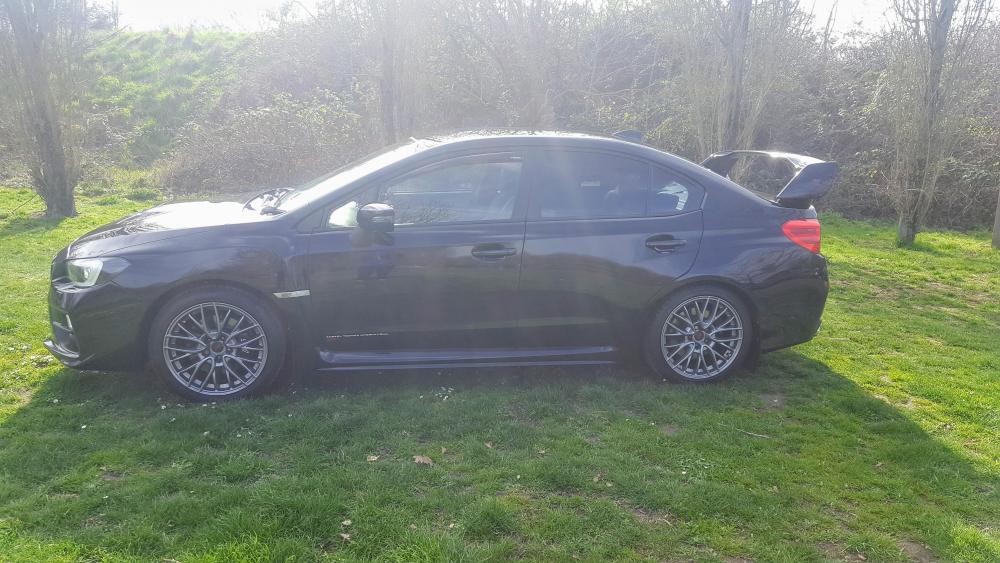
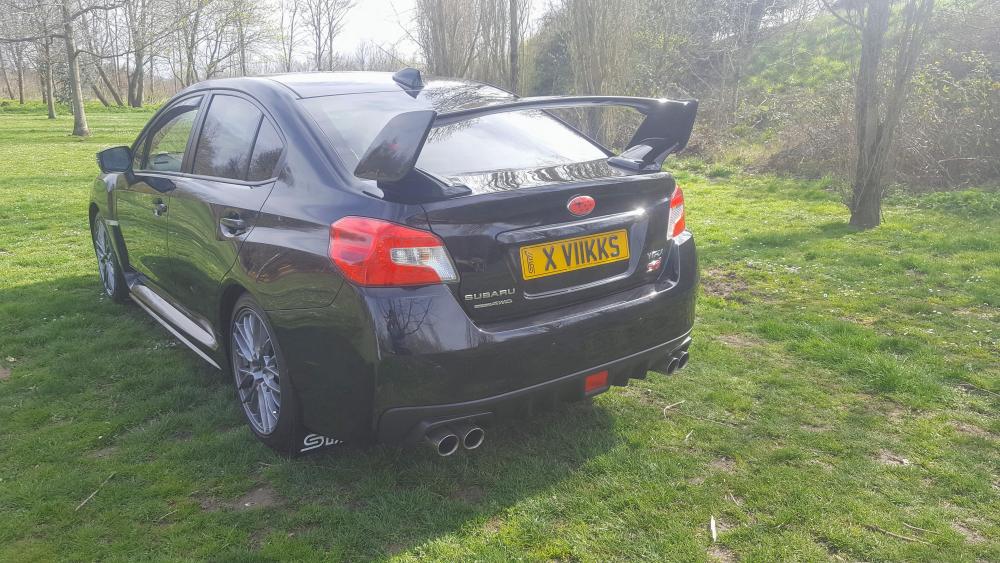
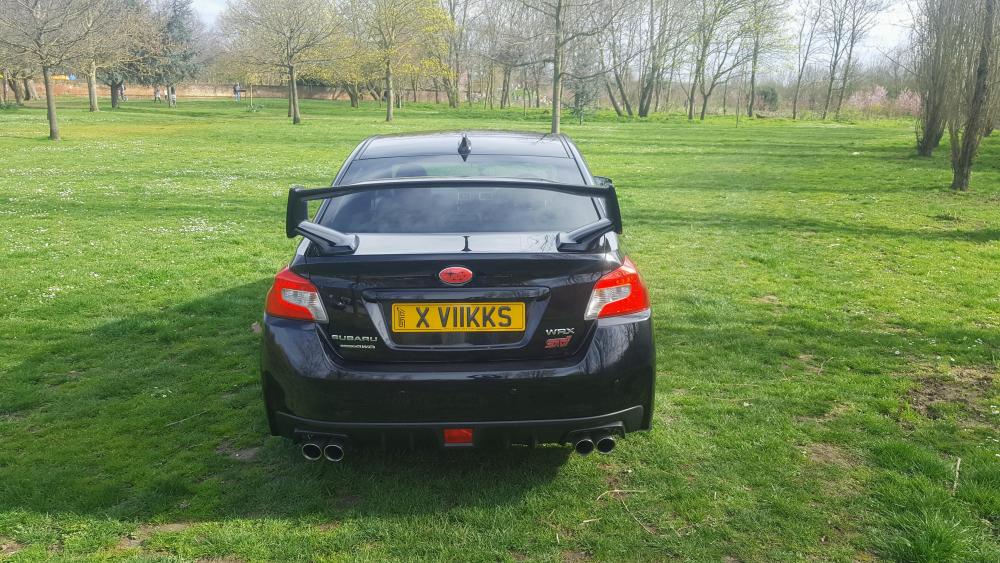
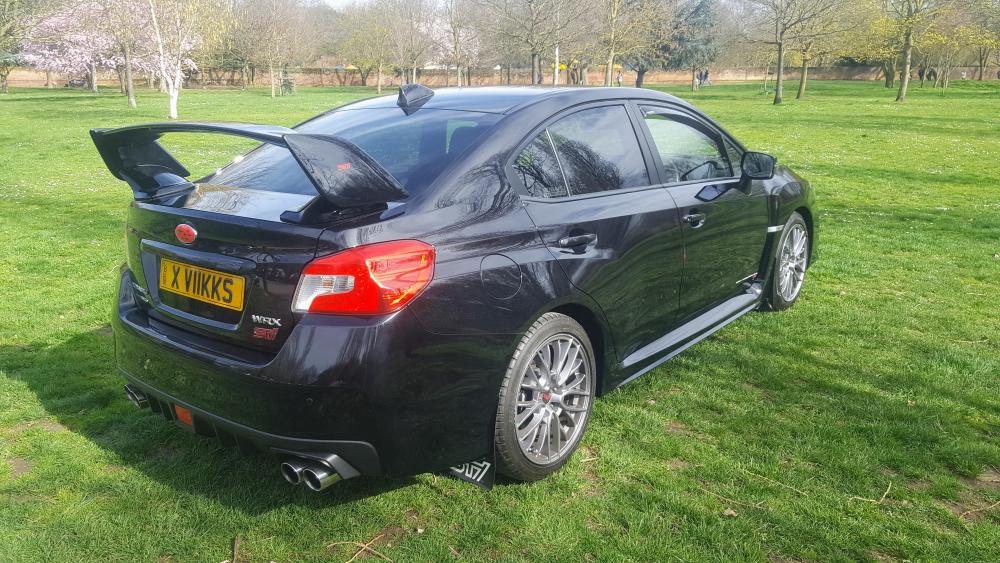
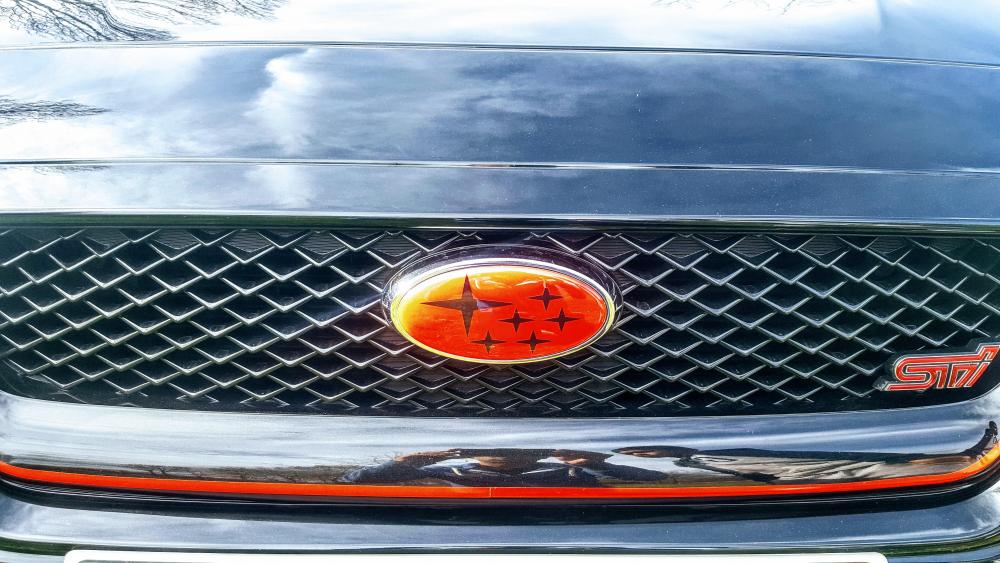
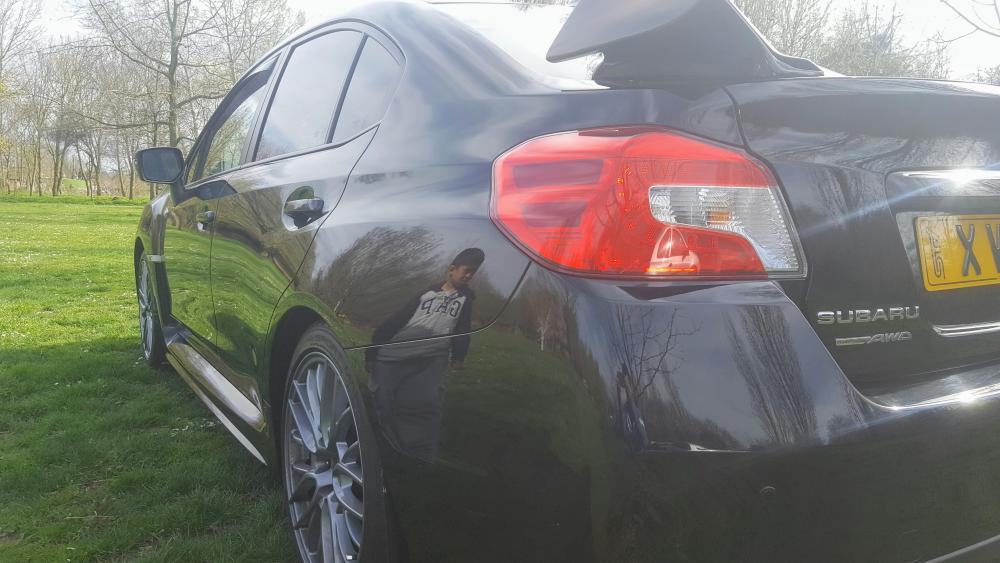
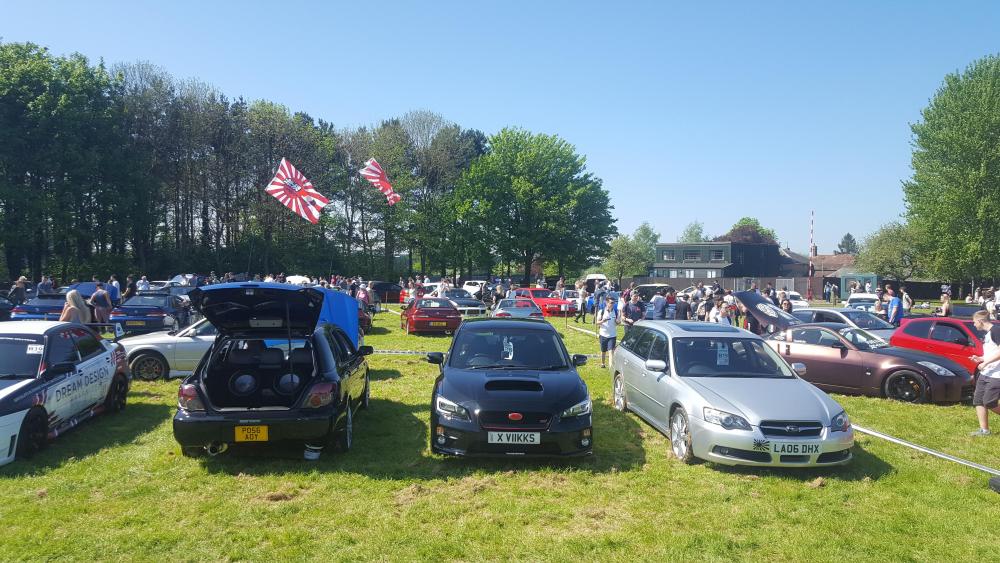
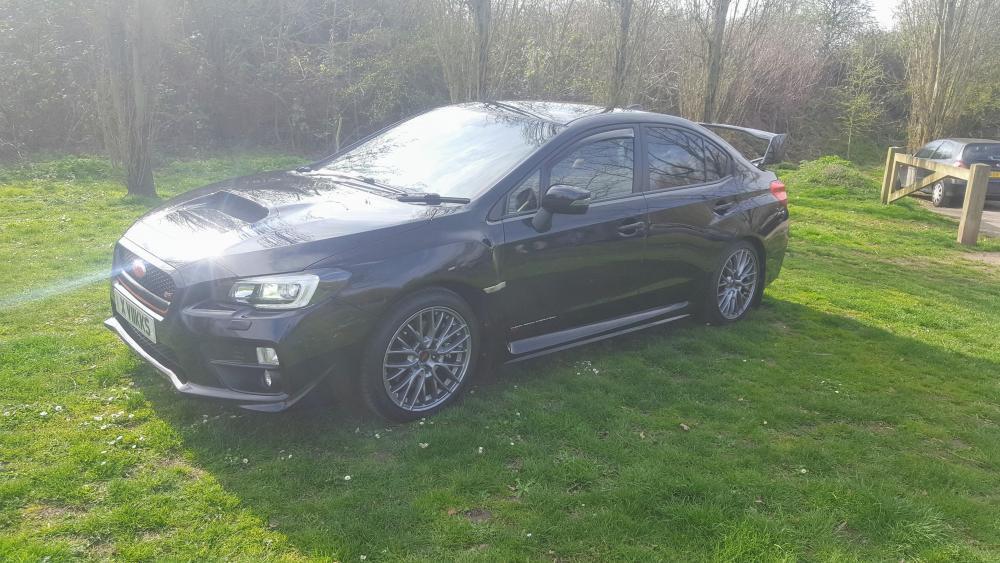
  1. SB65GUJ WRX STI BLACK, IMMACULATE CONDITION. 24.5K,BRAND NEW FRONT GOODYEAR F1 EAGLES TYRES. GREAT CONDITION. TINTED WINDOWS, ZENON LIGHTS, FUL SUBARU HISTORY, 2 FOB KEYS, KEYLESS ENTRY & START. SCORPION TRACKER. ENTERTAINMENT INFO SCREEN WITH BLUETOOTH AND STARLINK APP.***prviate plate NOT inc*** Next MOT due 12/09/2019, Full service history, Black, 2 owners, £19,500 Any more Information Required Contact Me Vik on 07903319117
  2. VIK replied to VIK's topic in General Subaru Chat
    any one in the UK that can upgrade these
  3. VIK replied to VIK's topic in General Subaru Chat
    where to buy and fit if possible
  4. VIK replied to VIK's topic in General Subaru Chat
    Yes I know. I'm looking for someone here in the UK who do something similar does you know anyone
  5. VIK posted a topic in General Subaru Chat
    Hi all i have a2015 WRX STI and looking for crazy headlamp and rear cluster mods and replacements like http://www.subispeed.com/2015-subaru-wrx/exterior/tail-lights http://www.subispeed.com/2015-subaru-wrx/exterior/headlights-and-bulbs/subispeed-sequential-full-led-headlights-2015-wrx-2015-sti#.Wjg9ulVl9dg does anyone have an idea where i can get these done

Background Picker
Customize Layout

Configure browser push notifications

Chrome (Android)
  1. Tap the lock icon next to the address bar.
  2. Tap Permissions → Notifications.
  3. Adjust your preference.
Chrome (Desktop)
  1. Click the padlock icon in the address bar.
  2. Select Site settings.
  3. Find Notifications and adjust your preference.