Club Articles
3 articles in this category
-
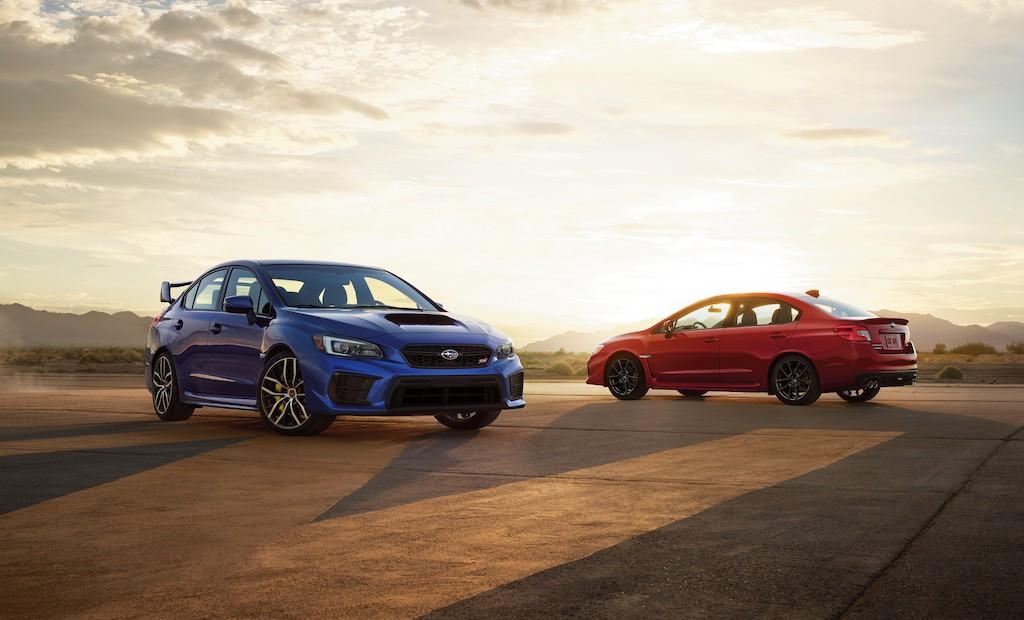
STATEMENT ON SUBARU STI As the automotive marketplace continues to move towards electrification, Subaru is focused on how our future sports and performance cars should evolve to meet the needs of the changing marketplace and the regulations and requirements for greenhouse gasses (GHG), zero emissions vehicles (ZEV), and Corporate Average Fuel Economy (CAFÉ). As part of that effort, Subaru Corporation is exploring opportunities for the next generation Subaru WRX STI, including electri
- 8,883 views
-
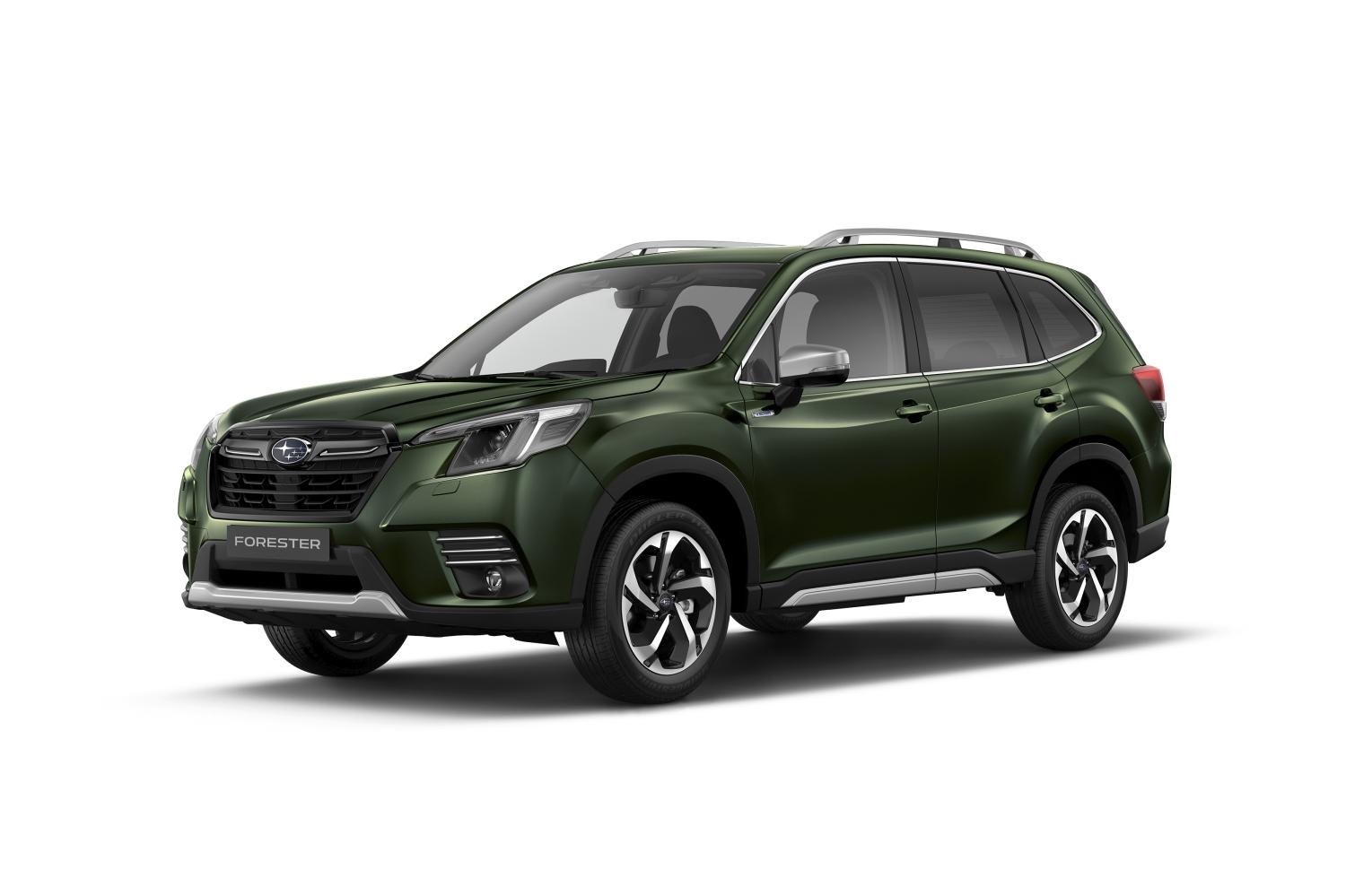
Since its debut in 1997, the Forester has been a popular choice among customers, establishing its trust as a safe, fun and reliable package Over the last 25 years, the Forester has sold over 357,000 units in Europe, establishing itself as one of the best-sellers in the line-up. Its accumulated global production reach about 4.5 million units. The latest model Forester presents a refreshed version, offering new safety functions, more capability, new convenience features, and improved dri
- 8,441 views
-
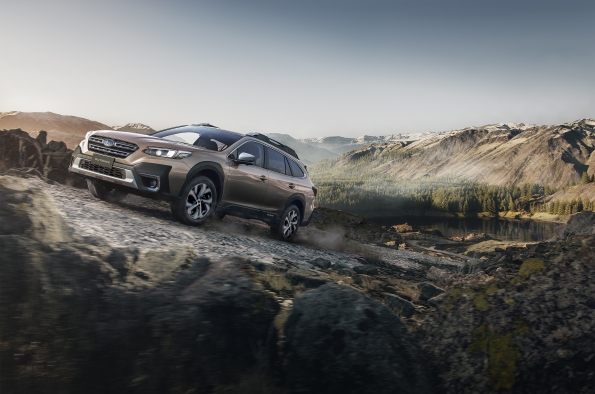
Subaru UK announced today that the ever-popular Outback has been awarded the ‘Best Crossover Estate’ category in the 4x4 Magazine annual awards for 2023. ‘There’s never been an Outback we didn’t admire, even back in the days before Subaru had started calling it that. The company knows exactly what it’s doing with vehicles like this. The latest model has more technology than ever before, but on top of that it also has everything you need to make a good, usable family wagon. Things like
- 8,098 views