
Do Not Sell My Personal Information Jump to content
View in the app

A better way to browse. Learn more.

Subaru Owners Club UK | Subaru Forums

A full-screen app on your home screen with push notifications, badges and more.

To install this app on iOS and iPadOS
  1. Tap the Share icon in Safari
  2. Scroll the menu and tap Add to Home Screen.
  3. Tap Add in the top-right corner.
To install this app on Android
  1. Tap the 3-dot menu (⋮) in the top-right corner of the browser.
  2. Tap Add to Home screen or Install app.
  3. Confirm by tapping Install.

Road Dweller

Members
  • Joined

  • Last visited

  1. welcome to the forum!
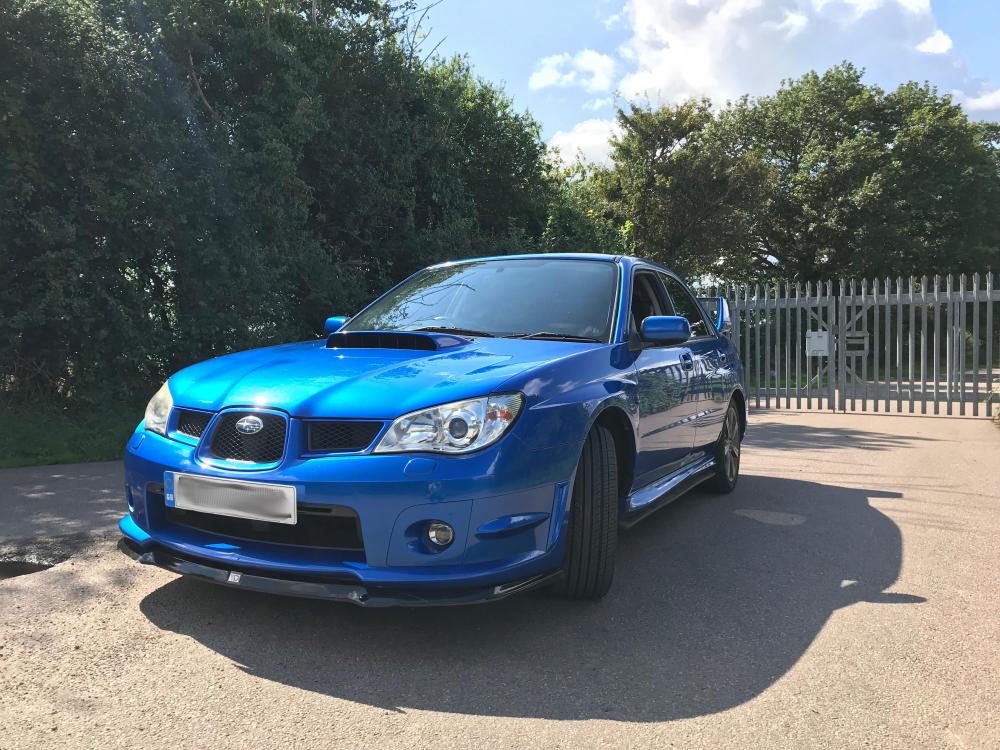
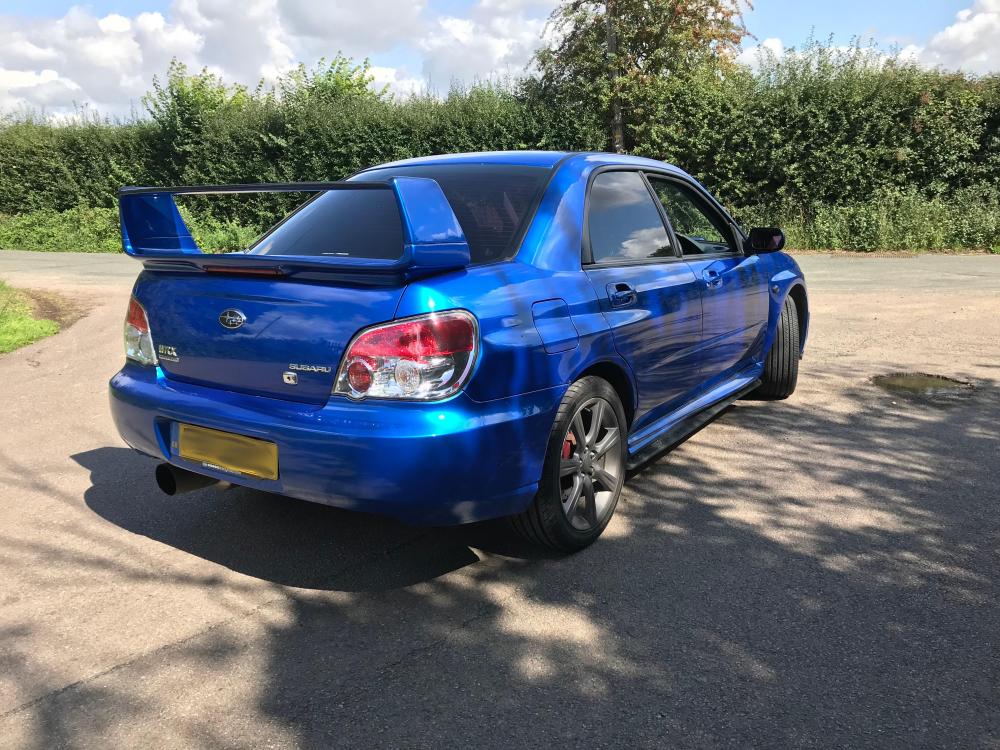
  2. Hi Everyone, I'm now the proud owner of a Subaru Impreza WRX SL. I have always wanted a Subaru (especially a Hawkeye) ever since I was a child. I love the speed and the sound. The SL version would not have been my first choice but it seemed to be the best blue hawkeye for sale at the time within my budget. I already have a list of modifications I want to make. I've ordered a new front splitter and the STI mini roof spoiler. Next on the list is mud flaps and fog light covers! It's great to now be part of the Subaru Owners Club forum. I've been a long time lurker but now might actually be able to contribute! Will
Background Picker
Customize Layout

Account

Navigation

Search

Configure browser push notifications

Chrome (Android)
  1. Tap the lock icon next to the address bar.
  2. Tap Permissions → Notifications.
  3. Adjust your preference.
Chrome (Desktop)
  1. Click the padlock icon in the address bar.
  2. Select Site settings.
  3. Find Notifications and adjust your preference.
