Seando1422
Members
-
Joined
-
Last visited
Everything posted by Seando1422
-
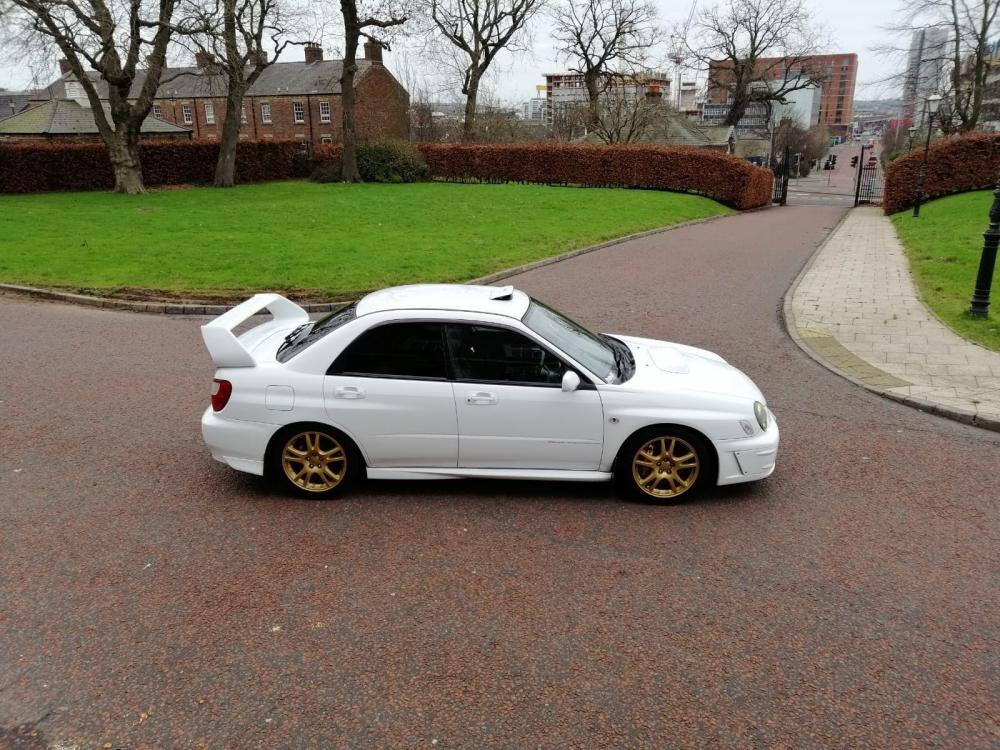
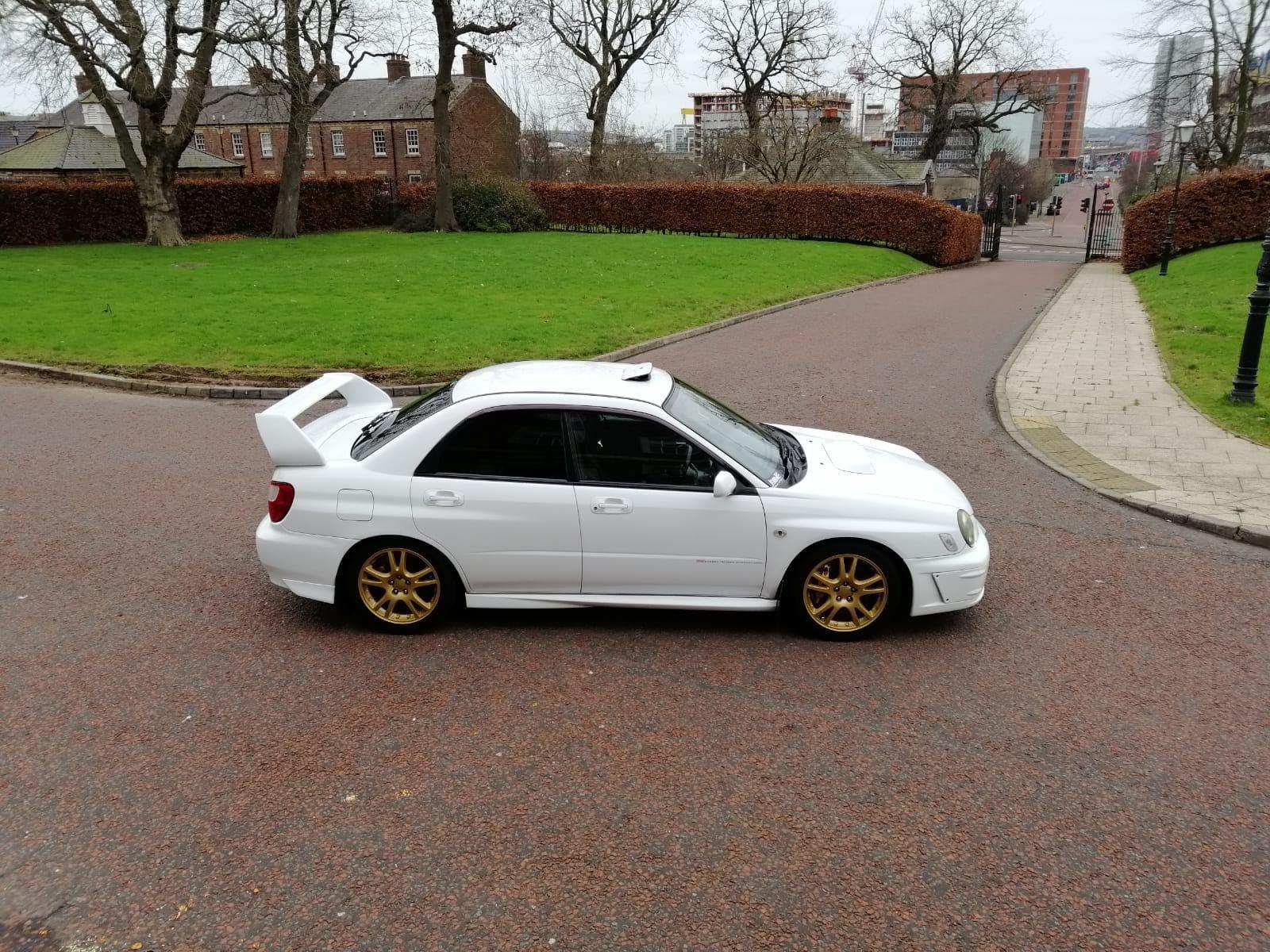
2002 subaru impreza wrx sti jdm Bugeye jdm only 1000 made 100 of which were white Being a jdm model it comes with forged pistons and big port heads Imported in 2014 (2nd UK owner) 60k full service history both Japan and UK using only miller's 10/60 racing oil Timing belt done at 54k Full respray 4 years ago Fully wax oiled including inside doors wings box sections and inside the rear quarter panels Alloys refurbed and 4 new Bridgestone tyres done less that 50 miles 6 speed gearbox Pioneer double din head unit Jdm roof scoop Very rare prodrive kit Running approx 430 bhp Td06 20g turbo 2 bar map sensor Harvey Smith trick up pipe Sti pinks injectors (decapped) Link ecu (mapped by Bob rawle) Hks front mount intercooler with hard piping Rcm upgraded fuel pump Kandn cone air filter Teng coilovers Brembo brakes all around Full stainless steel FUJITSUBO exhaust system (jap racing spec exhaust as Japan being a built up area the was sound recrictions on racetracks) Very clean and fast car with proper modifications and not messed about with mapped by World renown subaru tuner Bob rawle. Running approx 430 bhp at 1.6 bar (safe) No swap or part exchange cash sale only £7450