Do Not Sell My Personal Information Jump to content
View in the app

A better way to browse. Learn more.

Subaru Owners Club UK | Subaru Forums

A full-screen app on your home screen with push notifications, badges and more.

To install this app on iOS and iPadOS
  1. Tap the Share icon in Safari
  2. Scroll the menu and tap Add to Home Screen.
  3. Tap Add in the top-right corner.
To install this app on Android
  1. Tap the 3-dot menu (⋮) in the top-right corner of the browser.
  2. Tap Add to Home screen or Install app.
  3. Confirm by tapping Install.

marie

Members (FB)
  • Joined

  • Last visited

Everything posted by marie

  1. thanks all for your help will inbox admin now with my address.xx
  2. i know this is really cheeky but if i dont ask i dont get. would it be possible that i could have a club sticker to give away as prize for my best car at the event award i have t-shirts done just thought it would be nice to help you out too,xx
  3. thanks for the welcome guys i will let you know how it goes, ive now gt some help from wyn humphreys who used to drive eddie stobart subarus in rallys.x
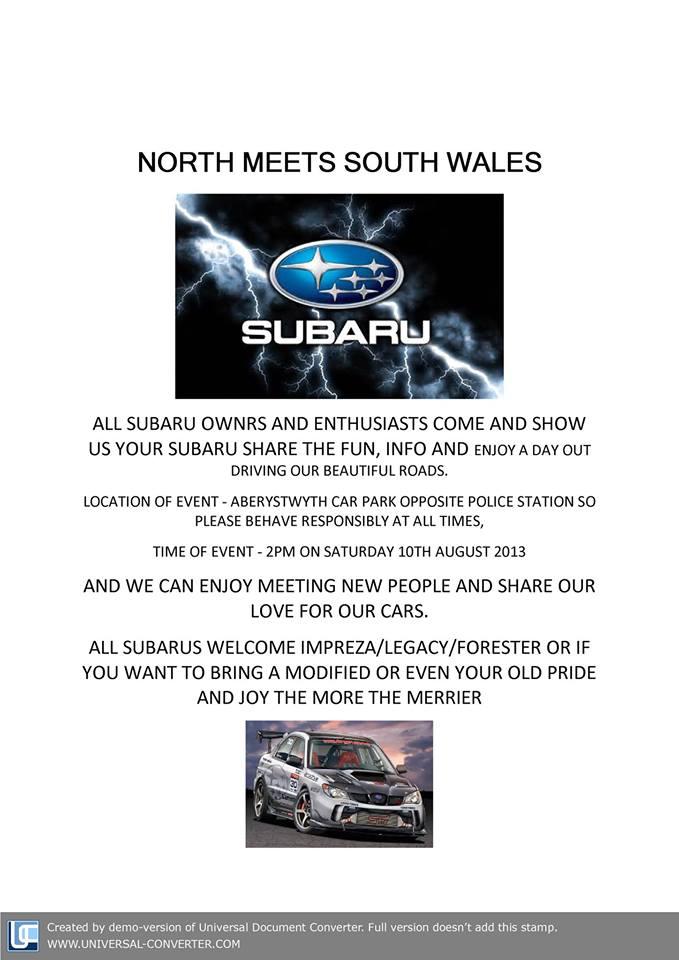
  4. ALL SUBARUS AND MODIFIED CARS WELCOME TO JOIN EVENT.XX
  5. http://www.facebook.com/events/497005320374902 http://www.facebook.com/events/497005320374902/

Background Picker
Customize Layout

Account

Navigation

Search

Configure browser push notifications

Chrome (Android)
  1. Tap the lock icon next to the address bar.
  2. Tap Permissions → Notifications.
  3. Adjust your preference.
Chrome (Desktop)
  1. Click the padlock icon in the address bar.
  2. Select Site settings.
  3. Find Notifications and adjust your preference.