pumpkinboy1991
Members
-
Joined
-
Last visited
Everything posted by pumpkinboy1991
-
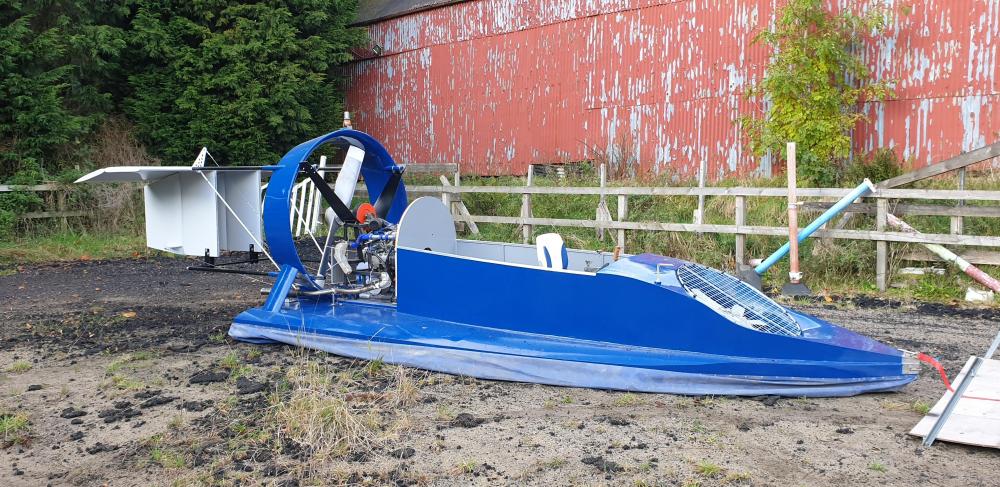
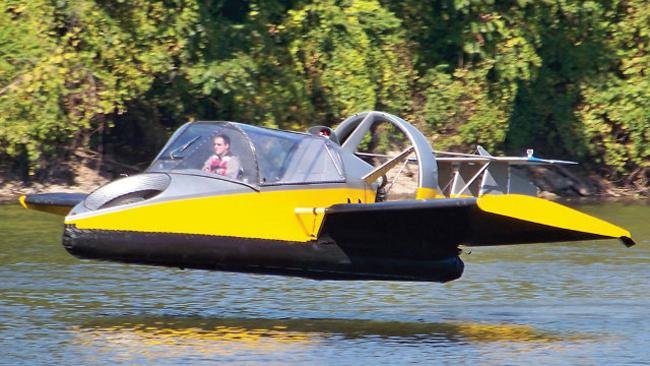
Hi all, I've just about finished a hovercraft build which is using an EJ201 (stock & naturally aspirated), and due to using the engine in a hovercraft it worked out a lot easier to get Megasquirt setup on it to tune accordingly. At the moment, the main aim is just to get a safe/reliable tune on to it so that it is running well and smoothly, but unfortunately I can't remember or find info on the web that states clearly what the original stock redline of the EJ201 is, which is probably a safe starting point before trying to increase the power beyond stock. Does anyone know what the redline would have been when it started it's life in a Legacy? I assumed it would be somewhere around the 6000rpm mark. If anyone has experience of tuning them beyond stock power with stock components, I'd be keen to hear what can safely be achieved with minimal effort :) Pic for attention attached & pic of what it will be doing next year when we get the wings sorted for it. Cheers all!