


Ian Farey
Members
-
Joined
-
Last visited
Everything posted by Ian Farey
-
Me too. Deleted it without opening the links.
-
Thanks for the information. I'll check it.
-
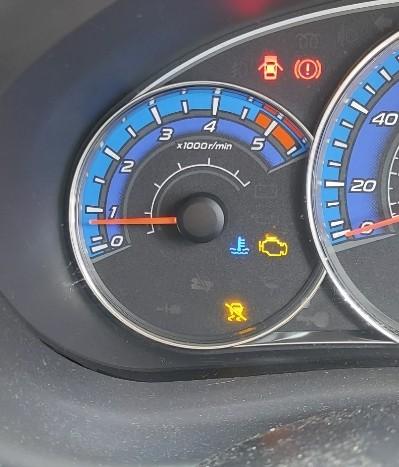
Hi everyone. I've a problem with my 2.0 Forester. The engine management light and the vehicle dynamics light have come on. Again! Any ideas as to whats the problem,and how to cure it?
-
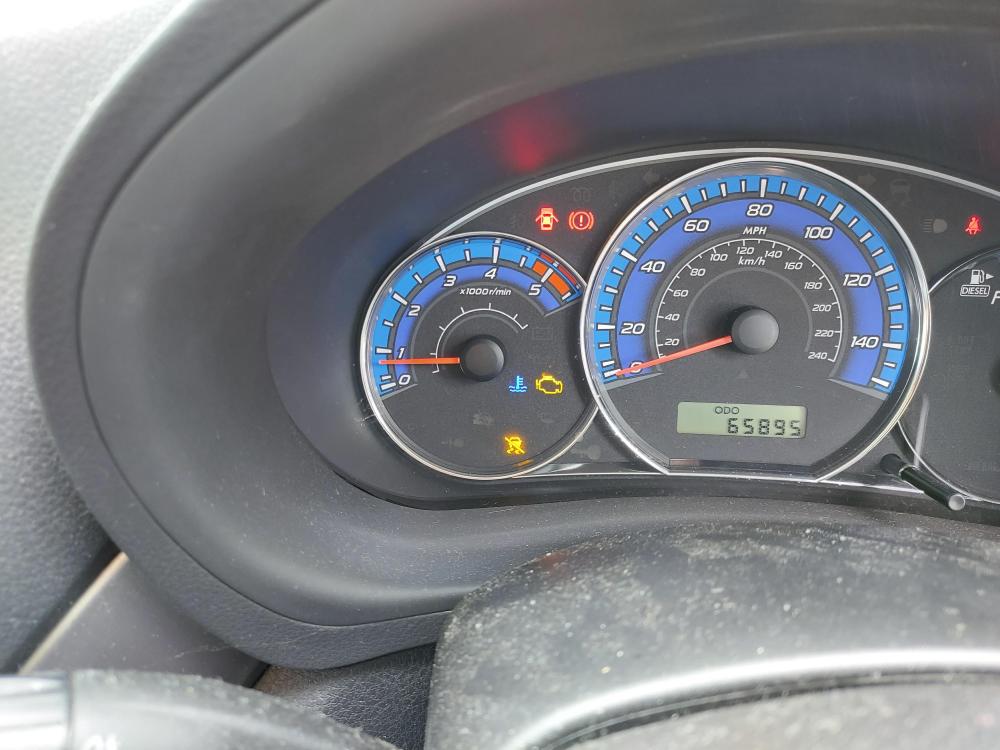
Hi. I need a bit of advice. I have a Forester 2.0 diesel. I get the engine management light and the light of the car with the line slashed through it illuminated. But it doesn't always come on. I seems to happen randomly. The traction control sensors have been checked and I've been to the garage,and they can't find anything. Can anybody help? Thanks in anticipation.
-
I bought my Forester off a friend at work a month ago. And I can honestly say,it's a great car. It's my first 4x4. I'm thinking about having a towbar fitted,as I may get a caravan. But that is subject to change. Ian.

