Do Not Sell My Personal Information Jump to content
View in the app

A better way to browse. Learn more.

Subaru Owners Club UK | Subaru Forums

A full-screen app on your home screen with push notifications, badges and more.

To install this app on iOS and iPadOS
  1. Tap the Share icon in Safari
  2. Scroll the menu and tap Add to Home Screen.
  3. Tap Add in the top-right corner.
To install this app on Android
  1. Tap the 3-dot menu (⋮) in the top-right corner of the browser.
  2. Tap Add to Home screen or Install app.
  3. Confirm by tapping Install.

Paul Dawkins

Members
  • Joined

  • Last visited

Everything posted by Paul Dawkins

  1. Hello, was out in my 2000 Legacy Outback - noticed a Silver 05 Legacy Estate going the other way - driver asked me how much as he was passing but nowhere to stop - anyone on here?
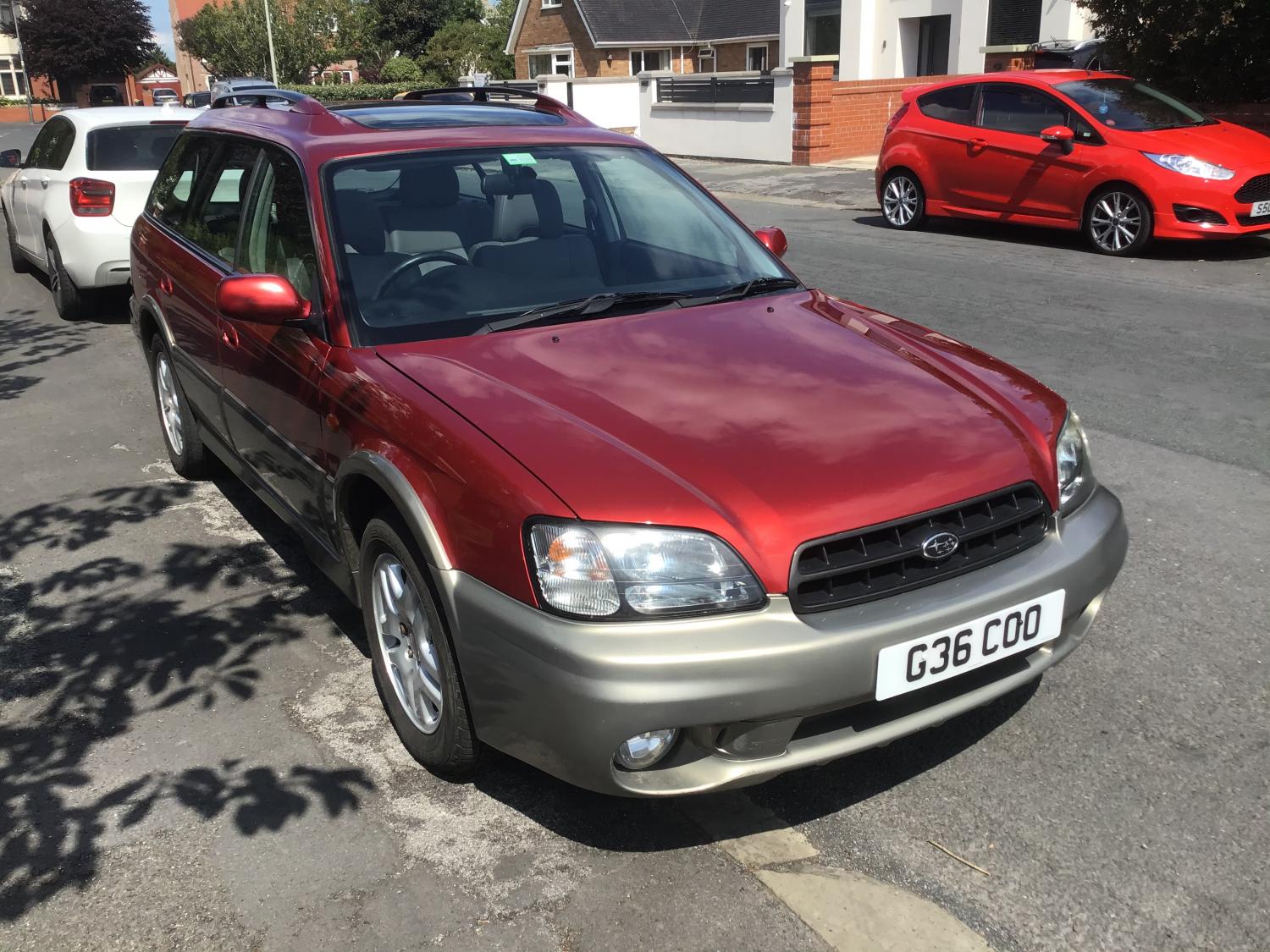
  2. Hello All - I have just inherited a 2000 Legacy Outback in Red with gold trim 97k Miles with full service history - just wondered if anyone else has one of these as I don't see many around - it drives really well - I have done about 1000 miles in it over the last six weeks - any issues I need to be aware of - how long do they last am in two minds as to keep it and use as a daily driver and keep my other car for when we have better weather or sell on to someone who knows more about them than I do - Picture below

Background Picker
Customize Layout

Account

Navigation

Search

Configure browser push notifications

Chrome (Android)
  1. Tap the lock icon next to the address bar.
  2. Tap Permissions → Notifications.
  3. Adjust your preference.
Chrome (Desktop)
  1. Click the padlock icon in the address bar.
  2. Select Site settings.
  3. Find Notifications and adjust your preference.