




Do Not Sell My Personal Information Jump to content
View in the app

A better way to browse. Learn more.

Subaru Owners Club UK | Subaru Forums

A full-screen app on your home screen with push notifications, badges and more.

To install this app on iOS and iPadOS
  1. Tap the Share icon in Safari
  2. Scroll the menu and tap Add to Home Screen.
  3. Tap Add in the top-right corner.
To install this app on Android
  1. Tap the 3-dot menu (⋮) in the top-right corner of the browser.
  2. Tap Add to Home screen or Install app.
  3. Confirm by tapping Install.

Chicken2nite

Members
  • Joined

  • Last visited

Everything posted by Chicken2nite

  1. Cheers Gambit. Collected yesterday.... its quite a step up from the Megane i've been driving, it feels like a real car for starters!
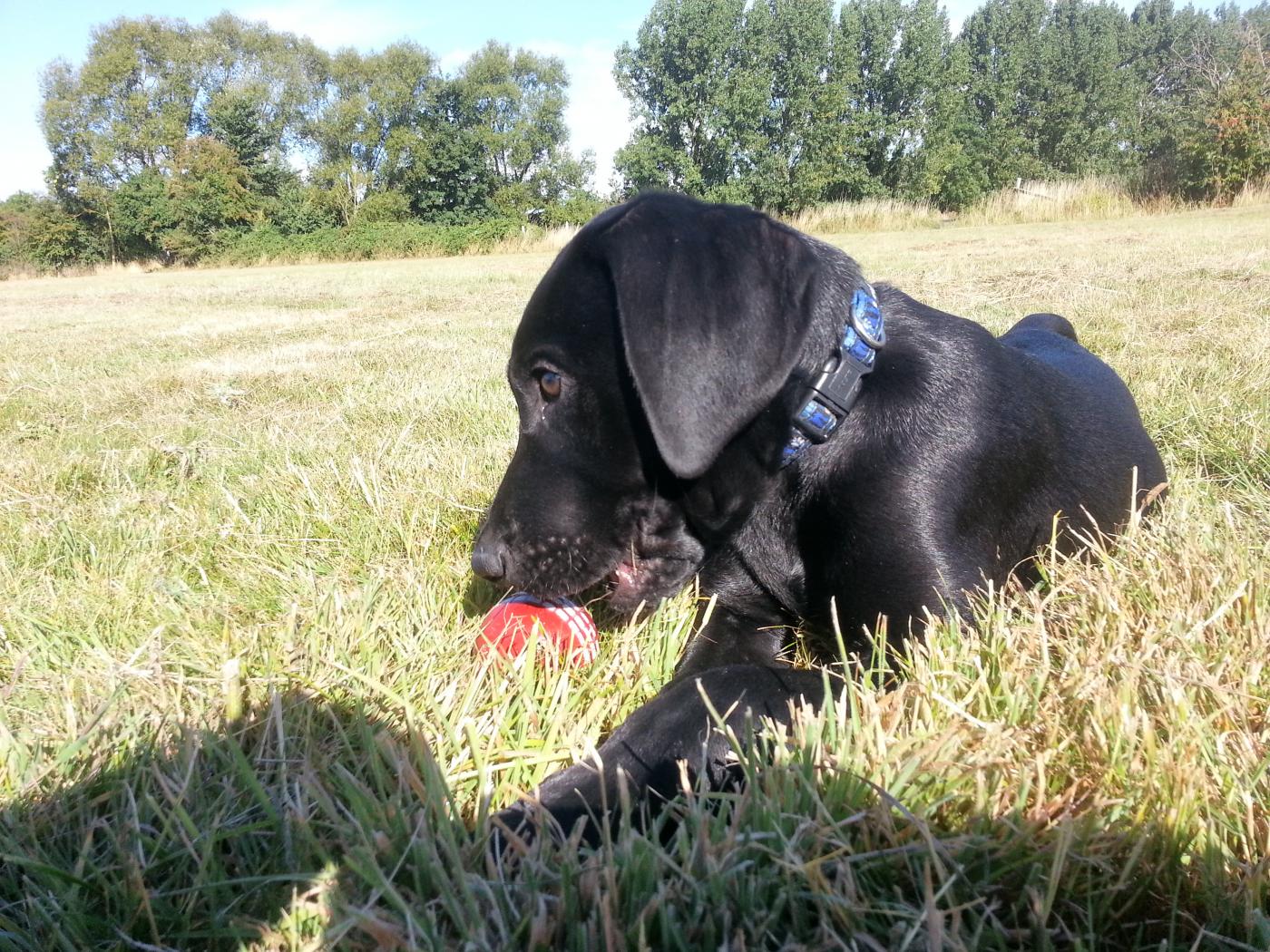
  2. Hi All. After years of wanting a Scooby but being without a reason to justify it, i'm pleased to say with a puppy and our 1st kid on the way we have taken the plunge and gone with a Legacy 2.0 D 2009. If anybody has got any info on what i can expect good and bad please let me know. its done 76k and has a full service history. the warranty is for 1 1/2 years, not seen the details to know how good that is tho. just had 2 new front tyres and the air con unit sorted. I look forward to getting to know the members on here over the coming months. Cheers Chicken2nite

Background Picker
Customize Layout

Account

Navigation

Search

Configure browser push notifications

Chrome (Android)
  1. Tap the lock icon next to the address bar.
  2. Tap Permissions → Notifications.
  3. Adjust your preference.
Chrome (Desktop)
  1. Click the padlock icon in the address bar.
  2. Select Site settings.
  3. Find Notifications and adjust your preference.