


Knida55
Members
-
Joined
-
Last visited
Everything posted by Knida55
-
Yes your right sorry Looking for 4.5 ideally
-
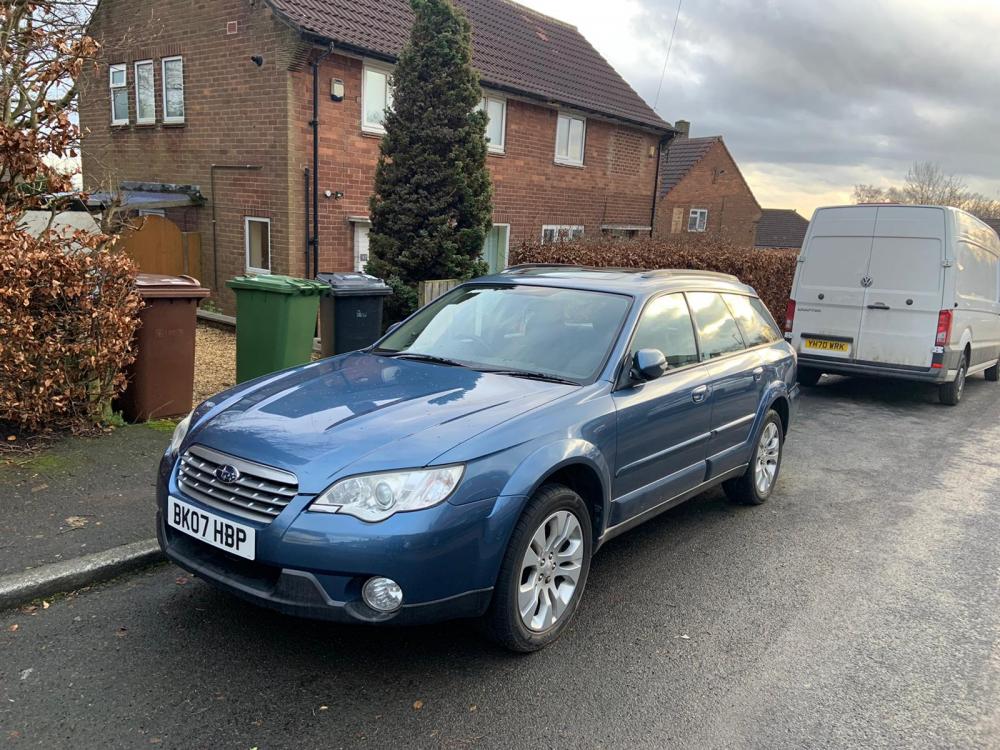
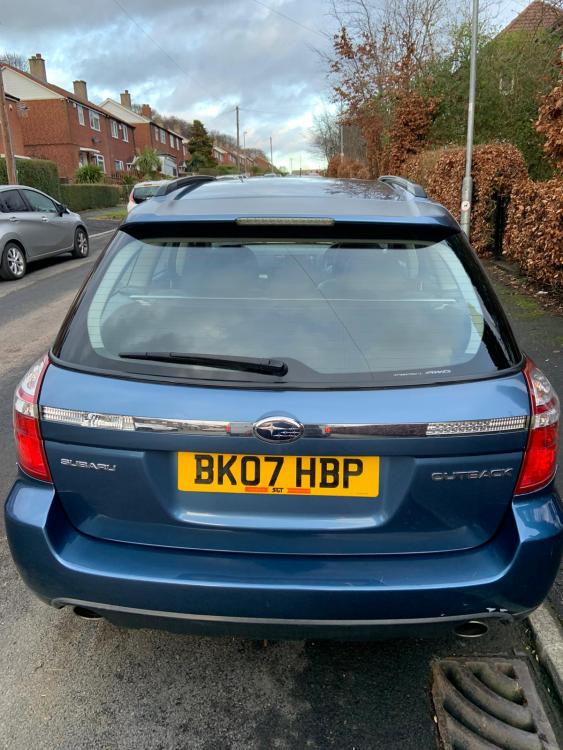
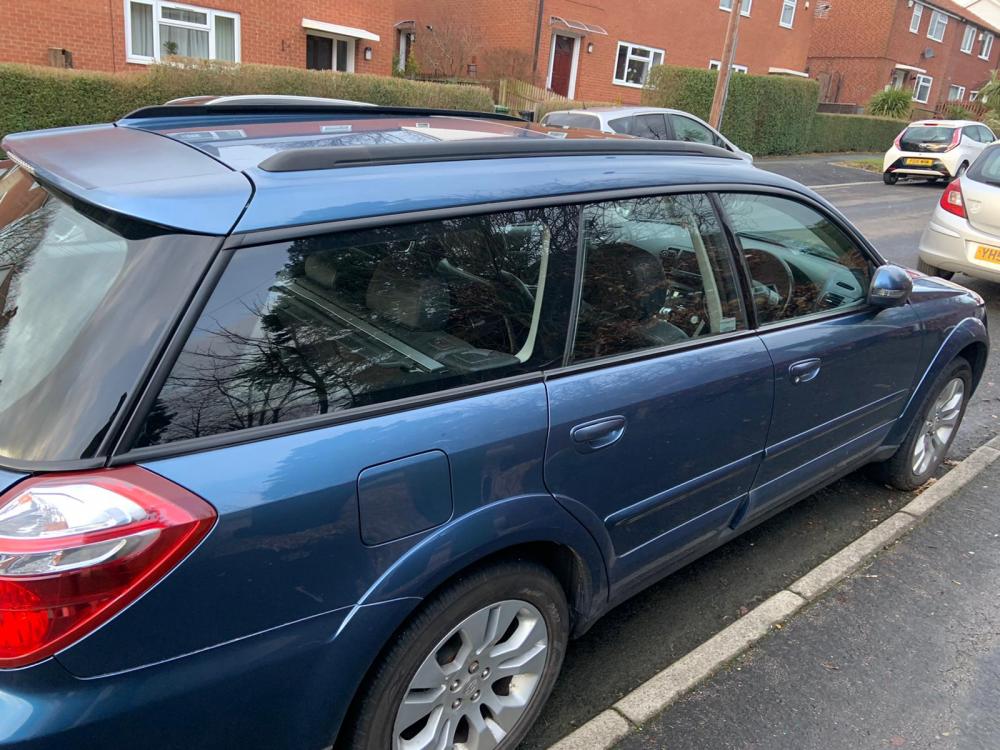
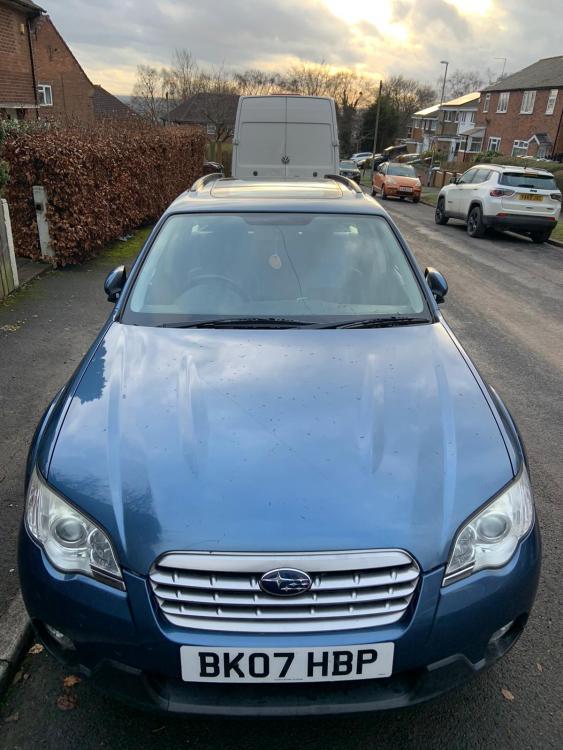
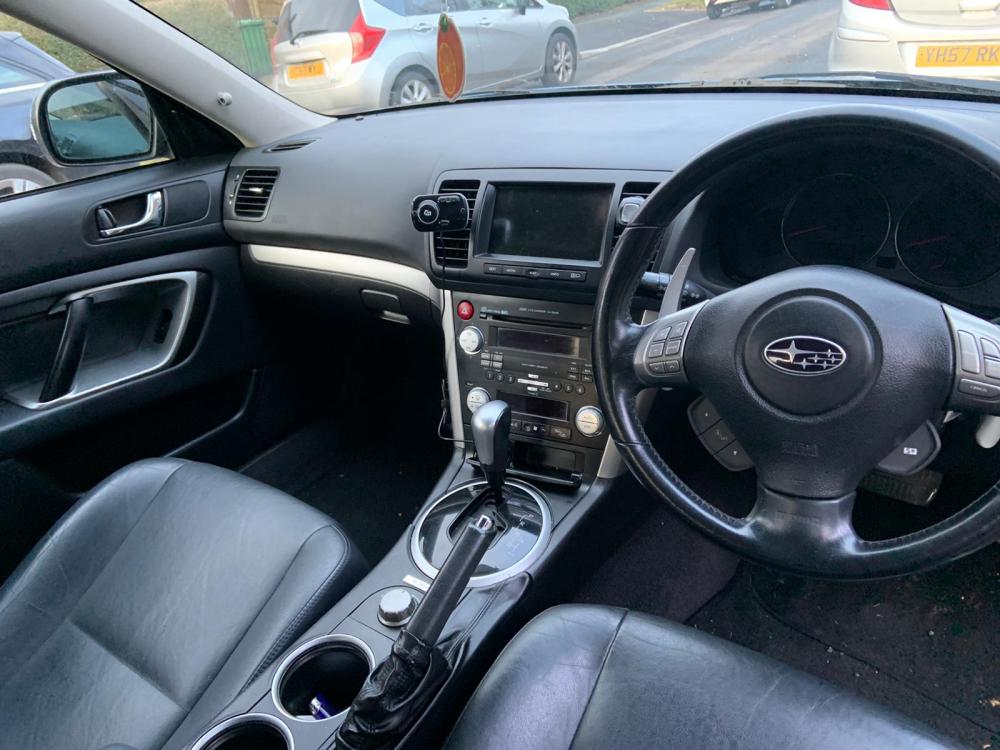
Hi all Reluctantly selling my 07 Outback R in baby blue colour. Reason for sale is that it just isn't getting used. I'm a courier and the odd times I get out I end up going in the van. It's a nice spec, leather heated, electric seats, heated electric mirrors, satnav, electric sunroof, HID lights etc. Body work is good for age, couple marks as expected for the age Mechanically sound. However I will be giving it a full service and sell with a fresh mot for the buyer for peace of mind. I'll also give it a good valet 😉 110k on the clock, plenty of life left for these engines Tyres next to new, pads are good Always been a pleasure to drive Viewings or test drives welcome on Saturdays, I have no other available days off get in touch by email or text only please [email protected] 07795115698
-
I'm selling my 3.0 2007 if your interested


