



Gambit
Premium Member
-
Joined
-
Last visited
Everything posted by Gambit
-
Yeah It will be fine mate. I would go for a K&N or Pipecross, cost a bit more but alot better filter's. And you will get the bit of pipe for your MAFS to screw into, without having to bodge anything up.
-
Agreed Have one put one on mine with a PPP. Not affected the car really or that I would notice. But looks and sound's better IMHO
-
Sorry if this is not the place to post this. But thought people might be intrested to share there view's. And I couldn't see any General/World News Room. Also I see this is a chance to get to know some of you here ;) http://www.thesun.co.uk/sol/homepage/motors/4525010/EUs-MoT-war-on-pimping-up-British-cars.html Well since my very 1st car I have loved modding my car's, from extreme to just very small detail's. And would really want to fight against this being brought in, as I do get enjoyment out of playing about with my car's. And my Subaru is moddied under the hood on the outside and a few bit's inside. So if this does pass. Not sure it will, to much tax to lose by it. But my car would fail if they do :(
-
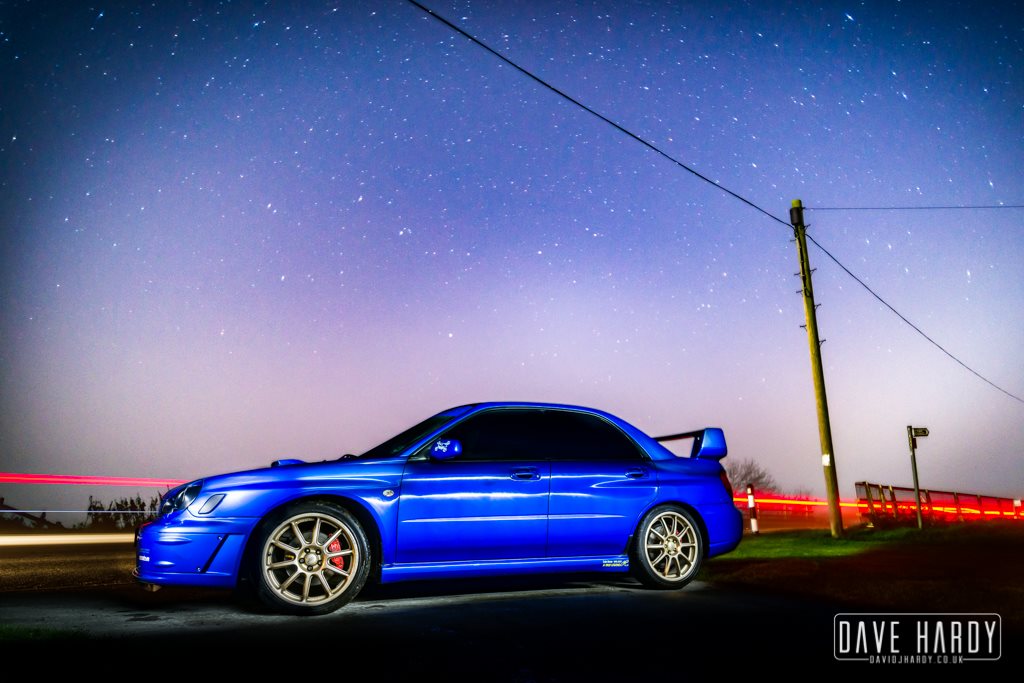
Hi guy's and Gals Names Pete Aka Gambit I have a Bugeye Subaru Impreza WRX Live near Grimsby Was a Member of the FFOC for about 5 year's Will Add some picture when I get a little more time. And I like the site, alot more friendly to use then other's I've seen.
