BenGreen
Members
-
Joined
-
Last visited
Everything posted by BenGreen
-
I will try my best to keep a well documented portfolio of my progress just to show you lol
-
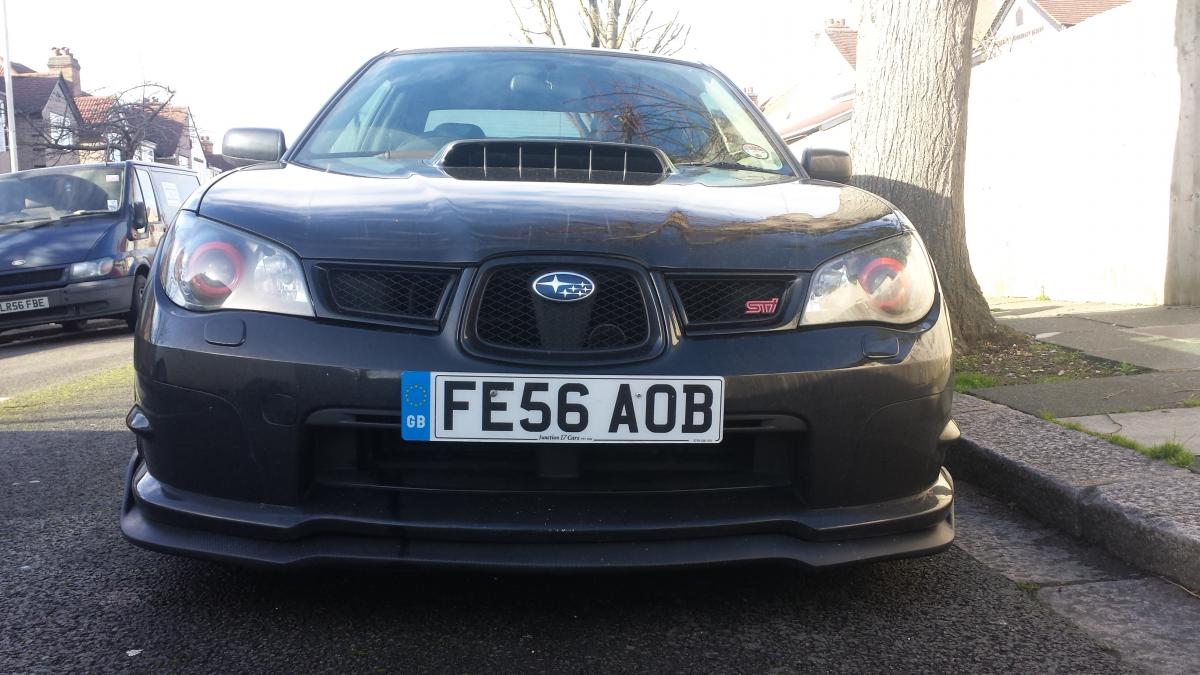
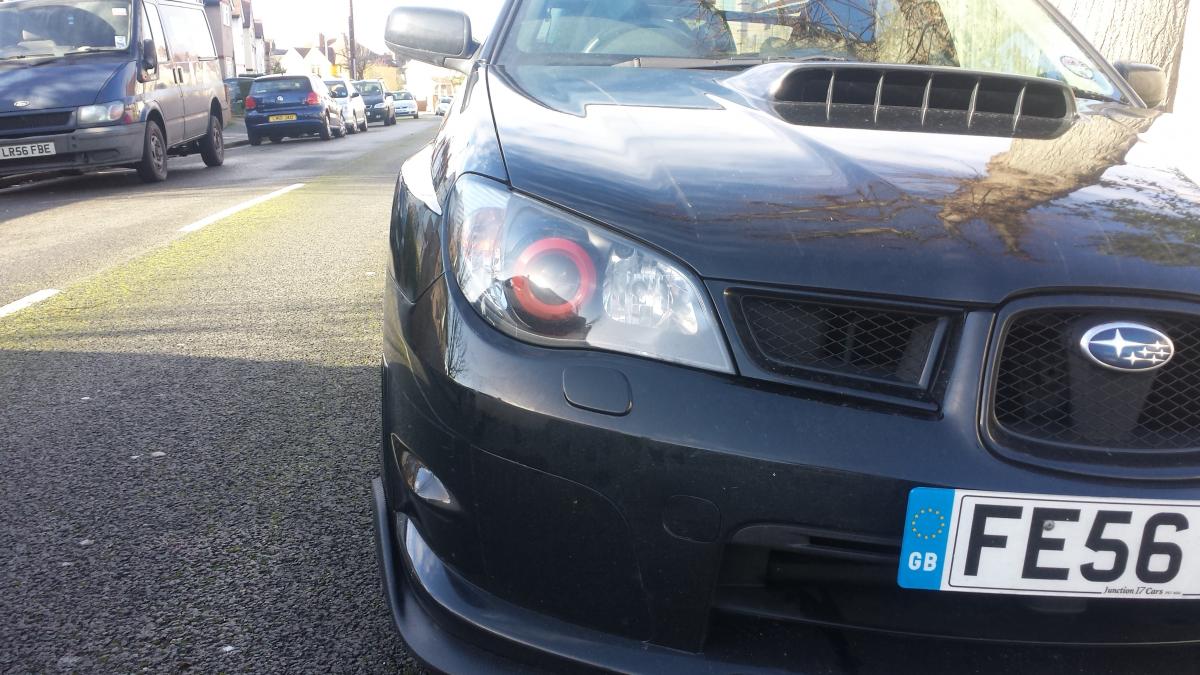
Cheers guys..was pretty simple once I managed to get the headlight off the car lol, longest part was sanding down and preparing for painting... I was looking at a set of them, maybe even some red rota grid drifts just to colour co-ordinate lol.
-
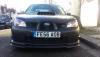
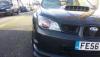
If anyone was wondering why I wanted to take me headlights out... I wanted to give the front a more evil look, may not be everyones taste but Im very happy with it.
-
Very useful!!! Thanks!!
-
May sound like a stupid question, Im trying to do a bit of work to my headlights so need to take them out. Ive taken out all the bolts I can see, but it still seems to be held in, do I need to take the front bumper off for more bolts underneath?
-
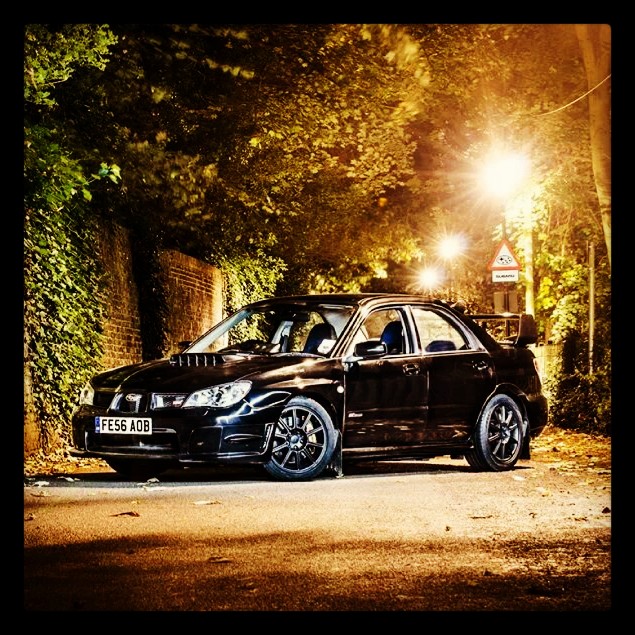
Sorry if its in the wrong section but im sure someone will move it if not lol. I have a impreza 2006, how much can the standard engine endure? Ive have my car on the rolling road and I achieved 331 bhp with a ecuTEK remap, k&n induction kit and a ninja back box. Just out of interest, if I was to bolt on a bigger turbo at what power would I need to think about fitting stronger internals?