Bankz5152
Members
-
Joined
-
Last visited
Everything posted by Bankz5152
-
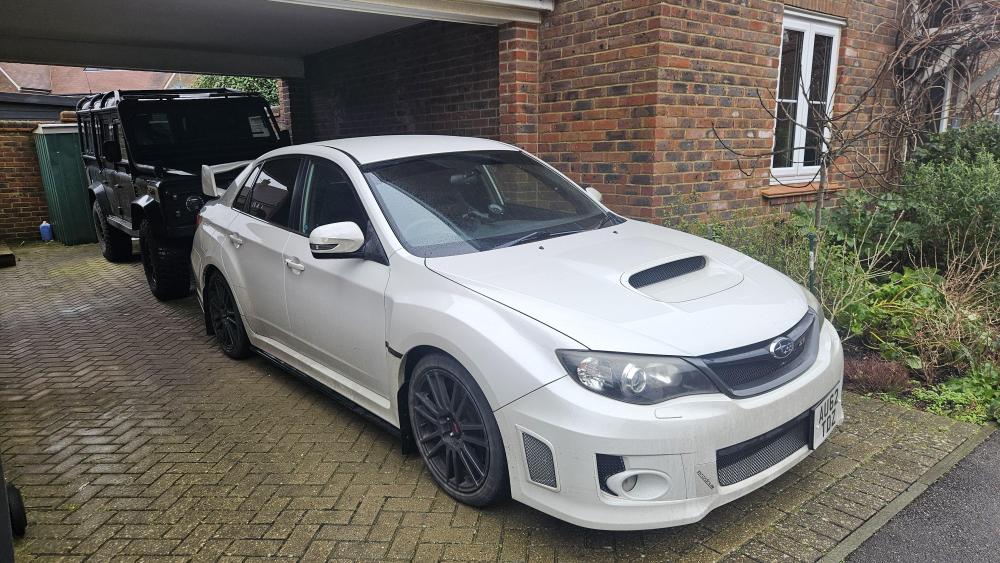
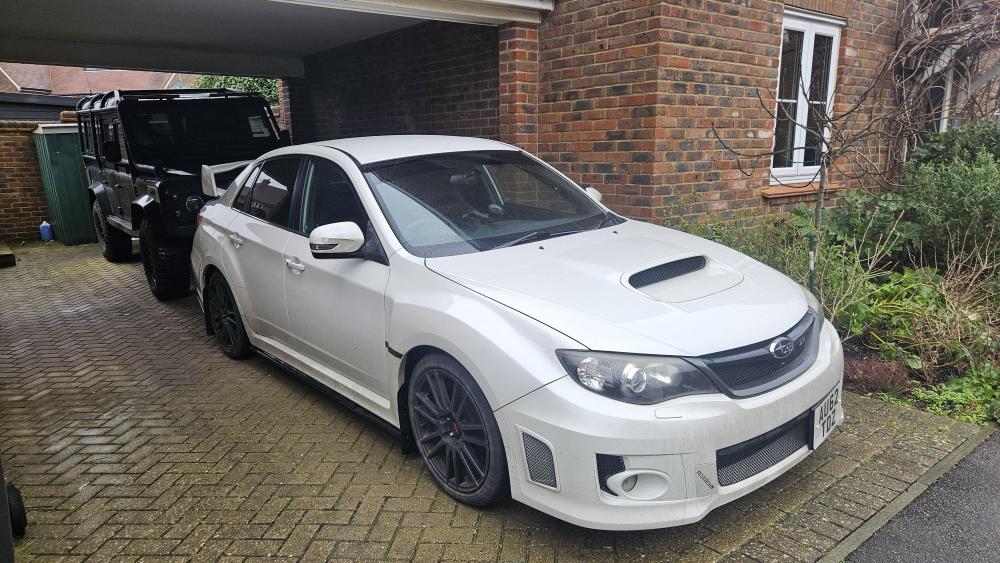
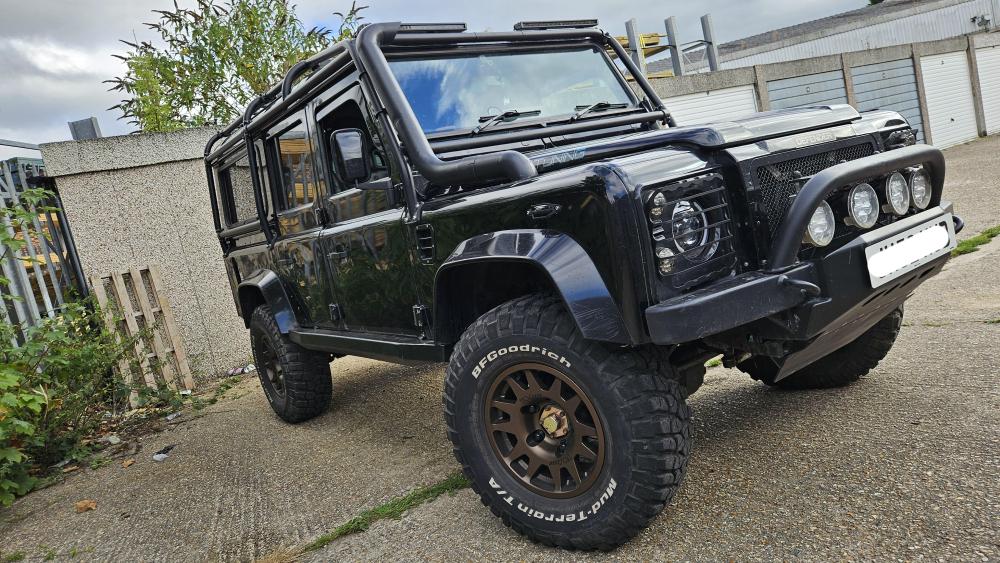
Hello, Thought id ping a message in here. Just bought a WRX STi 340r Prodrive. Lovely car, looking forward to a few basic mods and enjoying it. Had a turbo GT86 before that but a Land Rover fan through and through. Been driving them since I was 20, built 4 and do 90% of the work myself! For one reason or another I do love working on cars. My two
-
Afternoon all, Just joined the forum after buying a 2012 WRX STi 340r Prodrive. Absolutely lovely car and very much enjoying driving and owning it. Though got a few questions! It has a semi forged engine, done around 45k now on 86k, according to the history its always been serviced with 10/40 oil fully synthetic. Would this be the correct grade? Seems quite thick to me given my old turbo 86 was 5/30 and my 25 year old Land Rover is 5/30 as well 😅 Could anyone direct me to a service schedule for the diffs and gearbox, and what oil I should be using. Looks to be 75w/90. Will be doing the fuel filter as well, any special tools needed for this? Looking to change all the oils and fluids soon as I can, so I can start with a everything fresh! No stranger to mechanics, been working and building Land Rovers for the last 15 years! Thank you, looking forward to it!