



Skip to content
View in the app

A better way to browse. Learn more.

Subaru Owners Club UK | Subaru Forums

A full-screen app on your home screen with push notifications, badges and more.

To install this app on iOS and iPadOS
  1. Tap the Share icon in Safari
  2. Scroll the menu and tap Add to Home Screen.
  3. Tap Add in the top-right corner.
To install this app on Android
  1. Tap the 3-dot menu (⋮) in the top-right corner of the browser.
  2. Tap Add to Home screen or Install app.
  3. Confirm by tapping Install.

paulngui

Members (FB)
  • Joined

  • Last visited

  1. Oh cool thanks for the tip. I'm in SW London atm so wouldn't be out of the question, might just have to check it out some time :)
  2. Cheers for the welcome and comments :) I'm here with the intention of only staying a few years, so if I do end up needing a car I'll probably only look for a cheap runaround. I'll likely just get my Subie fix from sites like this haha. And wouldn't mind checking out some meets if I'm ever in the right place at the right time.
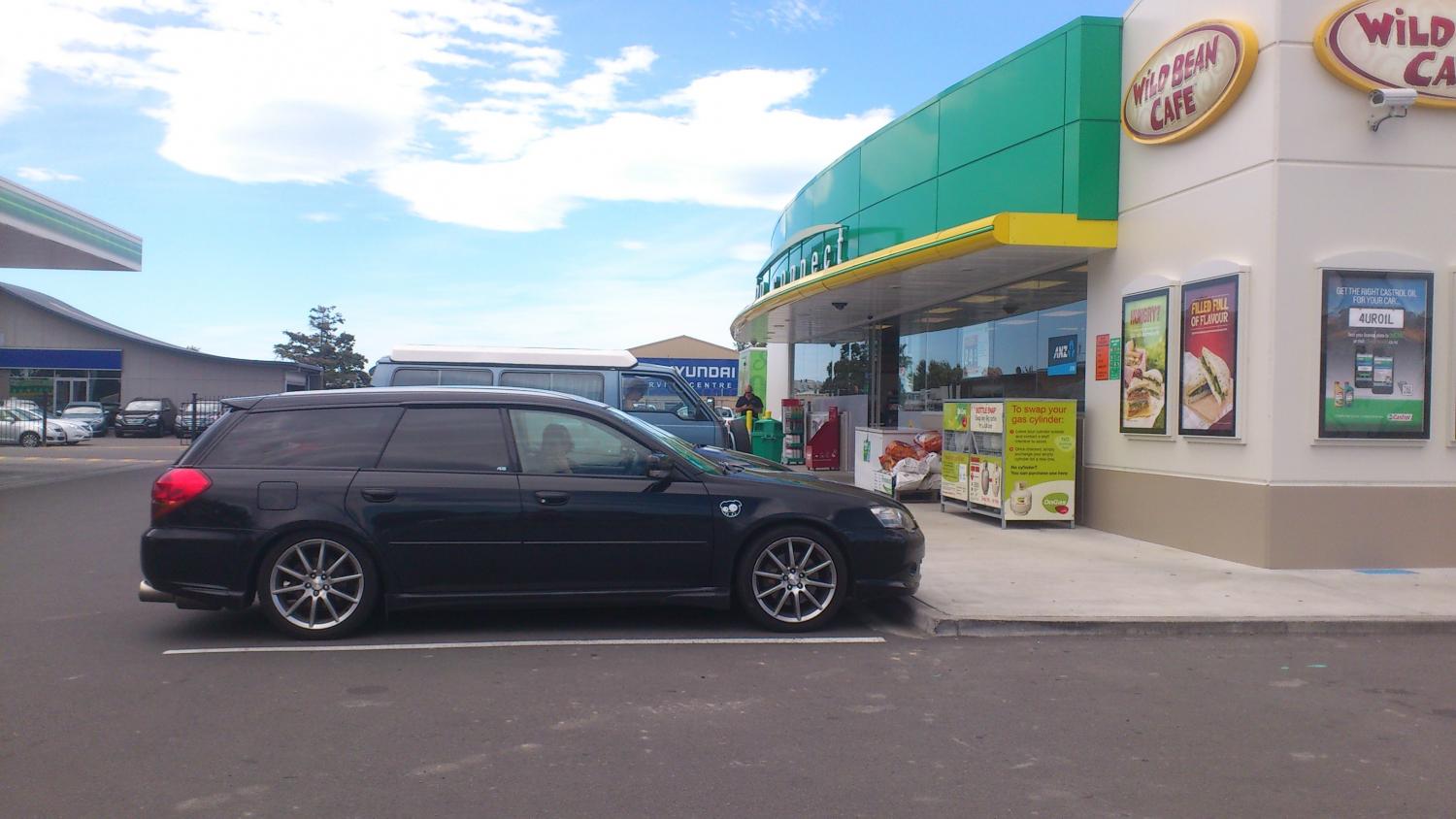
  3. Hi guys, Newbie here from New Zealand. Moved over to London just over a month ago and thought I'd scope out the UK Subaru forums having been a fairly regular member of Clubsub back home. Here's some pics of my car in NZ; a JDM Legacy GT Spec B. It's pretty much stock; only things I've done are put on STI mufflers and springs which give it a subtle drop in height. Sorry in advance for spamming the images! A shot with my previous car: And some shots from various meets I've gone to:

Background Picker
Customize Layout

Account

Navigation

Search

Search

Configure browser push notifications

Chrome (Android)
  1. Tap the lock icon next to the address bar.
  2. Tap Permissions → Notifications.
  3. Adjust your preference.
Chrome (Desktop)
  1. Click the padlock icon in the address bar.
  2. Select Site settings.
  3. Find Notifications and adjust your preference.
