Sparky
Members
-
Joined
-
Last visited
Everything posted by Sparky
-
No sorry just messaged you cheers mate nice one
-
BIGD did you manage to get mine sent out
-
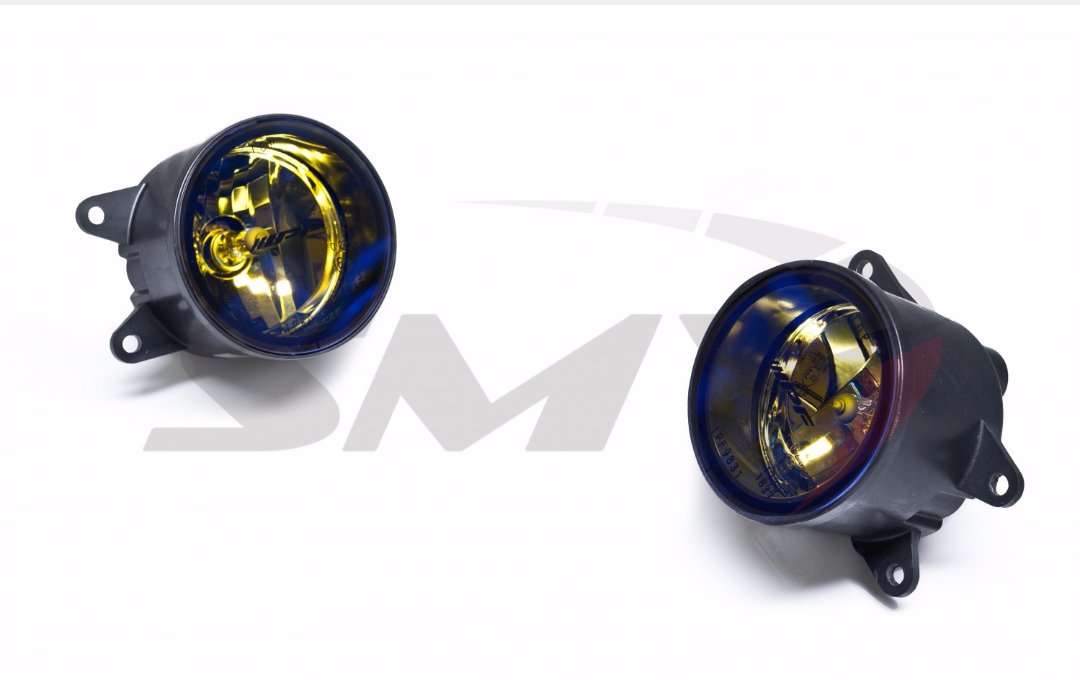
Just ordered the ipf fog lights these are going to look loads better
-
Sorry yes white lettering cheers
-
Just sent it over thanks
-
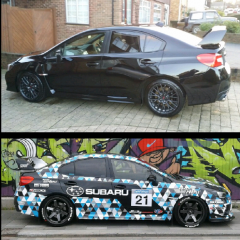
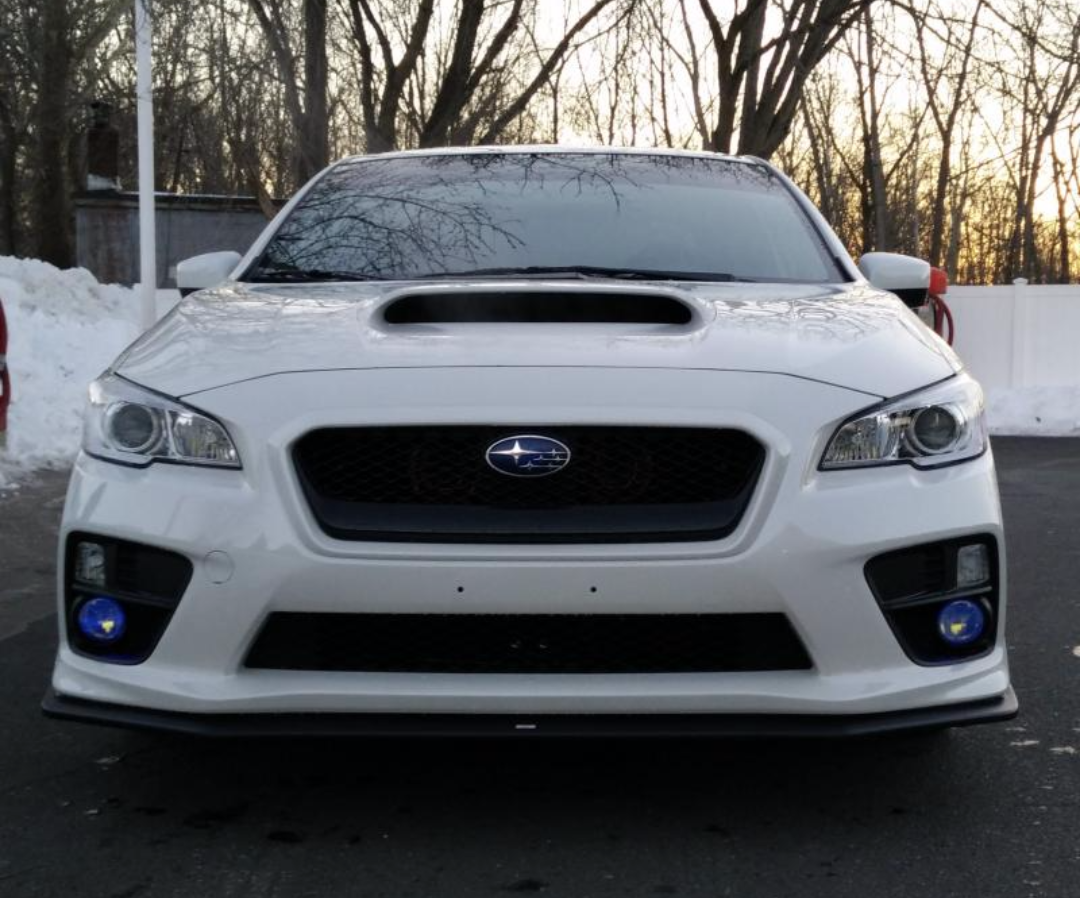
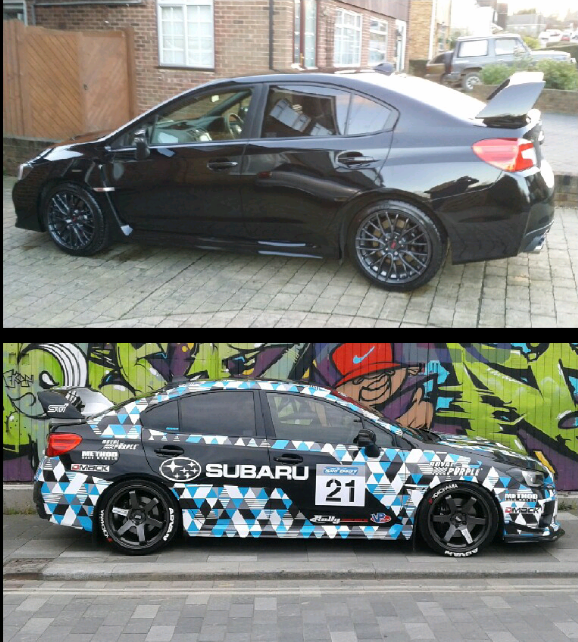
Hi BIGD sorry but have you got the length of the medium this is the size I normally have but sometimes there come up sort so just wondering if the same as the large cheersNot found anywere over here doing chargespeed but go to james at amber performance he can get pretty much everything thing else cant recommend them enough best place to buy bits for them over here not much listed on his site but look on the left at the suppliers then just ask him for a priceTein suspension with edc (electric damping control )with the GPS that goes with it that's one of the next things on the list look it up they just bought the 2015 kit out there a few people over here that can get it also some ipf fog lights and new custom exhaust with carbon tips but first just waiting on the carbon wings ,bonnett and grill I get these on first I thinkKnow worries thanksJust added some pictures of my carbon side badges look so much better run out time to get any good pictures light closed in I will find some times soon hopefully for some better pictureSorry took me a while I just mesure at few hoodies I am a 21 but on some hoodies I have to go large because of the length would you be able to mesure the the lenght for me as some hoodie seem longer then others I would prefer to wait for the blue to cheersSeat pictures bottom of second post not best try get better ones weekend webby the splitter was easy to fit canyards bit harder but still easy just took time as there a one shot deal drill holes in the wrong place on the bumper would not be good splitter go to amber performce James he a top blokeThanks I am happy with its progress so farSeats in pictures addedHi BIGD can you do me a hoodie please can I have mine dark blue with white sti as picture and white club logo on the back I check my mesurement for size later thanks
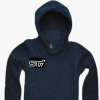
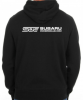 Yes cheers just waiting on the carbon grillCheers gambit thank scott look great car need a bit of a clean now
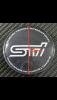
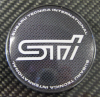
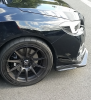 I get back to you tommrow with a few sticker designs I am after for my splitter ect and hoodie I just need to get sizes for themThanks for you help on this gambit they look spot on mate amazing done so quick to addy top bloke thanks again and it's fine for front badge to be sliver flat style with black that's coolOk cool just let me know I pay stright awayNice thanks mate what's his paypal address I send over the moneyCheers mateHi gambit thanks wheel center badges 55 mm design same as the picture but just flat black background instead Front grill badge 125mm wide by 60mm high black background with just sliver stars but are they able to make the stars like 3d like the original badge not flat as all if the bages i have seen are see pictures of original and stickers if that makes sense cheers Picure for reference don't want the ring on grill badge just black and sliver stars Thanks again gambit BIGD I do have a few other stickers I am sure you can help me out with plus I want a hoodie I will get back to you on these as will need to mesure up and it's rain at the min