Mark333
Members
-
Joined
-
Last visited
Everything posted by Mark333
-
Jumped in the car tonight and the management light came on so will try and get the codes as I have a cheap little reader
-
Cheers for the info I have to call the mechanic tonight as he said I should call Subaru for the part , when I asked about getting it mapped he called someone who said it can’t be done but I will tell him tonight, I assume it still needs the blocking bits
-
Went into a garage today and was told it could not be mapped out as it’s not a turbo
-
It’s a 2.0 Hawkeye r type non turbo
-
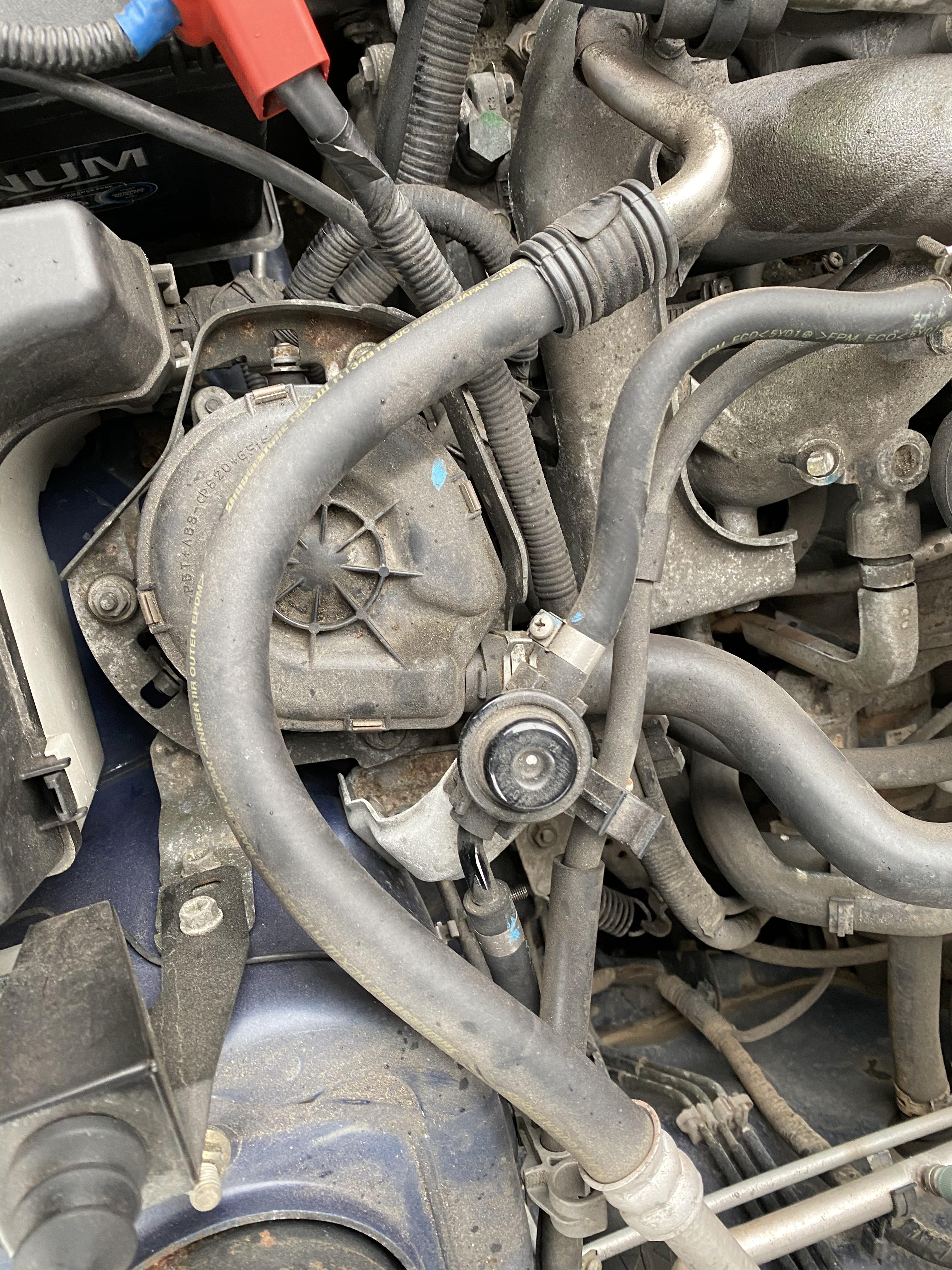
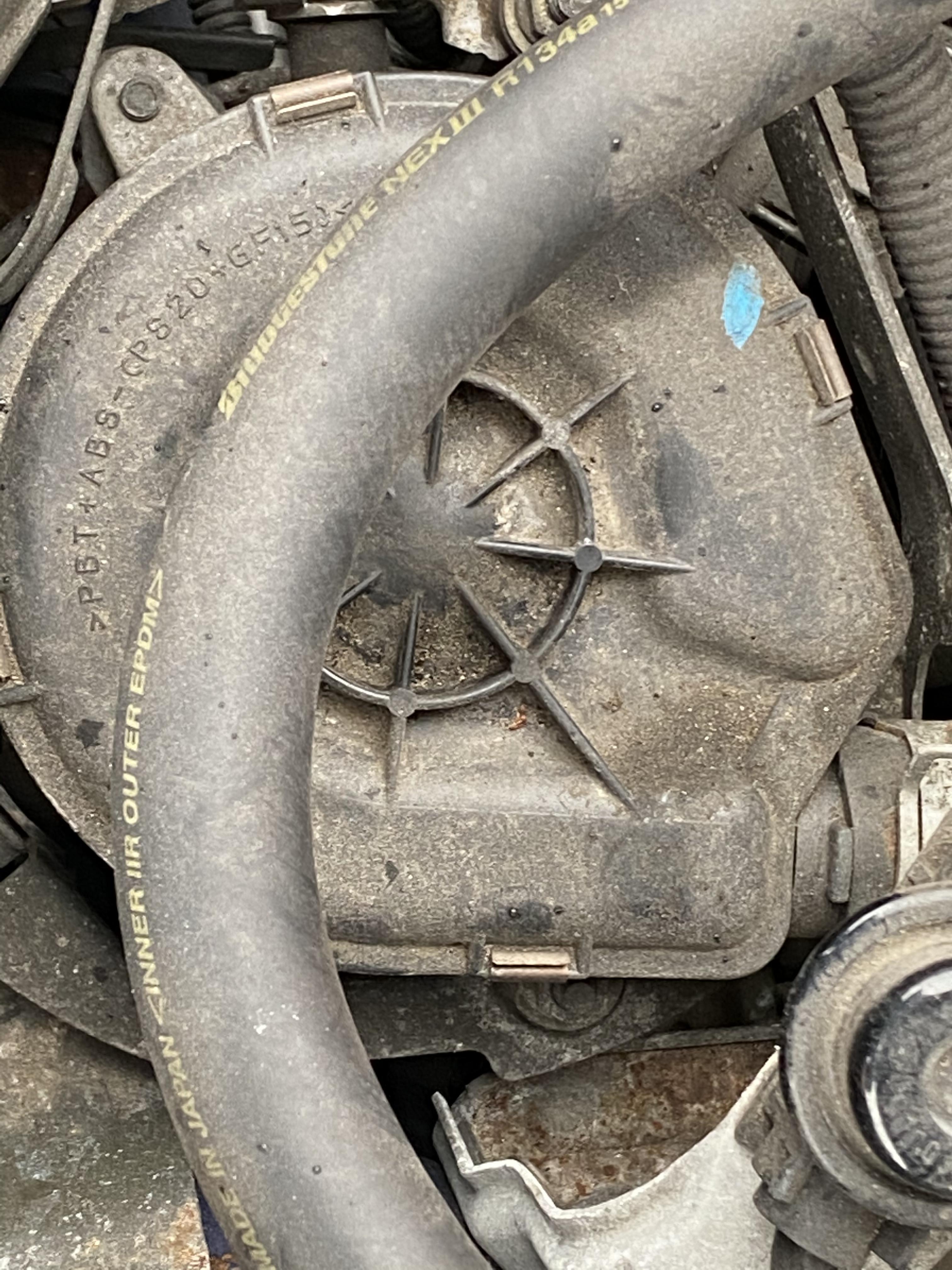
Hi guys I not sure were to ask this but can anyone tell me what’s this in the picture , my Engine management light came on and I smelt like burning and to cut the story short the thing in the picture was making a racket and I’m sure I smelt like burning, went to a garage and the guy pulled the wires out and it stopped the noise , told me to go to a car sparky
 Mark polo 333 got most games but love the division
Can't find it in here mate ,even tried the vin . Kept saying wrong vin
Hi , can anyone tell me best place to find one of these for a 56 hawkeye r type sport . The bit that goes to the chassis is broke
Mark polo 333 got most games but love the division
Can't find it in here mate ,even tried the vin . Kept saying wrong vin
Hi , can anyone tell me best place to find one of these for a 56 hawkeye r type sport . The bit that goes to the chassis is broke