Skip to content
View in the app

A better way to browse. Learn more.

Subaru Owners Club UK | Subaru Forums

A full-screen app on your home screen with push notifications, badges and more.

To install this app on iOS and iPadOS
  1. Tap the Share icon in Safari
  2. Scroll the menu and tap Add to Home Screen.
  3. Tap Add in the top-right corner.
To install this app on Android
  1. Tap the 3-dot menu (⋮) in the top-right corner of the browser.
  2. Tap Add to Home screen or Install app.
  3. Confirm by tapping Install.

Scoobydoobydan

Members
  • Joined

  • Last visited

Everything posted by Scoobydoobydan

  1. I'll be interested......... Please let me know and keep me up dated. I live in West Sussex, so down the road
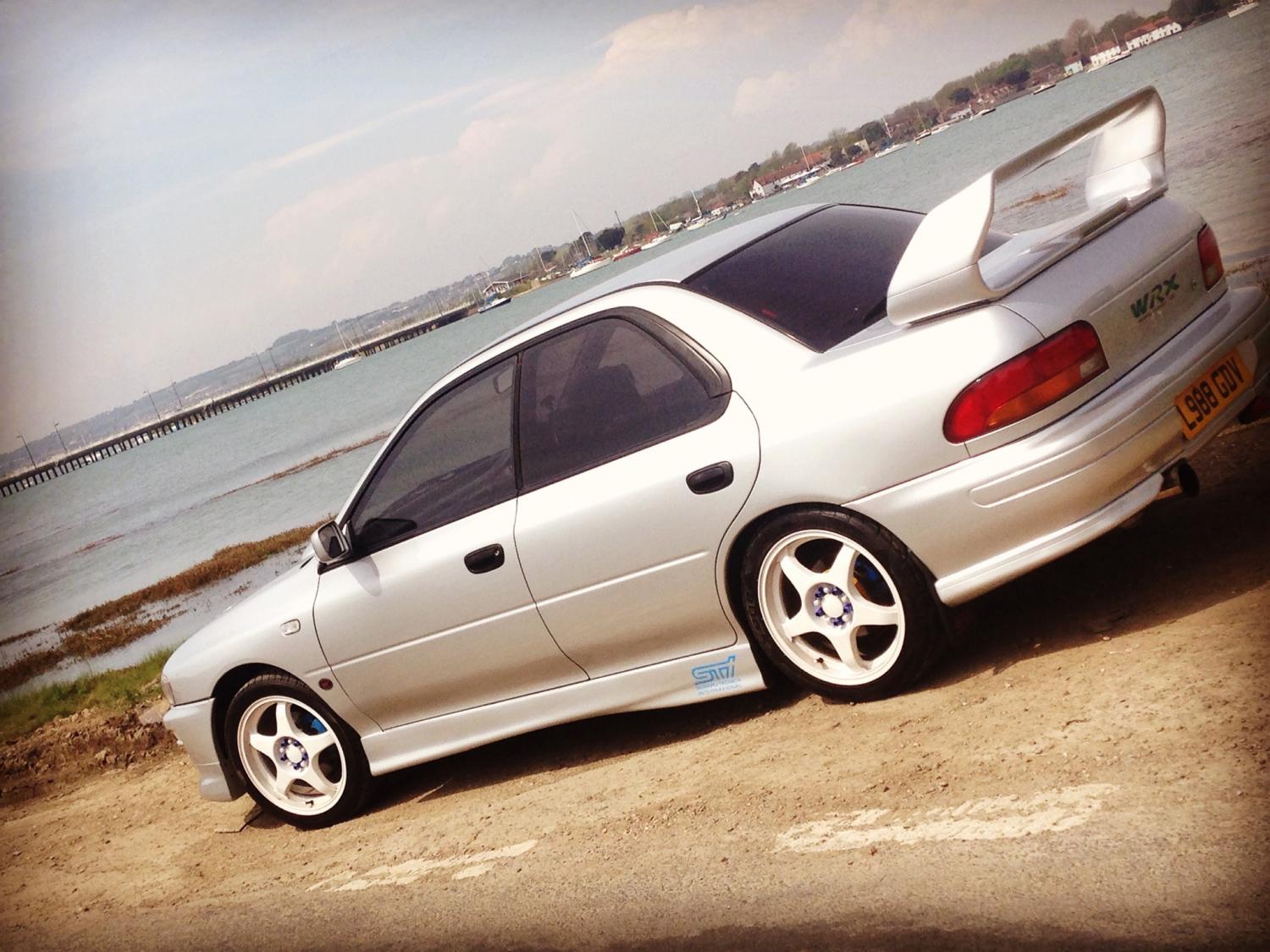
  2. Evening all, I brought a Subaru WRX STI yesterday a lovely car all round and very mint!!! It's all factory standard under the bonnet (other than dump valve) so looking to add a view bits and bobs........ I'd welcome any advise, tips or even friends to meet up and have a laugh with!!!! Speak and chat soon. Dan
  3. Hi all, Yesterday I brought my Subaru Sti and its all factory standard under the bonnet, I'm looking to upgrade the air filter, any preferences on what brands to use and stay clear of? Thanks in advance guys.


Background Picker
Customize Layout

Account

Navigation

Search

Search

Configure browser push notifications

Chrome (Android)
  1. Tap the lock icon next to the address bar.
  2. Tap Permissions → Notifications.
  3. Adjust your preference.
Chrome (Desktop)
  1. Click the padlock icon in the address bar.
  2. Select Site settings.
  3. Find Notifications and adjust your preference.