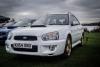
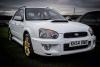
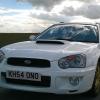
WhiteRumbleWagon
Members
-
Joined
-
Last visited
-
Awesome
-
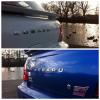
Little drive out with our Scoobys



-
yep clear of speed bumps bet you was gutted ☹
-
yep clear of speed bumps bet you was gutted ☹
-
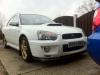
Got round to fitting my splitter
-
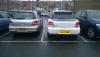
Braved a Trip to Whitby today for Magpie fish and chips.. Saw another wagon and had to park next to it
-
Thankyou that's a very nice looking Wagon you have yourself
-
Thankyou that's a very nice looking Wagon you have yourself
-
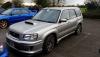
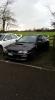
Subaru convoy over to the M-SOC meet


-
Thankyou Jay762 is very clean for the age was a good turnout looking forward to the one tomorrow
-
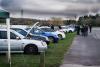
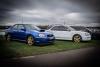
Just a few pics of some top cars at my first Subaru meet.



-
Thankyou for all making me feel welcome And as you said GeoffLeggy not cheap to insure at all but definitely worth it. Sweet that's awesome I shall post some pics up of last meet and the upcoming one
-
Hey new to the forum my name is Wendie and proud owner of my WhiteRumbleWagon. The car is an absolute dream