Skip to content
View in the app

A better way to browse. Learn more.

Subaru Owners Club UK | Subaru Forums

A full-screen app on your home screen with push notifications, badges and more.

To install this app on iOS and iPadOS
  1. Tap the Share icon in Safari
  2. Scroll the menu and tap Add to Home Screen.
  3. Tap Add in the top-right corner.
To install this app on Android
  1. Tap the 3-dot menu (⋮) in the top-right corner of the browser.
  2. Tap Add to Home screen or Install app.
  3. Confirm by tapping Install.

Suberfanatic

Members
  • Joined

  • Last visited

Everything posted by Suberfanatic

  1. Thanks Stants. It is my pride and Joy and I have loved driving it but its time we separate as I have my eyes on even more vavavoom. Watch this space.
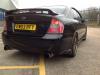
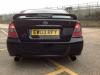
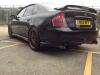
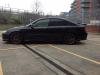
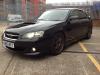
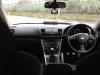
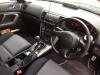
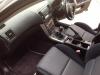
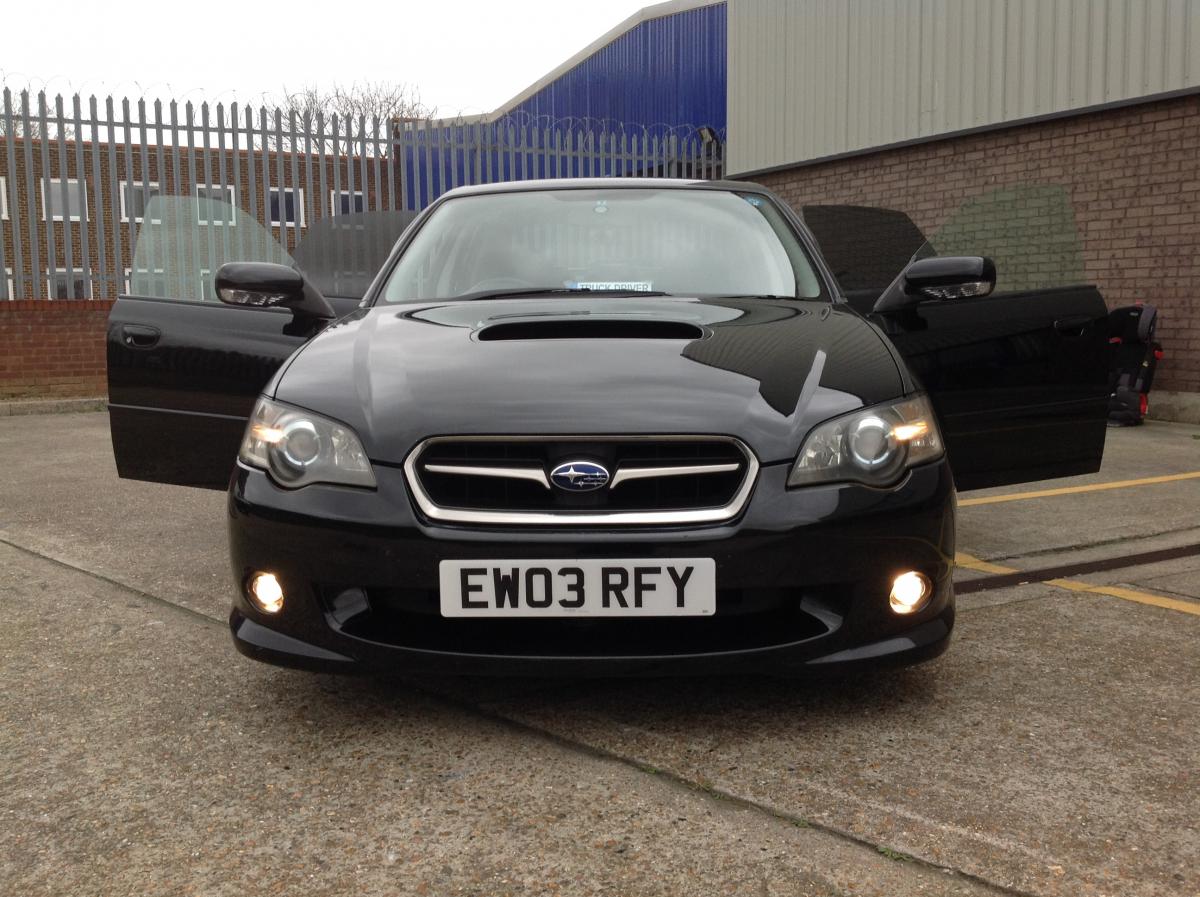
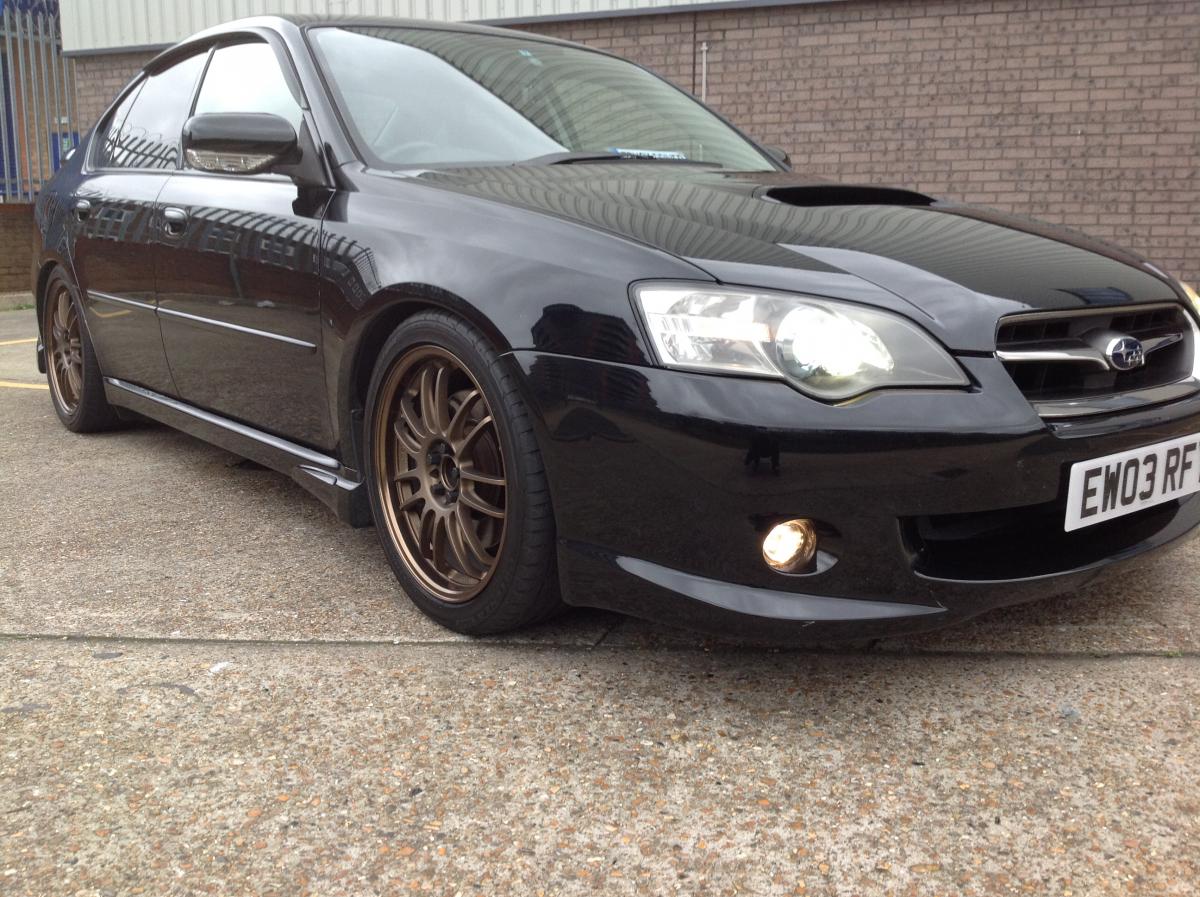
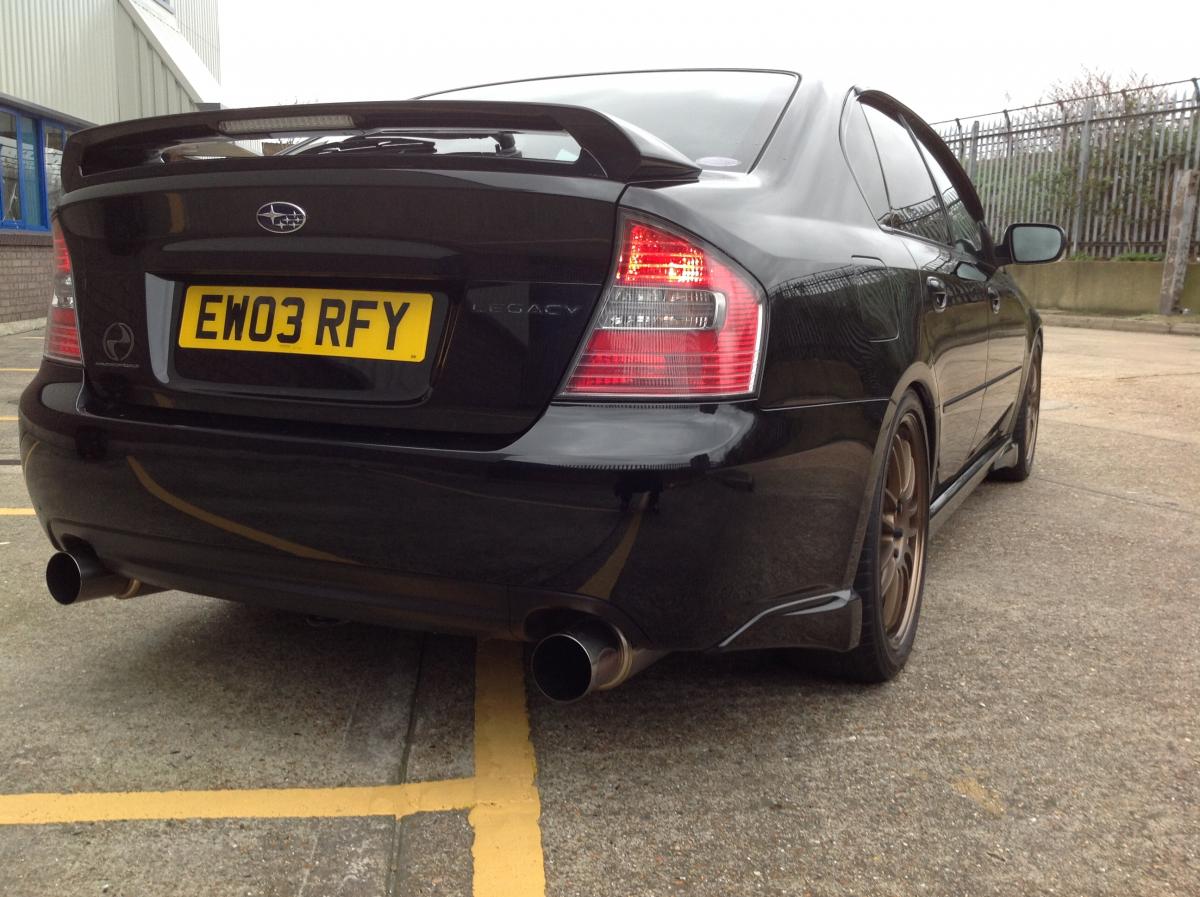
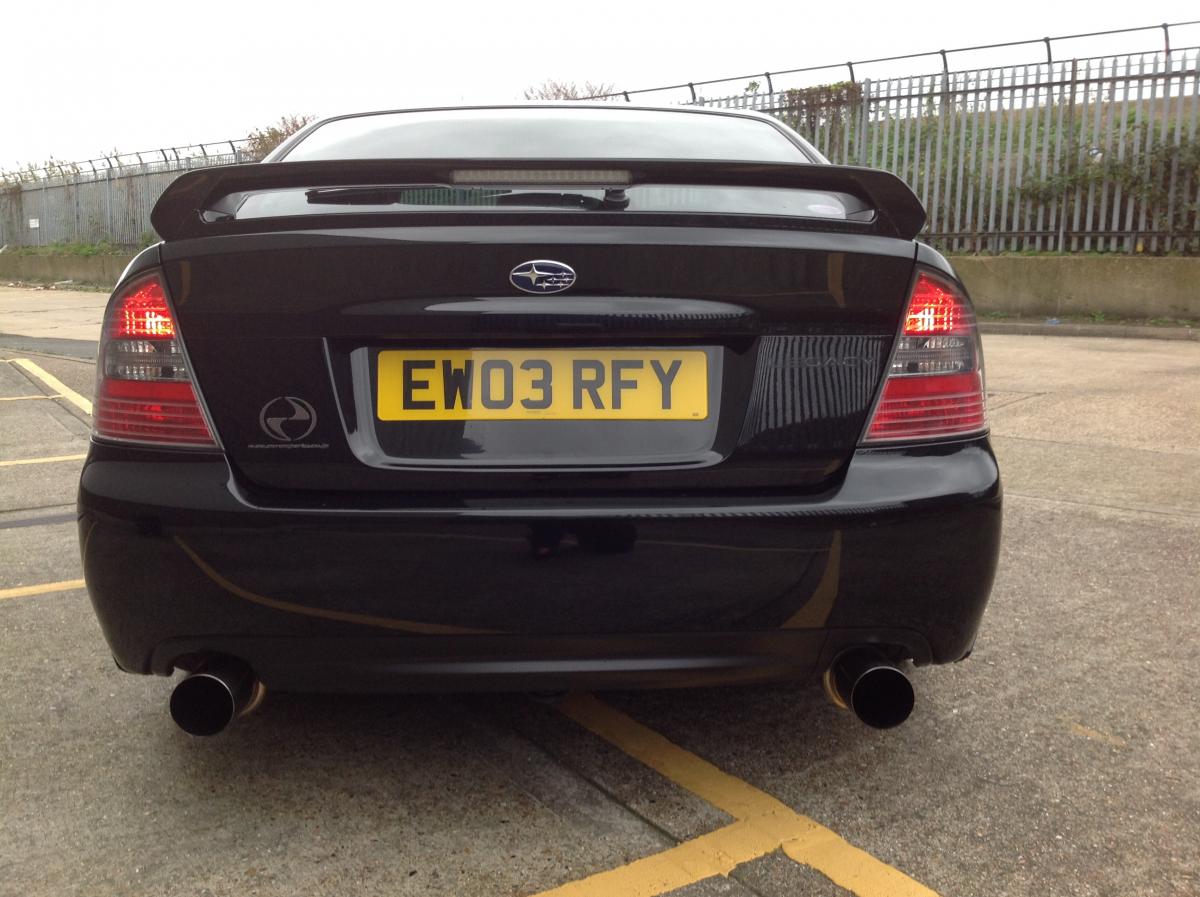
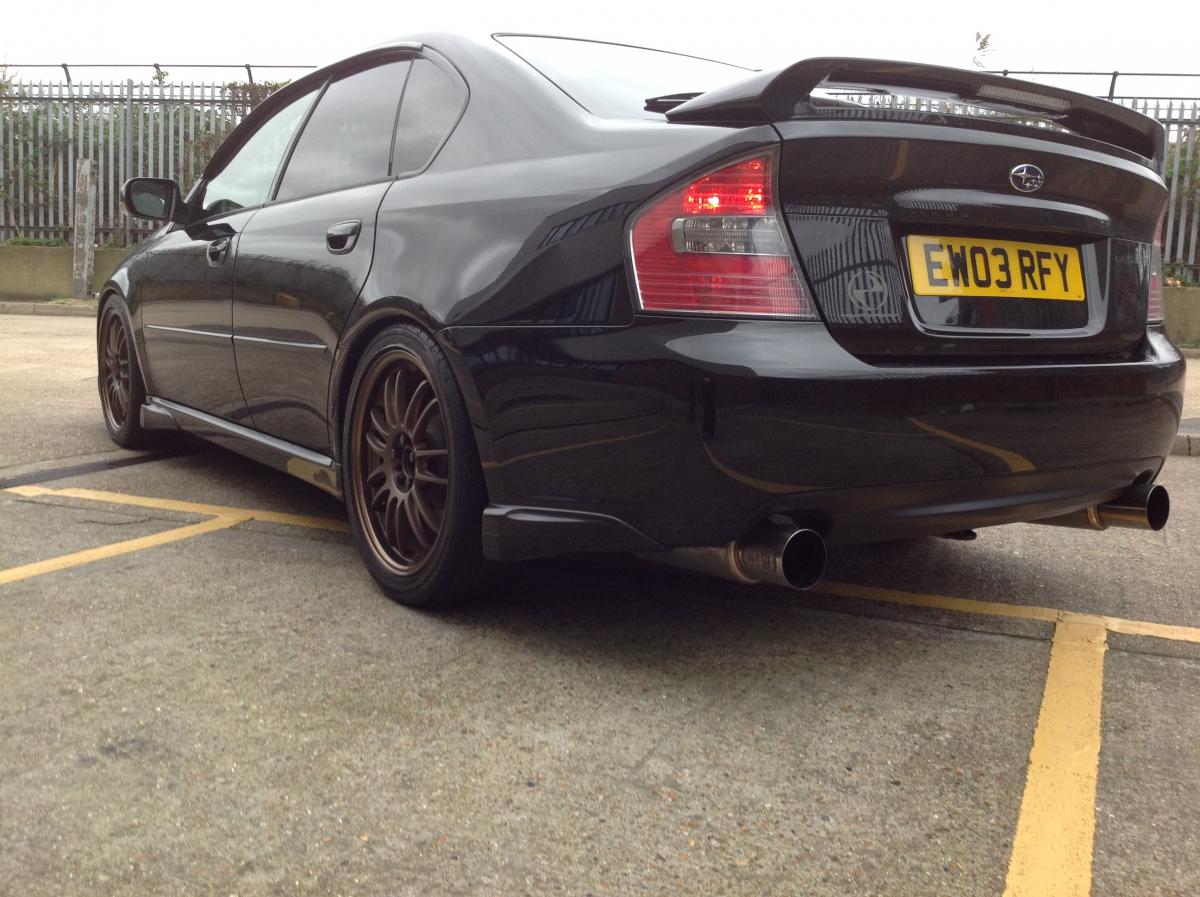
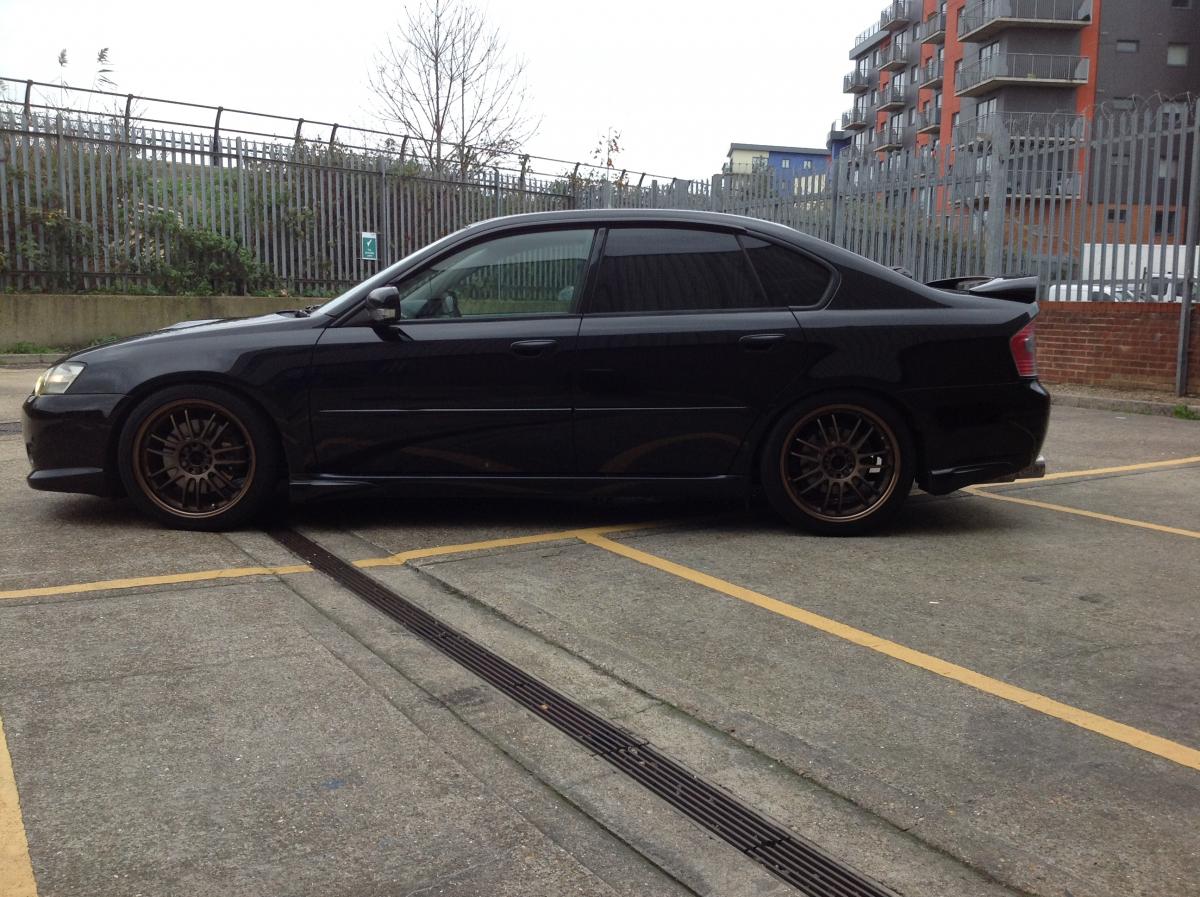
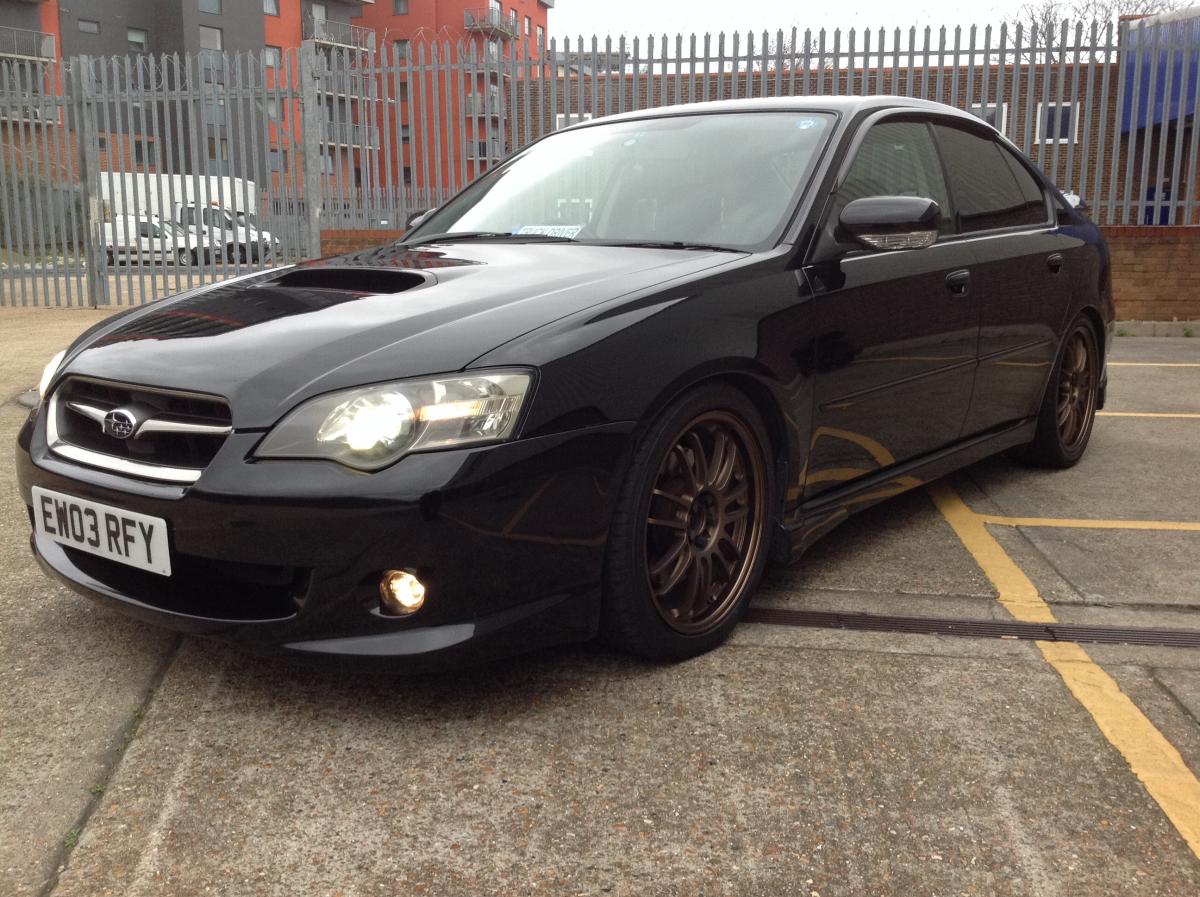
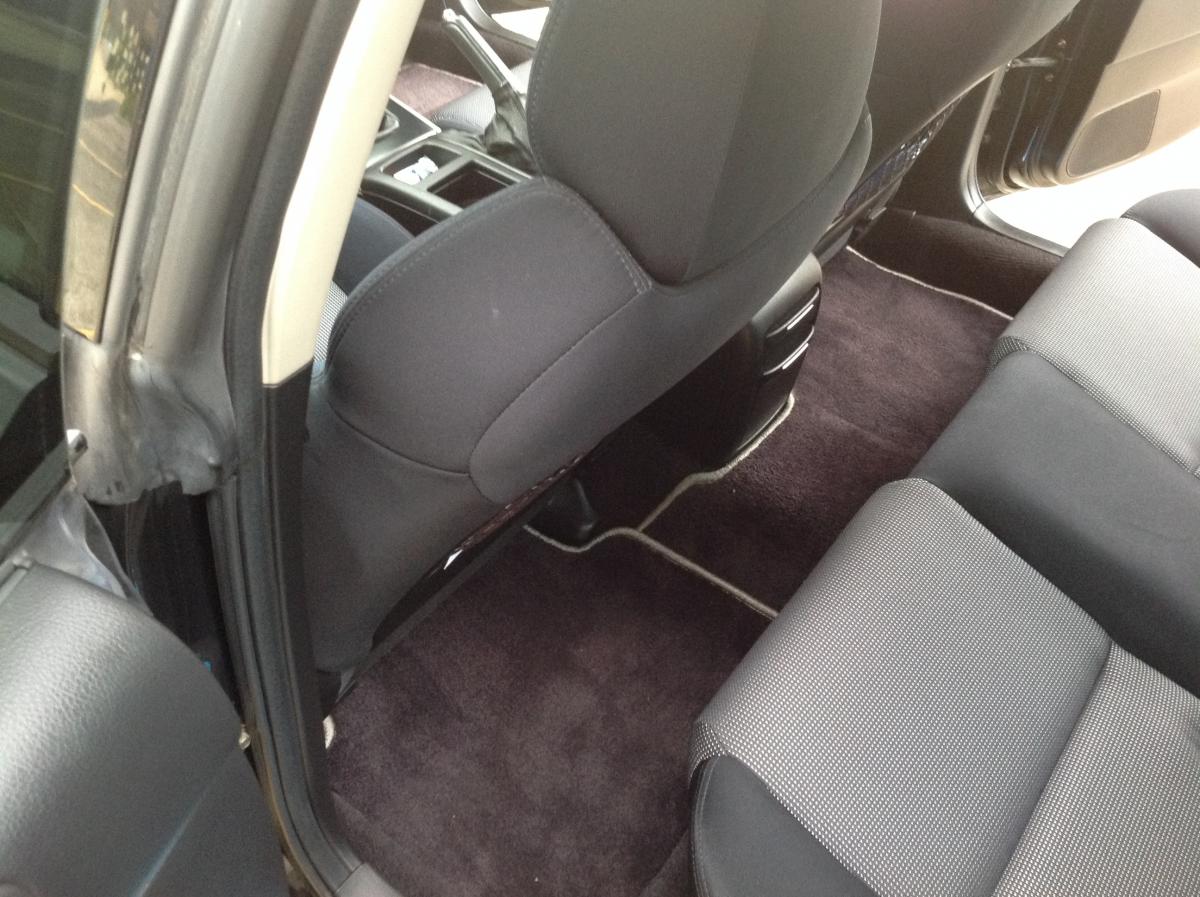
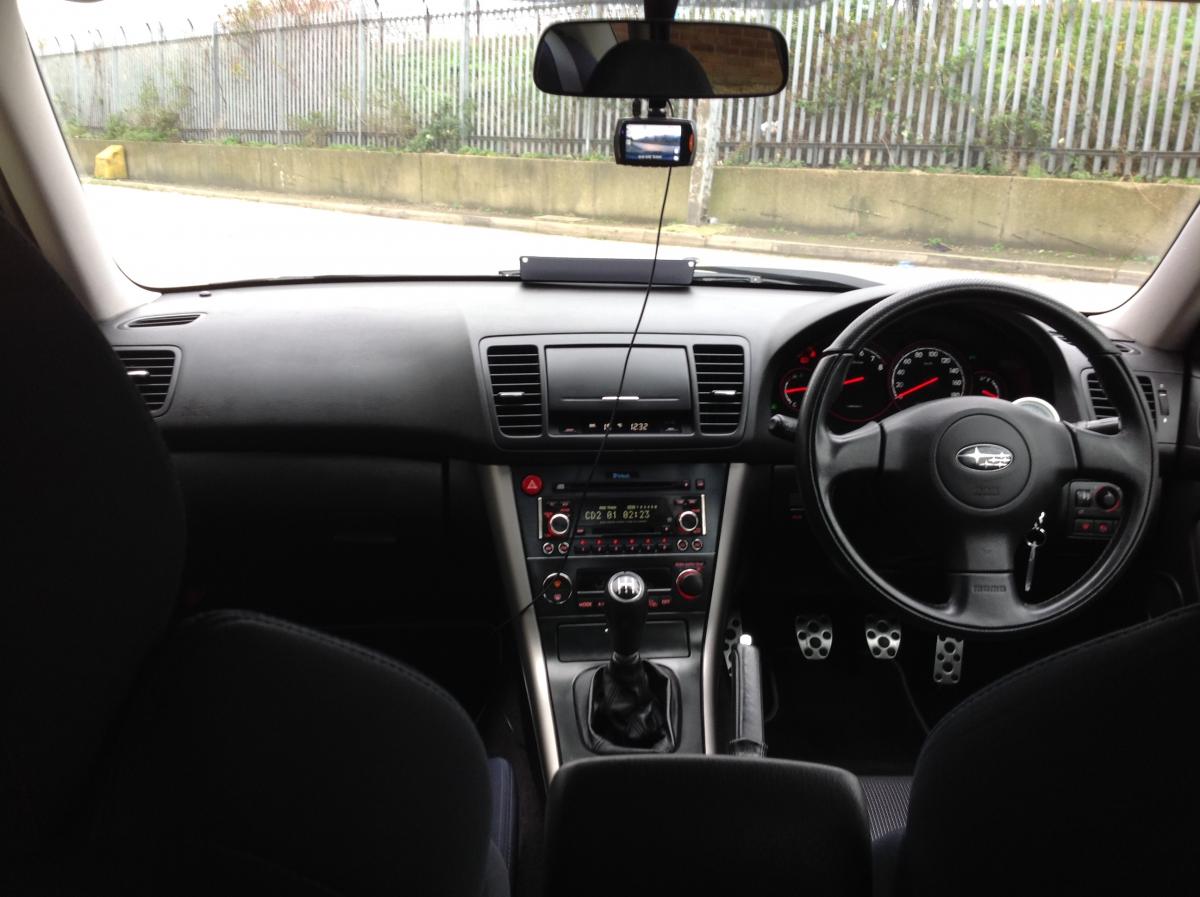
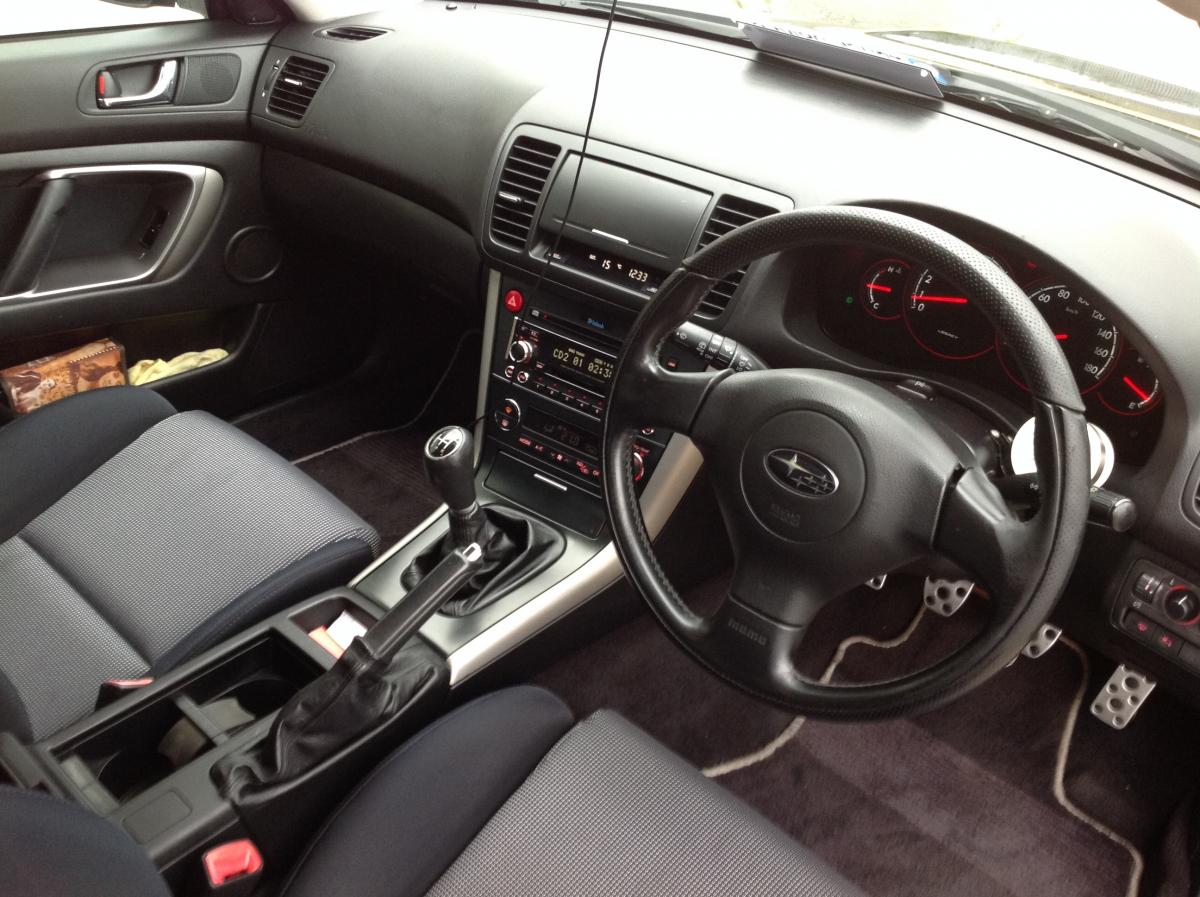
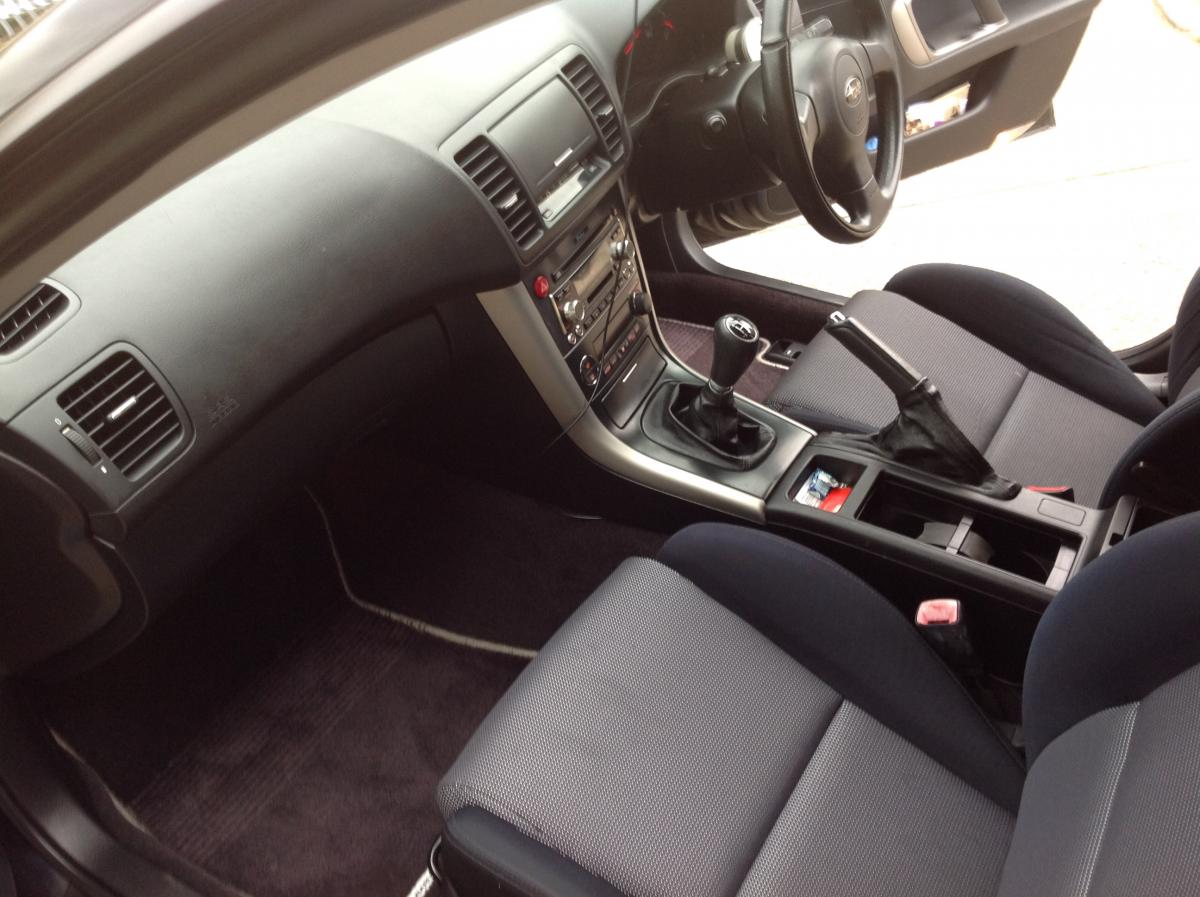
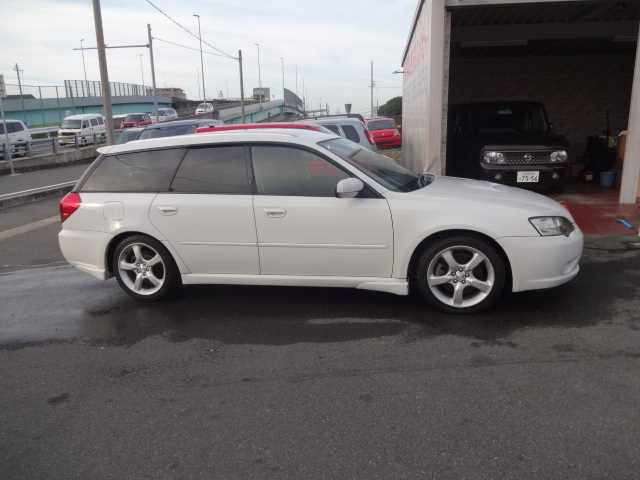
  2. I present to you my beloved Japanese Import Subaru Legacy MOT - September 30 2016 Key features: * 2 keys * Semetrical all wheel Drive * 2.0 Flat four twin scroll Turbo engine * Lowered Suspension and 18" Alloyed Wheels * Electric driver seat * Mc Intosh sound system * 6 CD changer, mini disc (head unit) * Climate control AC * Xenon headlights * Front rear fog lights * Rear spoiler and performance back box The car is still reading in Kilometers as nothing has been altered. It is being driven on a daily basis therefore mileage will go up gradually. A tuner will be required to pick up UK radio stations. The car has vavavoom, drives very nice and has no faults that I'm aware of. The new owner would be very proud to drive this car, it turns heads! Circa £5, 999 or nearest sensible offer. Feel free to message me via the forum if you are interested or know of someone who might be.

Background Picker
Customize Layout

Account

Navigation

Search

Search

Configure browser push notifications

Chrome (Android)
  1. Tap the lock icon next to the address bar.
  2. Tap Permissions → Notifications.
  3. Adjust your preference.
Chrome (Desktop)
  1. Click the padlock icon in the address bar.
  2. Select Site settings.
  3. Find Notifications and adjust your preference.