


webby1979
Members
-
Joined
-
Last visited
-
Hi guys i need help i have a 2005 blob tdo5 hybrid remap etc lovely car and runng great for 4 months since the map now i have a vibrating noise from the rhs litrally under the car not the engine sounds like loose exhaust so ive sorted that but still there no loss of power but did lose it at 70mph round a corner the rear end went first time ever sounds like a loose bolt knocking in the exhaust could it be a drive shaft ? Car is mint no leaks just serviced all belts etc im puzxled and would appreciate some help im near southport if anyones about cheers
-
Hi guys yes I did it in one go over the weekend I have a lot of cuts and bruises!!!its booked in for a custom map on Thursday been told to drive it at 2000 rpm all the way no pressing the pedal. Thanks for your reply makes sense now I was just worried checked it all again today let it hit temp ,it's fine so off we go it was running 225 bhp standard so should be alot quicker now.
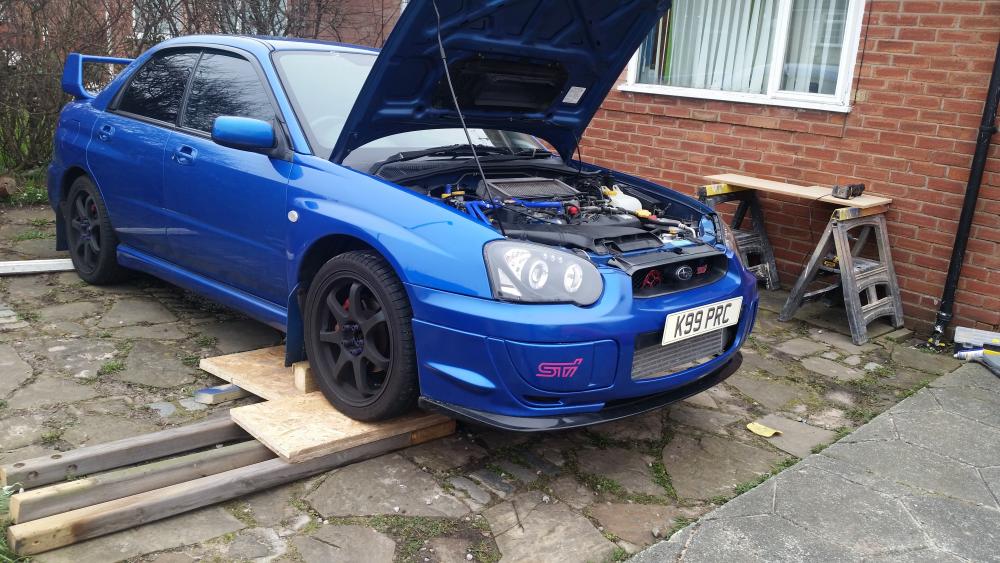
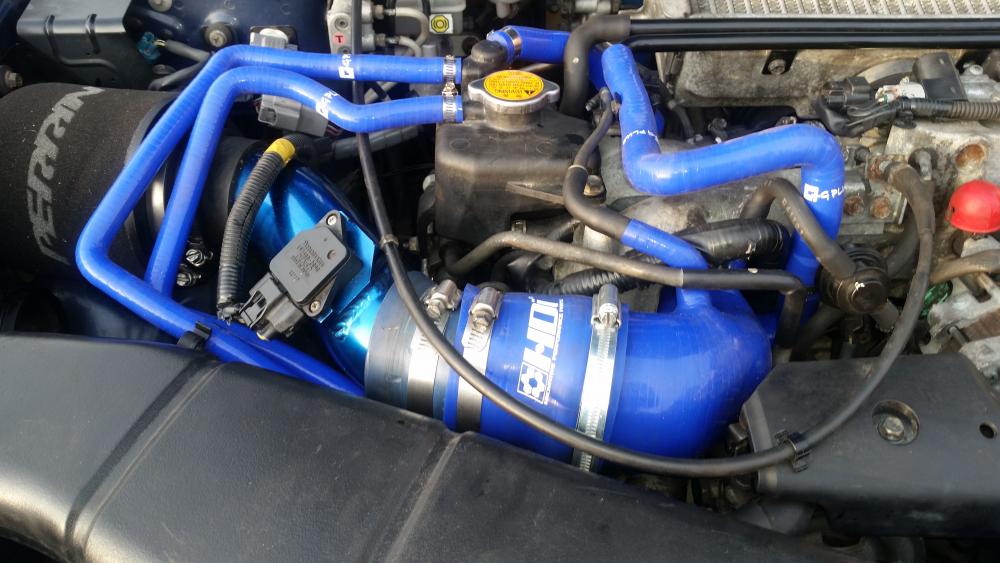
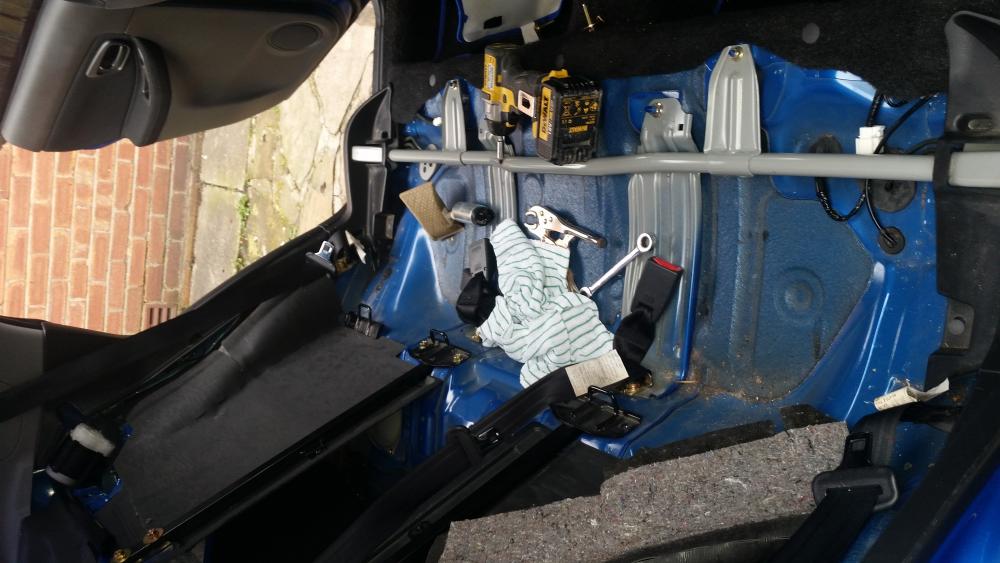
-
Hi guys ,I'm new on here bought a 2005 wrx last year and decided to upgrade today Td05 18g hybrid turbo Hawkeye 560cc injectors Silicone inlet manifold Walbro fuel pump Decat down pipe It's all in car runs fine no leaks etc does not boost properly and I haven't pushed it tried once shall o go straight for map need a bit of guidance please


