Jamie_stafford
Members
-
Joined
-
Last visited
Everything posted by Jamie_stafford
-
One of them will hopefully be donating running gear into one of the Leone coupe's
-
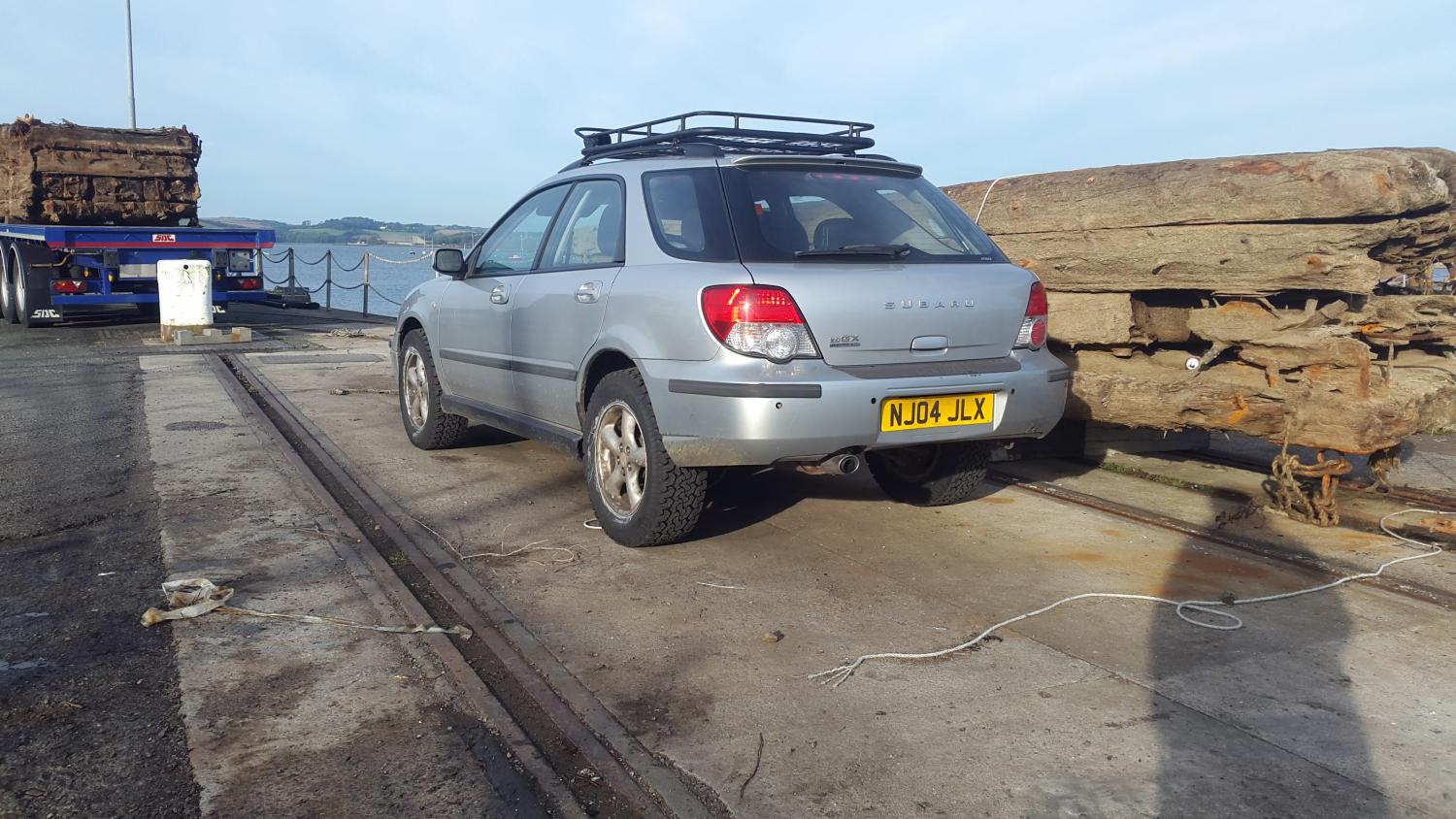
Here it is, got lots of plans for it, bigger wheels to replace the puny 195/60/15s, skid plates and tube work to come
-
These 2 are a bit special, Leone 1.8 turbo coupes, the red one was the last to be taxed on the road 8 years ago and the blue/white one is a sprint/hill climb car, custom coilovers, forged 1.8, wrx turbo, launch controll He also has another pickup, impreza and a grey 1.8 turbo Leone coupe in a shed totally stripped that he has owned for 18years and there is another coupe in a barn down the road owned by a friend. We are hoping to get the blue and white one sorted soon.
-
It's loaded with wheels at the mo so it looks like it's trying to wheely Haha I'm unloading it later and I will have some pics
-
Hello all, I now own my first subaru but I am no stranger to them, mostly fiddled with mv pickups/legacys/Leone coupe turbos, but now have an 04 impreza 2.0gx sport wagon. This is my 100 mile daily commuter so it's an auto with lpg, not being able to leave anything alone and a keen off roader I have recently fitted forester s turbo struts so now has a 2"+ lift, it's going to have the forester wheels and tyres as soon as I fit a new tyre. This looks like a great forum and I can see me spending a lot of time on here Haha