




Skip to content
View in the app

A better way to browse. Learn more.

Subaru Owners Club UK | Subaru Forums

A full-screen app on your home screen with push notifications, badges and more.

To install this app on iOS and iPadOS
  1. Tap the Share icon in Safari
  2. Scroll the menu and tap Add to Home Screen.
  3. Tap Add in the top-right corner.
To install this app on Android
  1. Tap the 3-dot menu (⋮) in the top-right corner of the browser.
  2. Tap Add to Home screen or Install app.
  3. Confirm by tapping Install.

Hadzy_B

Members
  • Joined

  • Last visited

Everything posted by Hadzy_B

  1. We're in Newton Stacey (between Andover and Winchester - very near Chilbolton, Wherwell and Barton Stacey). x
  2. Thank you - I think I'd need someone to show me exactly. Do you know who would be willing to help? x
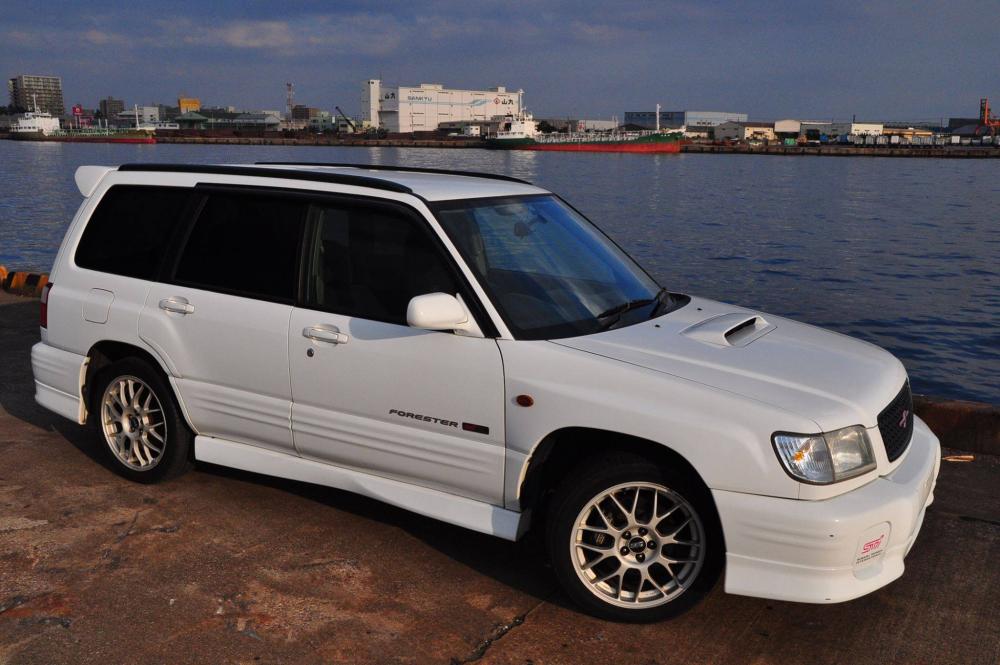
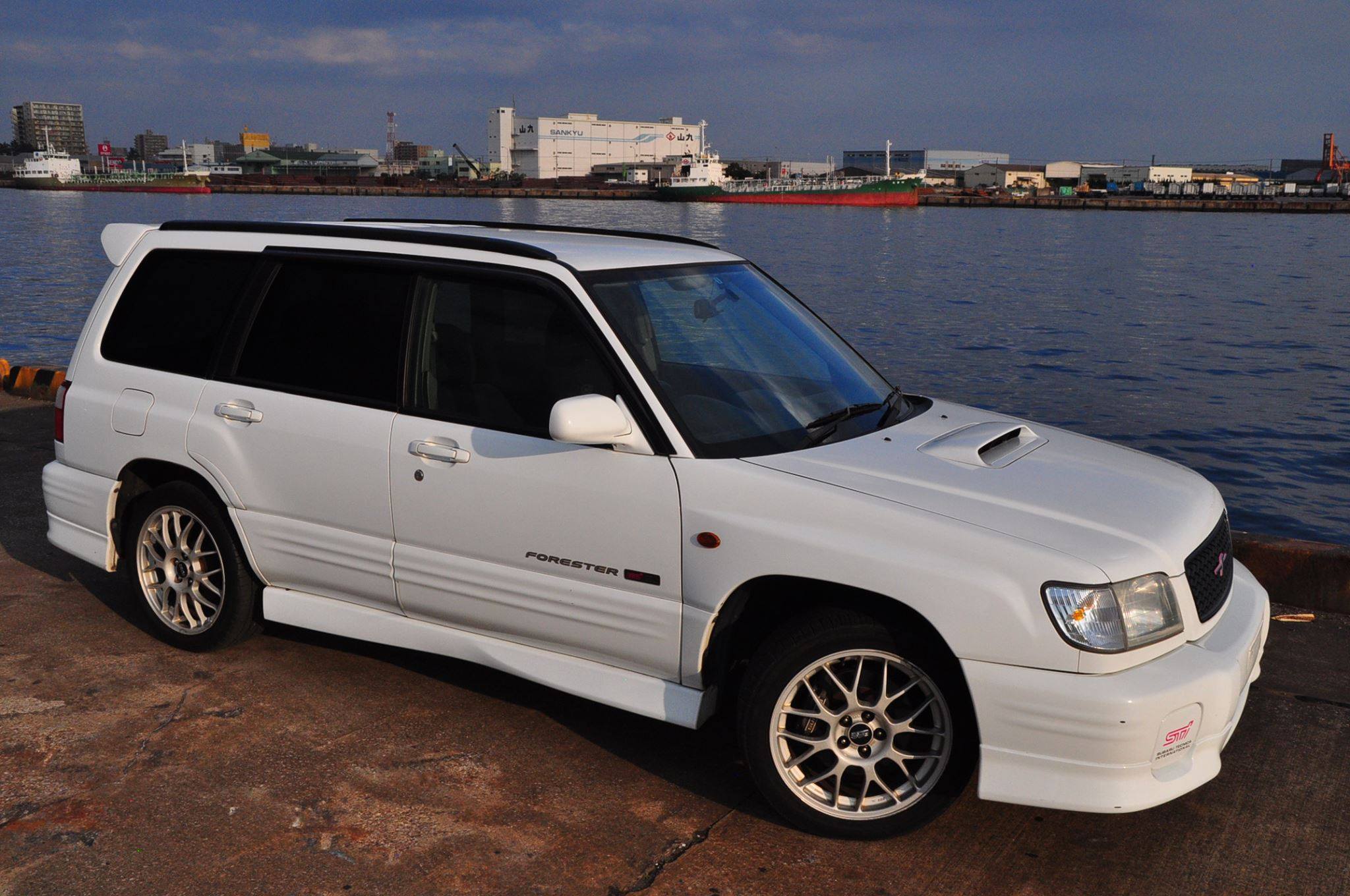
  3. Hello. Have just imported a forester sti. I really want to make sure she is kept in great condition by keeping her regularly serviced. I have no idea about the mechanics of cars but I'm keen to learn. I'd really like to be able to service her myself. Will this be possible? How easy is it? Any advice would be greatly appreciated. Cheers IA Hayley
Background Picker
Customize Layout

Account

Navigation

Search

Search

Configure browser push notifications

Chrome (Android)
  1. Tap the lock icon next to the address bar.
  2. Tap Permissions → Notifications.
  3. Adjust your preference.
Chrome (Desktop)
  1. Click the padlock icon in the address bar.
  2. Select Site settings.
  3. Find Notifications and adjust your preference.