theworkerbee
Members
-
Joined
-
Last visited
Everything posted by theworkerbee
-
Haha thanks, it doesn't take too long to hit vtec ;) Also, the limited edition has an lsd so its awesome in the twisties. Ahh the v8 was a monster, I had the resonators removed and the exhaust sounded like thunder! Budget wise I'm not too sure, ideally a px with cash towards the hatch to avoid the headache of people calling/tyre kickers and its just had a £425 service with nearly new super sports tyres. However, not in a rush as i don't want to make a costly mistake. Also, I need to save a little for a car budget, my daughters nursery fee in unfunded months costs £618...ouch
-
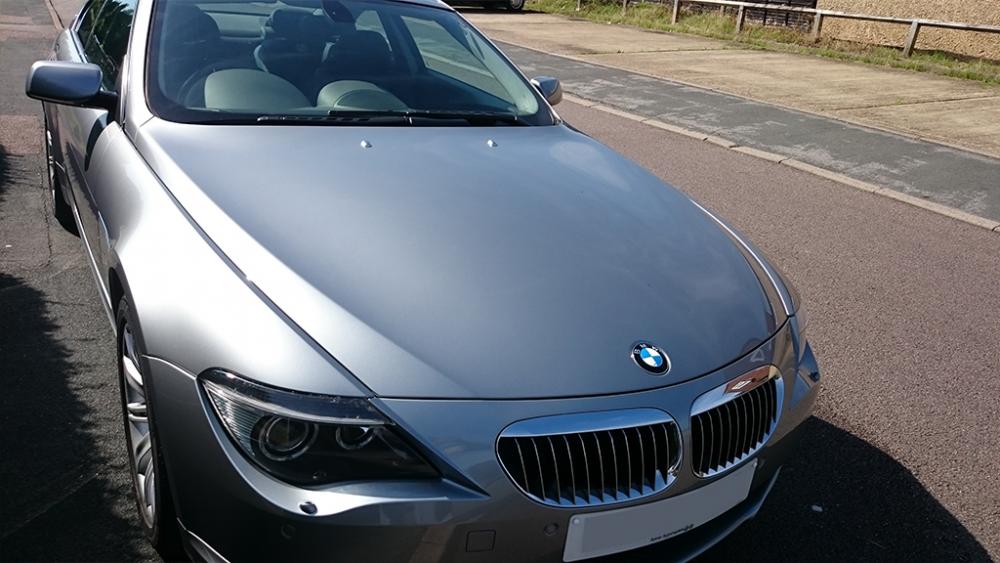
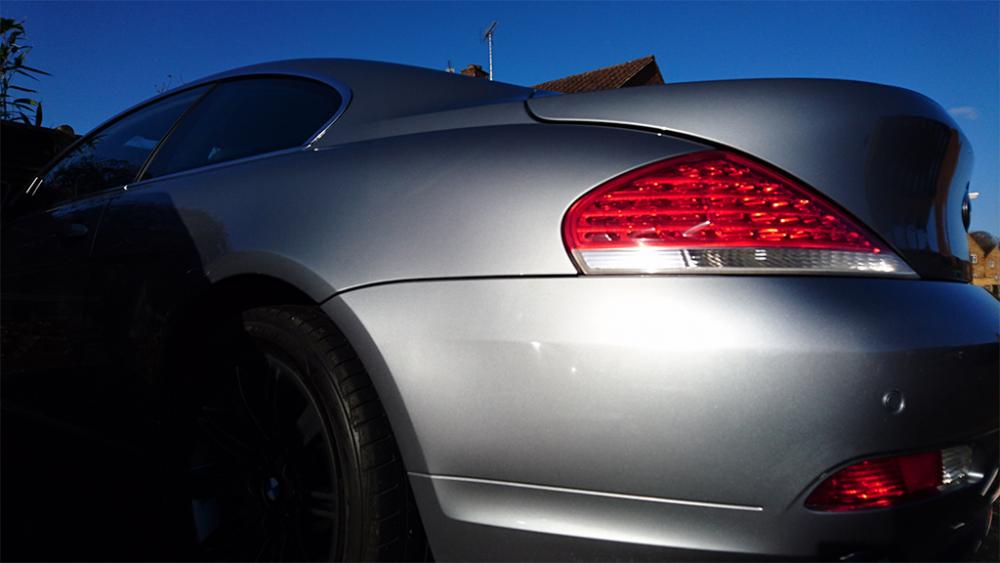
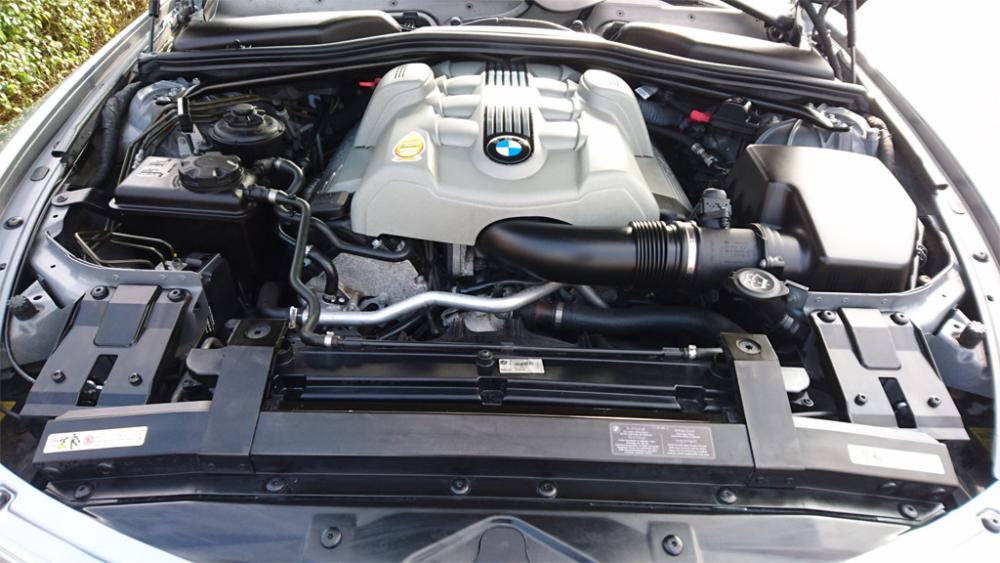
And below is a lovely 645CI that I owned before the Type R (if anyone is interested):
-
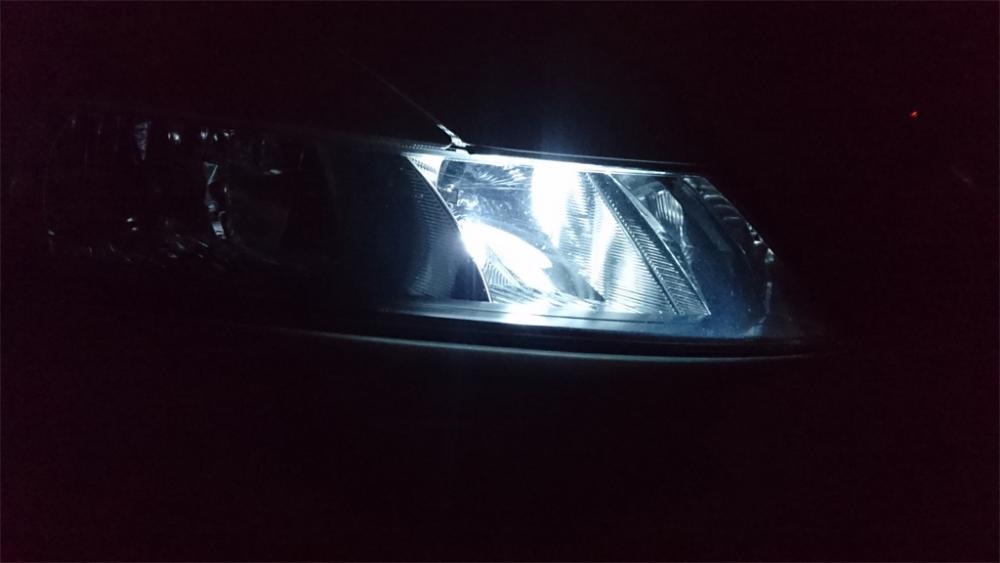
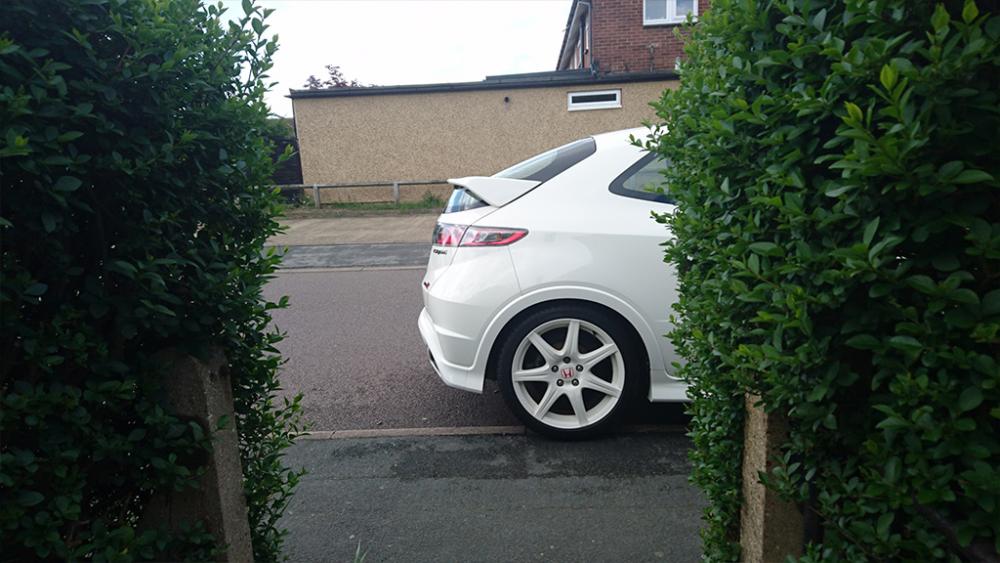
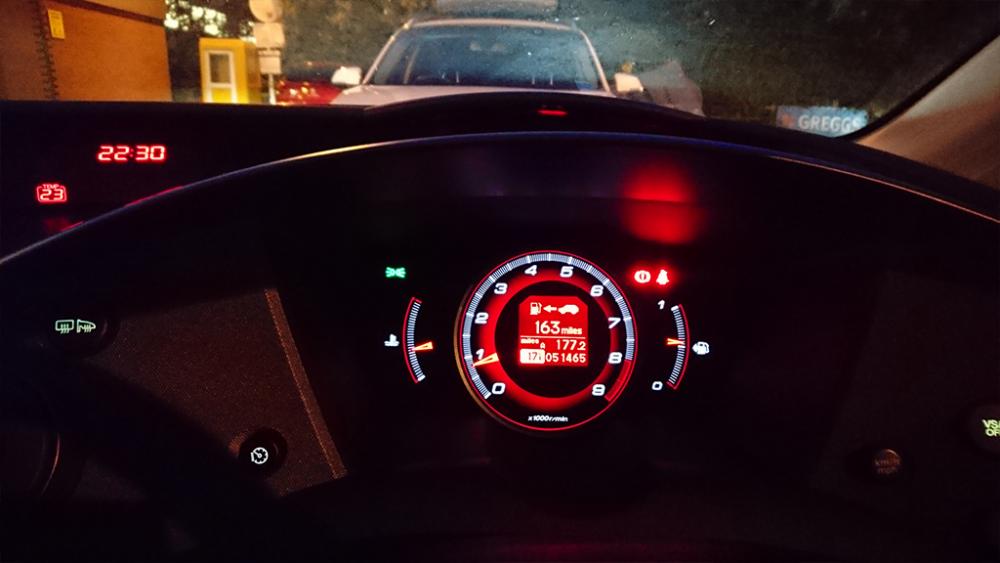
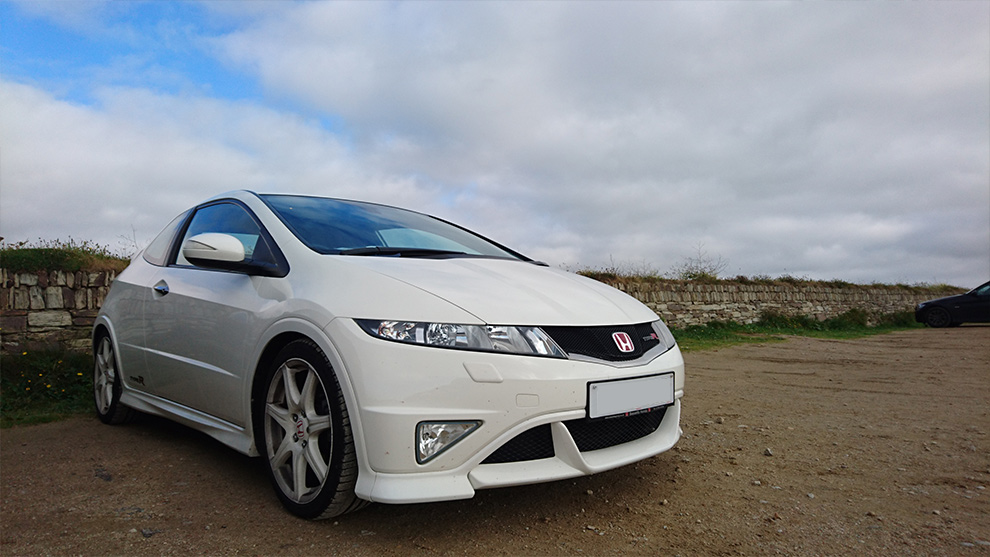
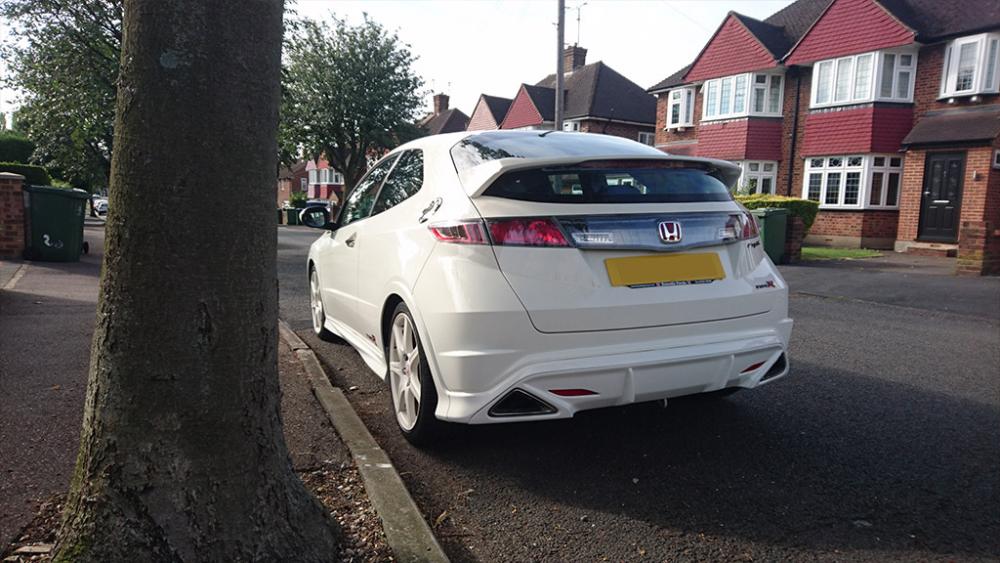
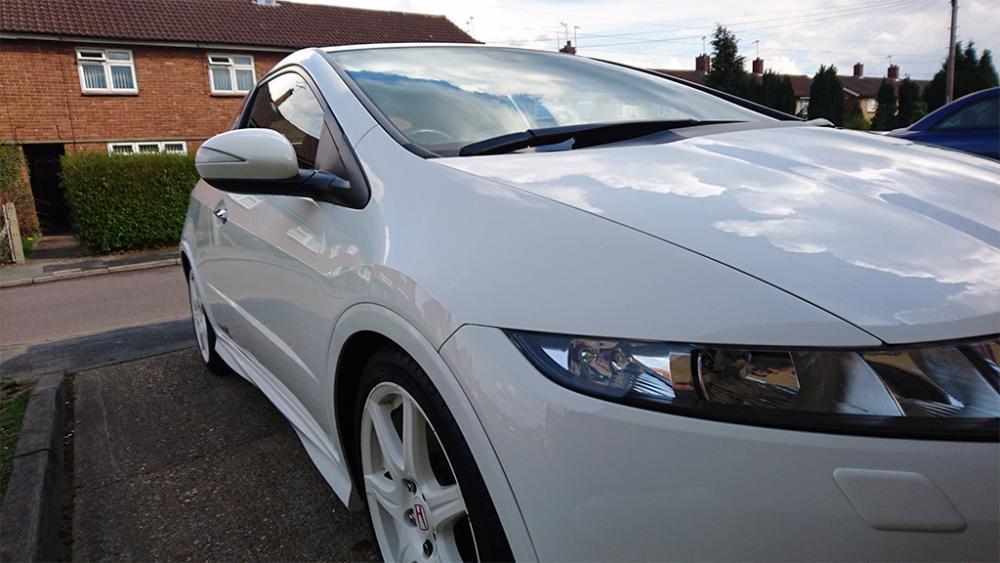
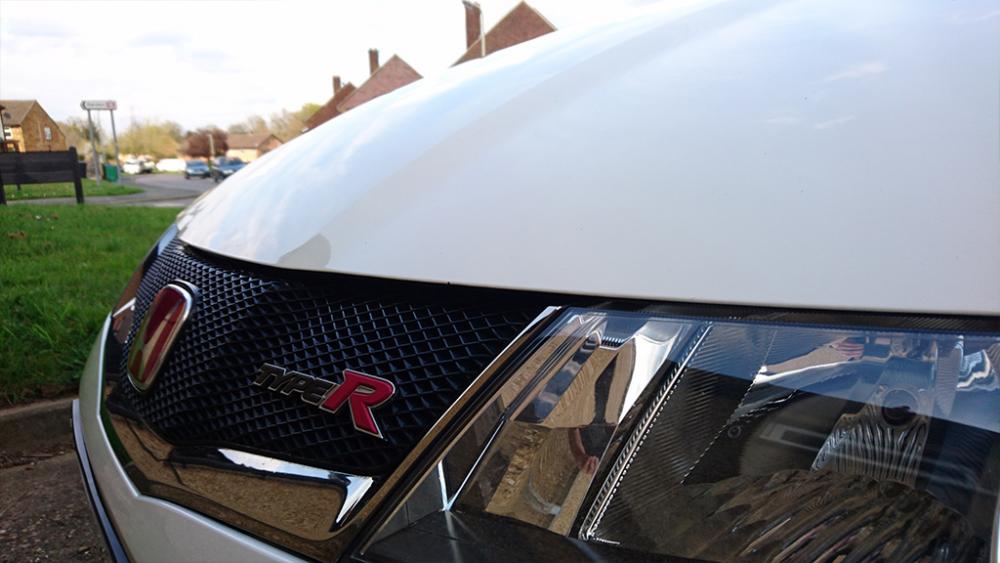
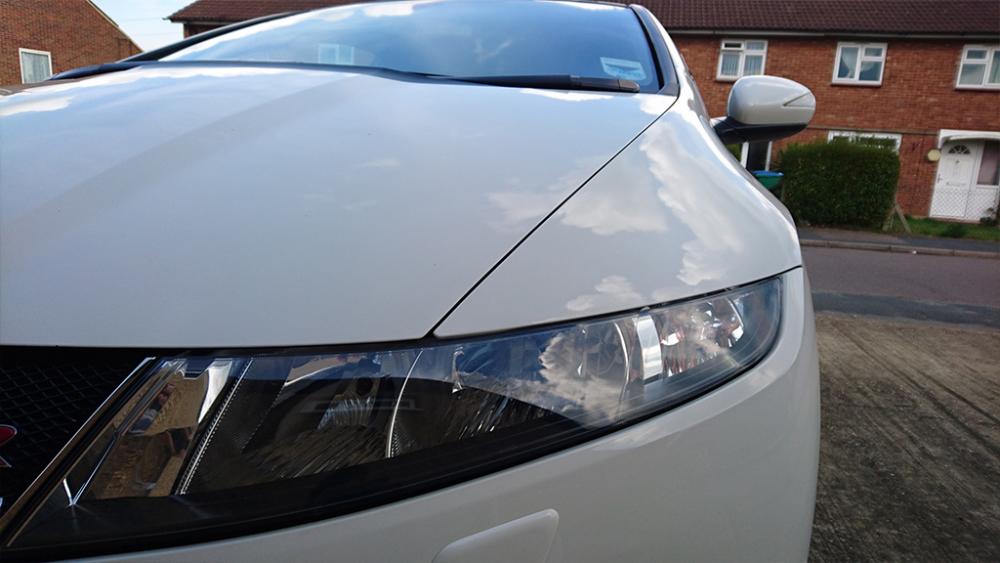
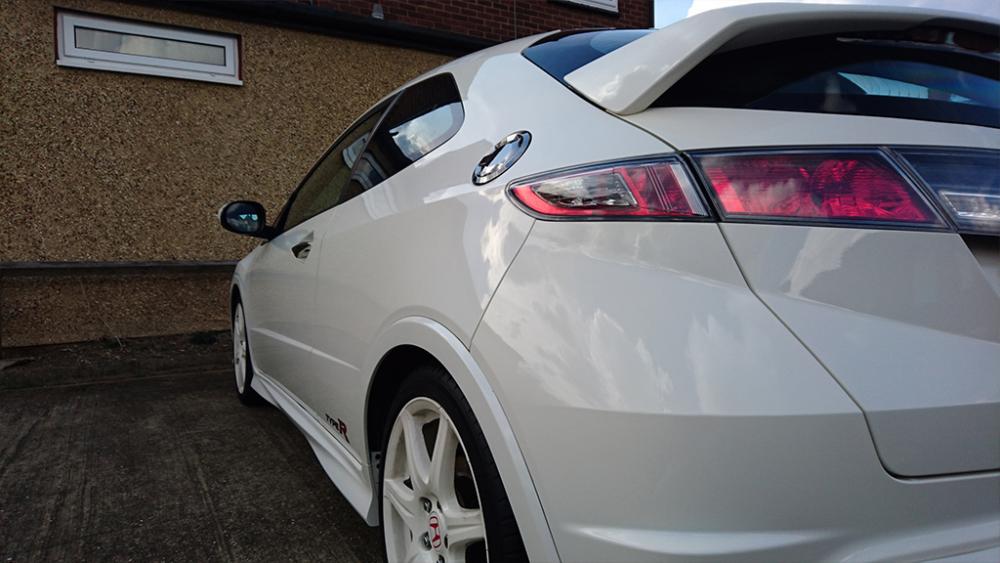
Hey guys, so I think my next car is going to be a WRX STI Hatchback so thought I'd join the fold so that I can do some research on the car. I currently have a Civic Type R FN2 Championship White edition that I just bought 3-4 months ago, and whilst its a brilliant drivers car, it doesn't have low end grunt that I now crave. Obviously, I knew this from before, but I had never owned a VTEC car but have now ticked that box so now to move on to a forced induction jap car. I used to have a Mitsubishi Colt CZT which I had remapped to 206hp which was epic and super light and may buy another one day as a weekend, stripped out toy, but thats another convo. Anyway, here are some pics of my current beauty: