Paulee
Members
-
Joined
-
Last visited
Everything posted by Paulee
-
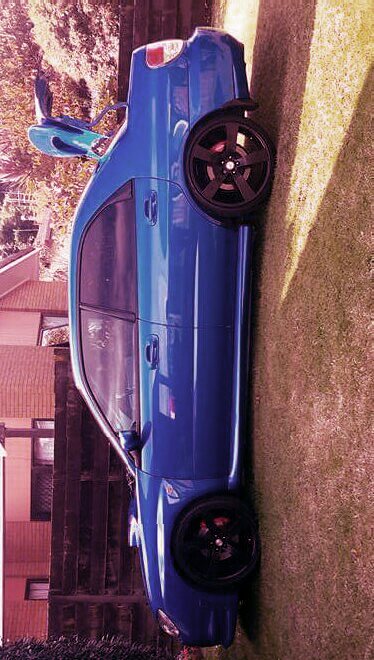
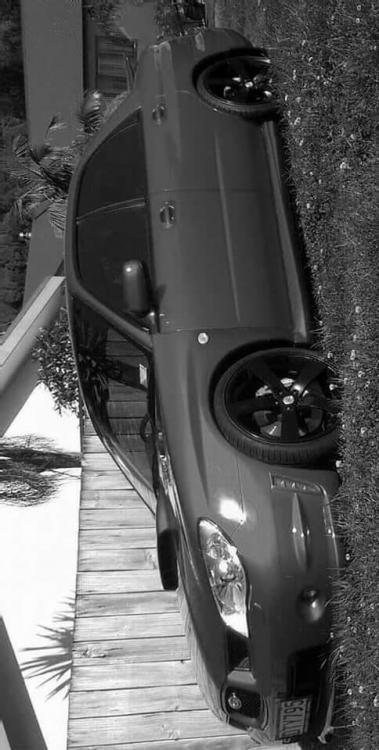
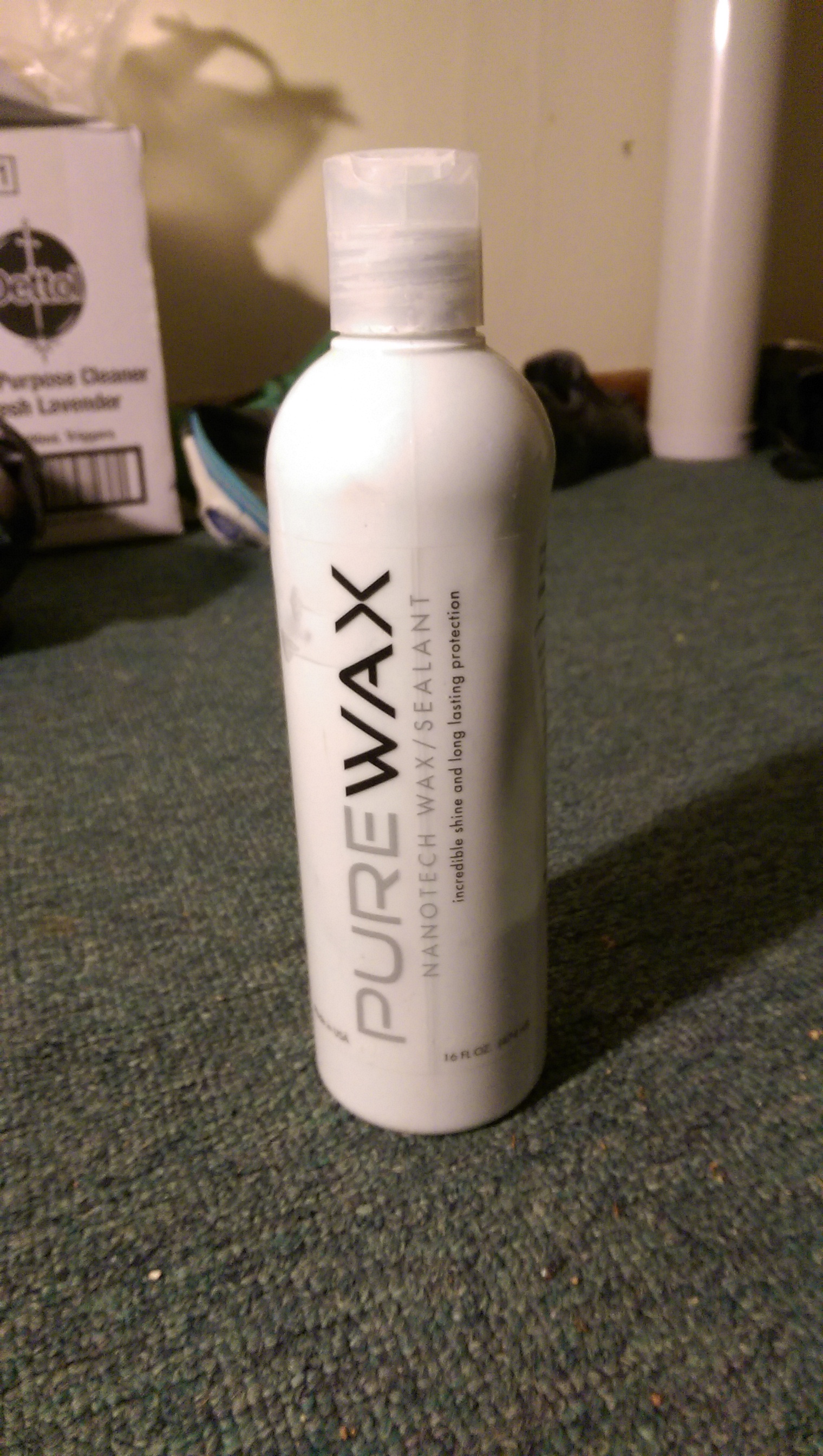
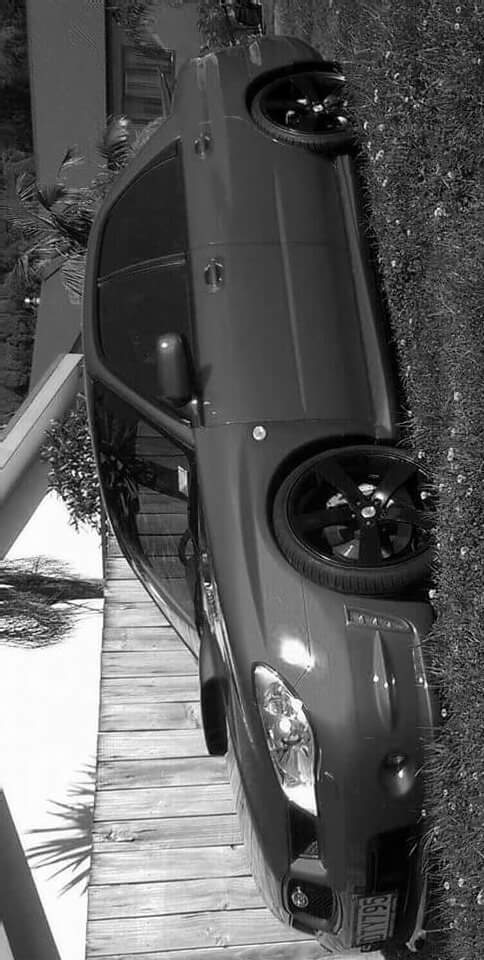
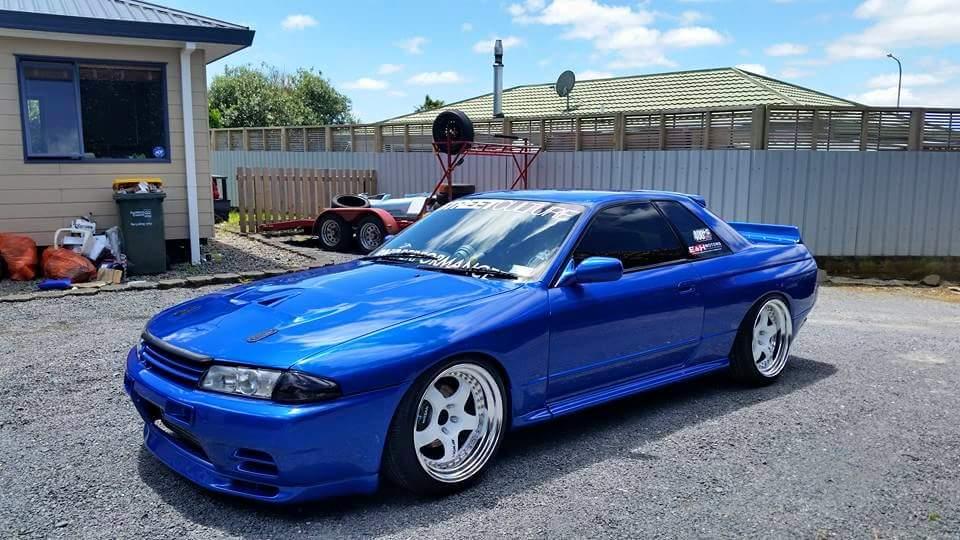
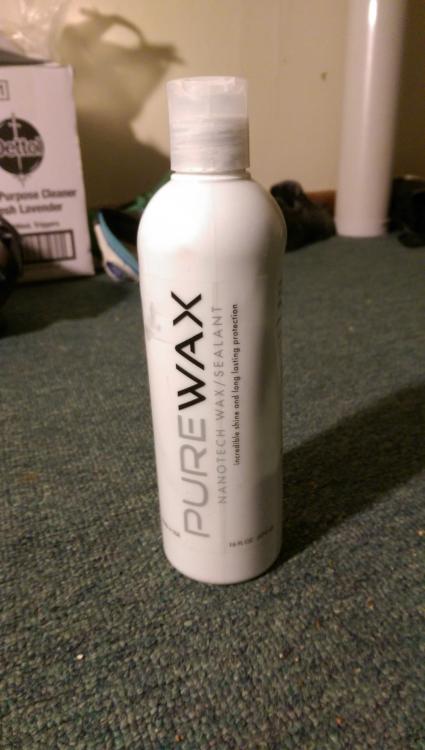
 Hi there,I use this product on my Subaru which is Subaru blue and nothing comes close and to it and I polish my car once a month and it really doesn't need it,also can be used on chrome and glass and has been used on my sons skyline which has won first prize in every show and shine he has entered in this year I pay $80 new Zealand for it.
 -
Thank you I appreciate that..
-
I don't know if this product is available where you members are situated however if you are able to get your hands on it put everything else you have tried in the trash.
-
Hi everyone its nice to part of this group I hope to meet some cool people here and maybe get some advice on the modifications I intend on doing to my Subaru😊