Do Not Sell My Personal Information Jump to content
View in the app

A better way to browse. Learn more.

Subaru Owners Club UK | Subaru Forums

A full-screen app on your home screen with push notifications, badges and more.

To install this app on iOS and iPadOS
  1. Tap the Share icon in Safari
  2. Scroll the menu and tap Add to Home Screen.
  3. Tap Add in the top-right corner.
To install this app on Android
  1. Tap the 3-dot menu (⋮) in the top-right corner of the browser.
  2. Tap Add to Home screen or Install app.
  3. Confirm by tapping Install.

Bill

Members
  • Joined

  • Last visited

  1. Bill replied to Bill's topic in General Subaru Chat
    Filler neck ok,cap ok smells more like it's coming from the front too
  2. Bill posted a topic in General Subaru Chat
    Hi all .has anyone got any ideas as to why I'm getting a stronger smell of full when I come to a stop.the car was ok yesterday but this morning I'm getting this smell is it due to the fact I was !Removed! freezing this morning lol or have I got a problem ?
  3. Bill changed their profile photo
  4. Bill replied to Bill's topic in General Subaru Chat
    I had already look at that and thought I need tyre black lol
  5. Bill replied to Bill's topic in General Subaru Chat
    Off to get wire wool
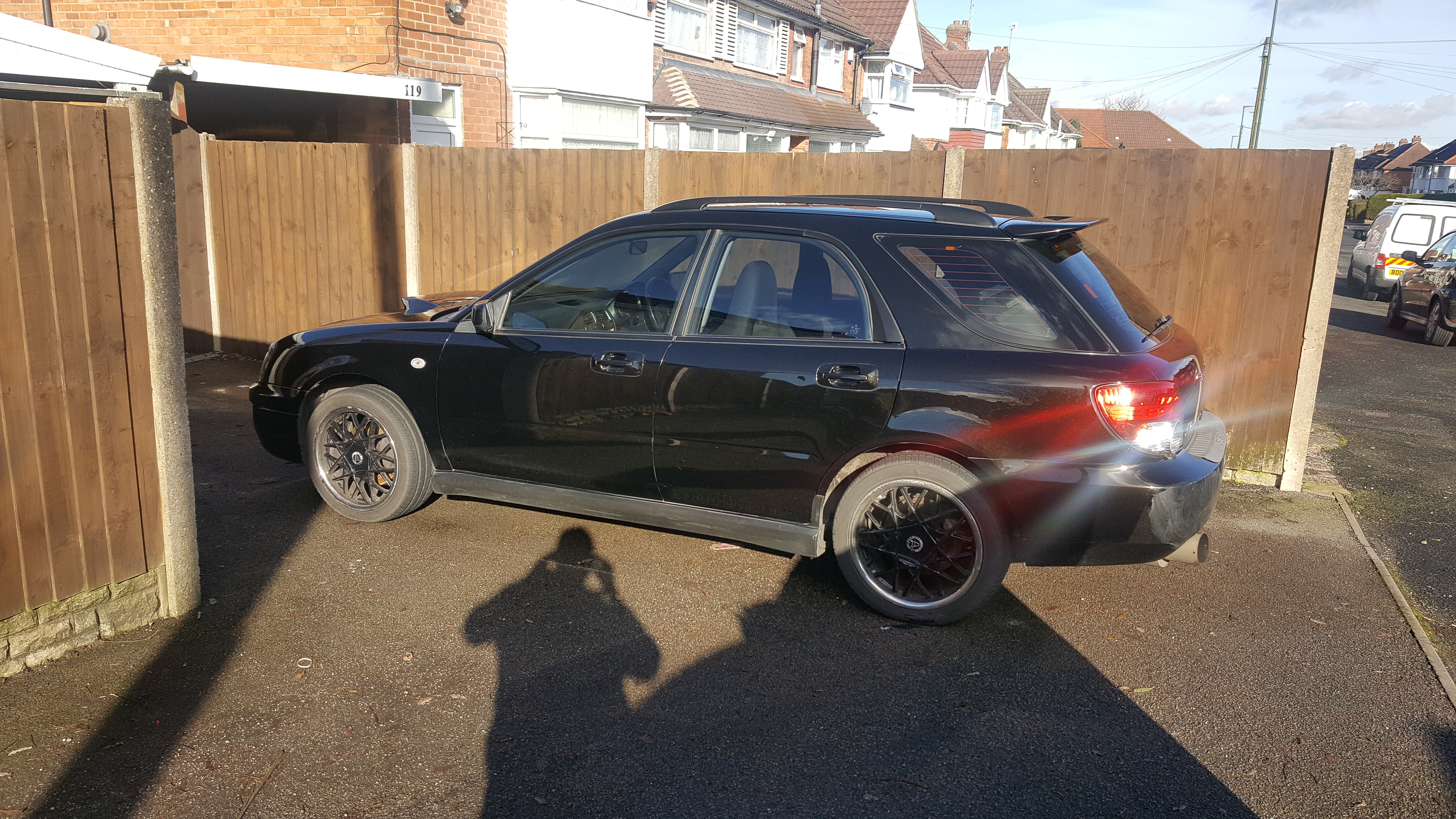
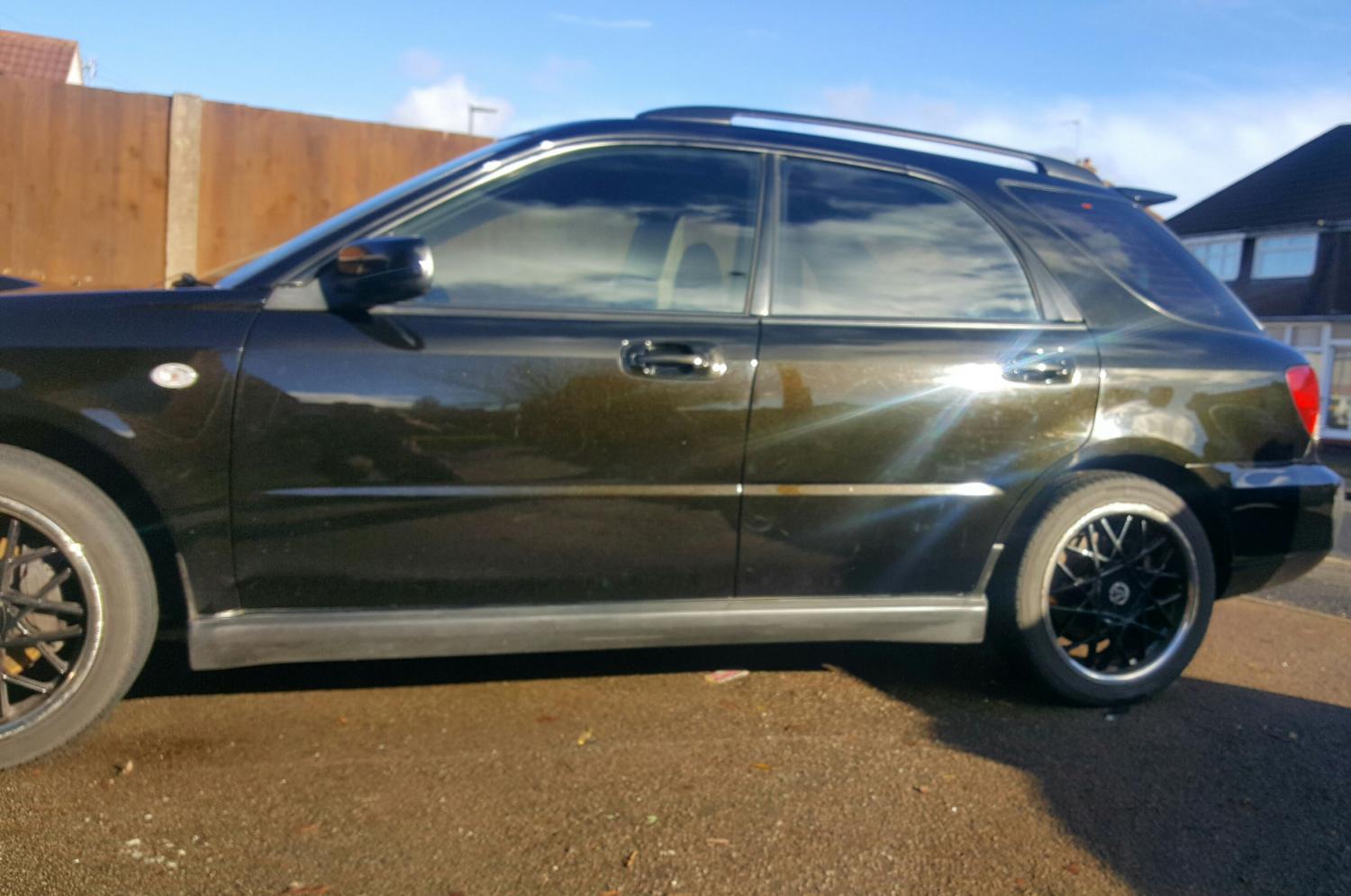
  6. 5 hours of washing and waxing not bad for 14 years old
  7. Bill replied to Bill's topic in General Subaru Chat
    I will have to get a full system and a remap then as I'm looking for a nice improvement in performance
  8. Hi all I have heard several stories about turbo up pipes (the one's with cat in ) if I change mine to an sti version, as I have a 2004 wrx.do I need to get a remap straight away or will the car run ok ?
  9. Hi all . My name is bill and I have had 3 wrx 's now . I currently have a wagon which I think is brilliant . I plan on doing a few things to it when the cash becomes available lol will try and keep you posted ☺

Background Picker
Customize Layout

Configure browser push notifications

Chrome (Android)
  1. Tap the lock icon next to the address bar.
  2. Tap Permissions → Notifications.
  3. Adjust your preference.
Chrome (Desktop)
  1. Click the padlock icon in the address bar.
  2. Select Site settings.
  3. Find Notifications and adjust your preference.