Dabsos
Members
-
Joined
-
Last visited
Everything posted by Dabsos
-
Thanks Tim! That's all I needed.
-
Hello, I'm hoping to change my front gearbox oil, and my rear differential oil for my car, which is... : Subaru Legacy 2.0 RE 2006. The only mod the car has is it's been converted to LPG, and driving style-wise I drive it on the road only. I have been told I should buy this oil for both the LSD and the gearbox - is that right? Also, I have heard that getting the oil into the rear diff can be difficult, so I'm thinking of buying this - would I need anything similar for the front? Thanks for the help and reading this :)
-
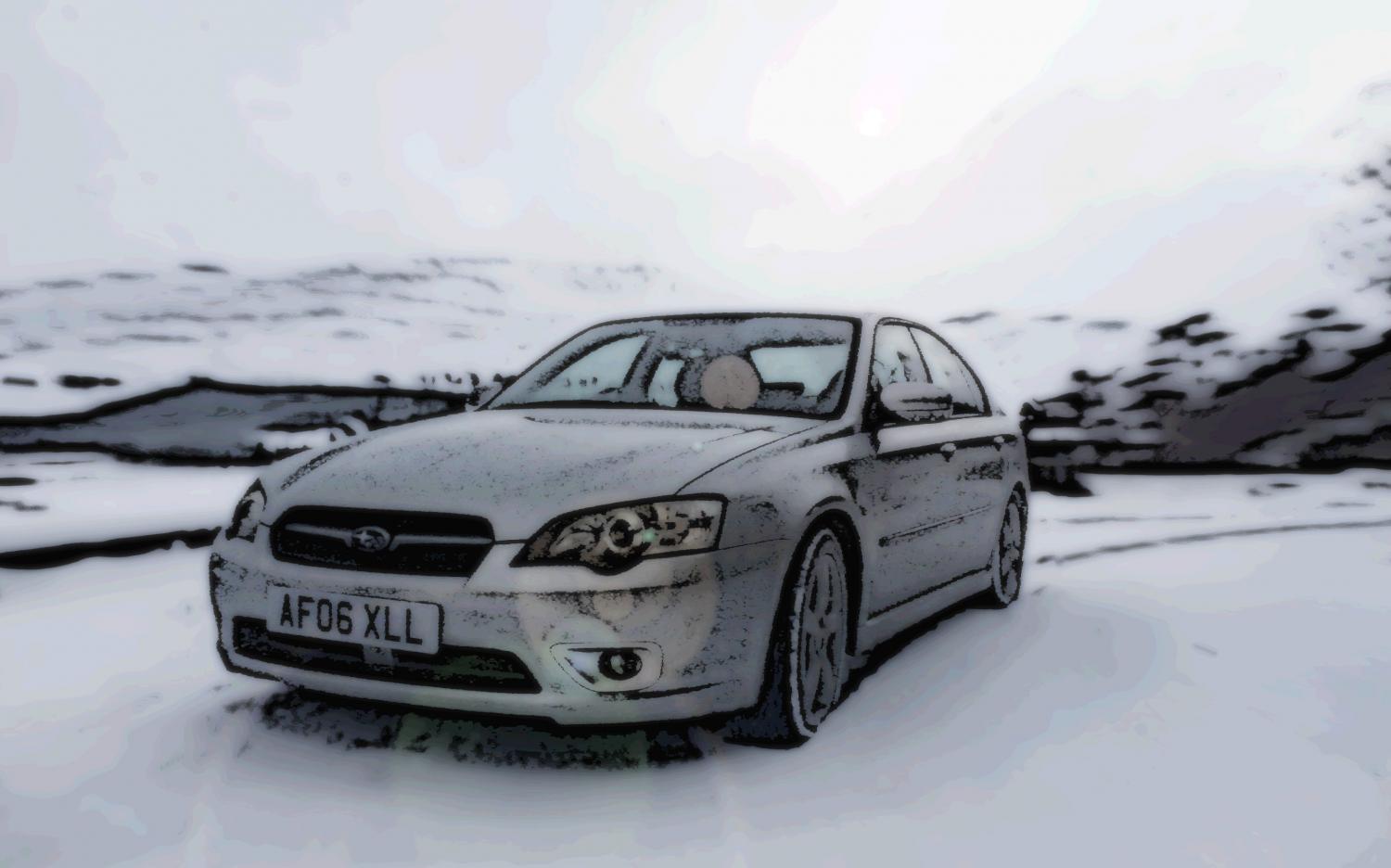
Hello! This summer I bought my first Subaru, a 2006 Legacy saloon. I completely love it, however there is one thing which annoys me. I don't know how to play music from my phone, put in a DAB radio, or make handsfree calls, since the radio and climate control is all one unit. Does anyone have a solution? I've realised it might have to be a custom job, but if anyone has any clue or anything it would be much appreciated! I also was wanted to get an OBDII reader for the car since in the past I have hooked them up to apps on my phone (DashCommand, but maybe there's a preferred one..?) to monitor as many things as possible. Is there a good reader anyone could recommend, and a good app as well? Thanks very much if you read this, and looking forward to being a more active member here :)