
Do Not Sell My Personal Information Jump to content
View in the app

A better way to browse. Learn more.

Subaru Owners Club UK | Subaru Forums

A full-screen app on your home screen with push notifications, badges and more.

To install this app on iOS and iPadOS
  1. Tap the Share icon in Safari
  2. Scroll the menu and tap Add to Home Screen.
  3. Tap Add in the top-right corner.
To install this app on Android
  1. Tap the 3-dot menu (⋮) in the top-right corner of the browser.
  2. Tap Add to Home screen or Install app.
  3. Confirm by tapping Install.

Marky

Members
  • Joined

  • Last visited

  1. Thanks John - Looks like something I could do...
  2. How easy was it to fit the horn upgrade? I don't mind the mechanical bits but wasn't sure about wiring-in and fitting a new solenoid!
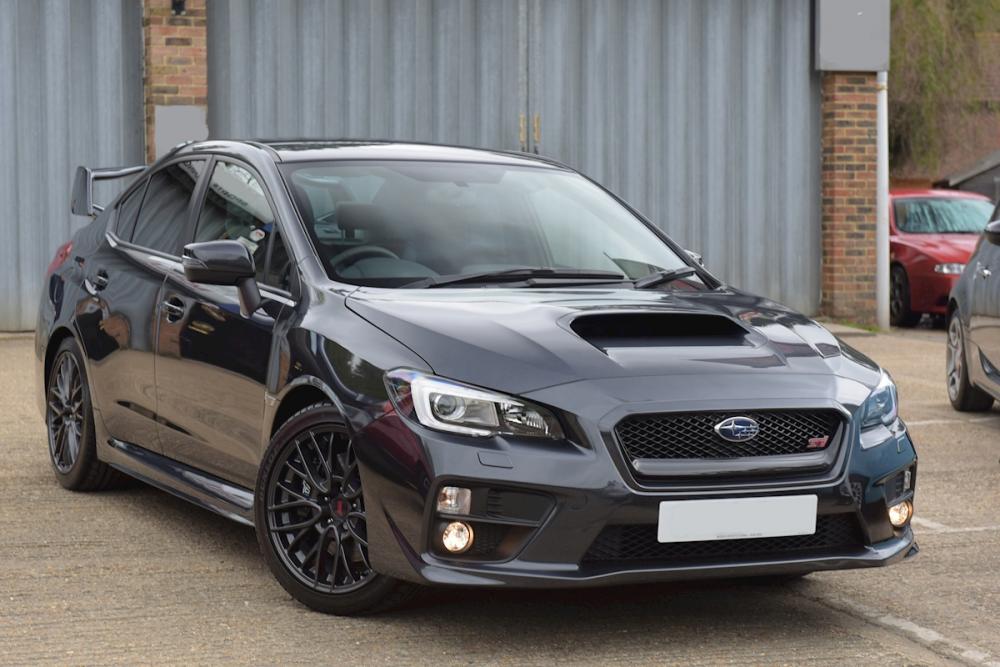
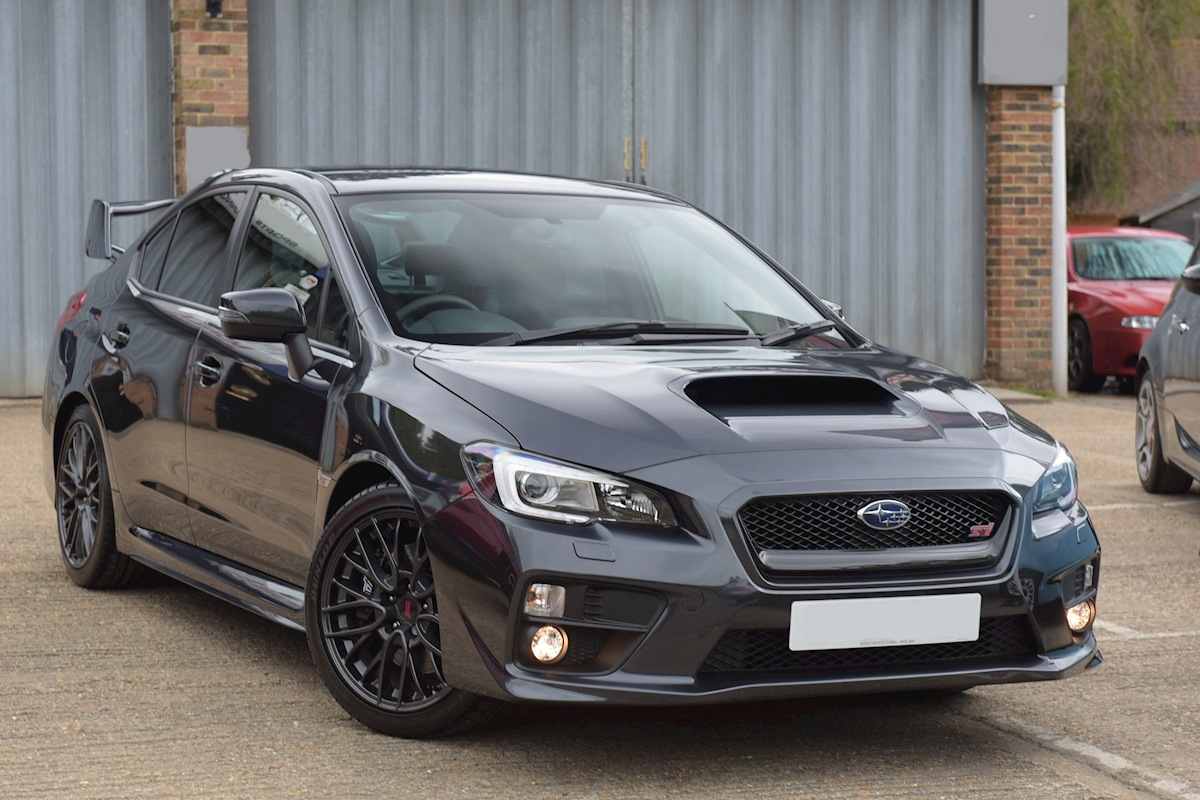
  3. Morning all, Took delivery of my first Subaru yesterday - a 2016 WRX STi, dark grey with 1300 miles on the clock. Like many others, I have always wanted one but life got in the way. Now my mid-life crisis has kicked in, I thought 'Now or never' so here we are.. Loving the handling, couldn't stop checking it out on the driveway yesterday and have just got a bit upset because it rained and now she's wet! Only thing I'm not happy with is the header unit - it's the one without sat nav. I can't seem to like the Starlink system so was thinking of perhaps upgrading it to a sat nav version with Apple CarPlay - anyone recommend a good HU that can be fitted and yet keep all the steering wheel controls etc? Ta, Mark
Background Picker
Customize Layout

Account

Navigation

Search

Configure browser push notifications

Chrome (Android)
  1. Tap the lock icon next to the address bar.
  2. Tap Permissions → Notifications.
  3. Adjust your preference.
Chrome (Desktop)
  1. Click the padlock icon in the address bar.
  2. Select Site settings.
  3. Find Notifications and adjust your preference.