Aldeburgh
Members
-
Joined
-
Last visited
-
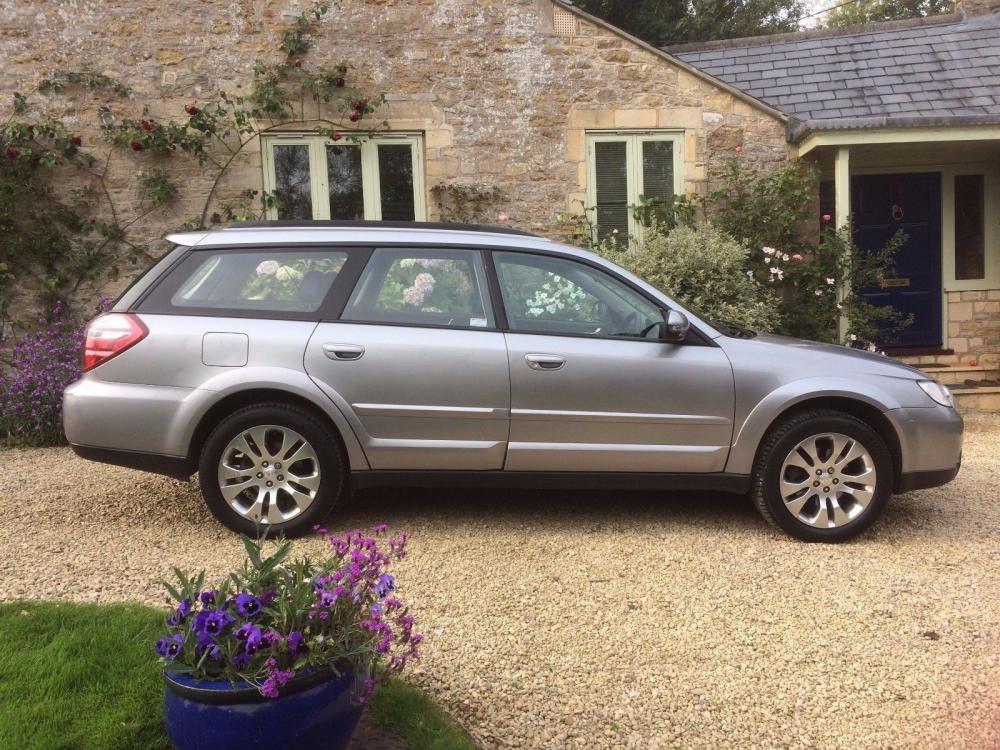
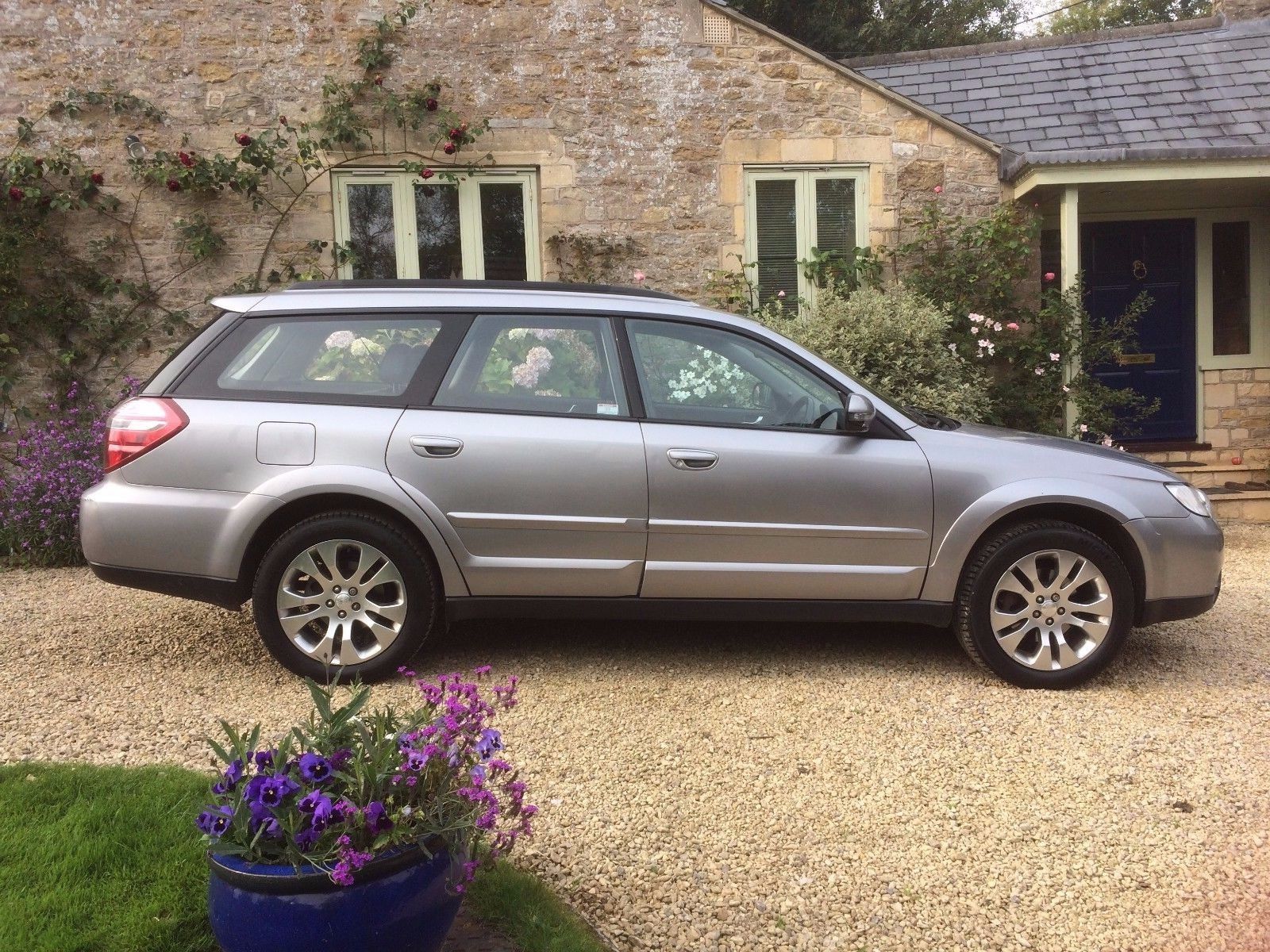
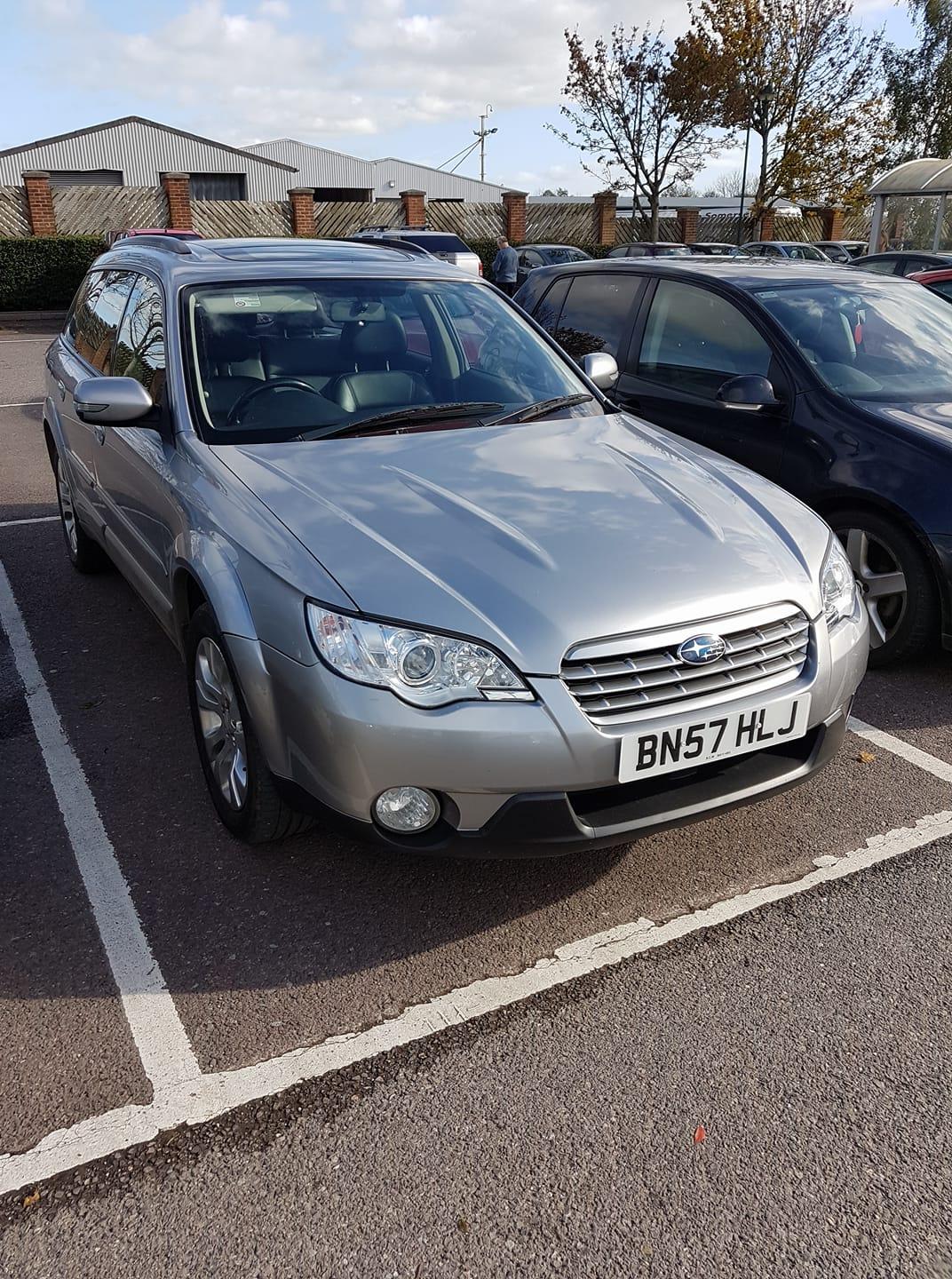
Kudos to Subaru - they've come back already with the colour and it's Steel Silver Metallic which isn't one of those mentioned in the brochure.

-
Aldeburgh changed their profile photo
-
Thanks, based on that it looks like it may well be Urban Grey. Nice to know there's at least one more around locally.
-
Thanks. It looks as though that label is missing from my car. I can see where it should be on the strut tops but there's nothing there (or on the doors). I wonder if Subaru could tell from the VIN.
-
Hi, After forty years of driving other things I've just got my first Subaru. It's a 2007 Outback 3.0 with just over 100k on the clock. First impressions are great - really impressed with the way it handles (and the "Go Faster" button on the steering wheel). I hope to be able to contribute to the forums once I know a bit more about the car but I'll start with a question. What colour is it? It looks silvery but says Grey on the V5. I can't find a paint code anywhere on it. There are a lot of minor dings/scratches that need sorting out so I want to get the correct colour. Have added a picture if it helps. Many thanks, Richard