
Skip to content
View in the app

A better way to browse. Learn more.

Subaru Owners Club UK | Subaru Forums

A full-screen app on your home screen with push notifications, badges and more.

To install this app on iOS and iPadOS
  1. Tap the Share icon in Safari
  2. Scroll the menu and tap Add to Home Screen.
  3. Tap Add in the top-right corner.
To install this app on Android
  1. Tap the 3-dot menu (⋮) in the top-right corner of the browser.
  2. Tap Add to Home screen or Install app.
  3. Confirm by tapping Install.

highrouleur

Members
  • Joined

  • Last visited

Everything posted by highrouleur

  1. Thanks, will have a play with that over the weekend!
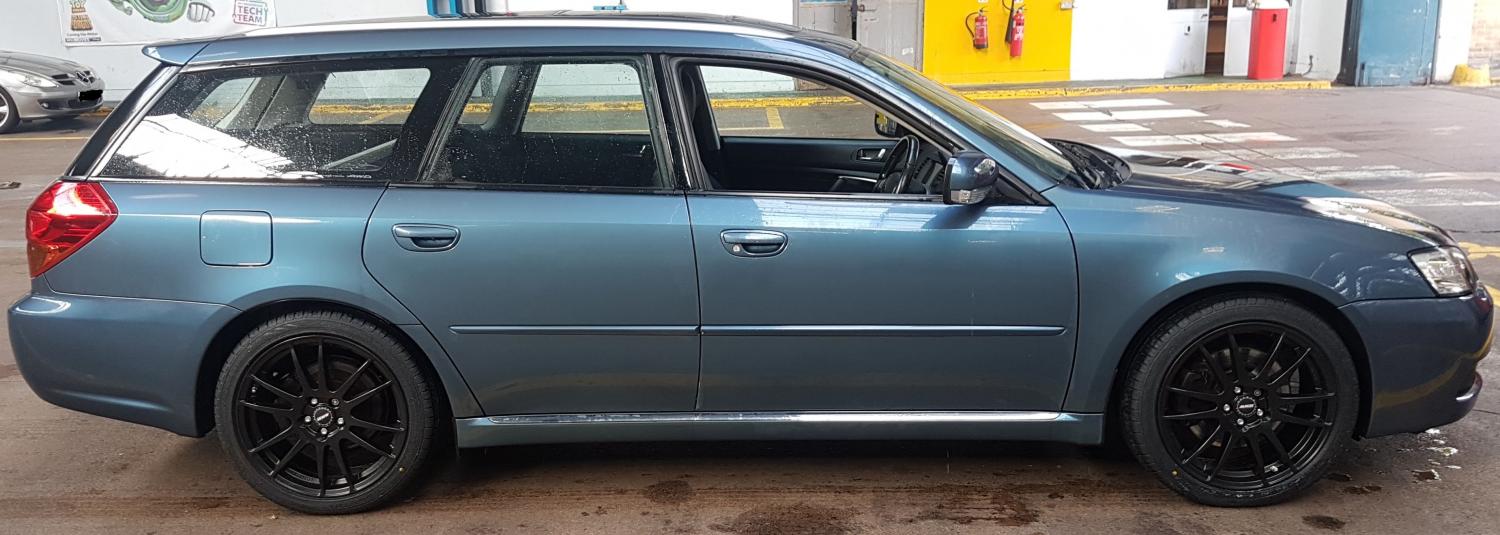
  2. Obligatory new here so apologies if this is in wrong area, had a look and couldn't see a specific technical help section? Car is a 2006 Legacy 3.0 spec B, I've had it a few months but didn't come with a manual so had to figure things out for myself. One of it's quirks is that if the doors have been unlocked for more than about a minute, the car won't start, so I have to use the keyfob to lock then unlock before the engine will fire up. Not sure if it's supposed to be a security feature, and it's not a huge issue but is mildly annoying so I was wondering if it's a setting that can be altered? Have tried googling without much luck, so wondered if it anyone might be able to help please?
Background Picker
Customize Layout

Account

Navigation

Search

Search

Configure browser push notifications

Chrome (Android)
  1. Tap the lock icon next to the address bar.
  2. Tap Permissions → Notifications.
  3. Adjust your preference.
Chrome (Desktop)
  1. Click the padlock icon in the address bar.
  2. Select Site settings.
  3. Find Notifications and adjust your preference.