sneakypeek
Members
-
Joined
-
Last visited
Everything posted by sneakypeek
-
-
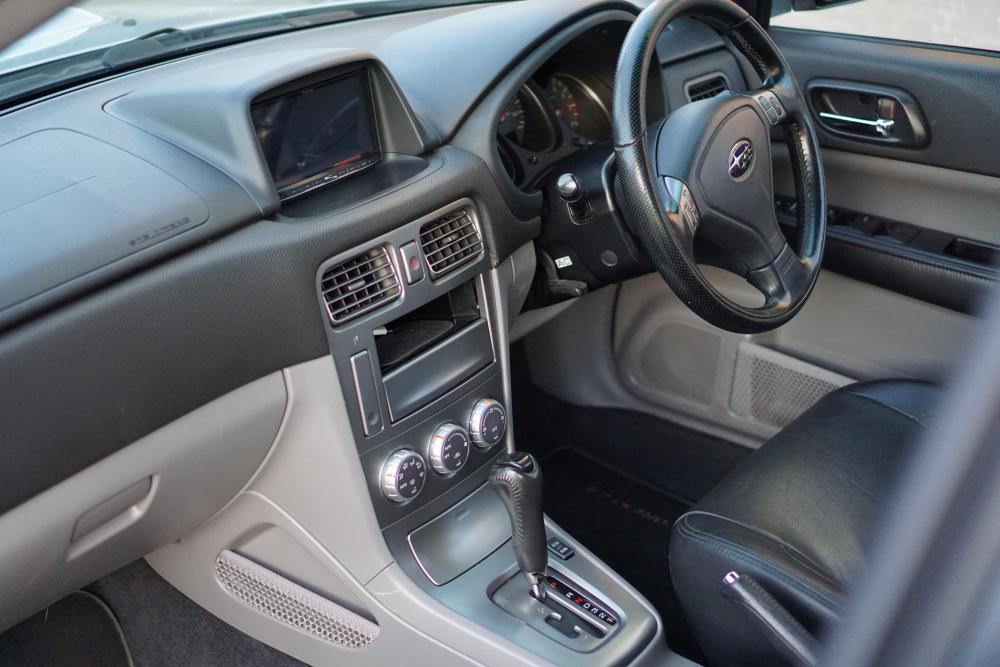
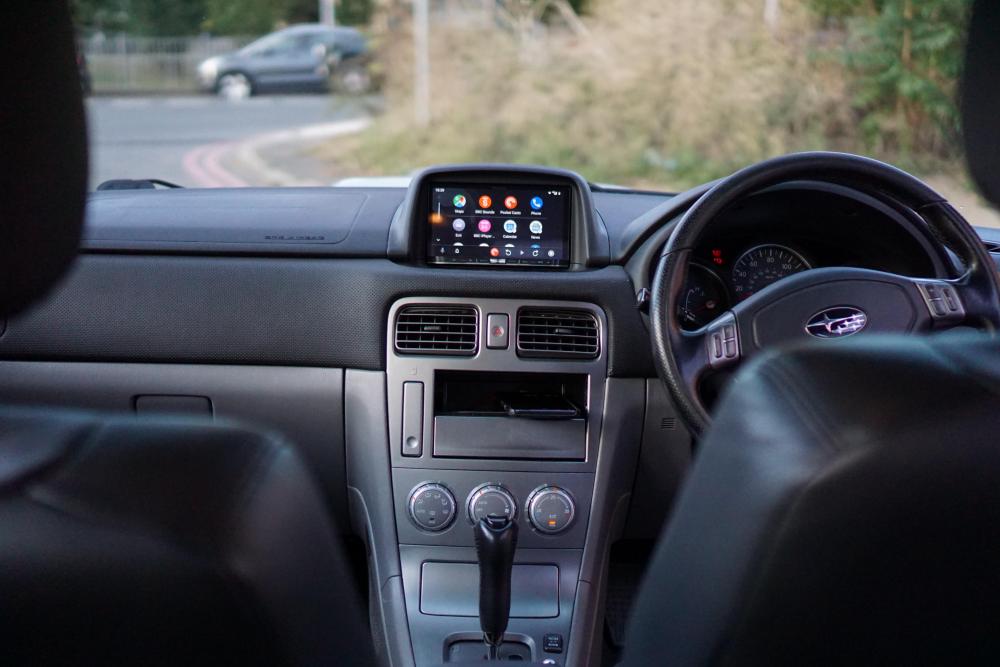
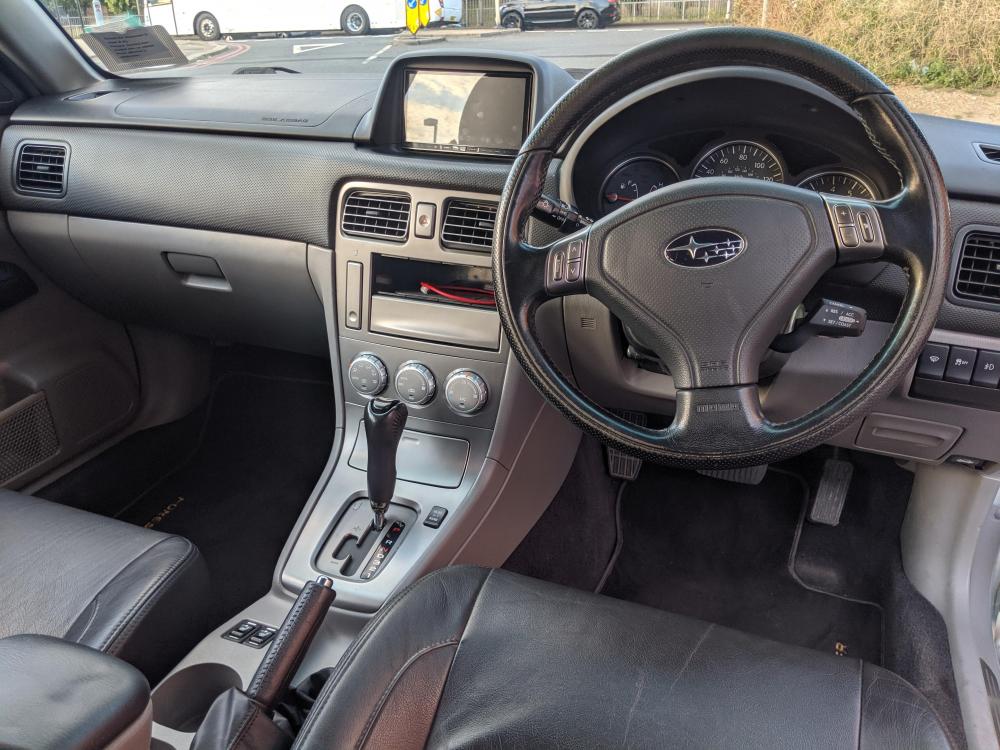
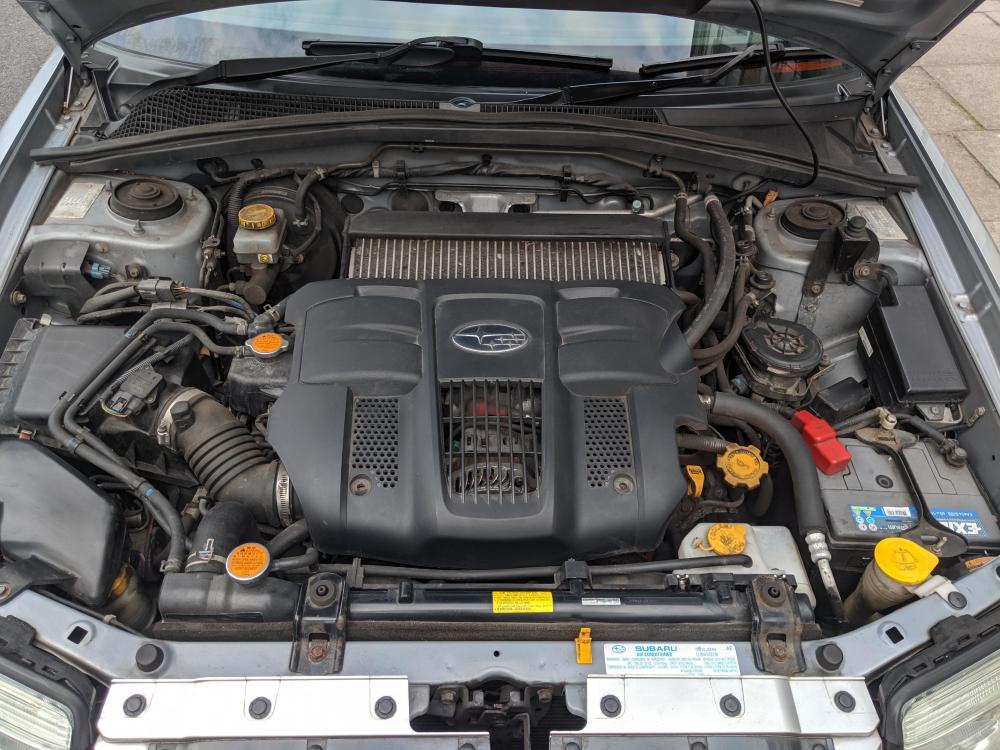
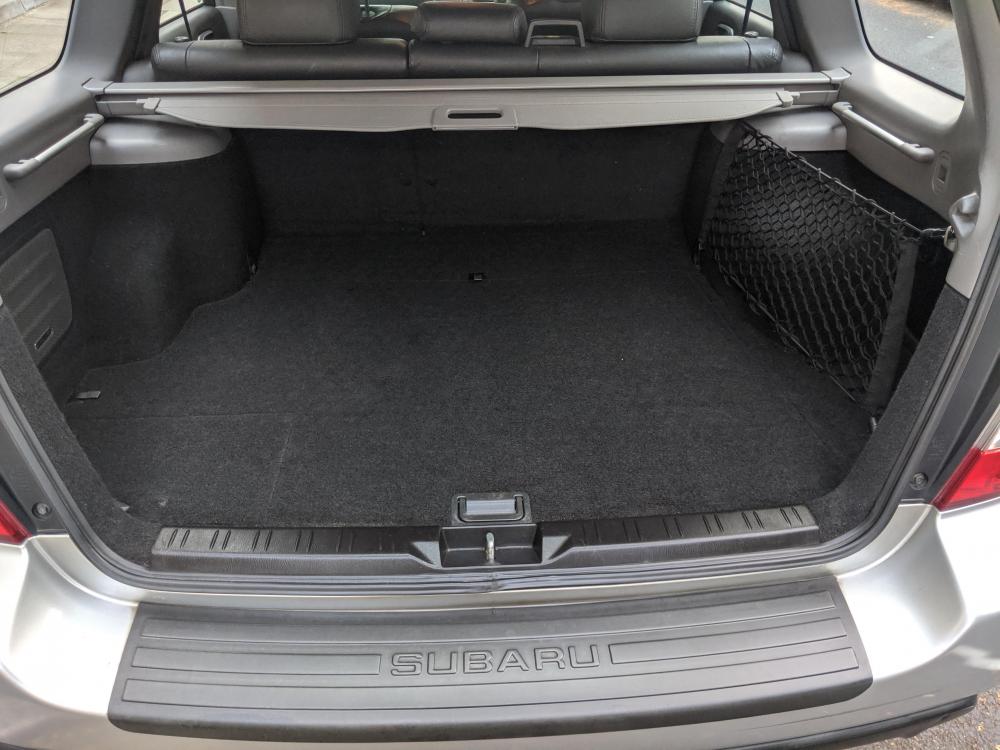
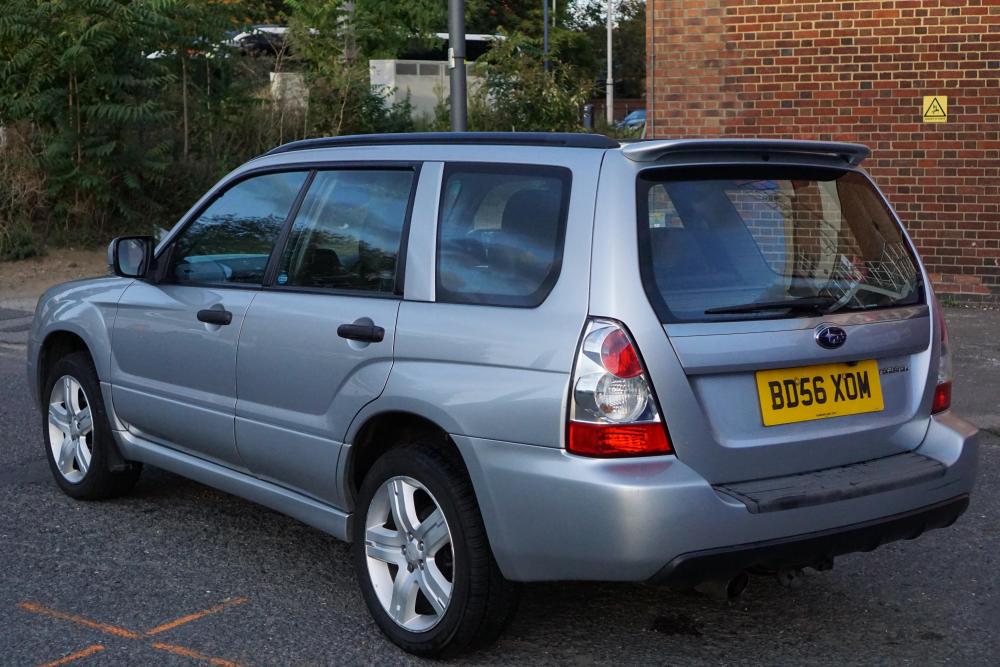
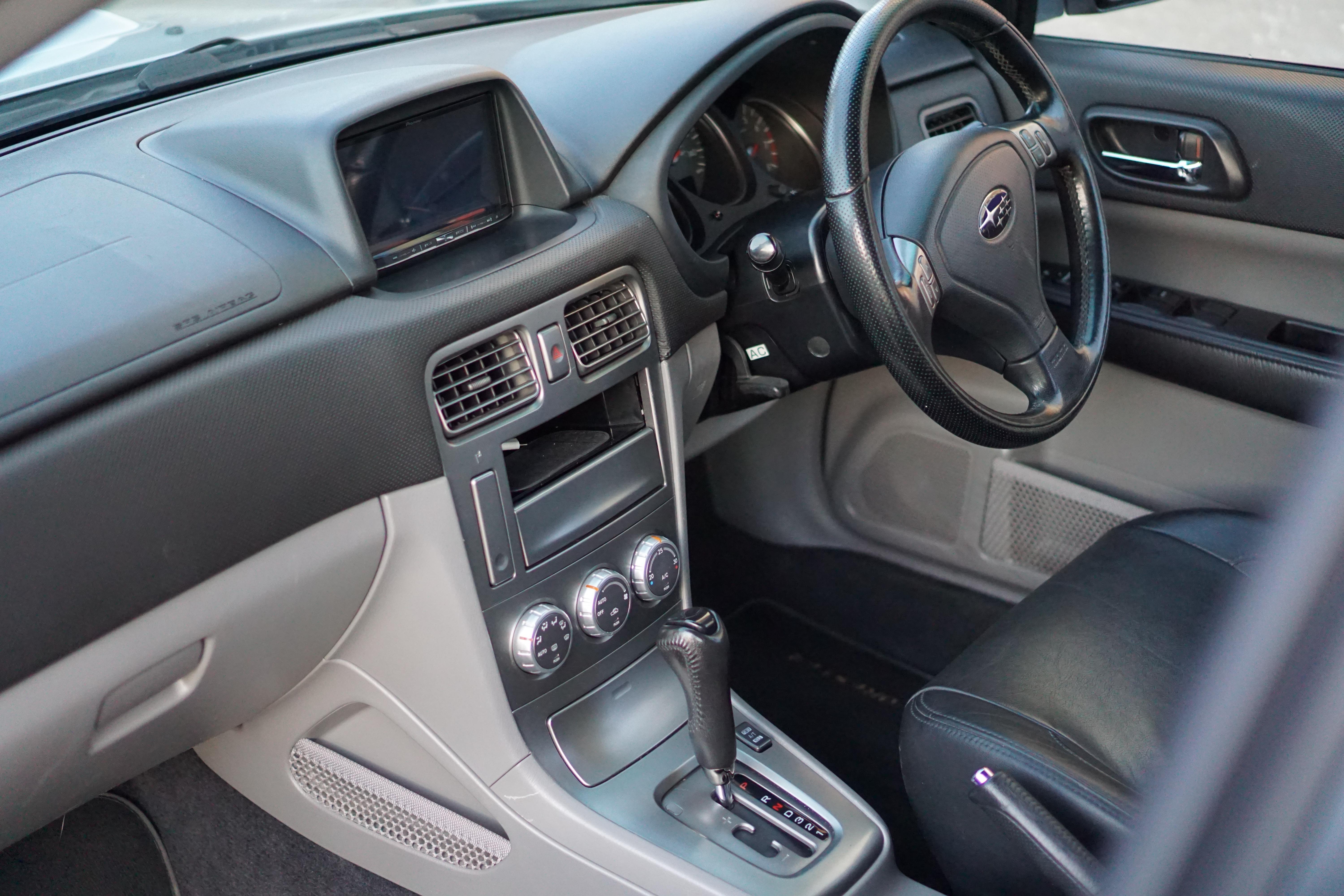
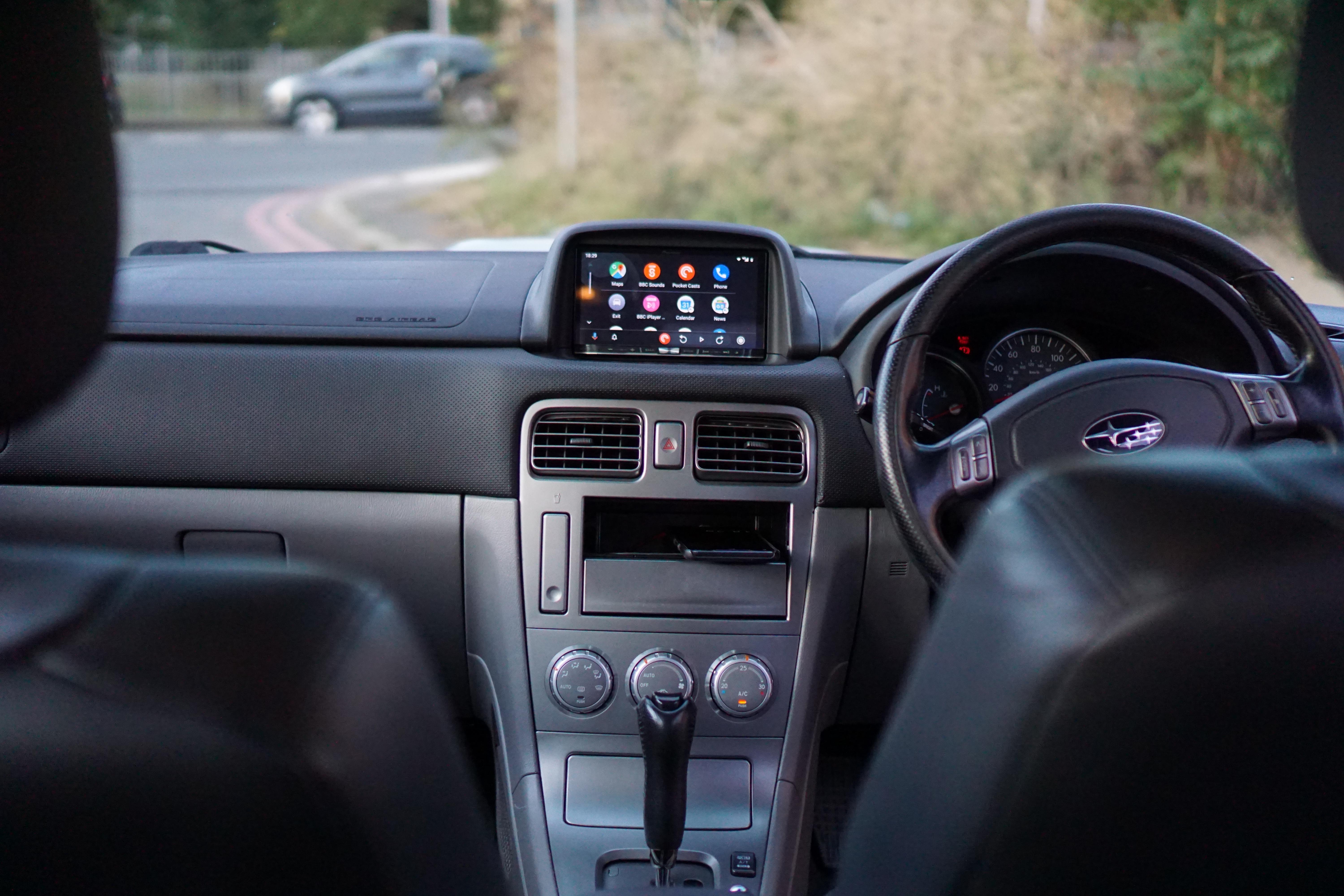
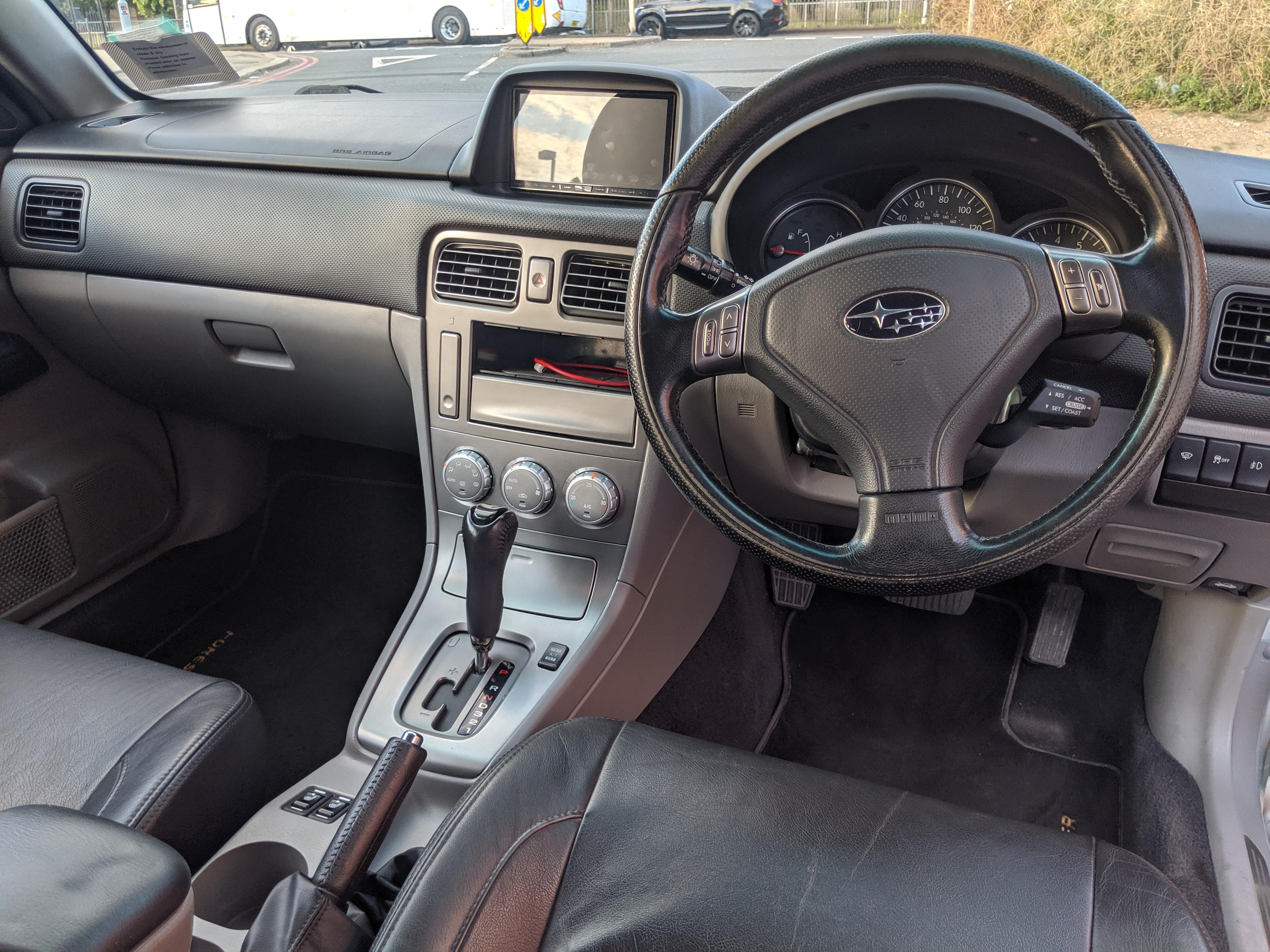
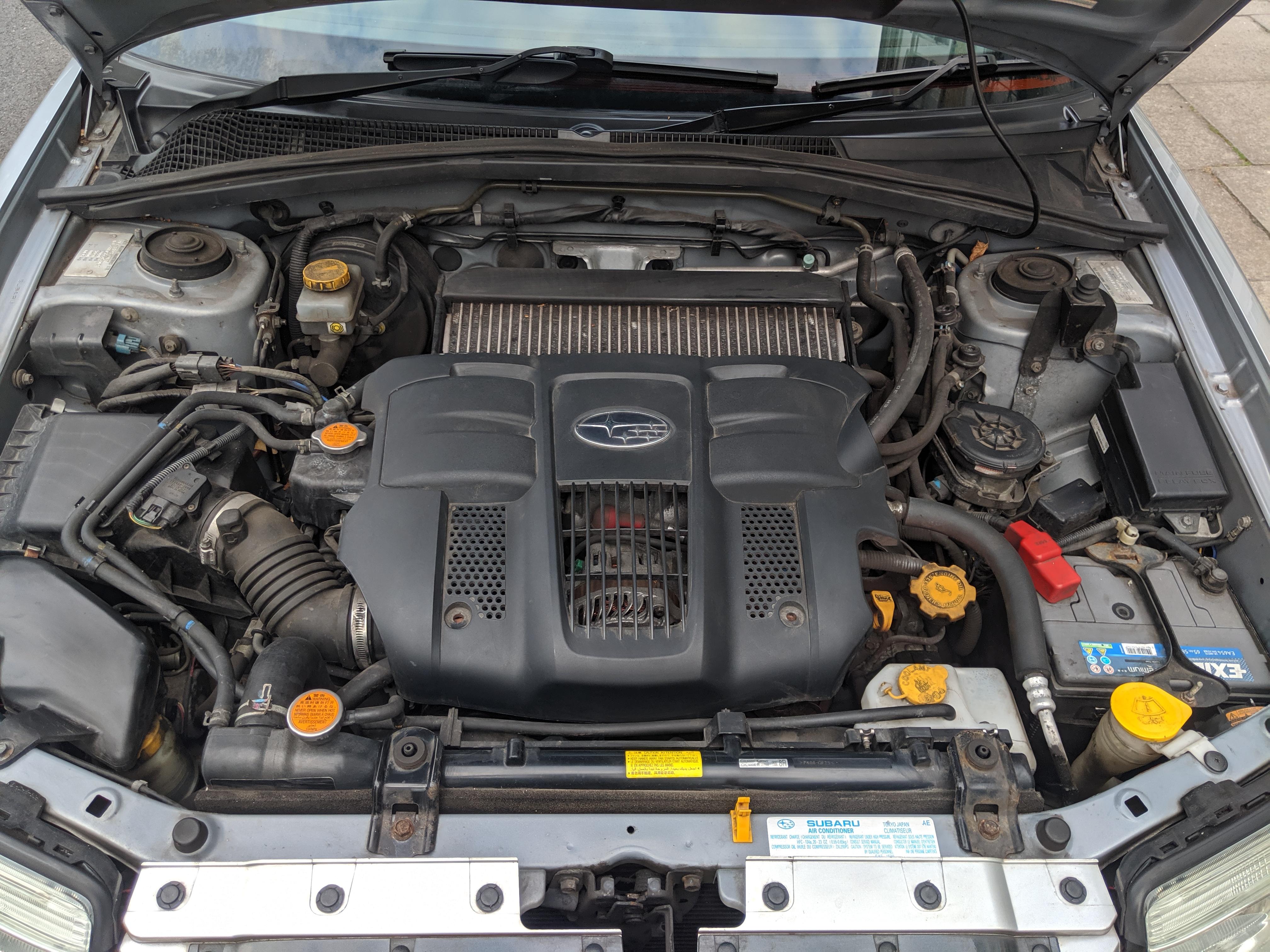
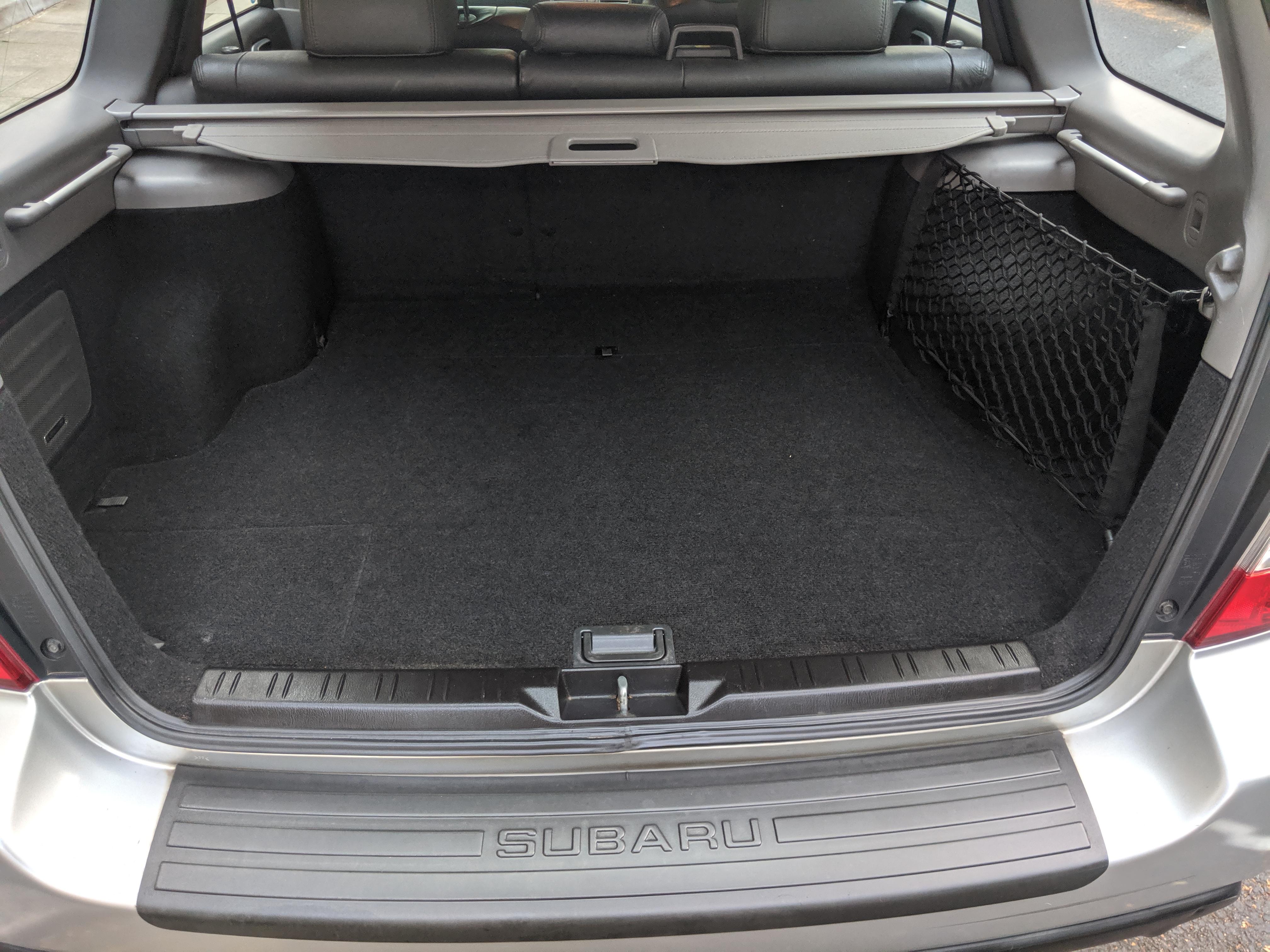
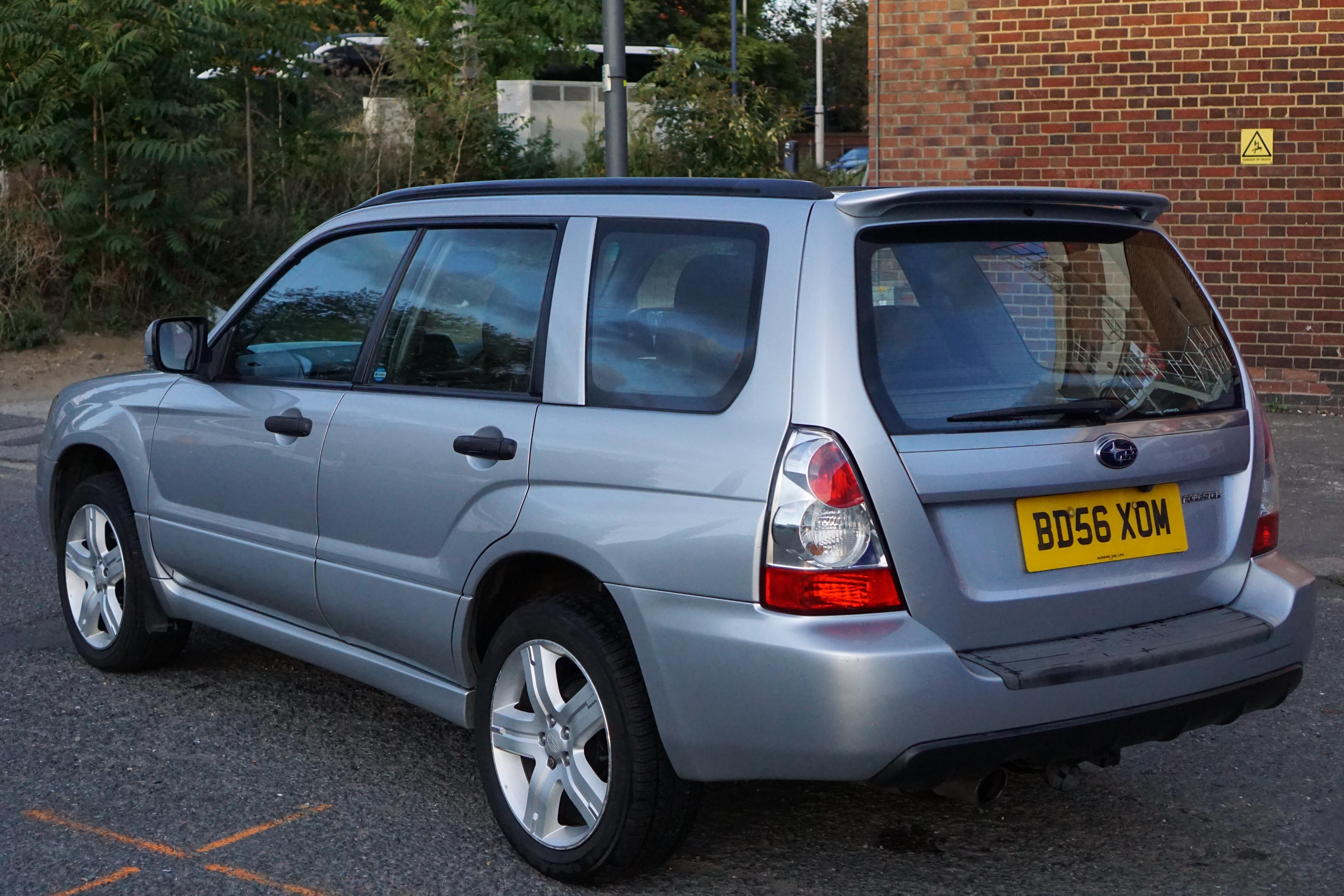
Sadly selling my Forester as it's being replaced with a more sensible (economical) family estate.. It's in superb condition throughout and has been very carefully cared for by myself. No rust, very few scratches on the bumpers, interior is very good too. Everything works on it and it doesn't have any issues. When things have needed doing I've done them. Vehicle is in Barons Court in London, please contact me to view. £4,995 ONO Also on ebay here: https://www.ebay.co.uk/itm/223664356020 More pictures here Timing belt done in December 3 owners (incl me) MOT till January 2020 Full service history Excellent condition throughout, just the odd stone chip and light bumper scrape, interior is excellent too 2 keys Ecotec tune to 250bhp with dyno print outs Upgraded with a Pioneer Avic F77DAB head unit (this was an £800 upgrade) DAB radio Android auto Apple Car Play Sat nav Bluetooth Reversing camera Integration with steering wheel controls Usual XT stuff: Air conditioning Heated leather seats Cruise control Electric windows all round Power outlet in boot Remote central locking I'll also include: the original CD player and trim pocket. Tow bar included (ball not currently fitted but comes with it) Set of mats and rubber boot liner