Do Not Sell My Personal Information Jump to content
View in the app

A better way to browse. Learn more.

Subaru Owners Club UK | Subaru Forums

A full-screen app on your home screen with push notifications, badges and more.

To install this app on iOS and iPadOS
  1. Tap the Share icon in Safari
  2. Scroll the menu and tap Add to Home Screen.
  3. Tap Add in the top-right corner.
To install this app on Android
  1. Tap the 3-dot menu (⋮) in the top-right corner of the browser.
  2. Tap Add to Home screen or Install app.
  3. Confirm by tapping Install.

Zemerz

Members
  • Joined

  • Last visited

Everything posted by Zemerz

  1. Welcome mate. I'm in East (Chingford) so could link up if you want.
  2. Hey bud, did you get proof of forged build with paperwork? Any receipts for parts used? That's a good start aswell then you'll know what should be in there.
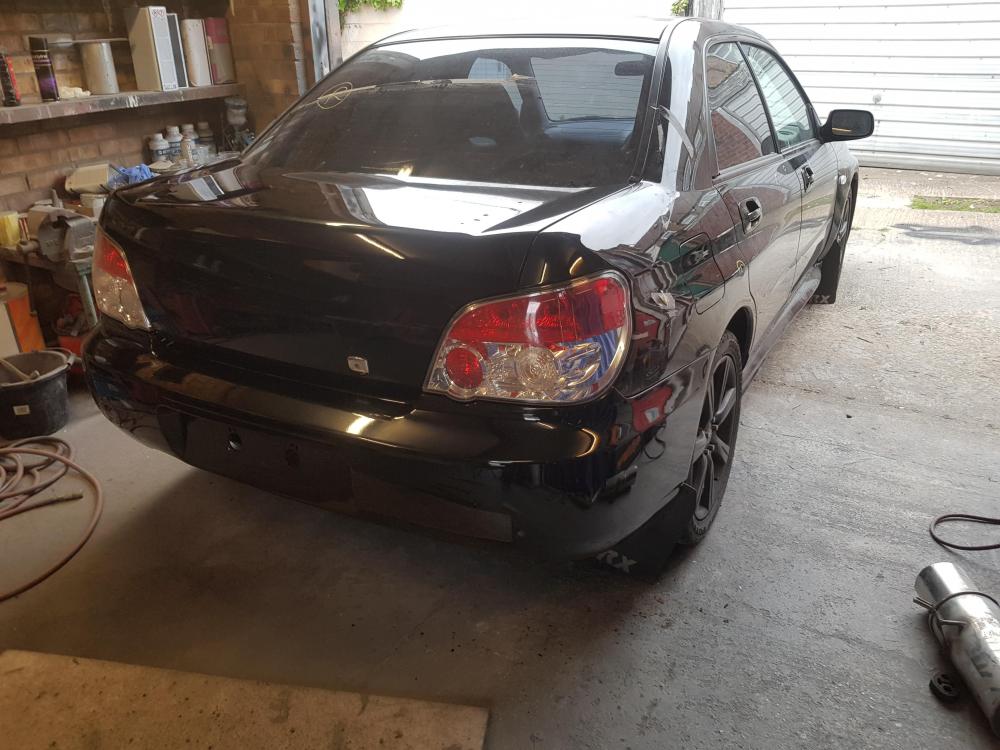
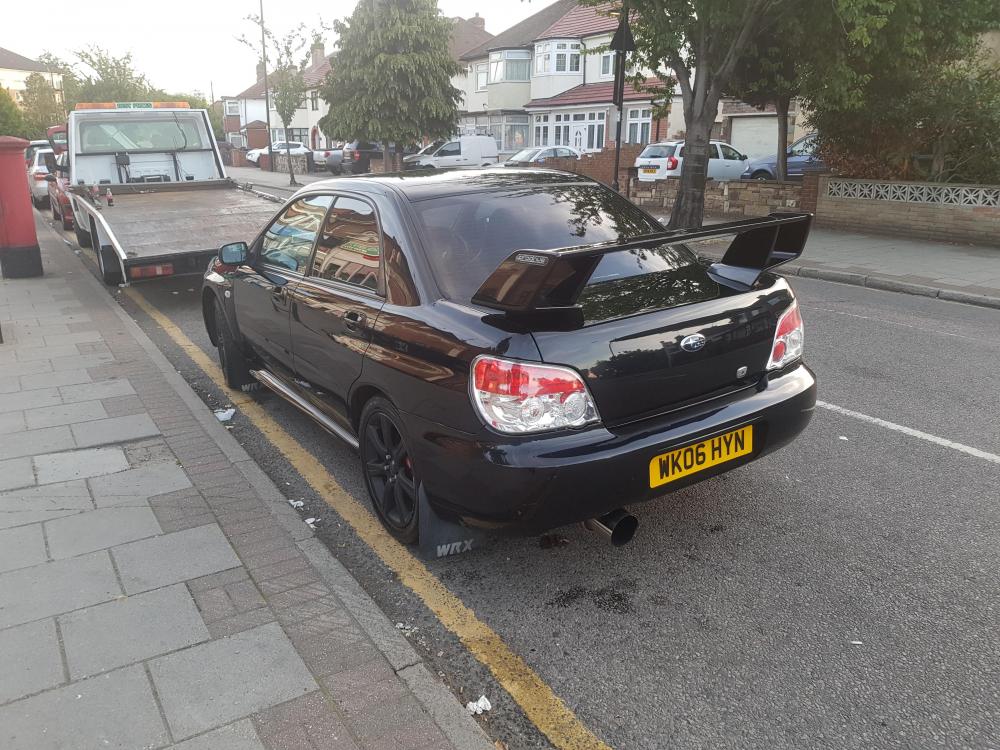
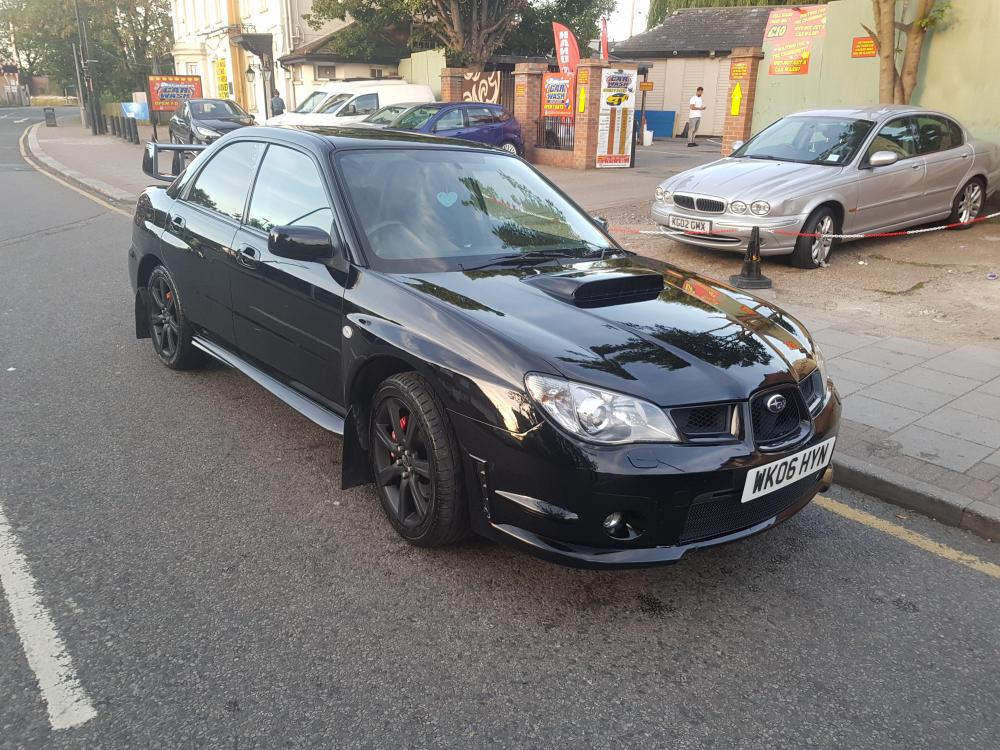
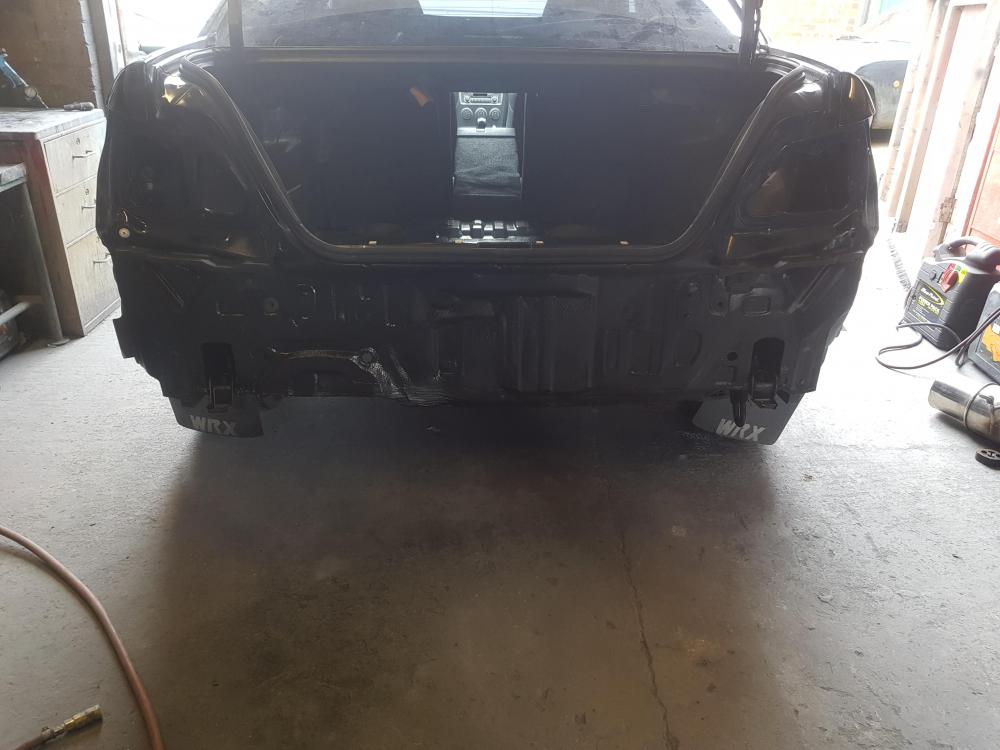
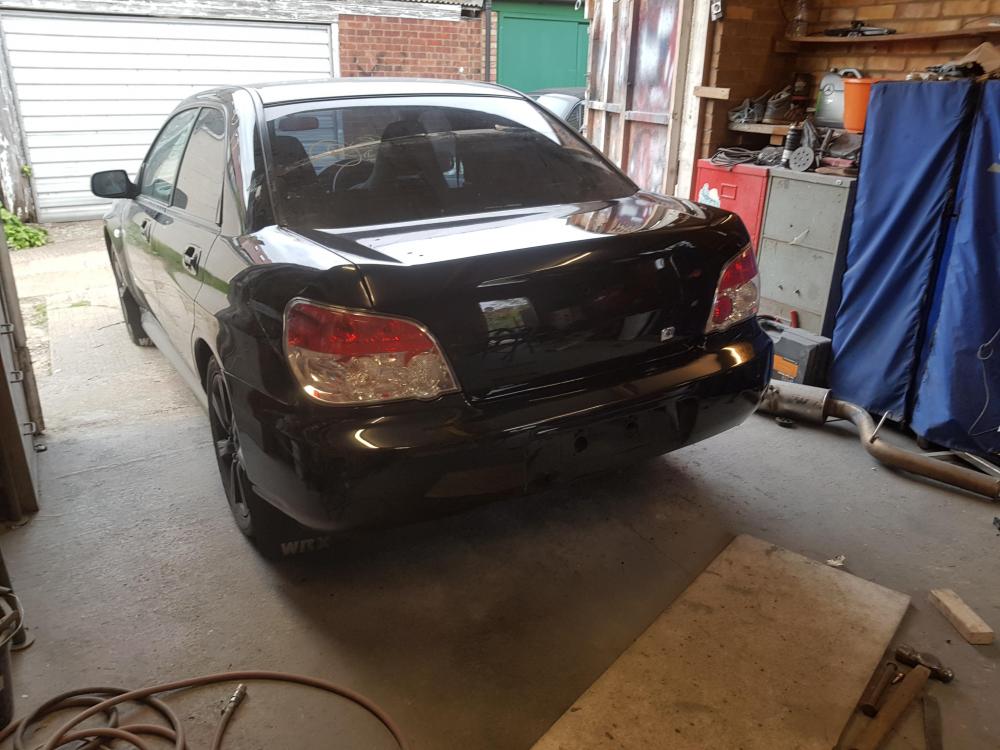
  3. Hey guys. New to the forums but been a Scooby owner for 1 year now! I bought a 2006 Impreza WRX SL from auction as salvage. I intended to repair and sell, however after using it for around 1 month I couldn't let it go! It also started overheating, so after eliminating all of the cheaper, easier possibilities, turns out headgaskets are gone 😂 So once fixed it'll be my daily. I'll set up a build thread soon. Currently busy with my Toyota Starlet build which has been ongoing from 2013 😂😂
Background Picker
Customize Layout

Configure browser push notifications

Chrome (Android)
  1. Tap the lock icon next to the address bar.
  2. Tap Permissions → Notifications.
  3. Adjust your preference.
Chrome (Desktop)
  1. Click the padlock icon in the address bar.
  2. Select Site settings.
  3. Find Notifications and adjust your preference.