




Do Not Sell My Personal Information Jump to content
View in the app

A better way to browse. Learn more.

Subaru Owners Club UK | Subaru Forums

A full-screen app on your home screen with push notifications, badges and more.

To install this app on iOS and iPadOS
  1. Tap the Share icon in Safari
  2. Scroll the menu and tap Add to Home Screen.
  3. Tap Add in the top-right corner.
To install this app on Android
  1. Tap the 3-dot menu (⋮) in the top-right corner of the browser.
  2. Tap Add to Home screen or Install app.
  3. Confirm by tapping Install.

Salto

Members
  • Joined

  • Last visited

Everything posted by Salto

  1. Both true! Cheers for the advice!
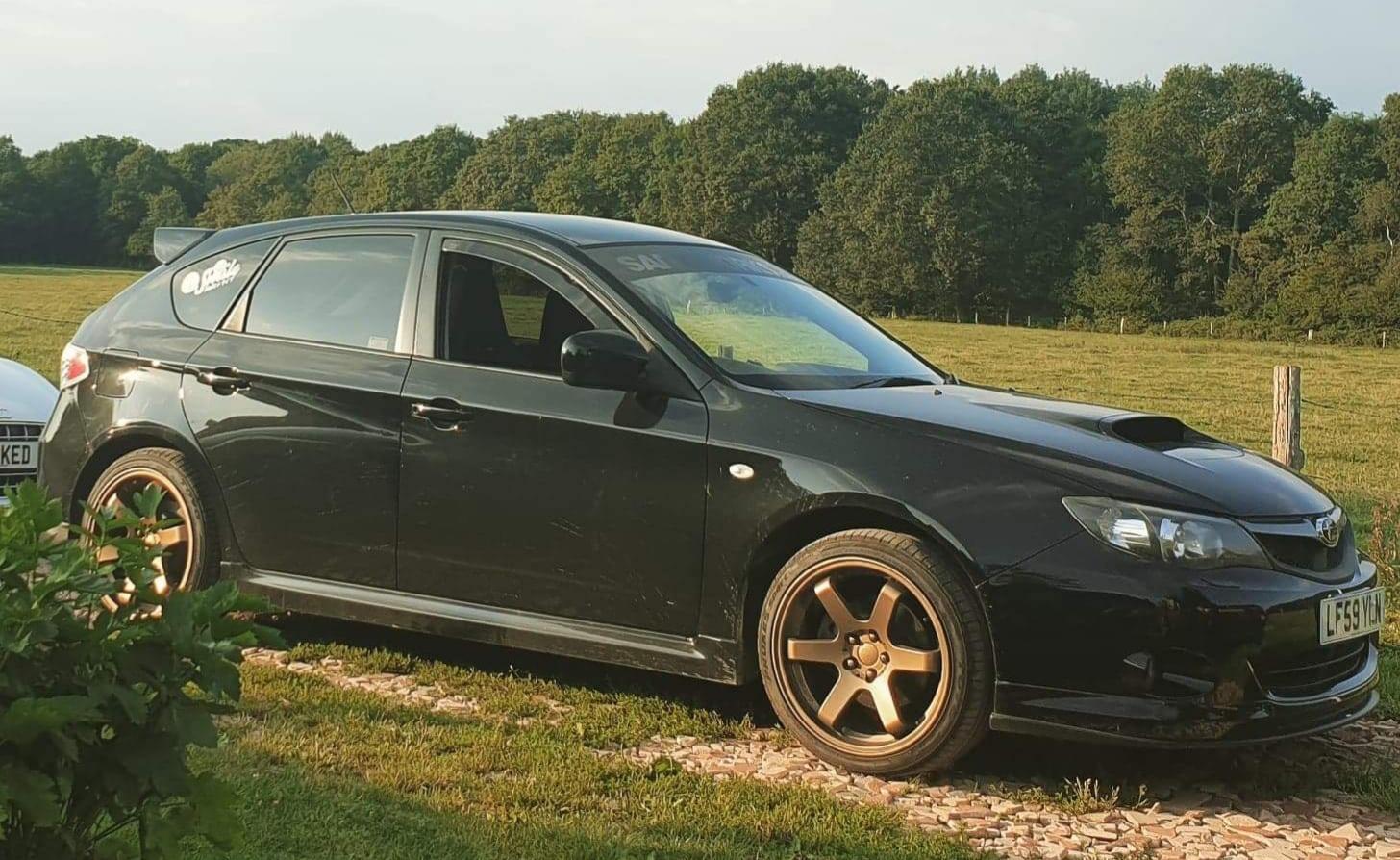
  2. It's got WRX-S on the V5, I'm the second owner and got it as stock no mods at all. any other way I can double check that it is the correct model? Bought from a garage so I could have some sway in going back to them and whinging a bit 😄
  3. Hi guys, Got an interesting dilemma - I've got a Impreza WRX-S 2009 Hatch, I've gone to get it mapped and its showing the stock map file of a WRX instead of the prodrive tune... So it's running 225bhp (WRX power) on the dyno instead of 250bhp, anyone know of anything like this happening? Cheers!
Background Picker
Customize Layout

Account

Navigation

Search

Configure browser push notifications

Chrome (Android)
  1. Tap the lock icon next to the address bar.
  2. Tap Permissions → Notifications.
  3. Adjust your preference.
Chrome (Desktop)
  1. Click the padlock icon in the address bar.
  2. Select Site settings.
  3. Find Notifications and adjust your preference.