RLawson
Members (FB)
-
Joined
-
Last visited
Everything posted by RLawson
-
Not sure yet, depends how much I get for this car. It's been an incredible car to own and drive, Just looking for a change.
-
I have received quotes from dealers around the £5250-£5500 mark which I think is reasonable for the equipment, age and mileage on the car. Any questions please ask.
-
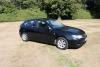
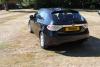
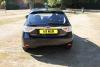
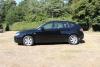
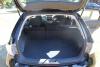
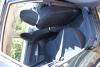
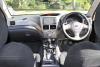
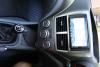
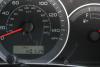
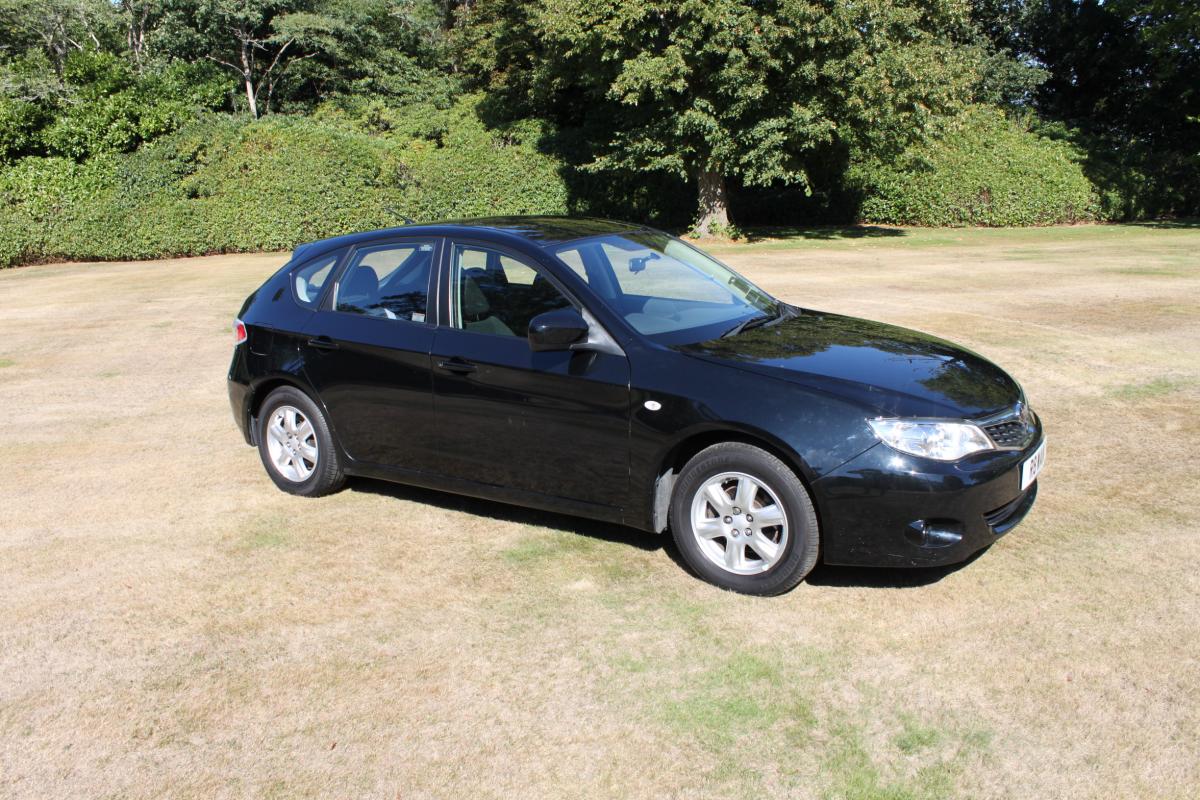
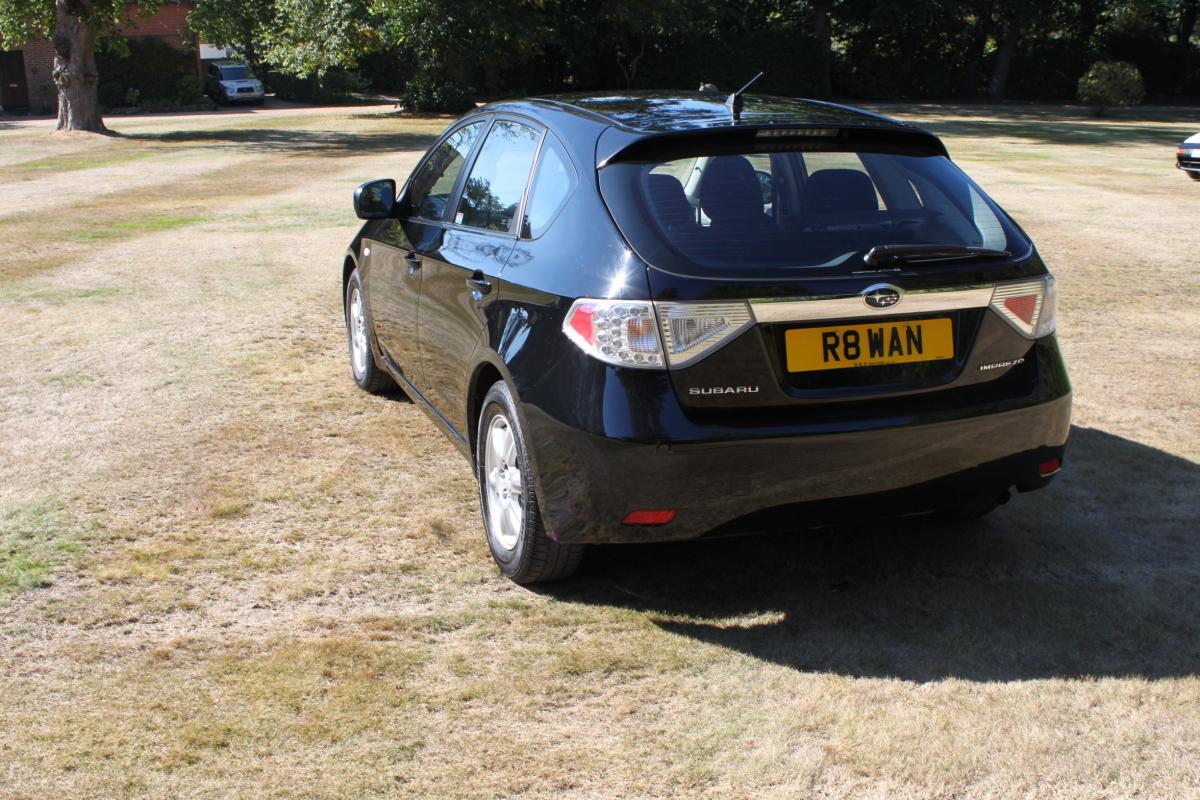
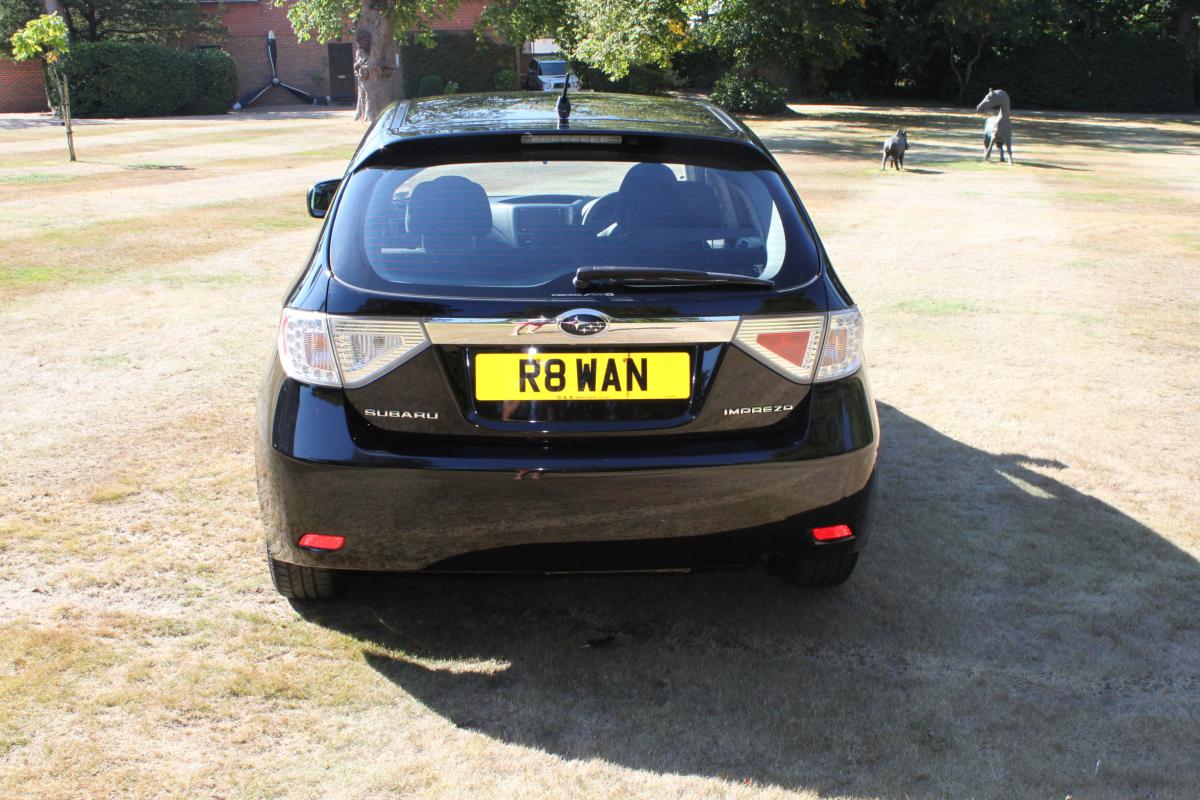
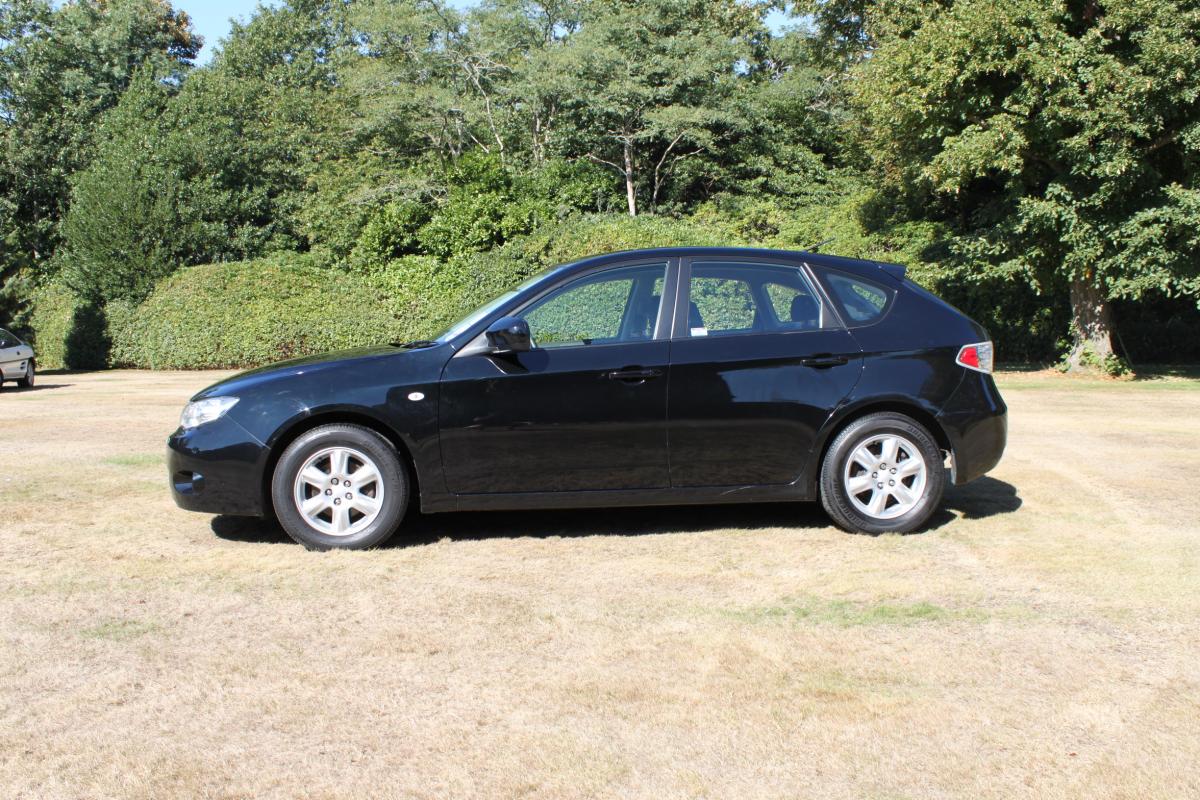
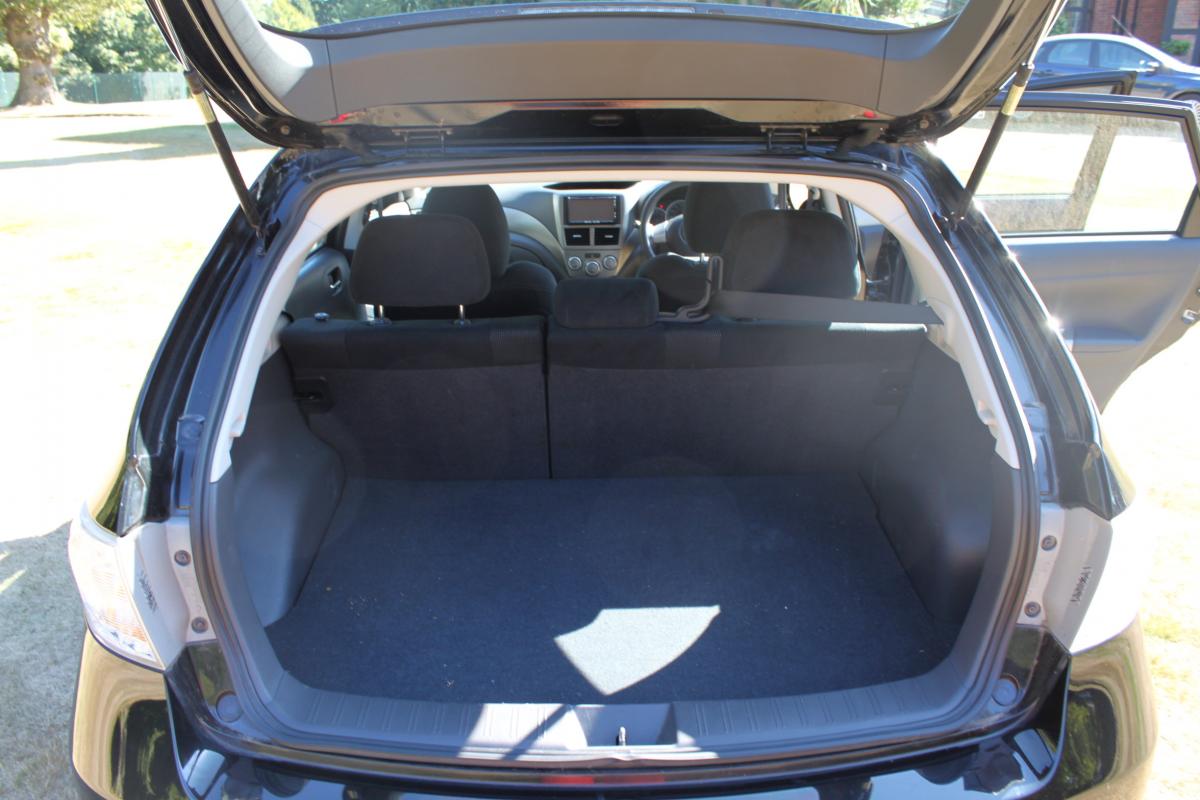
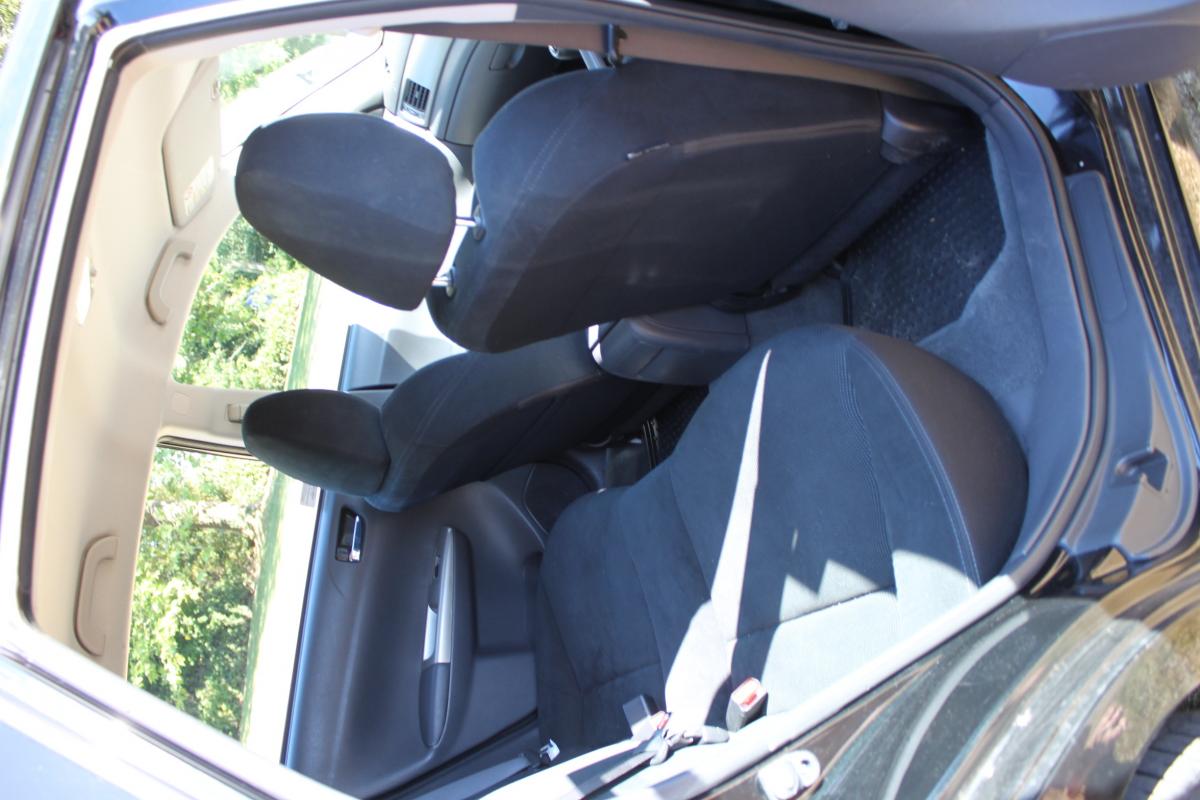
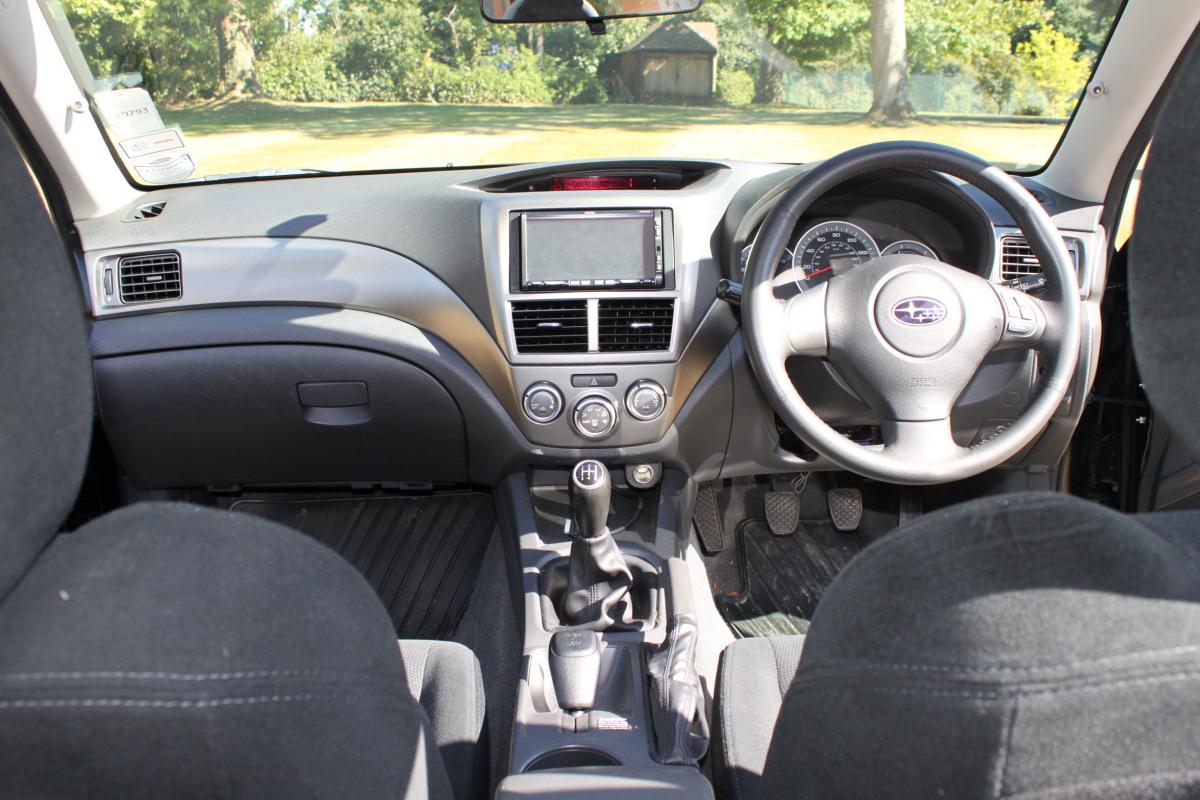
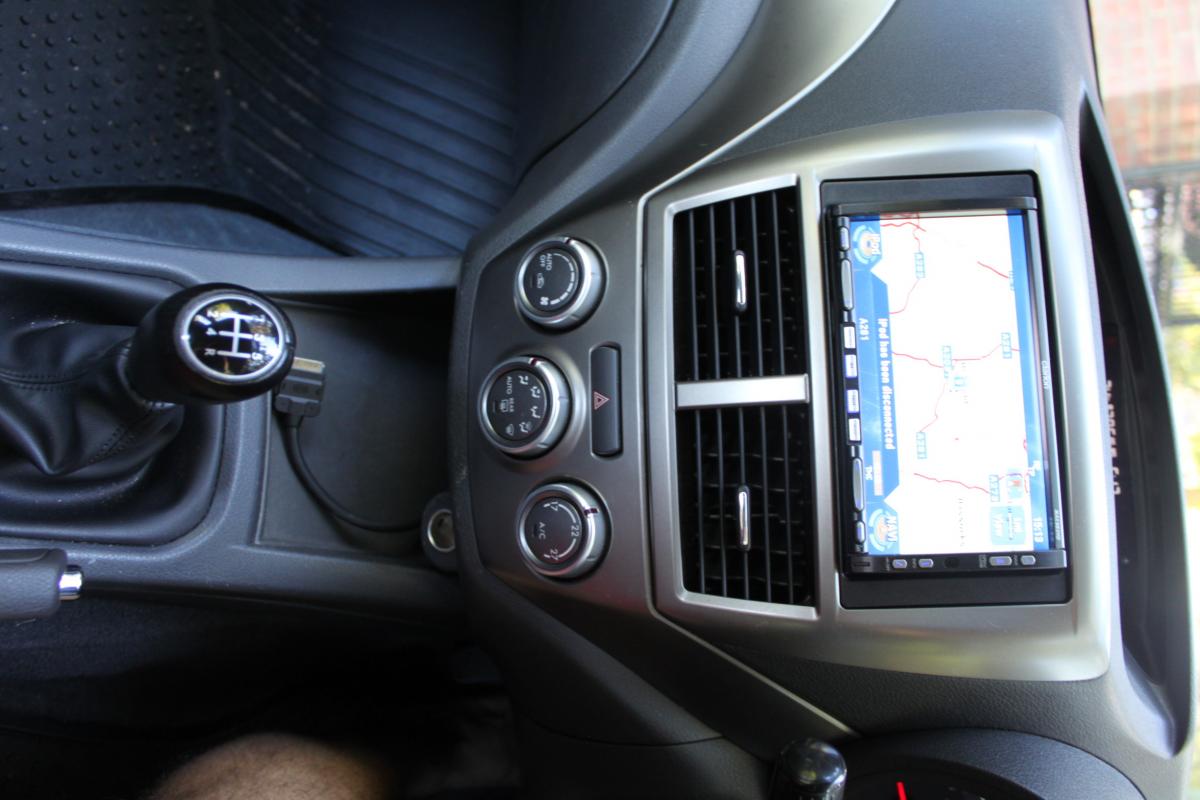
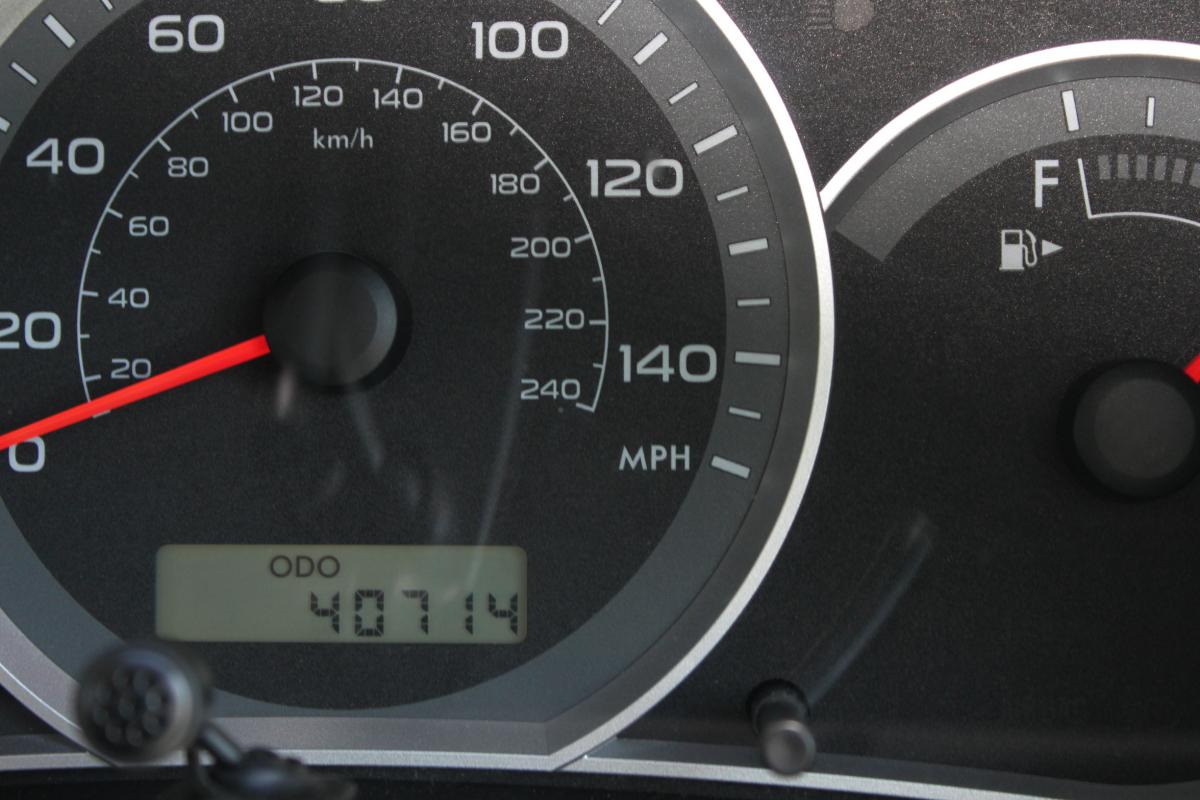
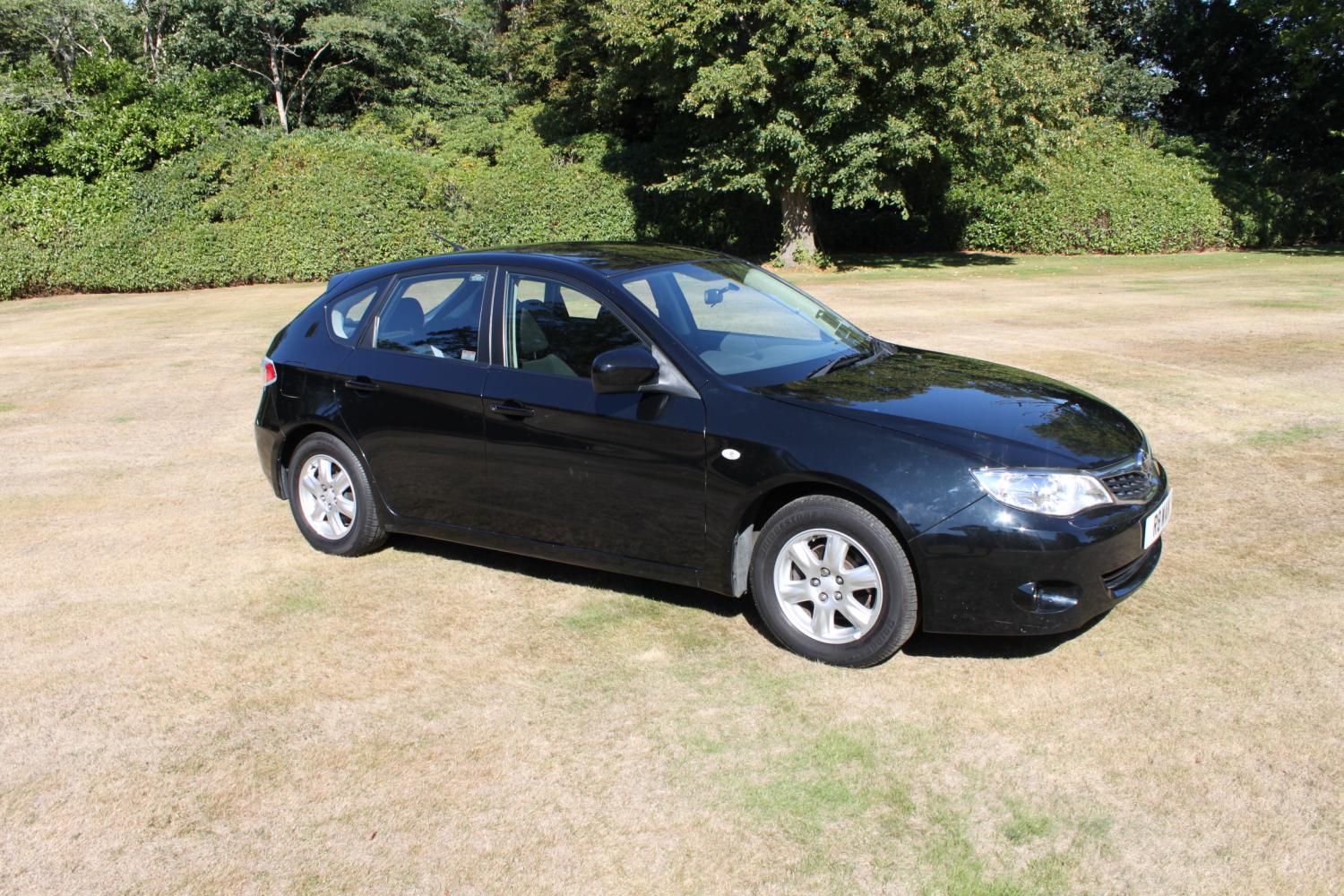
Selling my 2008 Subaru Impreza 1.5RX. 1 previous owner with very low mileage (40714 miles). -4 Wheel Drive system -Anti-Lock Brakes -Electronic Brake Force Distribution -Trip Computer and Economy calculator -Black Alcantara interior -Leather steering wheel and gear shifter -Cruise Control -High/Low differential (10 gears) -Automatic Air Conditioning -Satellite Navigation touch screen entertainment system (iPod/CD/DVD/Radio/USB/HDD/MP3) and Bluetooth phone connectivity -Original Subaru 10 speaker system -Remote Central Locking -15" Subaru Alloy Wheels -Front Fog Lights -Pop up Headlight washers -Thatcham Cat 1 alarm/immobiliser The cars was recently fitted with new brake pads and all fours brake discs were resurfaced along with four new Bridgestone tyres. It is an extremely good car and perfect for people looking to save money on fuel or learning to drive and is a lot safer in poor weather conditions (rain and snow) with it's reliable 4 wheel drive system. The car is taxed until 30/06/2014 and has an MOT until 24/03/2014. The numberplate does not come with the car Offers welcome either by phone (07835 962212) or email ([email protected]) Any questions please ask