Leggyjake
Members
-
Joined
-
Last visited
Everything posted by Leggyjake
-
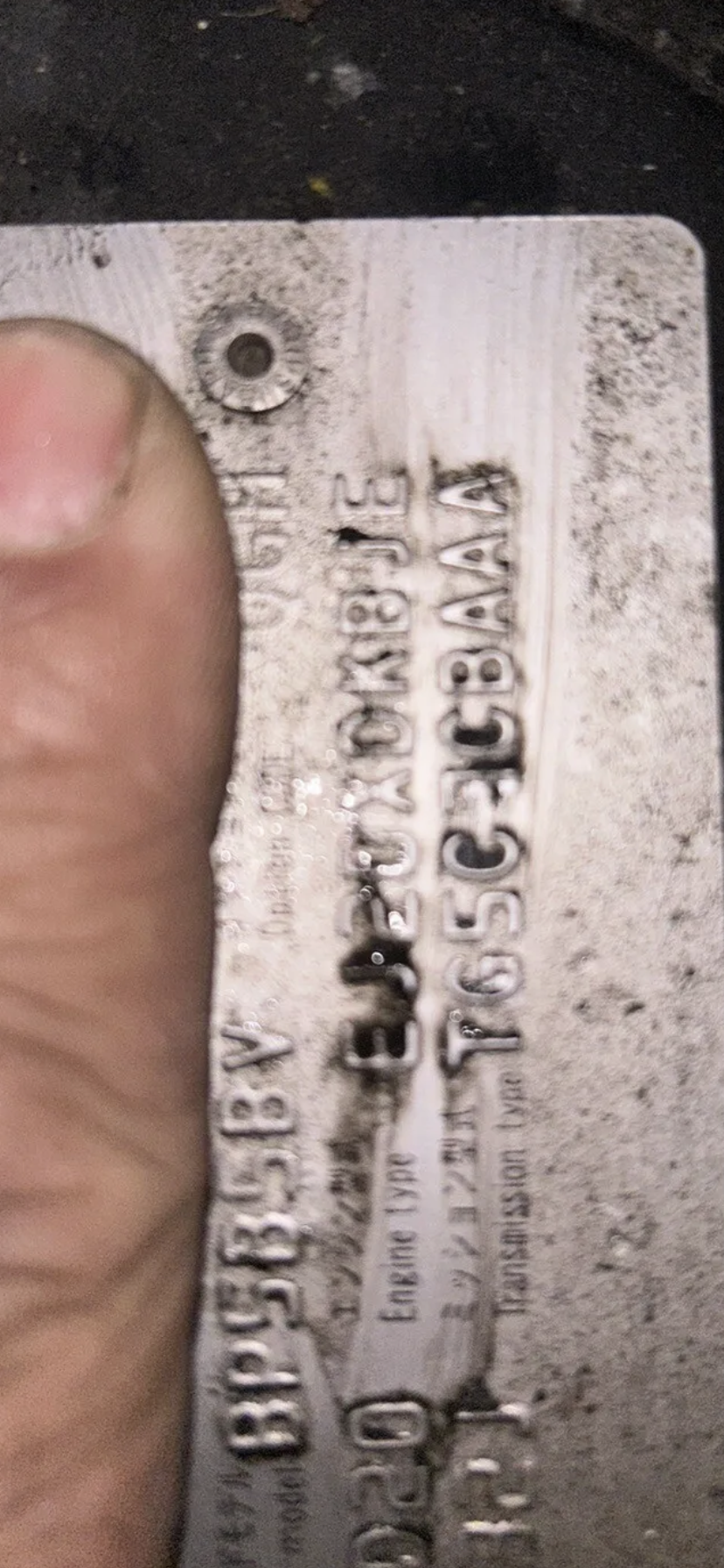
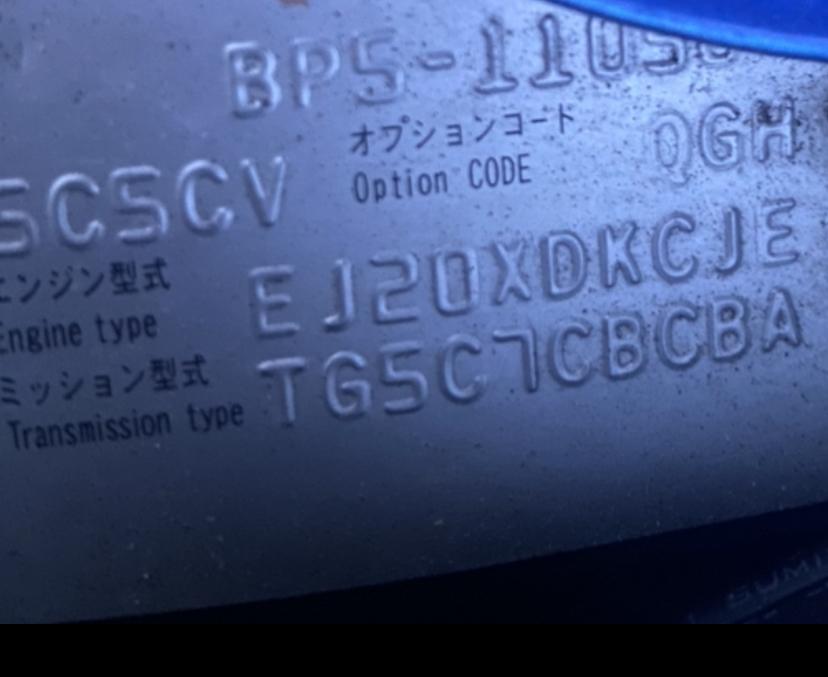
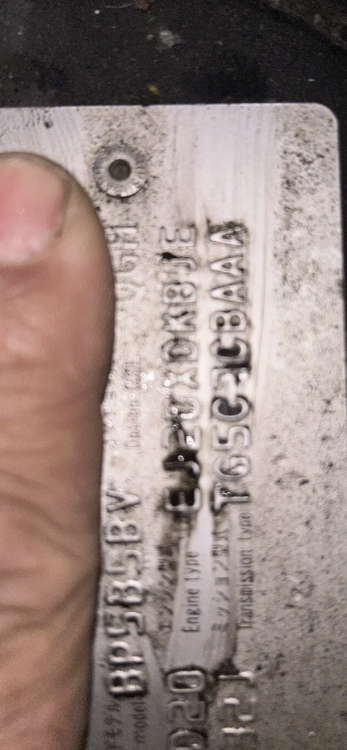
Transmission fault codes and after seeing the dealer ship I’ve been advised to change the solenoid and filter plate for my Subaru legacy twinscroll bp5 my transmission number: Tg5c7cbcba but I’ve found another legacy bp5 auto box that I can take the solenoid plate out but the transmission number is different its so I’m unsure if the solenoid plate would fit or even work, the other transmission number is, number: Tg5c7cbaaa can anyone verify if the solenoid plate and filter would fit the cbcba? much appreciated Jake
-
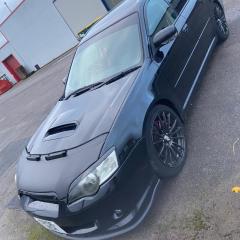
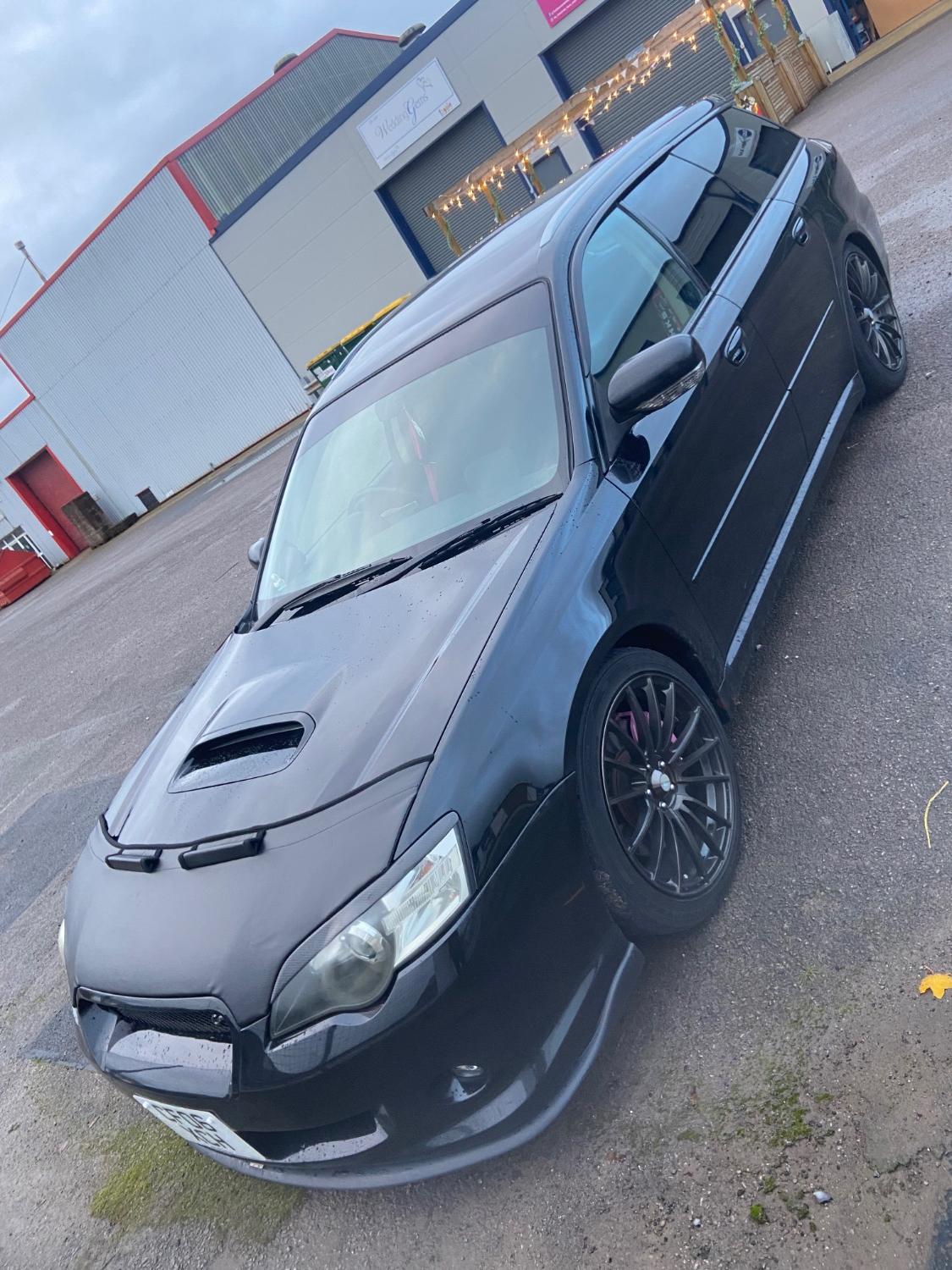
Hi guys I’ve got a 06 Spec B prefacelift Auto, I’m tracking the car next year and want to know what parts are a must have so the car don’t die on me 🤣 And also for styling make it look that lil meaner, here’s a list of what’s on the car TEIN COILOVERS with adjustable damping controls GFB blow of valve HKS turbo timer SYMS front strut brace WEDSPORT ORIGINALS NOT REPLICAS Lightweight alloy wheels. Rear Diffuser ———————————————————— (IN THE POST) EBC Red pads EBC Front and rear discs grooved and drilled Sparco mud flaps for the winter ———————————————————— FULL SERVICE DONE 30miles ago ATF changed and filter Engine oil changed and filter K&N filter changed Pollen filler hasn’t been changed yet but I have it ready to go in. ———————————————————— Timing belt and water pump will due end of next year.