




Skip to content
View in the app

A better way to browse. Learn more.

Subaru Owners Club UK | Subaru Forums

A full-screen app on your home screen with push notifications, badges and more.

To install this app on iOS and iPadOS
  1. Tap the Share icon in Safari
  2. Scroll the menu and tap Add to Home Screen.
  3. Tap Add in the top-right corner.
To install this app on Android
  1. Tap the 3-dot menu (⋮) in the top-right corner of the browser.
  2. Tap Add to Home screen or Install app.
  3. Confirm by tapping Install.

Parteepro

Members
  • Joined

  • Last visited

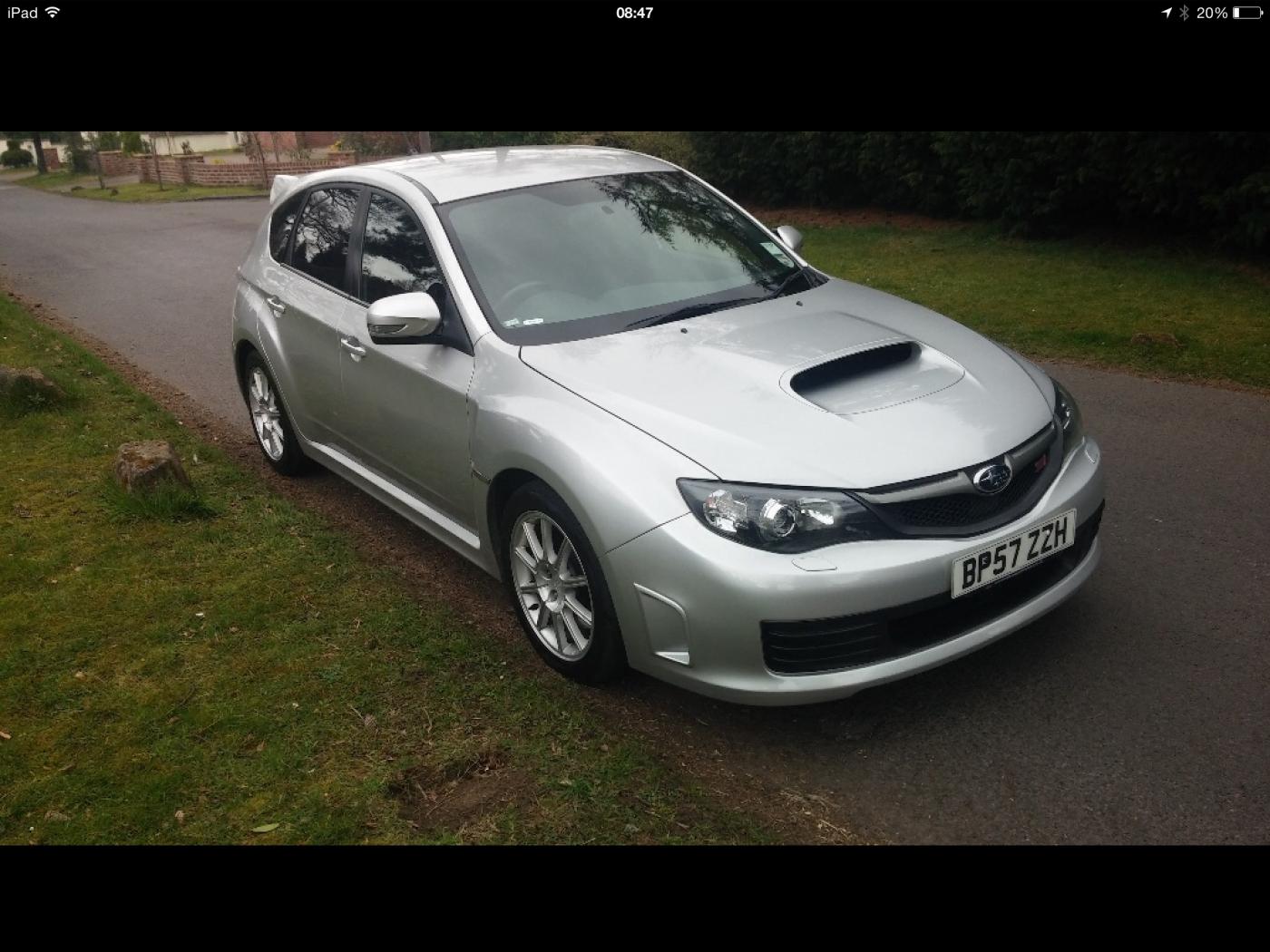
  1. Evening guys, I have a 2008 sti, and want to improve the speed and performance, and seems that a remap is the way forward. I'm a little scared to get it remapped incase the engine goes !Removed! up, it's currently done 65000 miles, like everyone has experienced I driven it for around 5 weeks and it felt rapid, now it's seems slow, basically we all want to go faster. Can you give me plus and minus on remaps. I have used zen to check over the car and would rather go to them if I decide that a remap is the way forward

Background Picker
Customize Layout

Account

Navigation

Search

Search

Configure browser push notifications

Chrome (Android)
  1. Tap the lock icon next to the address bar.
  2. Tap Permissions → Notifications.
  3. Adjust your preference.
Chrome (Desktop)
  1. Click the padlock icon in the address bar.
  2. Select Site settings.
  3. Find Notifications and adjust your preference.