-
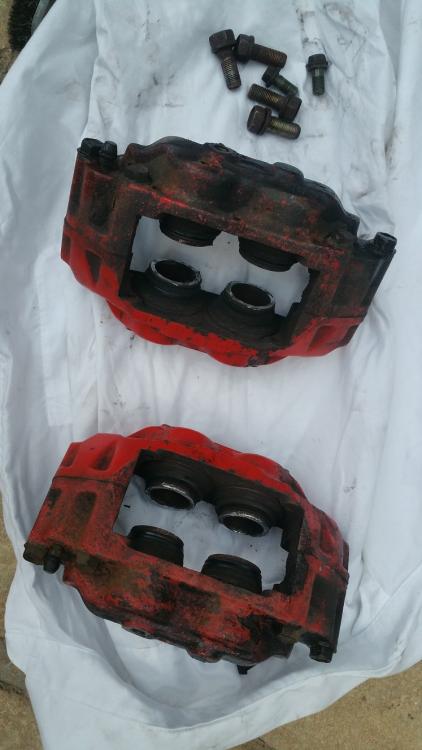
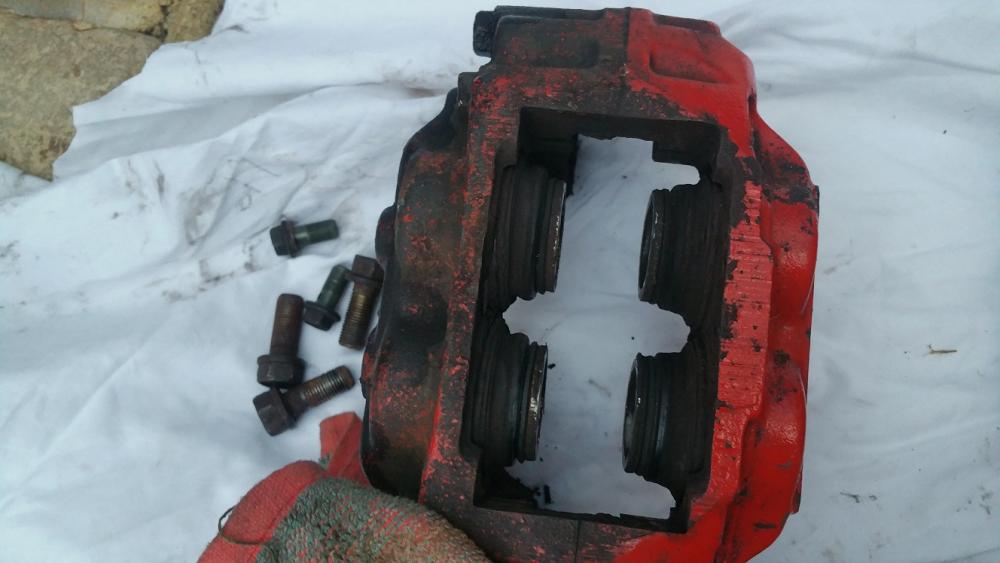
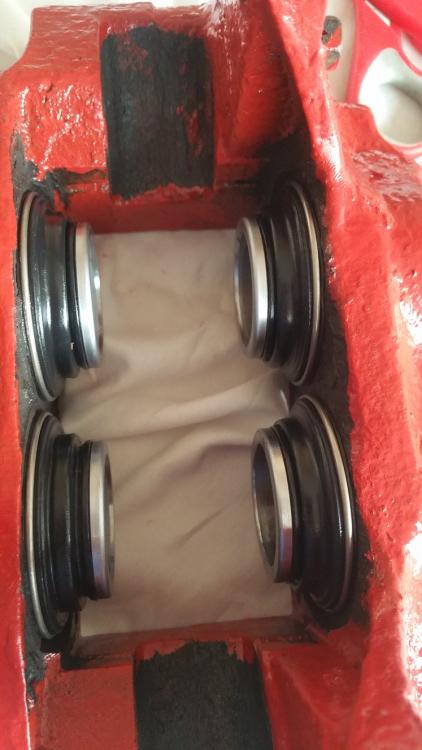
What have you done to your Subaru today ?
Do it! I have it and I like it. Sent from my Samsung using Tapatalk
-
What have you done to your Subaru today ?
-
What have you done to your Subaru today ?
Clean at last 😀 Sent from my Samsung using Tapatalk
- Merry Christmas!
-
BREAKING 2003 Blobeye
How much for strut brace bar?
-
What have you done to your Subaru today ?
Scooby left with Dan for clutch replacement. Sent from my Samsung using Tapatalk
-
Spotted
- Spotted
- What have you done to your Subaru today ?
At last I did my headlights :D. Before: After:- What have you done to your Subaru today ?
Busy morning with service. Air filter, pollen filter and fuel filter changed. I've changed spark plugs and cleaned MAF sensor and throttle. And I tidy dash camera wire. Sent from my Samsung using Tapatalk- Spotted
- Help with changing timing belt! :(
Maybe you right but when I changed my belt last time I saw difference between new and old pulleys. And I prefer spend few more quids to change pump as it takes only couple minutes longer. I know people who saved on pump during belt change and they needed to back to garage after year or so because pump gone. But both don't have Subaru ;) .- Help with changing timing belt! :(
I always change tensioner, water pump and pulleys.- What have you done to your Subaru today ?
Mad flaps fitted :)- Windows 10 will be a free upgrade - even for Windows 7 users
It will be free to upgrade but for first year only. And probably after a year need to pay subscription as it is with office 365 - Spotted
Account
Search
Configure browser push notifications
Chrome (Android)
- Tap the lock icon next to the address bar.
- Tap Permissions → Notifications.
- Adjust your preference.
Chrome (Desktop)
- Click the padlock icon in the address bar.
- Select Site settings.
- Find Notifications and adjust your preference.
Safari (iOS 16.4+)
- Ensure the site is installed via Add to Home Screen.
- Open Settings App → Notifications.
- Find your app name and adjust your preference.
Safari (macOS)
- Go to Safari → Preferences.
- Click the Websites tab.
- Select Notifications in the sidebar.
- Find this website and adjust your preference.
Edge (Android)
- Tap the lock icon next to the address bar.
- Tap Permissions.
- Find Notifications and adjust your preference.
Edge (Desktop)
- Click the padlock icon in the address bar.
- Click Permissions for this site.
- Find Notifications and adjust your preference.
Firefox (Android)
- Go to Settings → Site permissions.
- Tap Notifications.
- Find this site in the list and adjust your preference.
Firefox (Desktop)
- Open Firefox Settings.
- Search for Notifications.
- Find this site in the list and adjust your preference.