
Skip to content
View in the app

A better way to browse. Learn more.

Subaru Owners Club UK | Subaru Forums

A full-screen app on your home screen with push notifications, badges and more.

To install this app on iOS and iPadOS
  1. Tap the Share icon in Safari
  2. Scroll the menu and tap Add to Home Screen.
  3. Tap Add in the top-right corner.
To install this app on Android
  1. Tap the 3-dot menu (⋮) in the top-right corner of the browser.
  2. Tap Add to Home screen or Install app.
  3. Confirm by tapping Install.

matmidgley

Members
  • Joined

  • Last visited

Everything posted by matmidgley

  1. well after you lot killed my topic with your reminisce about your bad music choices :P I have now picked her up! have ordered a new back box and filter. And once the V5C comes I am going to facebook stalk the previous owner as I am unsure if it has had its cambelt changed before I spend that money on upgrades.
  2. haha had to google that, before I was even born :) and thanks
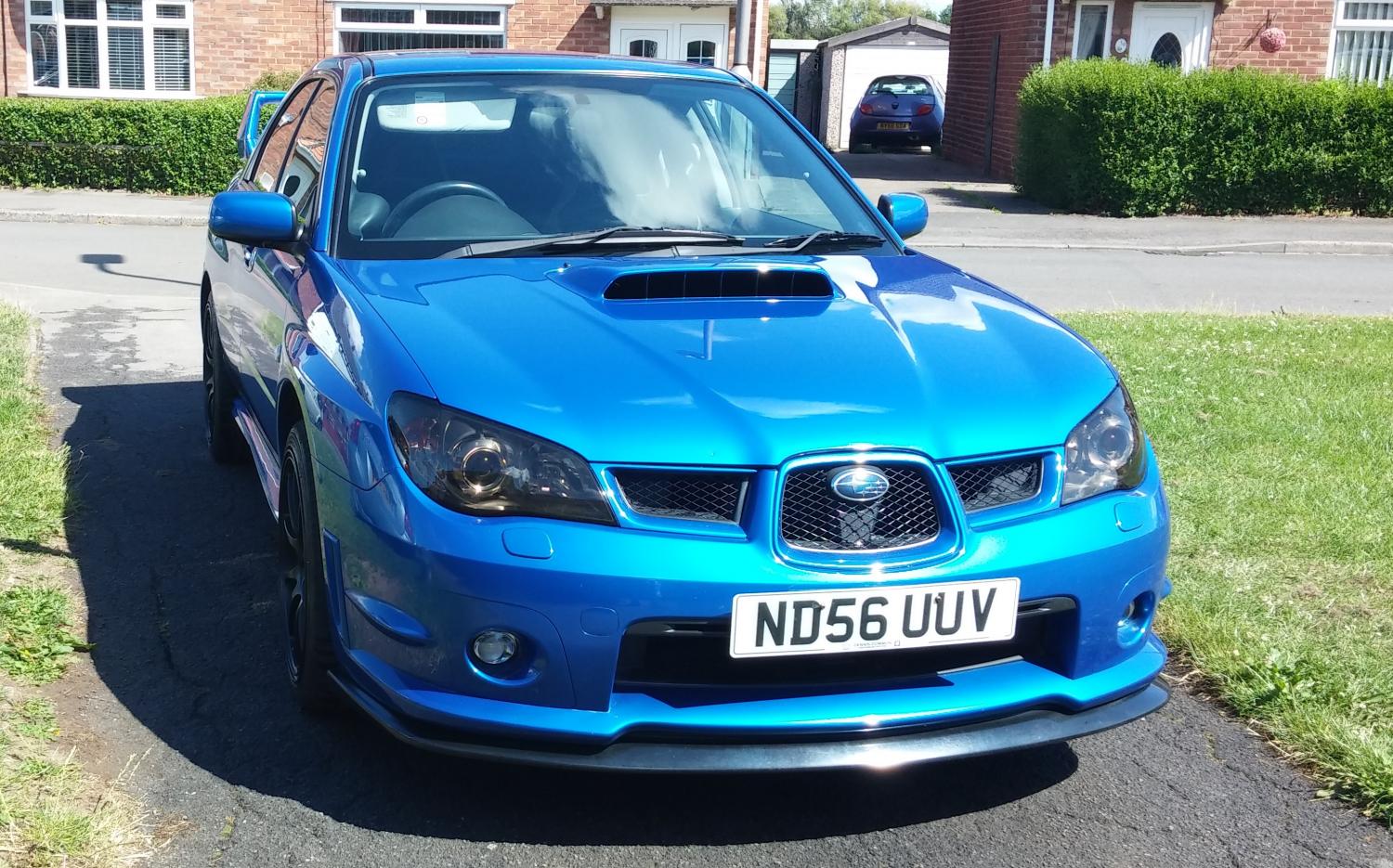
  3. New member and Owner (friday) Just waiting to pick it up :) 2006 (56) Wrx in blue totally standard, I didnt realise how quiet they could be. 33k on the clock. will be looking to fix that asap, the sound... not the mileage Time to head down the turbo route after having a 190 celica, fto gpx and celica gt and im in billingham

Background Picker
Customize Layout

Account

Navigation

Search

Search

Configure browser push notifications

Chrome (Android)
  1. Tap the lock icon next to the address bar.
  2. Tap Permissions → Notifications.
  3. Adjust your preference.
Chrome (Desktop)
  1. Click the padlock icon in the address bar.
  2. Select Site settings.
  3. Find Notifications and adjust your preference.