Do Not Sell My Personal Information Jump to content
View in the app

A better way to browse. Learn more.

Subaru Owners Club UK | Subaru Forums

A full-screen app on your home screen with push notifications, badges and more.

To install this app on iOS and iPadOS
  1. Tap the Share icon in Safari
  2. Scroll the menu and tap Add to Home Screen.
  3. Tap Add in the top-right corner.
To install this app on Android
  1. Tap the 3-dot menu (⋮) in the top-right corner of the browser.
  2. Tap Add to Home screen or Install app.
  3. Confirm by tapping Install.

Greg

Members
  • Joined

  • Last visited

Everything posted by Greg

  1. Greg replied to Dino's topic in General Subaru Chat
    The main difference between 95 and 98 ron is the burn rate of the fuel. 98 ron is harder to initially ignite , this property reduces the risk of knocking, auto ignition and allows more aggressive ignition timing and higher compression ratios. You don't gain "extra" power from using 98 over 95 it purely allows the engine to perform to its maximum potential without the knock sensor having to pull timing due to lower octane fuel. So if it says 98 use 98!! As for running lean I haven't checked my STI but would be very interested to find out.
  2. Hi, I wouldn't entertain the thought of running a BOV. You are dumping pre metered air which your AFR is calculated on, basically your car is adding the fuel for the air which is no longer there. Also you run the risk of turbo compressor surge and a host of other pressure wave related issues. In my opinion it is a wasted exercise and better sticking with the standard setup, there is a reason Subaru don't sell it with a BOV from factory !
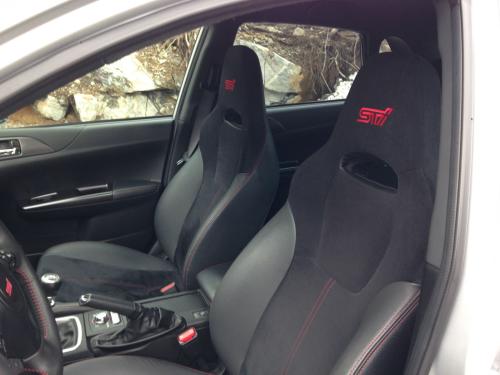
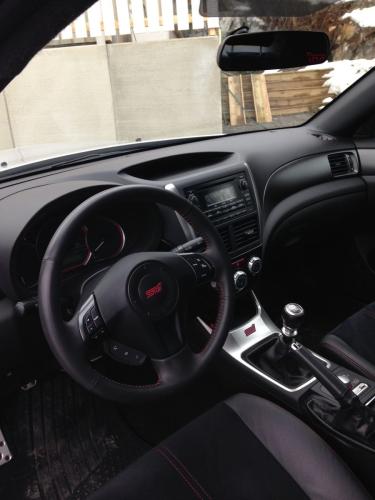
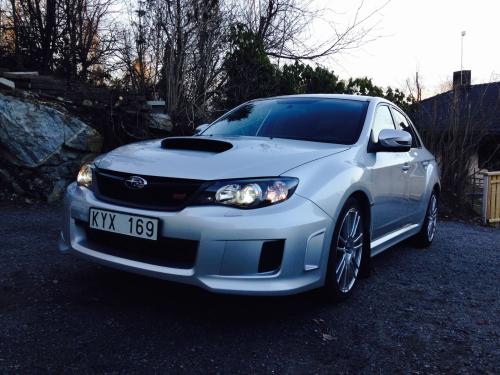
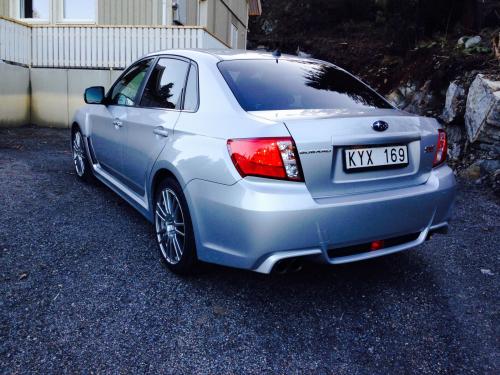
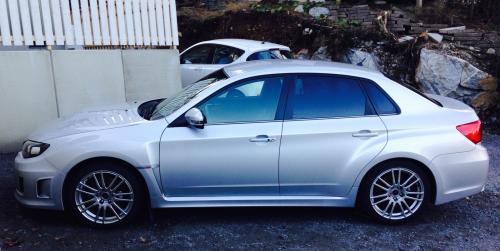
  3. Hi, My names Greg im originally from Derby but now living in Stockholm Sweden. I have just bought my first Subaru, a 2011 Impreza STI saloon. Loving it so far !

Background Picker
Customize Layout

Configure browser push notifications

Chrome (Android)
  1. Tap the lock icon next to the address bar.
  2. Tap Permissions → Notifications.
  3. Adjust your preference.
Chrome (Desktop)
  1. Click the padlock icon in the address bar.
  2. Select Site settings.
  3. Find Notifications and adjust your preference.