kage_is
Members
-
Joined
-
Last visited
-
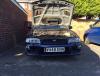
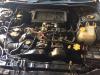
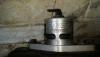
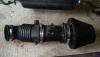
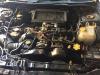
Hey guys I have a 2000 subaru impreza engine for sale. It's runs perfect there are videos avaliable of the engine sound and start up. It's going for £550. More pictures avaliable also If you are interested give me a call on 07900683850 or 07891931131 Sent from my SM-N9005 using Tapatalk
-
-
-
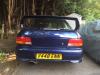
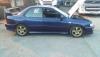
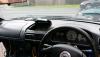
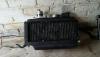
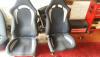
Hi all, I have the following which I am looking to sell: UK Subaru Impreza Turbo 2000 in Mica Blue (paint code 95H). All parts for sale including the following: Full running engine (videos available), ECU, wiring loom, ABS, Radiator (with twin fans), K&N air filter, Baileys dump valve, intercooler, coolant header tank, brakes inc discs, pads, pins etc, Diffs, Full interior inc Dashboard, gauges, Seats (front and rear), lining, carpets, centre consoles, steering wheel. All body panels, inc 4 doors, side sills, bonnet, rear bumper, wings and arches. Full de-cat stainless steel exhaust and many other parts, too many to list. If you require any parts call us on either 07900 683850 or 07891 931131 or reply to the thread. NB. we also have a UK 95' Classic Turbo 2000 breaking