Do Not Sell My Personal Information Jump to content
View in the app

A better way to browse. Learn more.

Subaru Owners Club UK | Subaru Forums

A full-screen app on your home screen with push notifications, badges and more.

To install this app on iOS and iPadOS
  1. Tap the Share icon in Safari
  2. Scroll the menu and tap Add to Home Screen.
  3. Tap Add in the top-right corner.
To install this app on Android
  1. Tap the 3-dot menu (⋮) in the top-right corner of the browser.
  2. Tap Add to Home screen or Install app.
  3. Confirm by tapping Install.

lotsofmon3y1

Members
  • Joined

  • Last visited

Everything posted by lotsofmon3y1

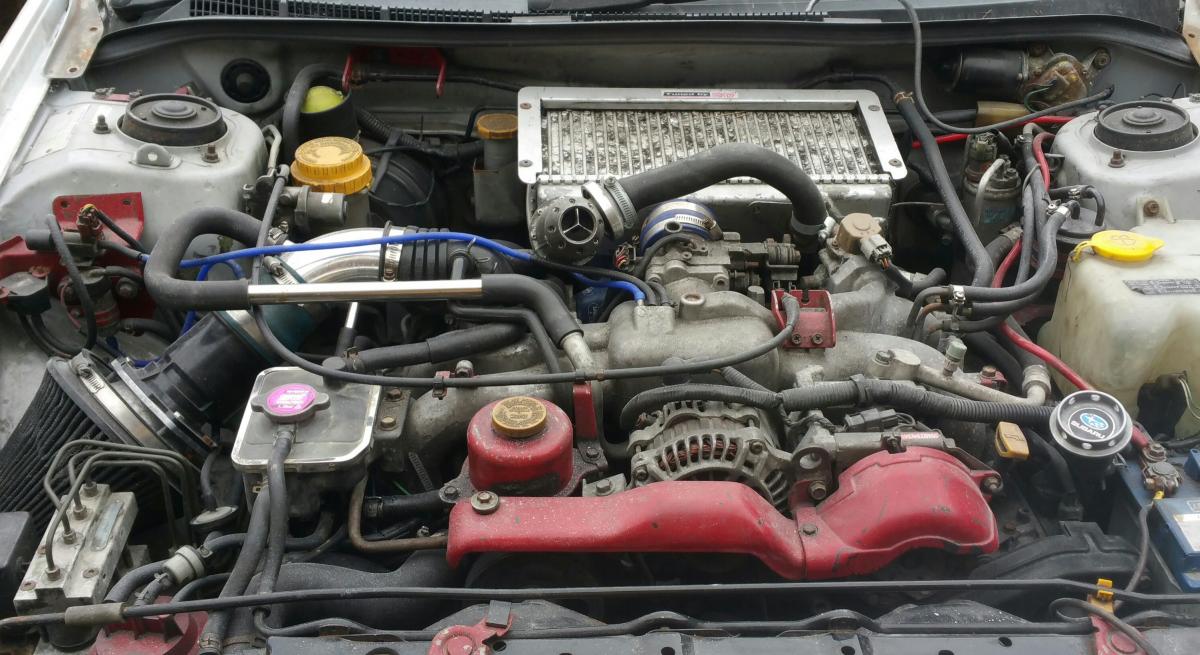
  1. I fitted a slightly larger and newer TMIC, HKS dump valve, k&n filter couple chrome pipes etc
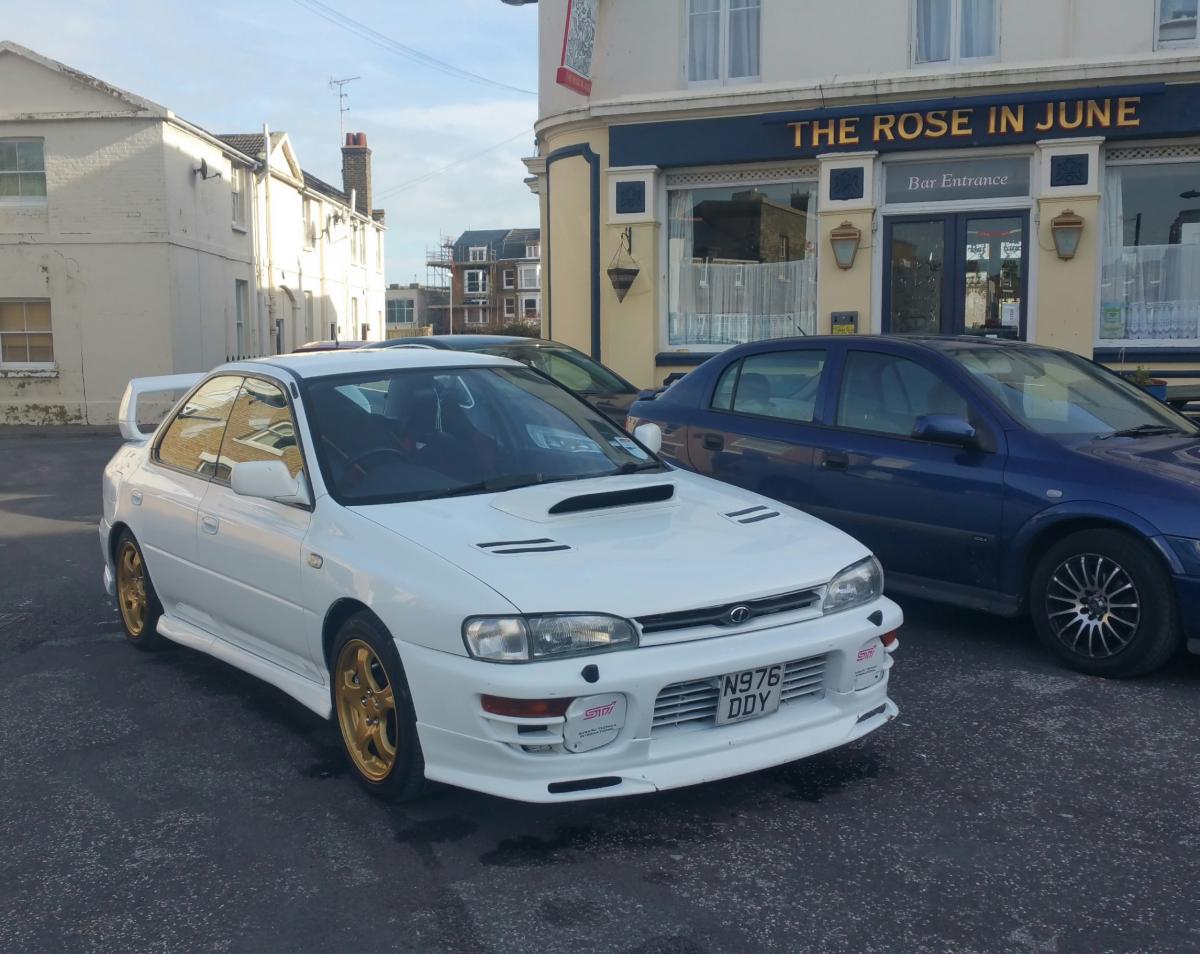
  2. I had alloys powder coated in the original subaru gold and fitted 4 pot brakes
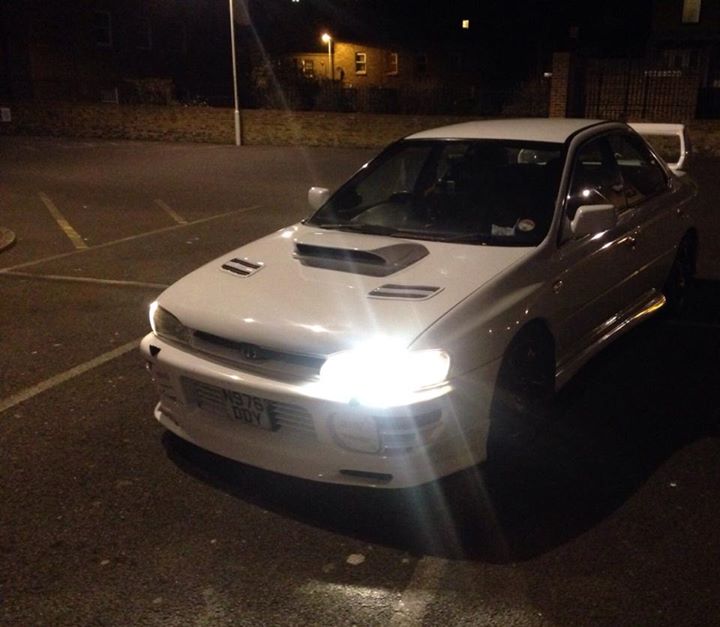
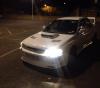
  3. Hi all I'm new to the club just joined tonight I'm going to upload my pictures of my project and let you guys tell me what you think and maybe you guys can give me some ideas I'm half way through a respray which me and my mate will be doing ourselves all the prep work is being done in my garage but respray is being done in a propper spray booth this first photo is how I purchased the car with Matt black alloys
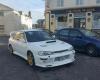
  4. Hi all I'm new to the club currently doing a respray in ford imperial blue on my v2 subaru impreza turbo also want to do some engine upgrades soon so I'm going to make a build thread up and post my pictures may need help and knowledge which be great if you guys can help
Background Picker
Customize Layout

Account

Navigation

Search

Configure browser push notifications

Chrome (Android)
  1. Tap the lock icon next to the address bar.
  2. Tap Permissions → Notifications.
  3. Adjust your preference.
Chrome (Desktop)
  1. Click the padlock icon in the address bar.
  2. Select Site settings.
  3. Find Notifications and adjust your preference.