


tom30
Members
-
Joined
-
Last visited
Everything posted by tom30
-
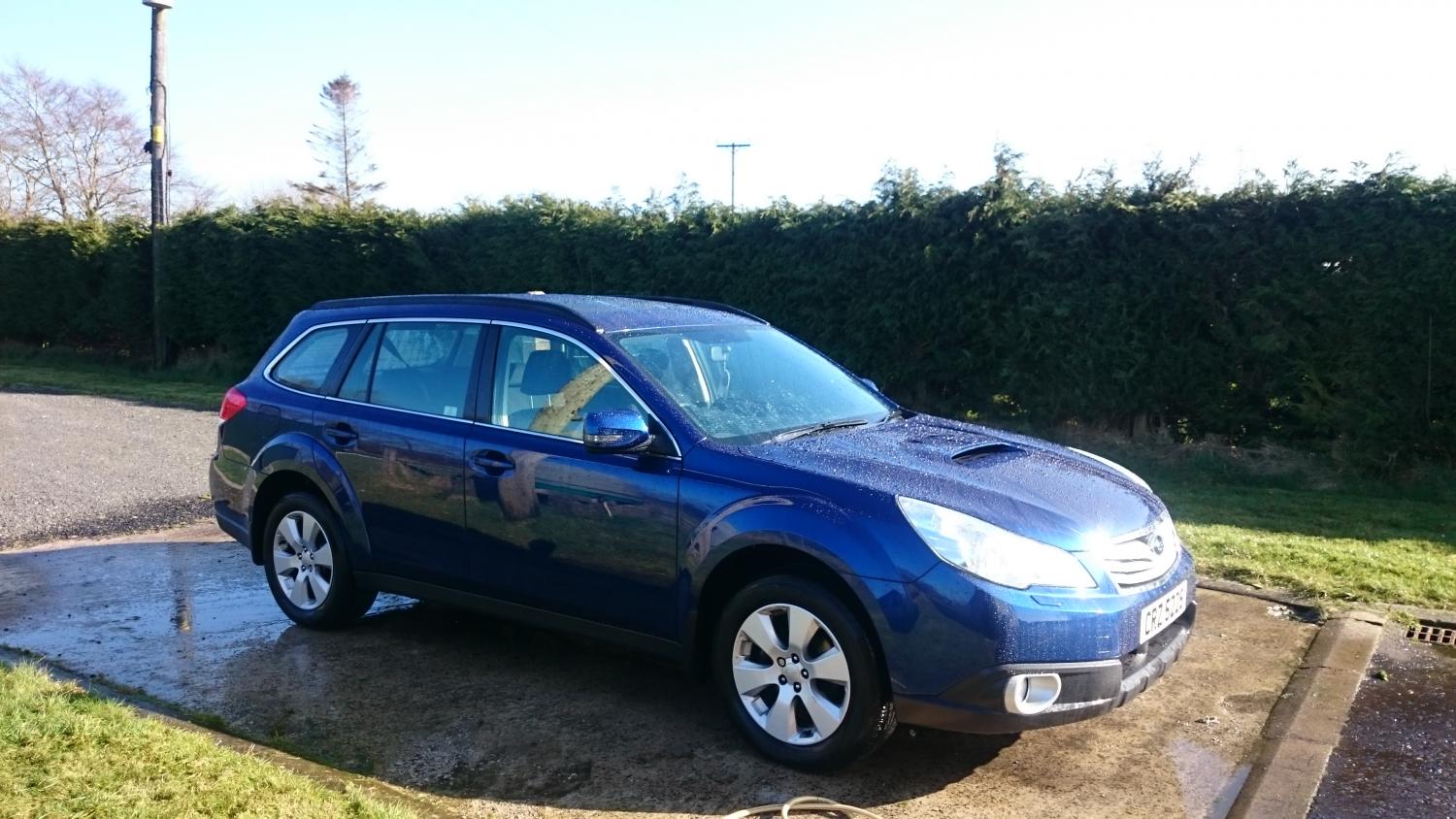
 Thanks for the effort. The car is 2011. It would be a great help as like to get to know the car and be able to do most things myself. I did post about a sticking glow plug and I have found a person close by who can remove without having to remove head. I will post some pictures up of the area were the glow plugs are. Must also get pictures up of the car as well. Need to wash it first. ;)
 -
That ok. Will have a look around the internet for one as I am sure there maybe something on there
-
Hi Just wondering if there is somewhere to obtain the workshop manual for Subaru Outback. Would like to get a hold of one. Thanks
-
Hi, I have the warning lights on and this lead to a trip to garage. I Thought that it was the handbrake but it was glow plug issue. Now I have three of the four replaced but as the mechanic was about to remove the fourth it was not for moving. It will have to be taken out at some stage but has anyone else had this problem and how did it be solved. I have also now found a person who can remove it so that it wont require the engine to be taken apart and removed etc.
-
Hi About to pick up my new Subaru Outback tonight. Looking forward to it. Its 2011 diesel in Blue. This will be my second Subaru as I did have an Impreza long ago. Once I get it pictures will be uploaded. :D
