akafonzie
Members
-
Joined
-
Last visited
Everything posted by akafonzie
-
As title, i'm looking for a factory replacement as mine is REALLY worn and i'd like one not so worn, pics would be great so i can make the judgement! Thanks. Sorted now!
-
Thanks all, teething problem was due to a loose clip on the bottom rad hose, allowing coolant to drip on the manifold and my schoolboy error of opening up the rad cap to look at the level and causing an air lock!
-
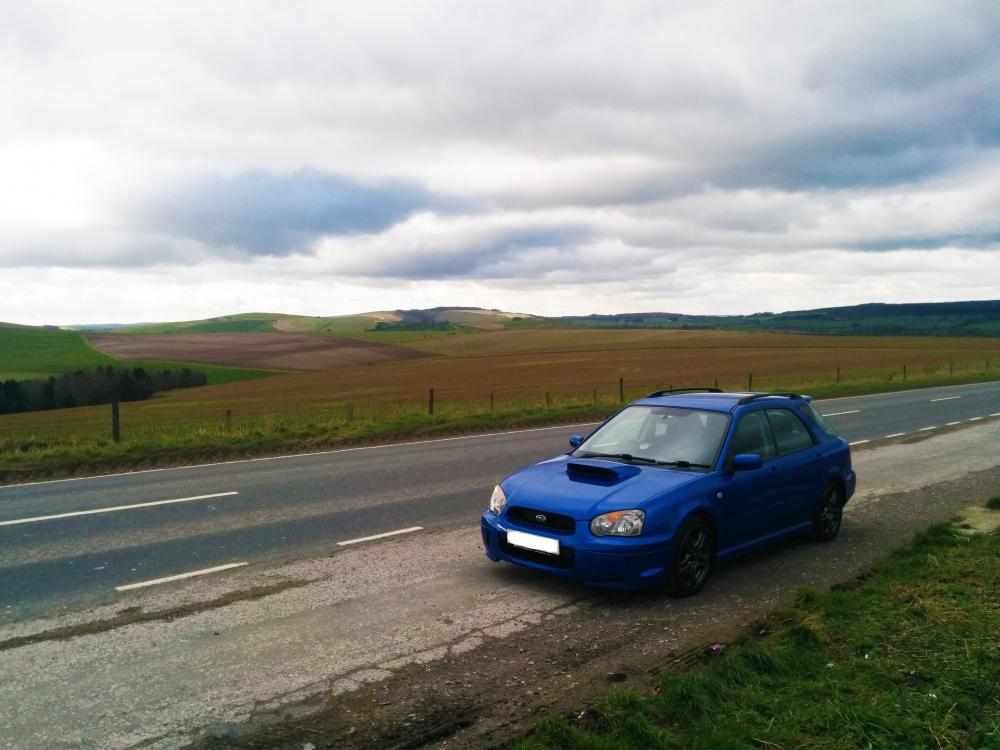
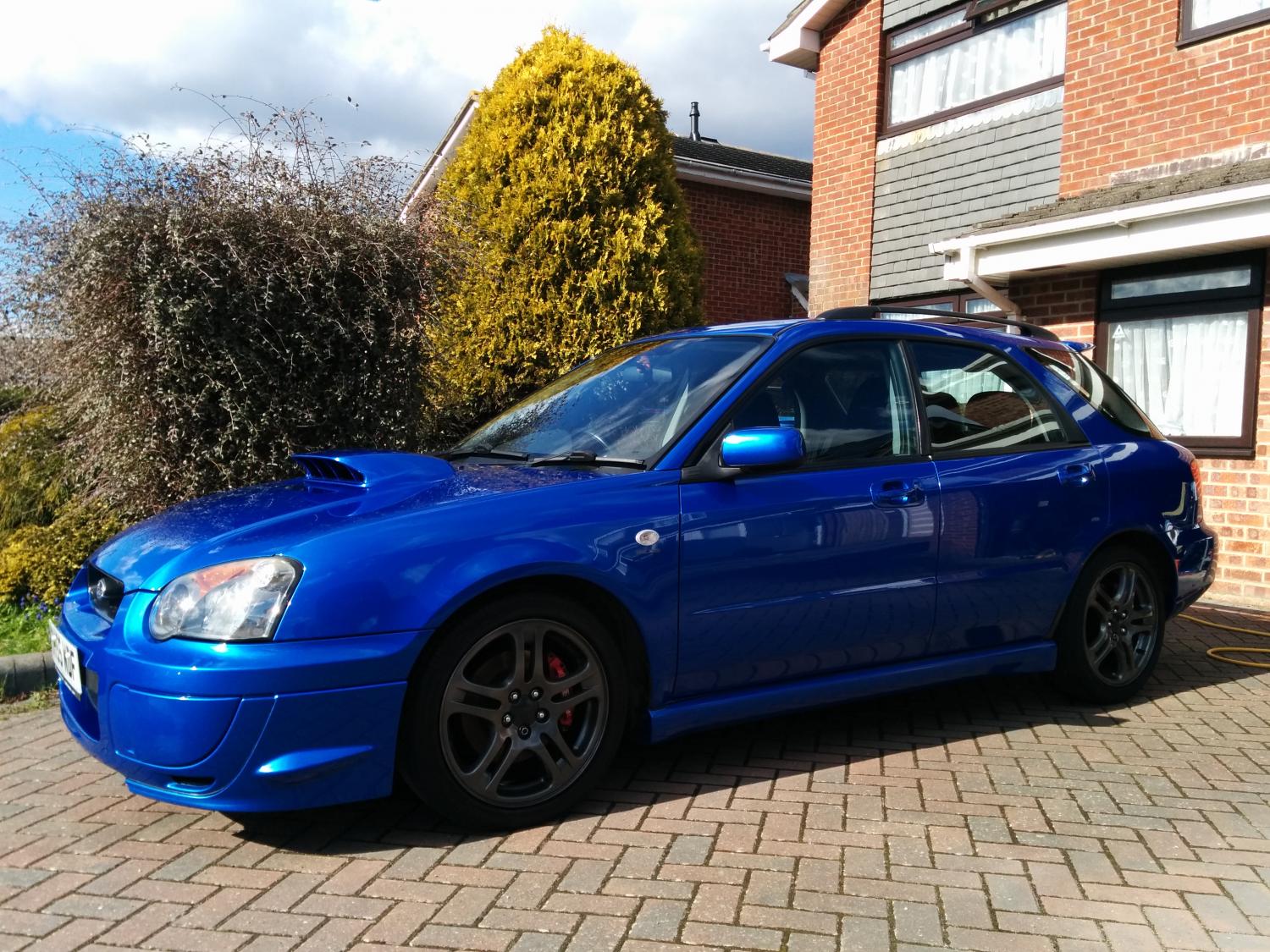
Hello everyone, I recently bought a WRX Wagon, so thought it would be a good idea to join an owners club and introduce myself, and here we are. Unluckily, i've already had a problem with the car but i bought it from a reputable place (I think) and they're going to sort it out for me. Basically, i can smell hot coolant sometimes at rest even though it didn't overheat, then i did a noob thing and opened the rad cap to check the levels and created an air pocket. I'm currently in the process of burping the system (following the manuals guidance) before I get the cooling system inspected tomorrow. I know where the leak is, but i'm just hoping it's not the dreaded head gasket! Well, even if it is it has a 3 month warranty but it's a ballache! Anyway, hopefully after this teething issue i'll have nothing to worry about but the ever draining fuel tank! Does the club have district meetings, e.g. i'm down in Dorset, are there any meetups? Tom