Skip to content
View in the app

A better way to browse. Learn more.

Subaru Owners Club UK | Subaru Forums

A full-screen app on your home screen with push notifications, badges and more.

To install this app on iOS and iPadOS
  1. Tap the Share icon in Safari
  2. Scroll the menu and tap Add to Home Screen.
  3. Tap Add in the top-right corner.
To install this app on Android
  1. Tap the 3-dot menu (⋮) in the top-right corner of the browser.
  2. Tap Add to Home screen or Install app.
  3. Confirm by tapping Install.

Jaysubi53

Members
  • Joined

  • Last visited

Everything posted by Jaysubi53

  1. Jaysubi53 replied to a post in a topic in General Subaru Chat
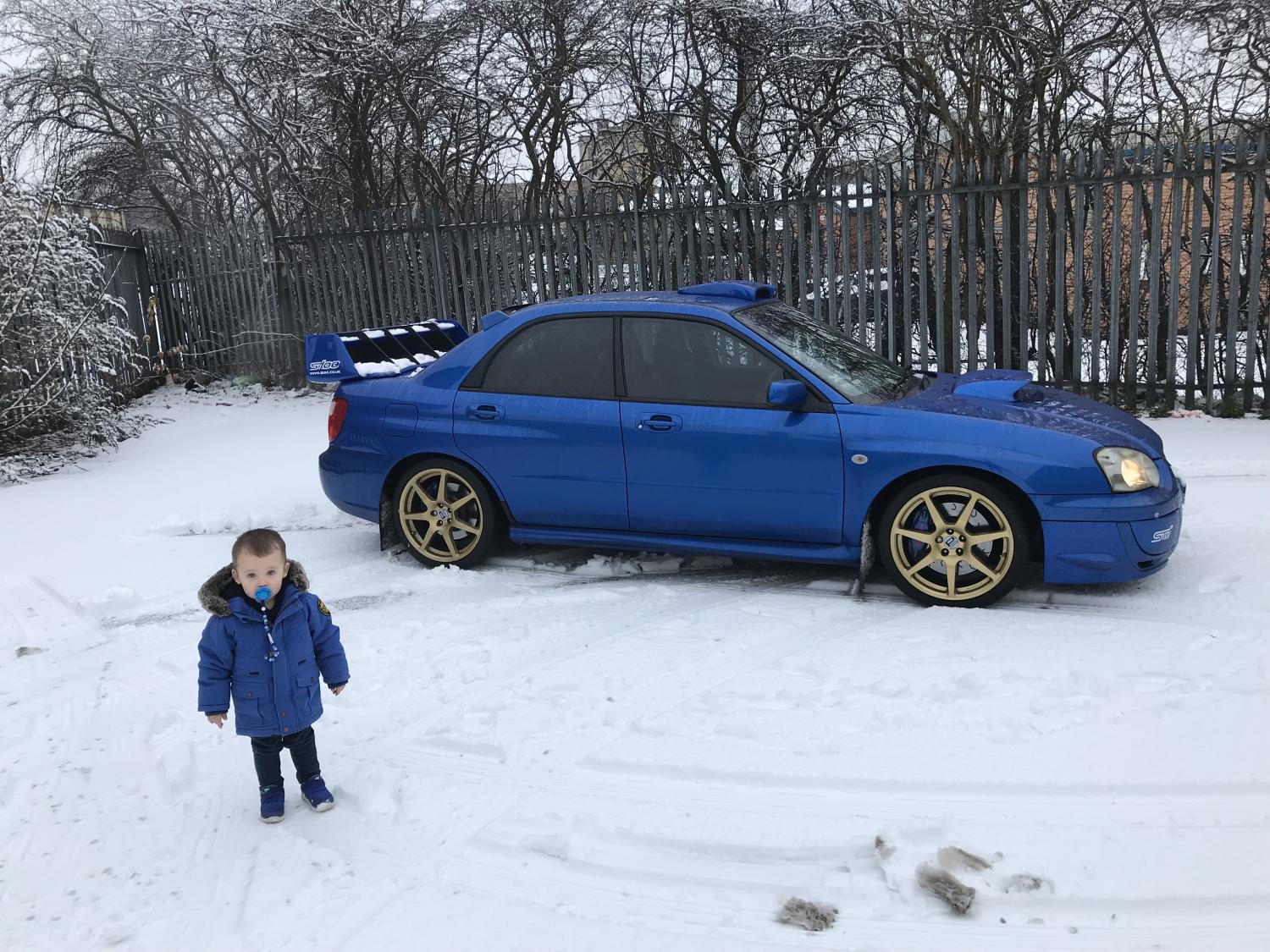
    Danny Mac, hes not too far from me, do you know if he can do a remap? Thinking of getting a front mount inter cooler fitted to my blob eye.
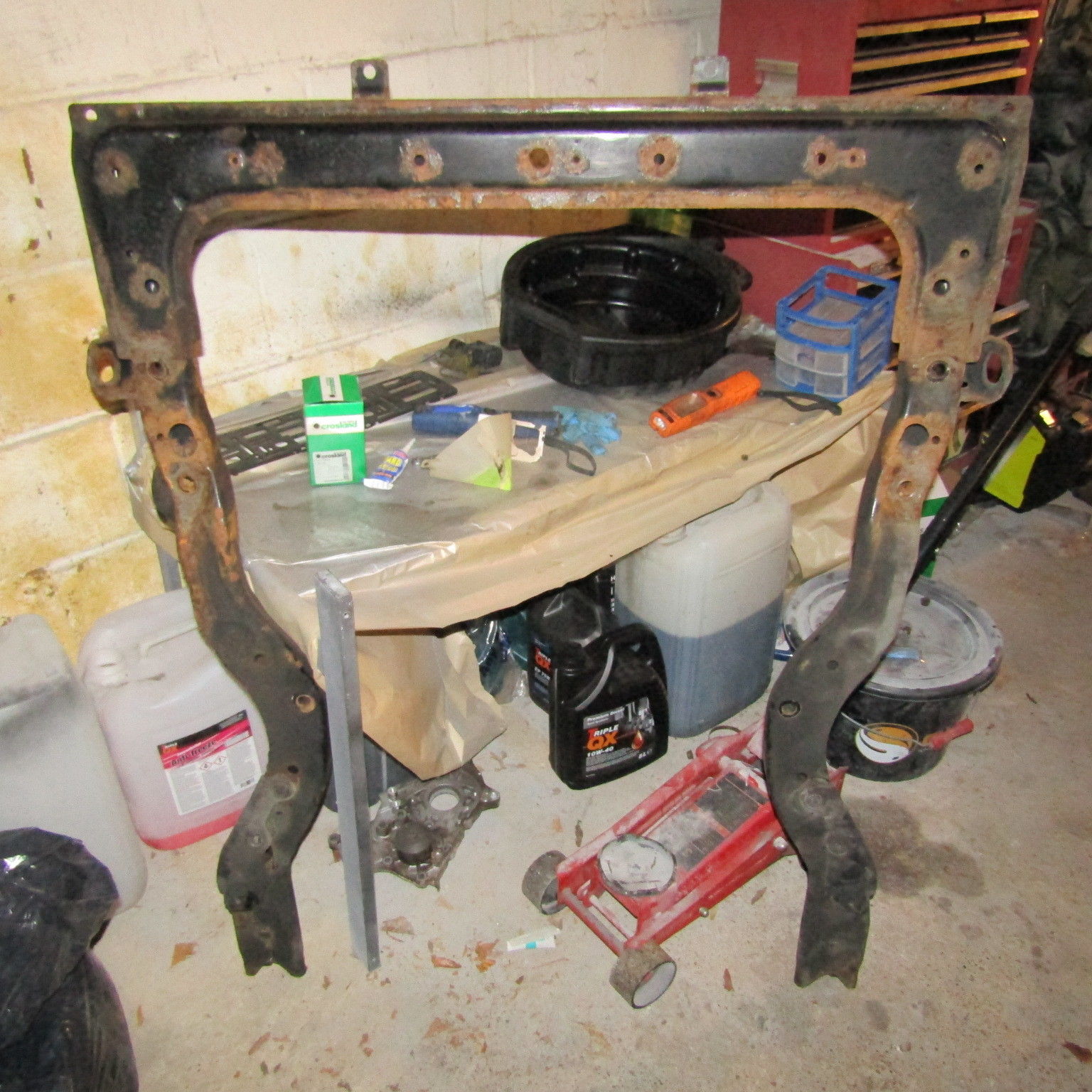
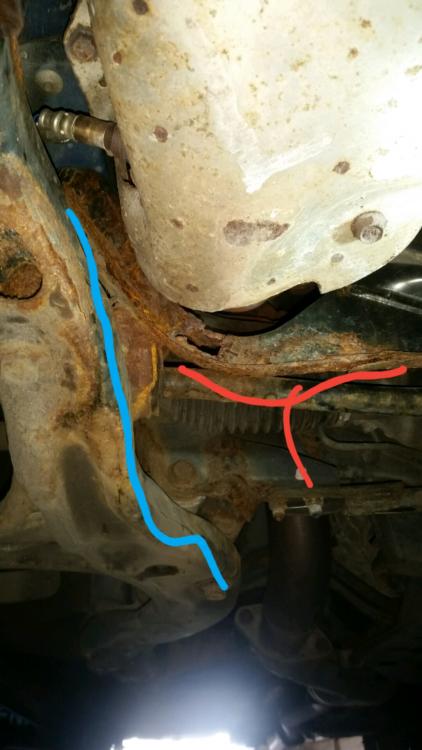
  2. Ok so my subframe is ok just needs some de rusting lol iv been looking for an hour for a parts diagram of underneath 2003 blob.
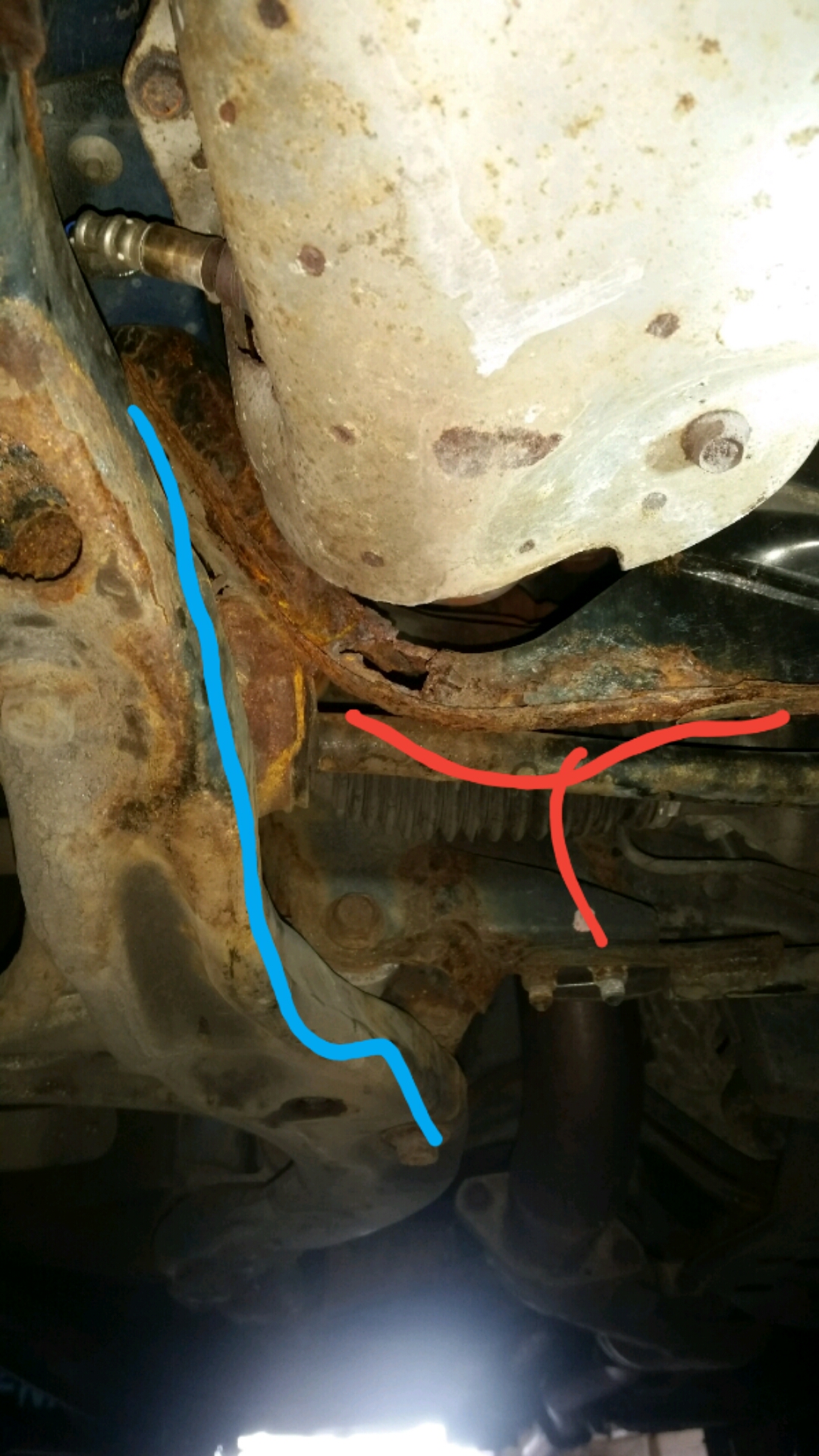
  3. Is this it? Where is the red part of it lol
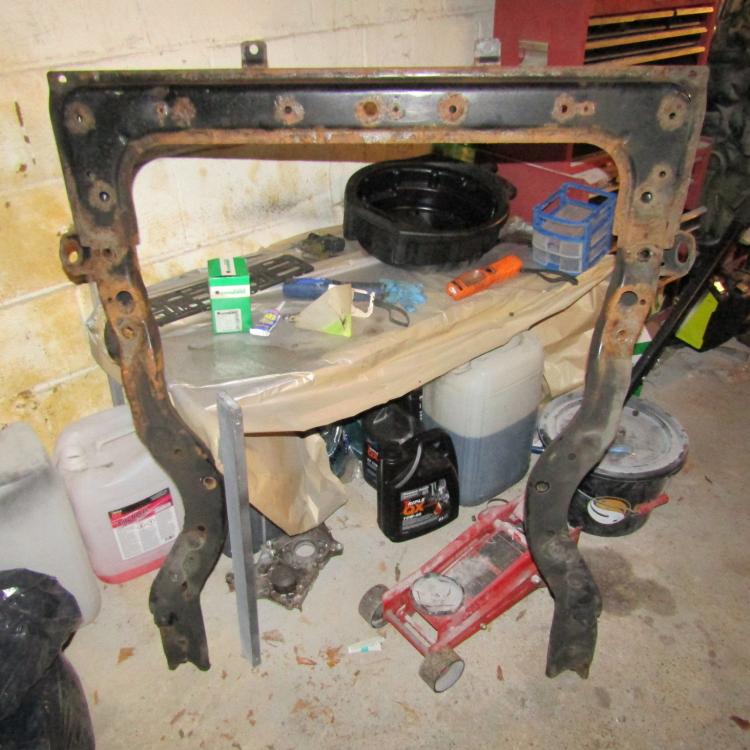
  4. What's that part called bud? When I search subframe it don't match up.
  5. Orite Lads can some one help me out and tell me which is which on this picture?
  6. You still got the exhaust for sale mate?

Background Picker
Customize Layout

Account

Navigation

Search

Search

Configure browser push notifications

Chrome (Android)
  1. Tap the lock icon next to the address bar.
  2. Tap Permissions → Notifications.
  3. Adjust your preference.
Chrome (Desktop)
  1. Click the padlock icon in the address bar.
  2. Select Site settings.
  3. Find Notifications and adjust your preference.