Do Not Sell My Personal Information Jump to content
View in the app

A better way to browse. Learn more.

Subaru Owners Club UK | Subaru Forums

A full-screen app on your home screen with push notifications, badges and more.

To install this app on iOS and iPadOS
  1. Tap the Share icon in Safari
  2. Scroll the menu and tap Add to Home Screen.
  3. Tap Add in the top-right corner.
To install this app on Android
  1. Tap the 3-dot menu (â‹®) in the top-right corner of the browser.
  2. Tap Add to Home screen or Install app.
  3. Confirm by tapping Install.

Cocker-Leachy

Members
  • Joined

  • Last visited

Everything posted by Cocker-Leachy

  1. How do. Looks awesome!:) enjoy.
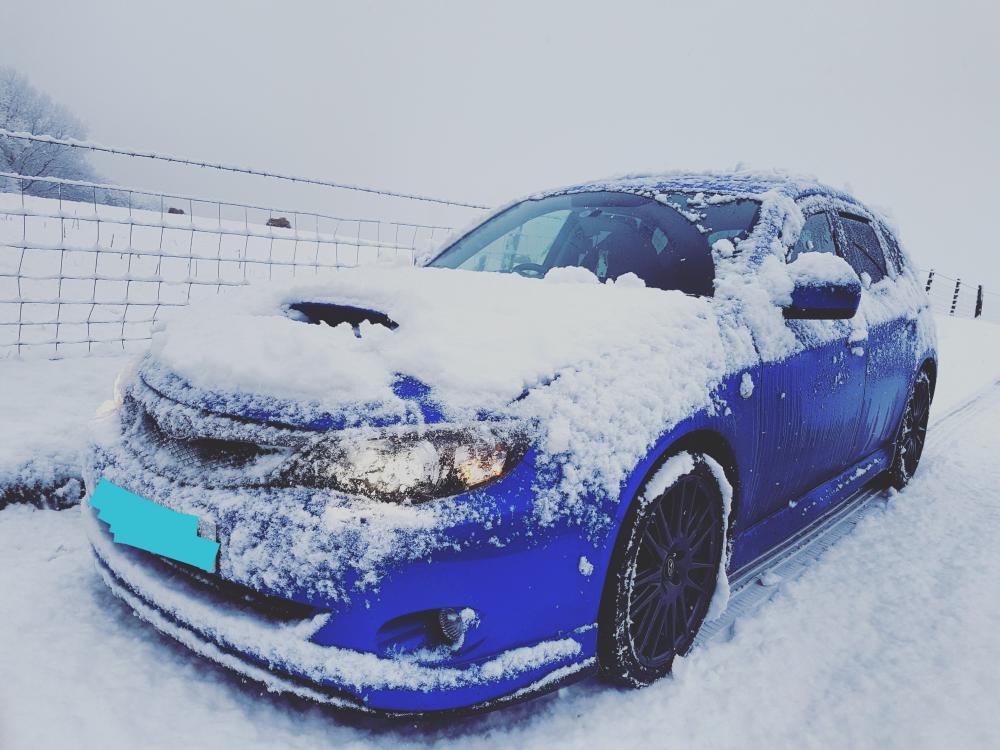
  2. Claybar, polish and wax after the snow.
  3. I'll be getting rallyflapz. spoke with Ian today hopefully sorting some out this weekend. Theres a couple of threads on here with people who have them.
  4. How do... đź–’
  5. Thanks stants. Will be sure to look at some of their stuff. Be good to here off other hatch owners too.
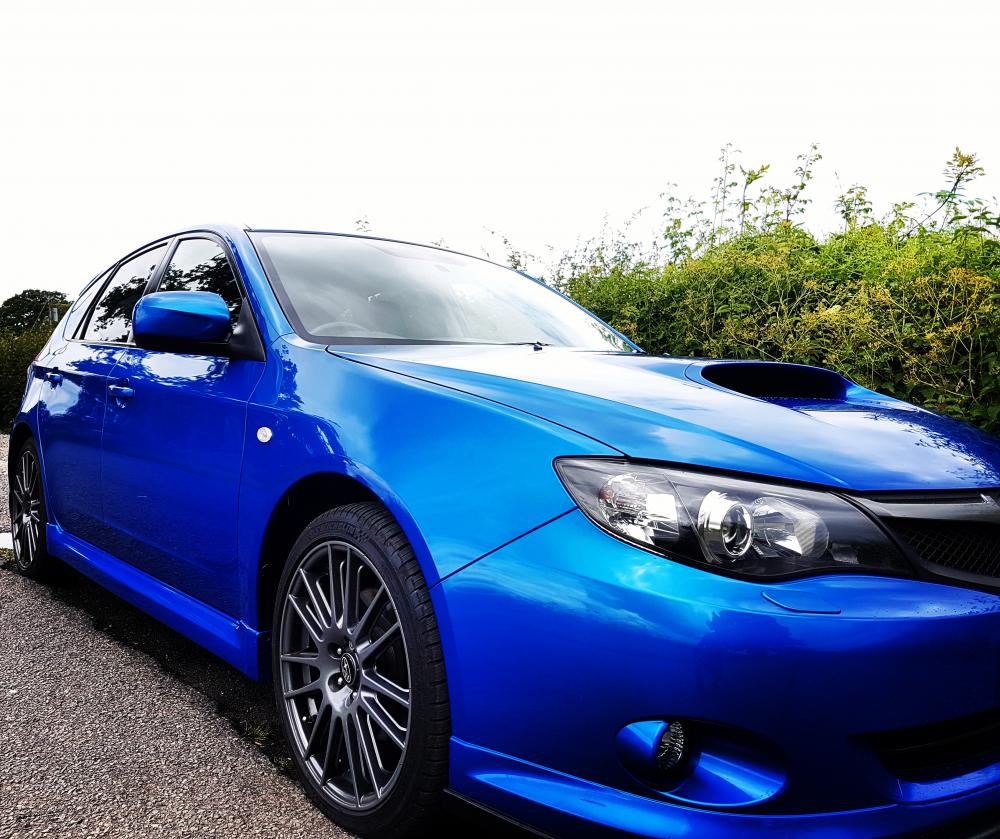
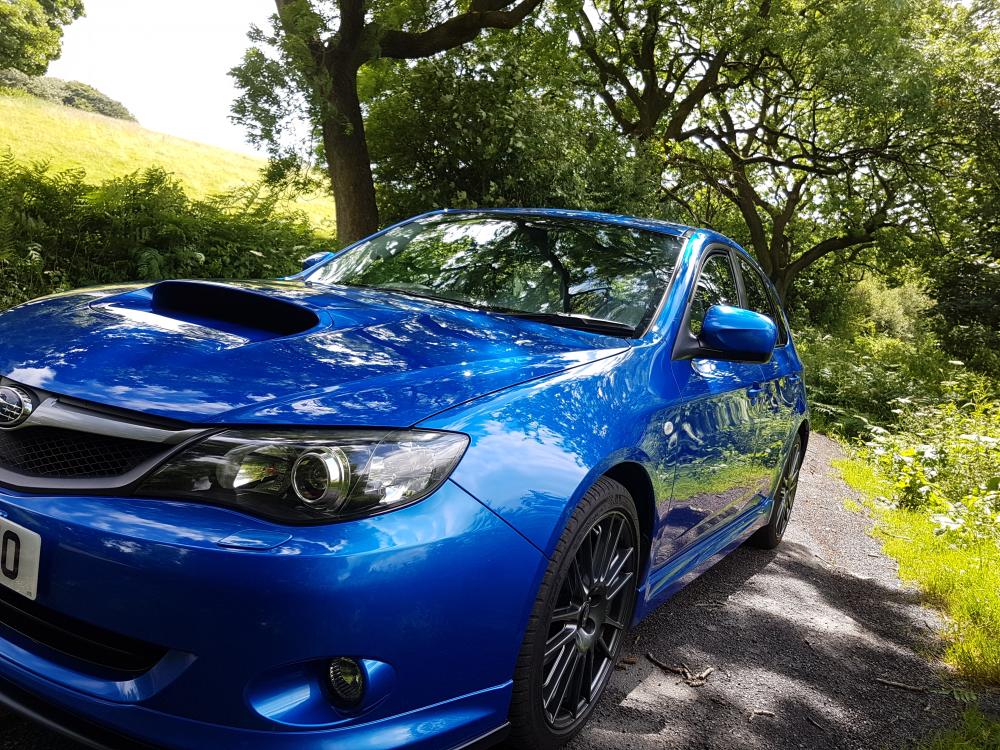
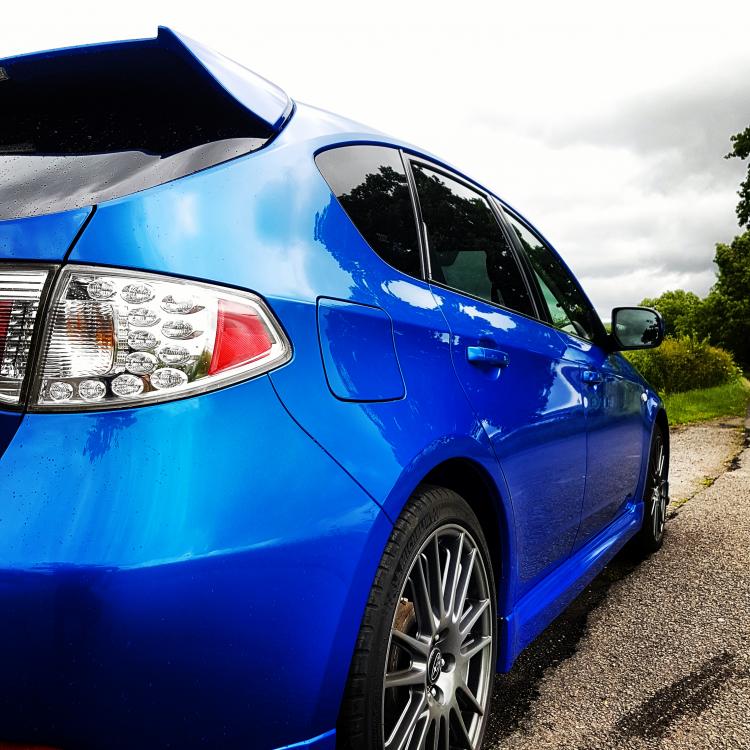
  6. Hi people, Thought I'd drop a post as been reading a lot on here and just got myself a 2010 wrxs. Love the car and got a few bits in mind for her. Anyone any must do recommendations?
Background Picker
Customize Layout

Account

Navigation

Search

Configure browser push notifications

Chrome (Android)
  1. Tap the lock icon next to the address bar.
  2. Tap Permissions → Notifications.
  3. Adjust your preference.
Chrome (Desktop)
  1. Click the padlock icon in the address bar.
  2. Select Site settings.
  3. Find Notifications and adjust your preference.