
Skip to content
View in the app

A better way to browse. Learn more.

Subaru Owners Club UK | Subaru Forums

A full-screen app on your home screen with push notifications, badges and more.

To install this app on iOS and iPadOS
  1. Tap the Share icon in Safari
  2. Scroll the menu and tap Add to Home Screen.
  3. Tap Add in the top-right corner.
To install this app on Android
  1. Tap the 3-dot menu (⋮) in the top-right corner of the browser.
  2. Tap Add to Home screen or Install app.
  3. Confirm by tapping Install.

NGBZ

Members
  • Joined

  • Last visited

Everything posted by NGBZ

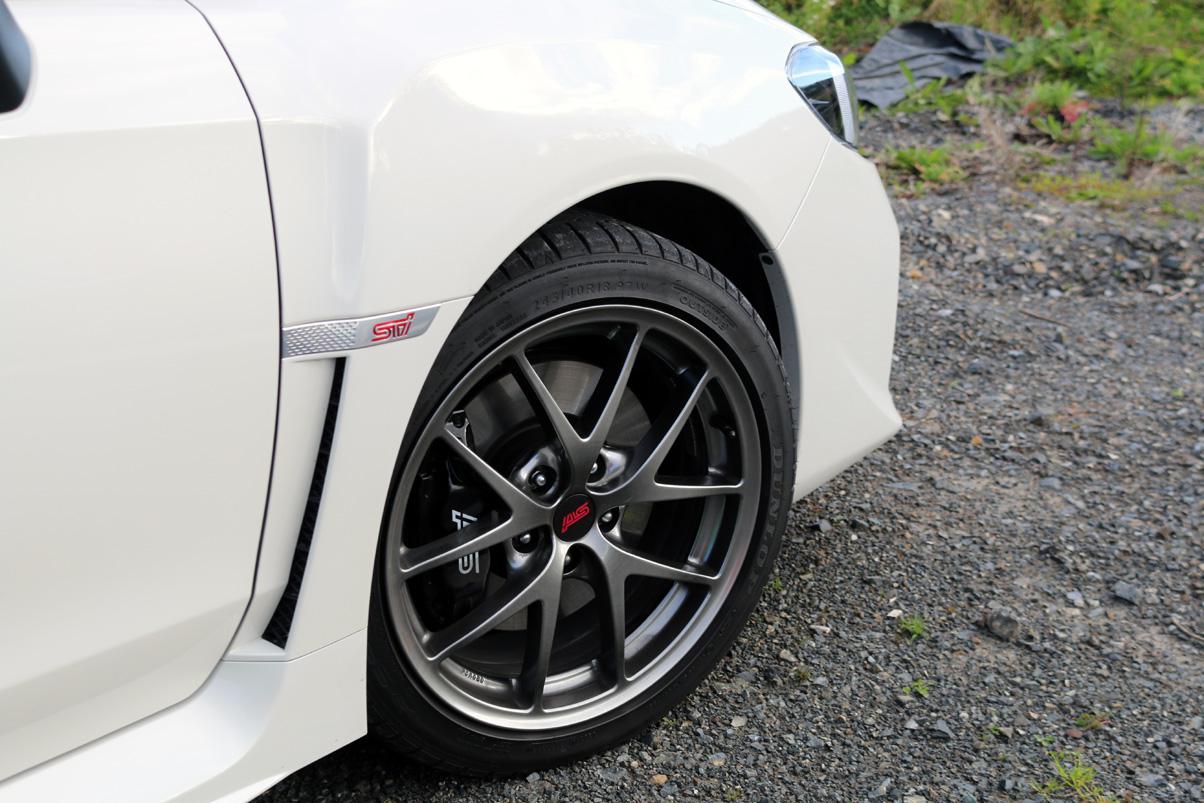
  1. Picked this little beauty up brand new 4 weeks ago.... Gary
  2. Greetings fron New Zealand. Moved to NZ from the UK back in 2000. Originally into MGs in a big way as a youngster back in Blighty and toyed around in a WRC GT4 here in NZ before moving to Subarus for the last 10 years or so - a B4 RSK and a B4 GT .Purchased a brand new 2016 WRX STi Premium 4 weeks ago and absolutely loving it. Bang for buck there isn't much else on the road that puts a grin on you face as much as the STi. Plan to keep stock for a few years due to the warranty, but there's enough to keep me happy for a while Will put some images up in the gallery section shortly. Gary
Background Picker
Customize Layout

Account

Navigation

Search

Search

Configure browser push notifications

Chrome (Android)
  1. Tap the lock icon next to the address bar.
  2. Tap Permissions → Notifications.
  3. Adjust your preference.
Chrome (Desktop)
  1. Click the padlock icon in the address bar.
  2. Select Site settings.
  3. Find Notifications and adjust your preference.