M.Jarvis
Members
-
Joined
-
Last visited
-
The reason i ask is i have a turbo 2000 that had diff and box fluids changed 5 k ago and after a spirited 90 minute drive over the weekend i have a loud high pitched hum / whine coming from the front nearside. could this be a wheel bearing problem?
-
could this be a wheel bearing issue?
-
-
Thanks scoobyghost / Matt
-
Thanks scooby ghost. what sort of cost would I be looking at for an ecuteck map? I presume I would have to buy the license to be used on my car?
-
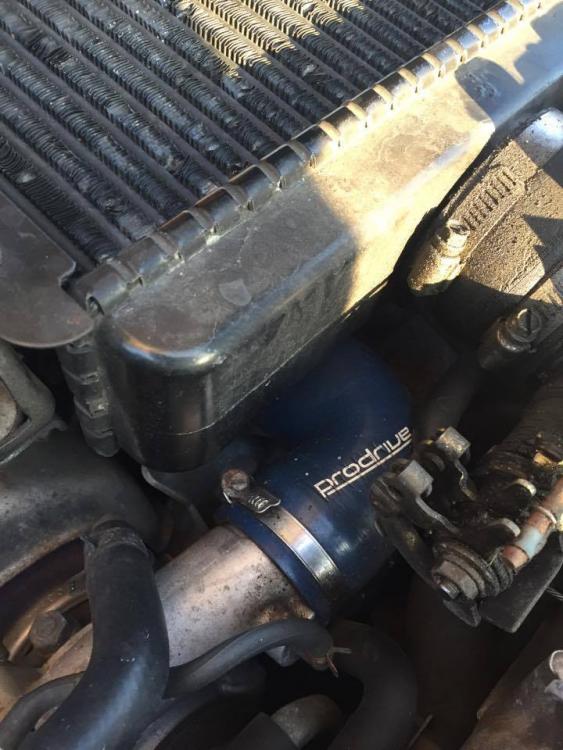
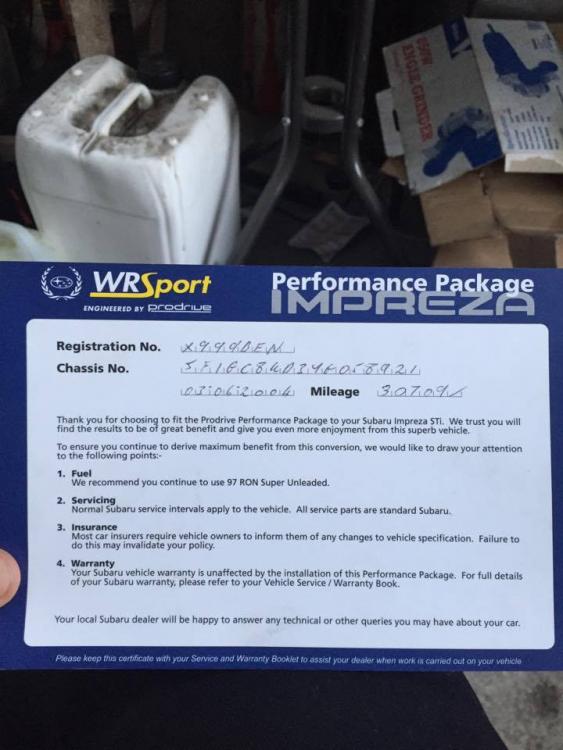
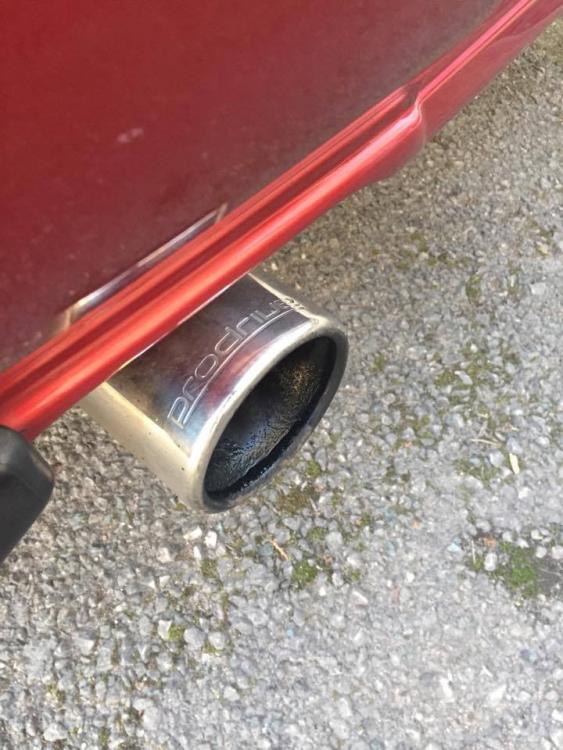
Hello guys and girls, my uk turbo 2000 has the prodrive performance pack. i am with wondering if I install a performance panel filter and decat downpipe can my ppp ecu be remapped to get the best out the mods?
-
Thanks guys, and thanks matt I will check under the carpet when I get a chance. Drives very well and does feel quick. Although this is my first Subaru so nothing really to compare it to.....
-
yes it does, i believe it also has the prodrive performance pack too.
-
M.Jarvis changed their profile photo
-
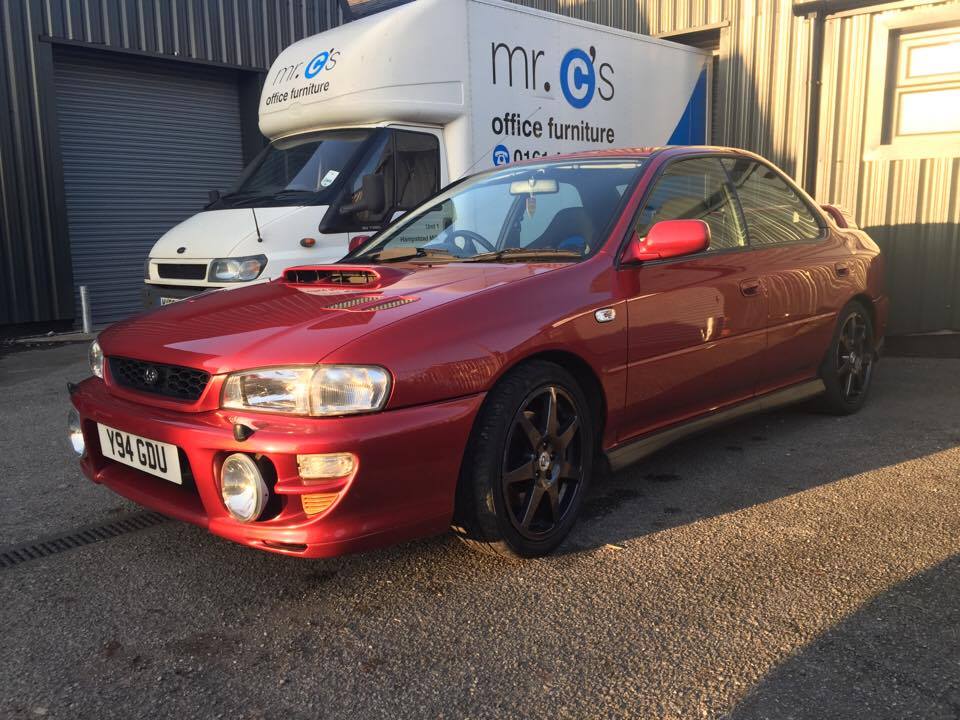
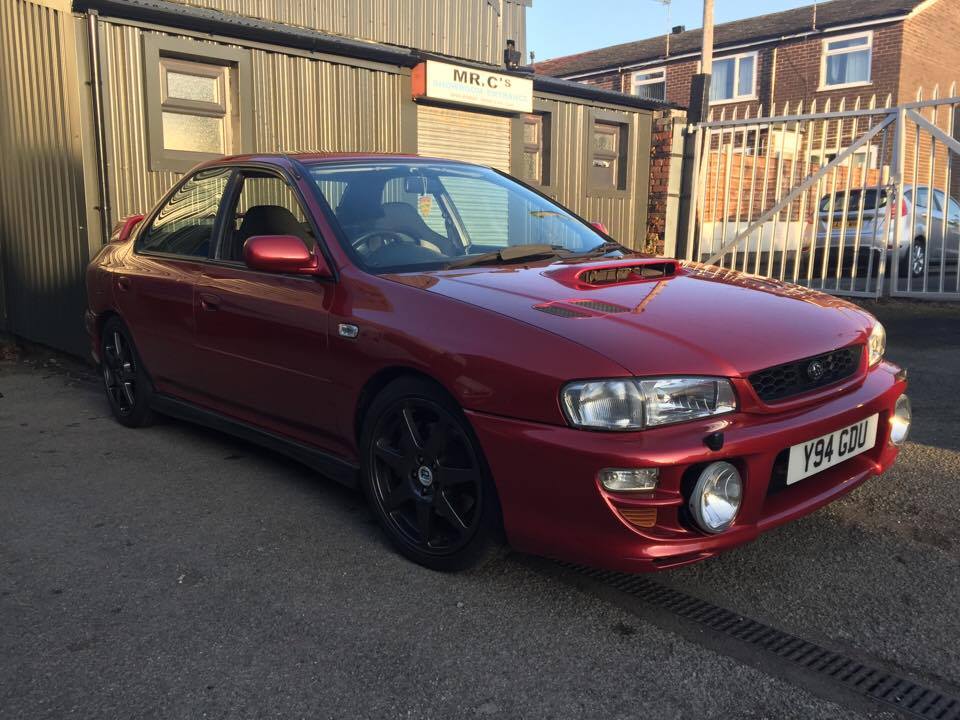
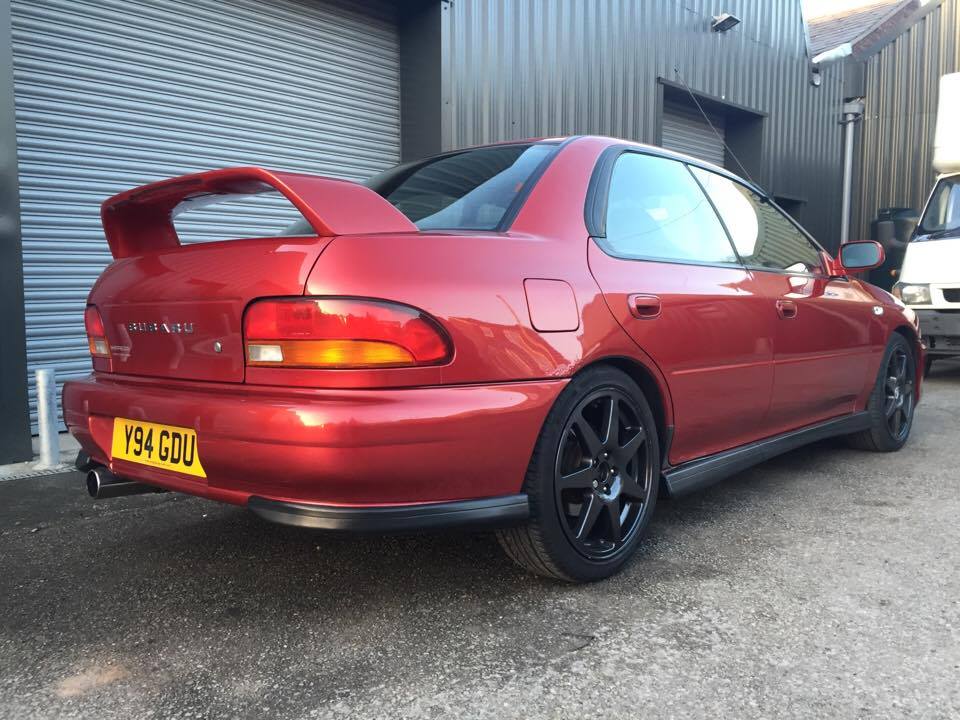
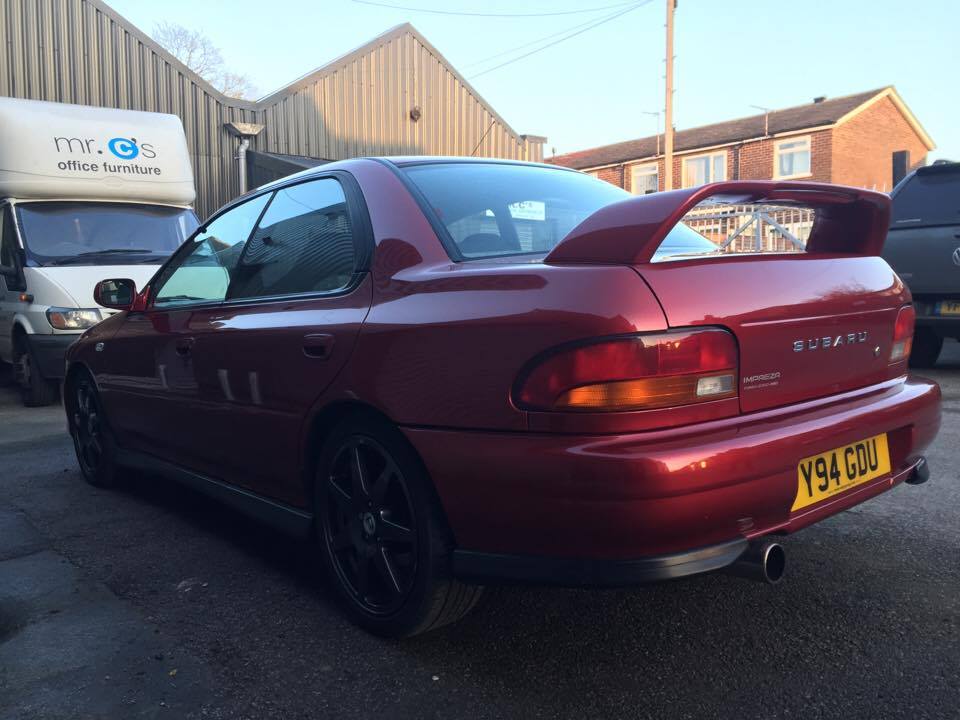
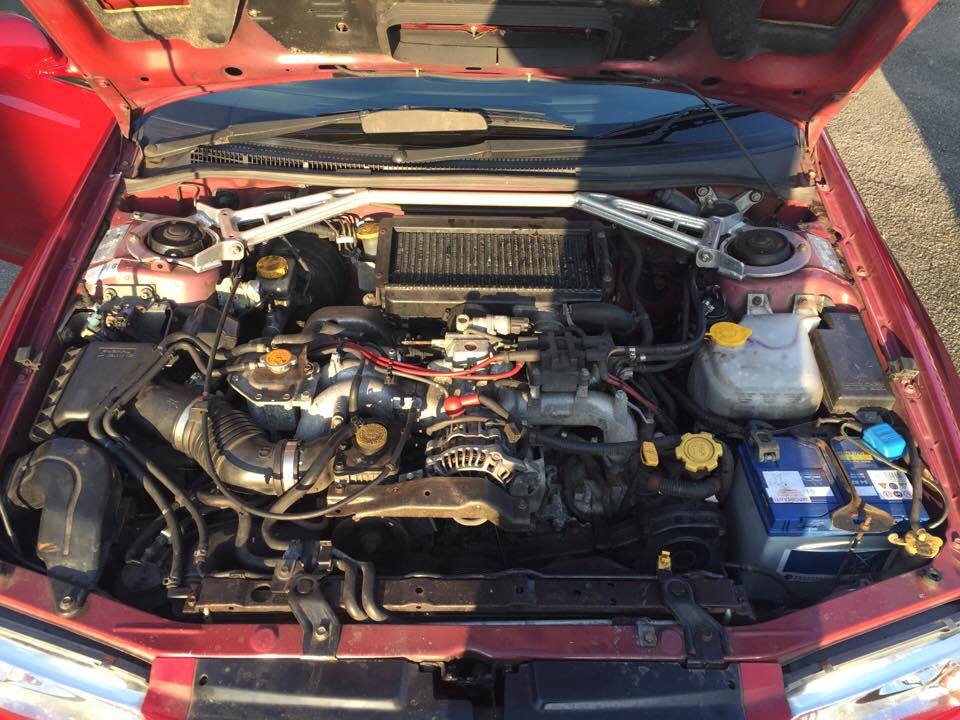
Hello ladies and gents, I have recently purchased a Y reg Mica red UK Turbo 2000 to replace my Honda civic EP3 and so far i am very impressed! i have some questions and some digging to be doing around the forum so im sure i will start a build thread or similar soon.