STiPete
Members
-
Joined
-
Last visited
Everything posted by STiPete
-
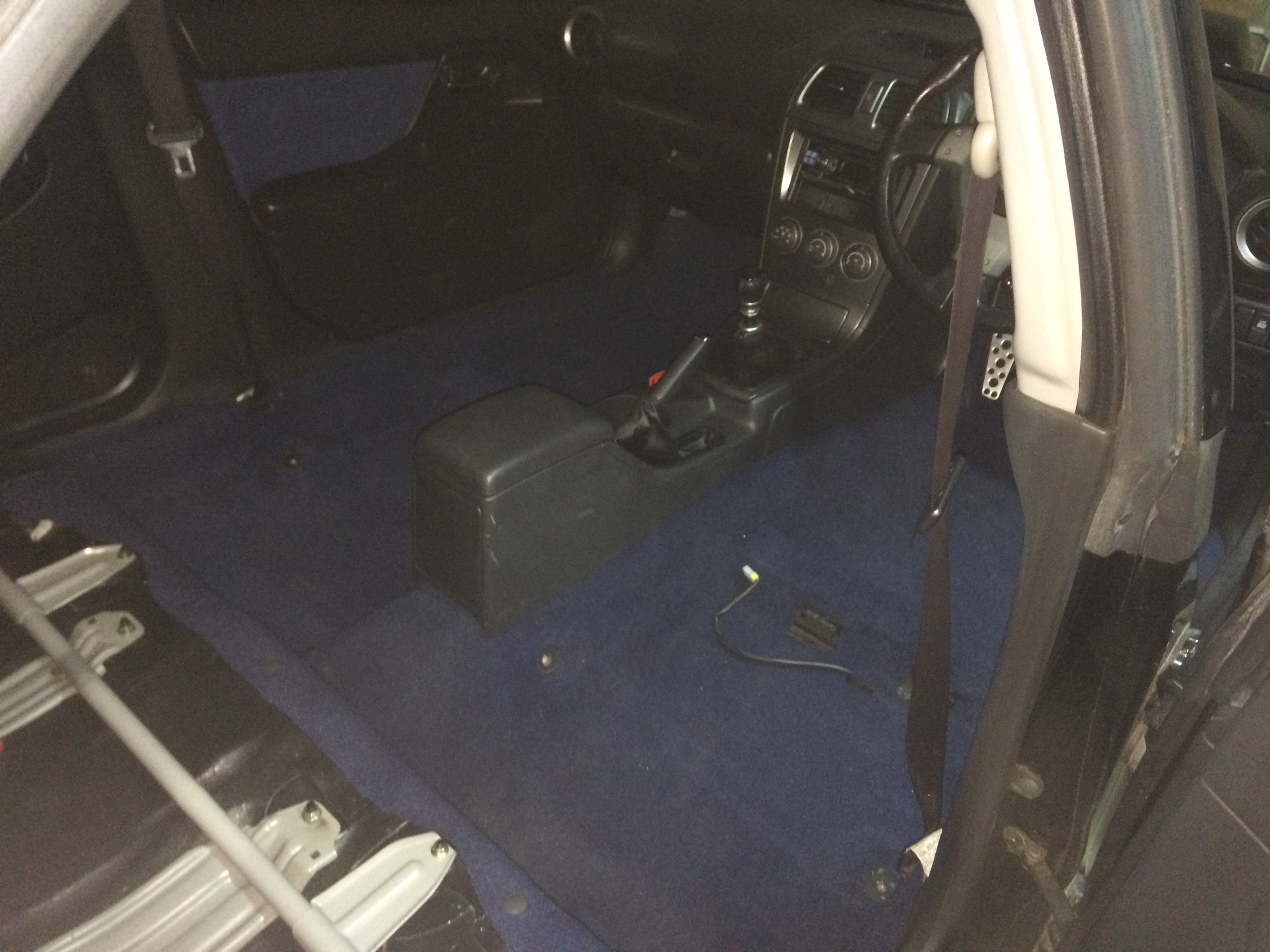
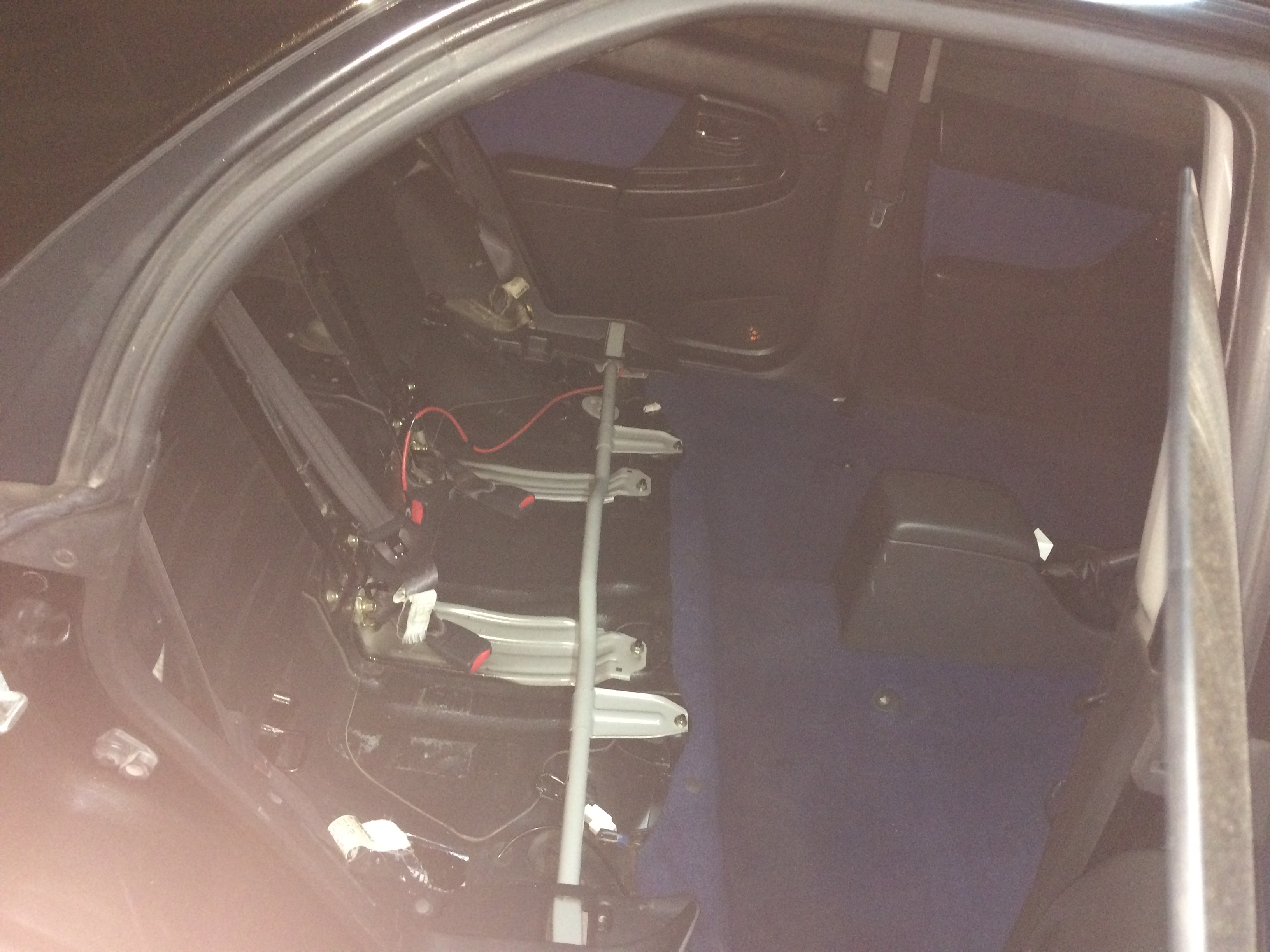
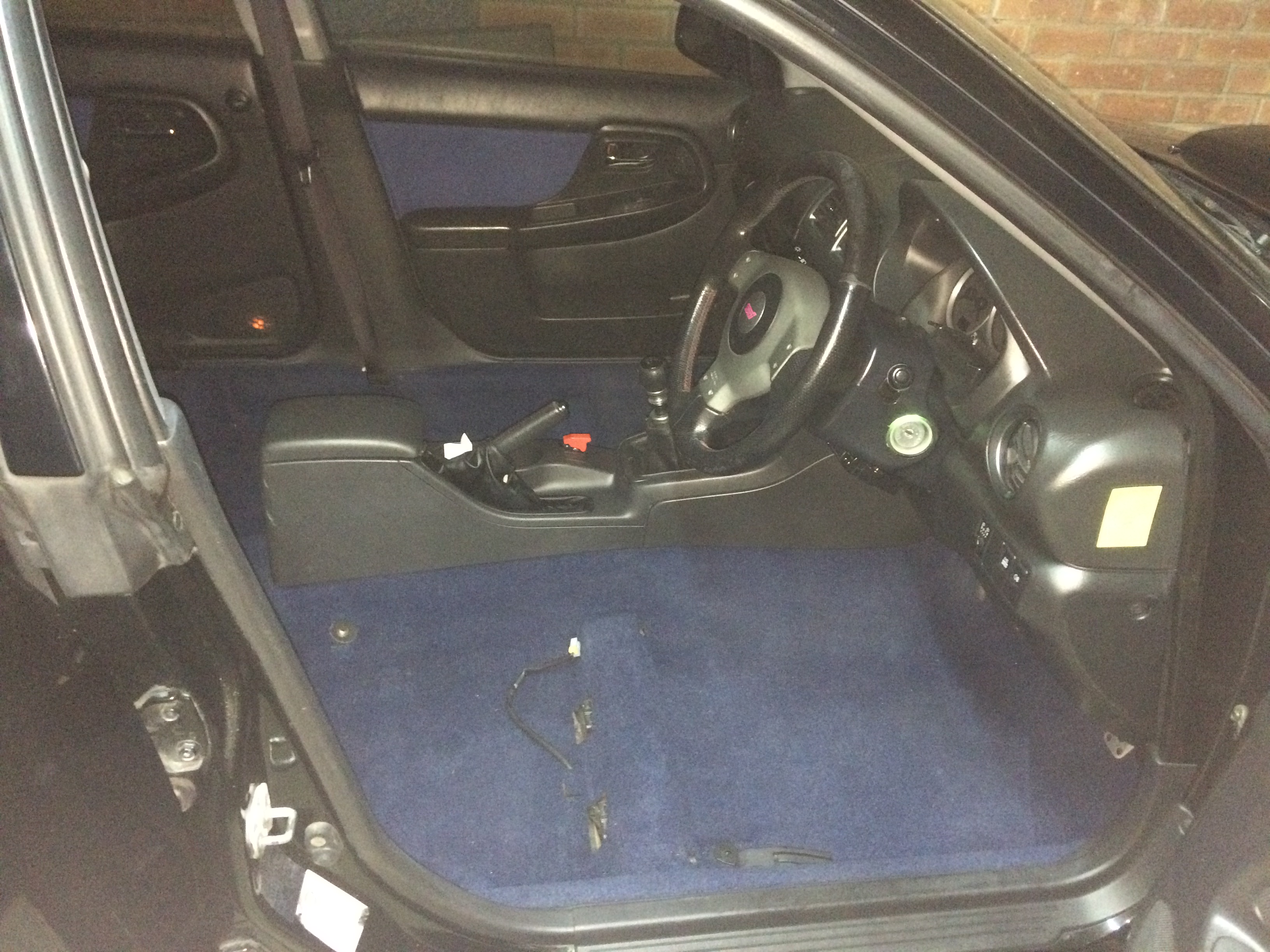
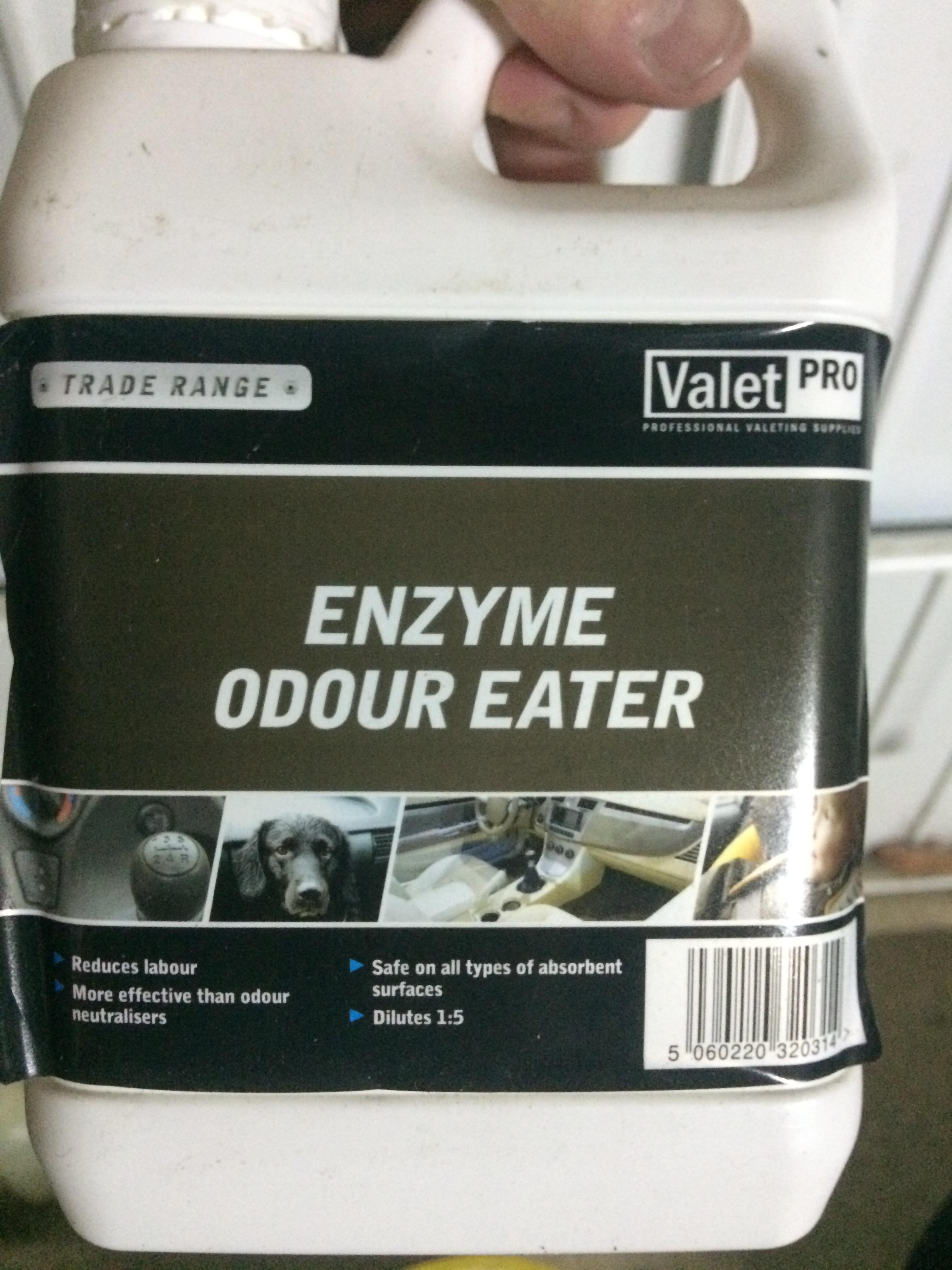
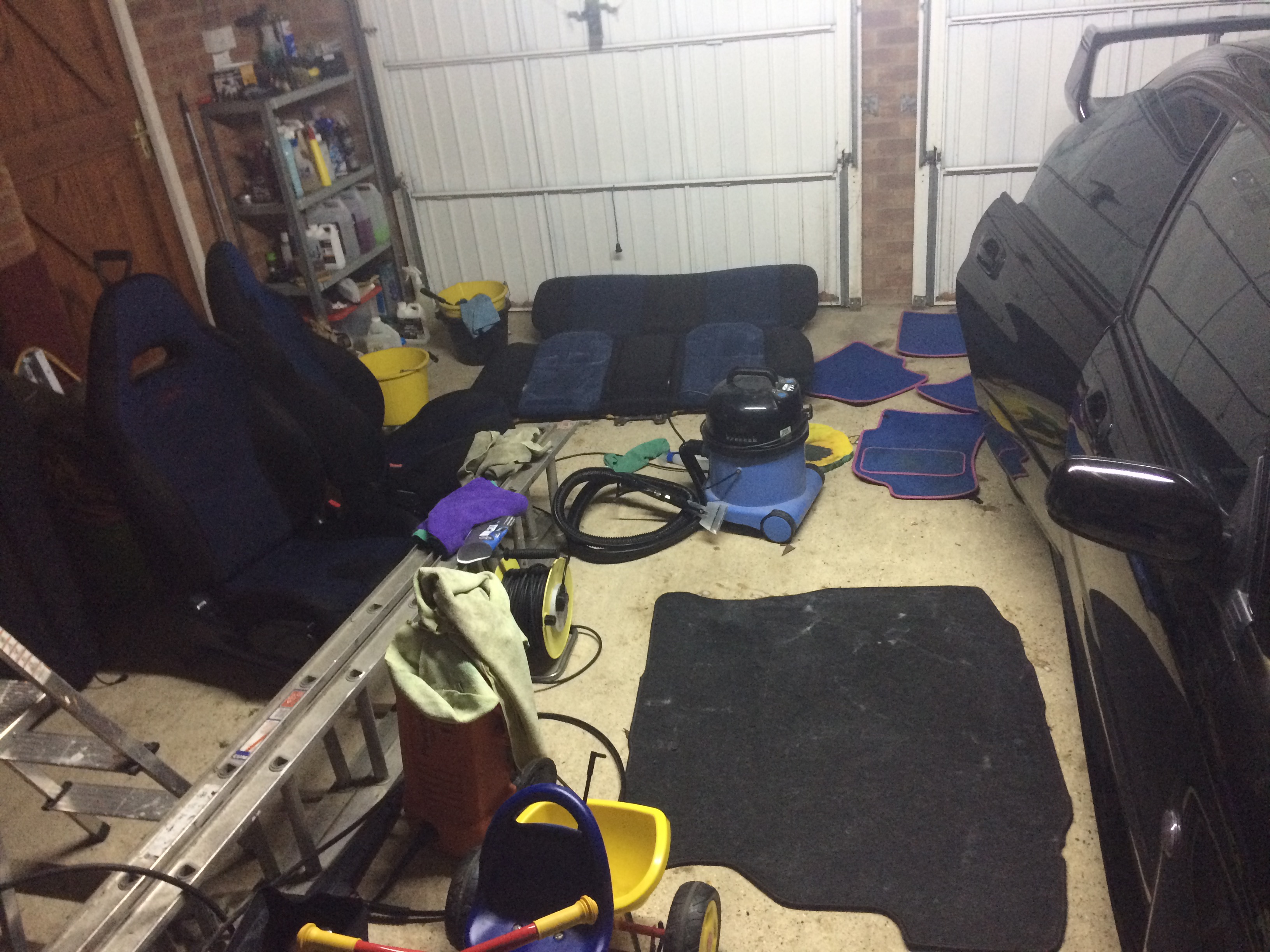
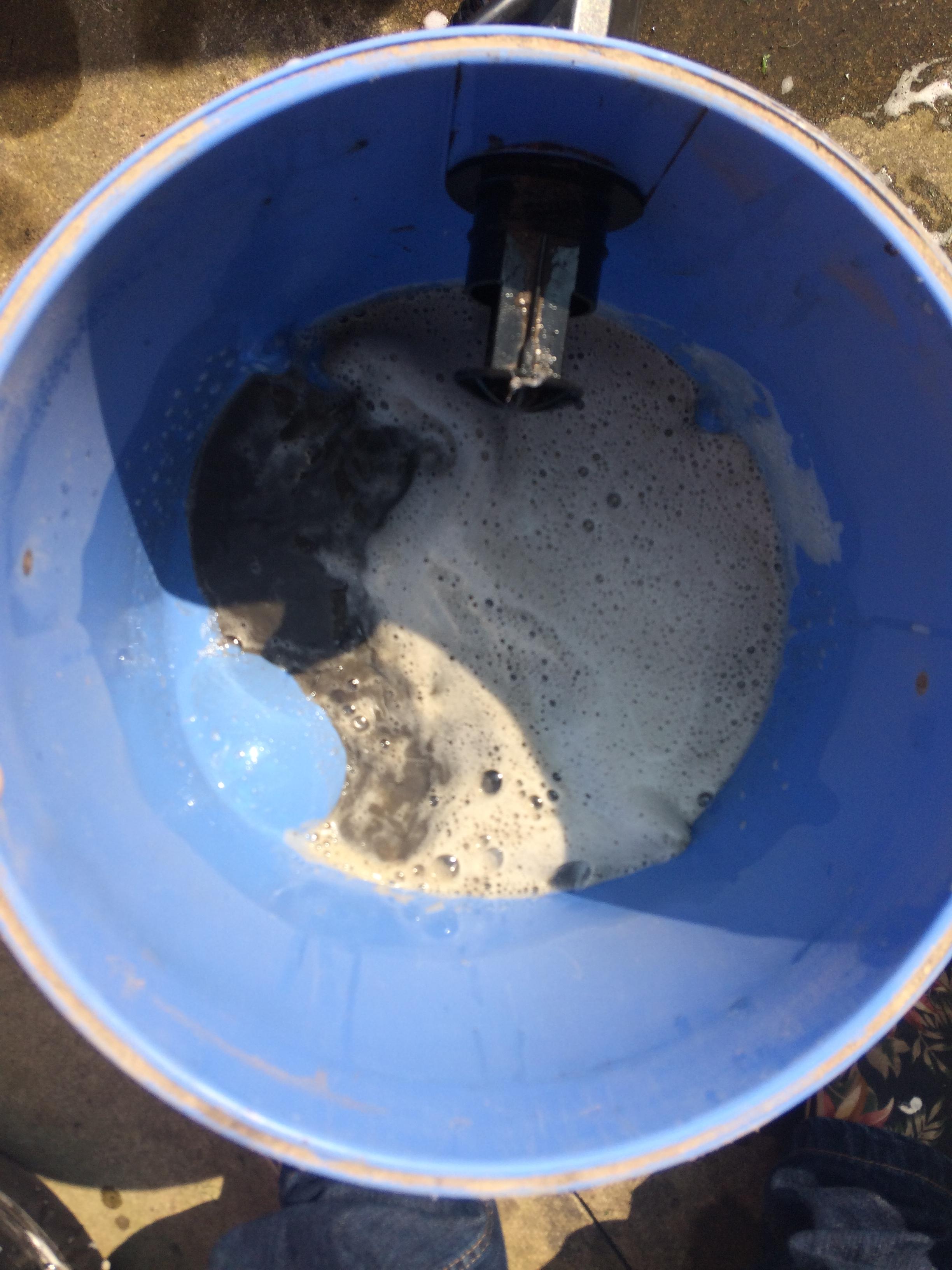
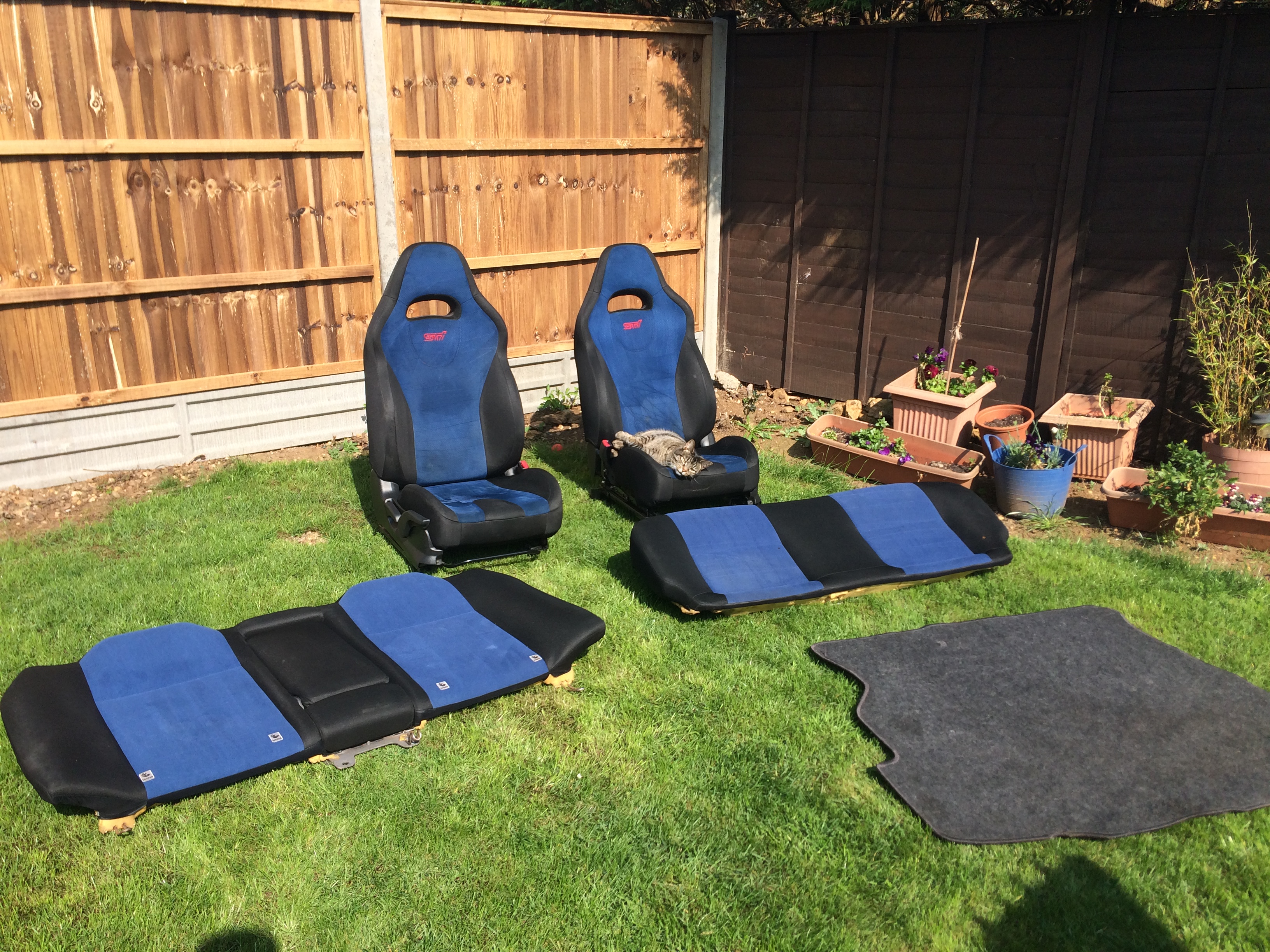
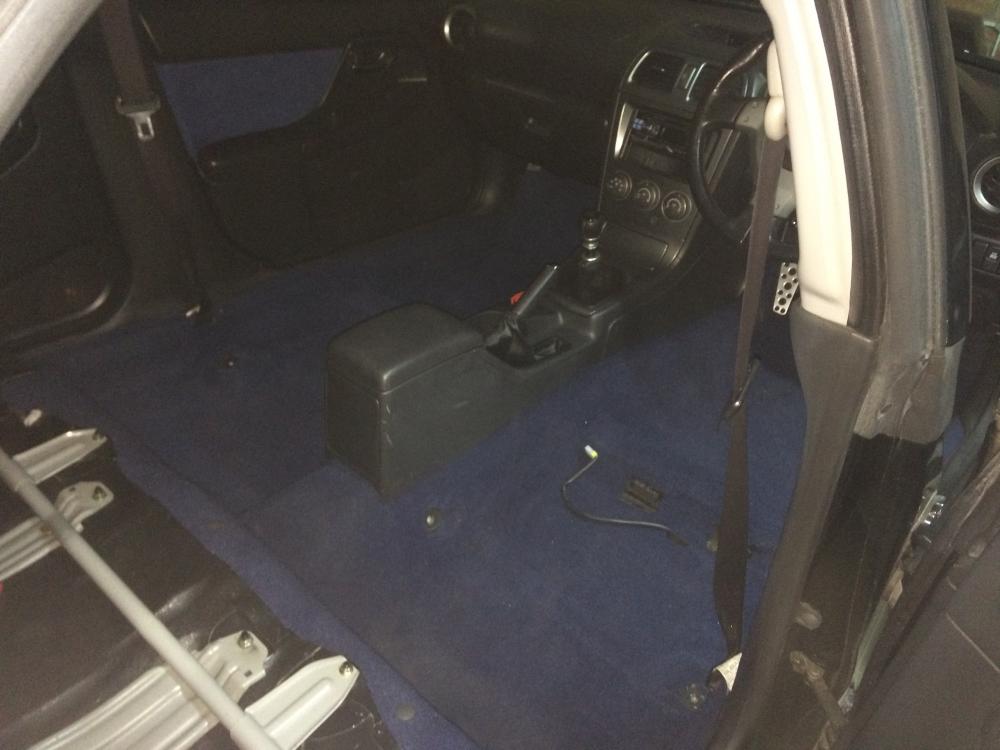
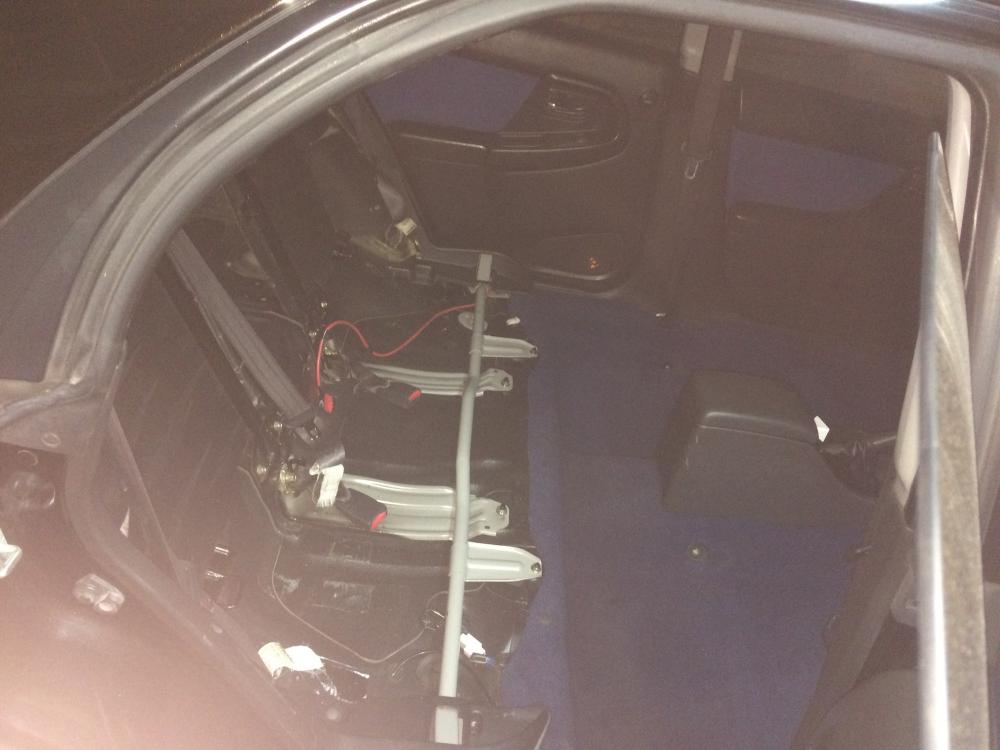
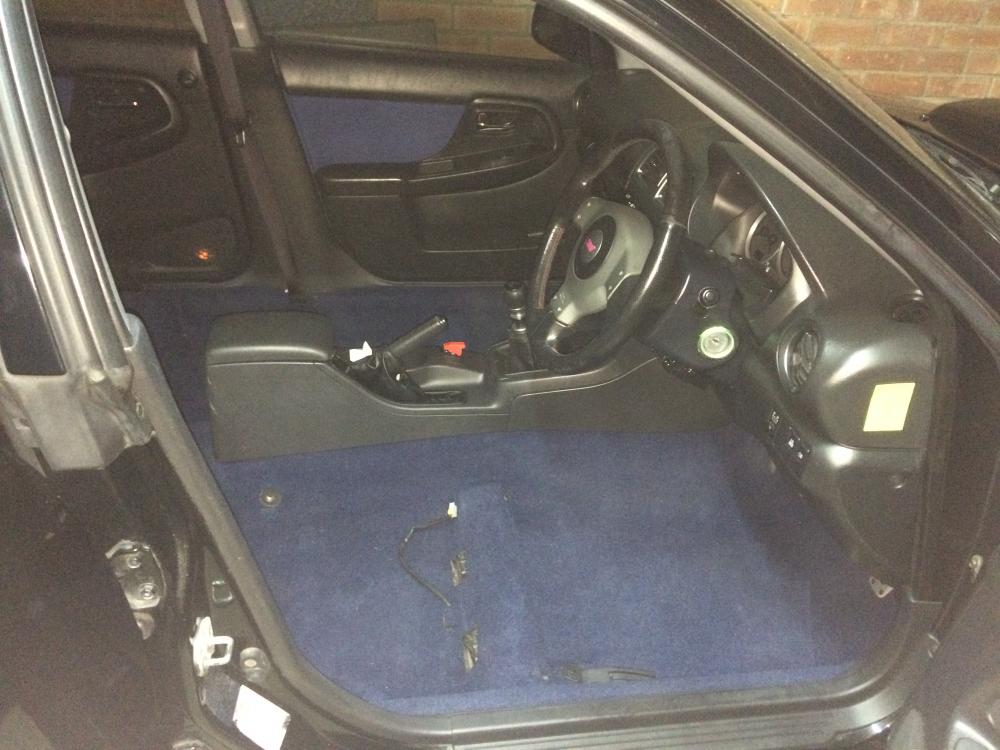
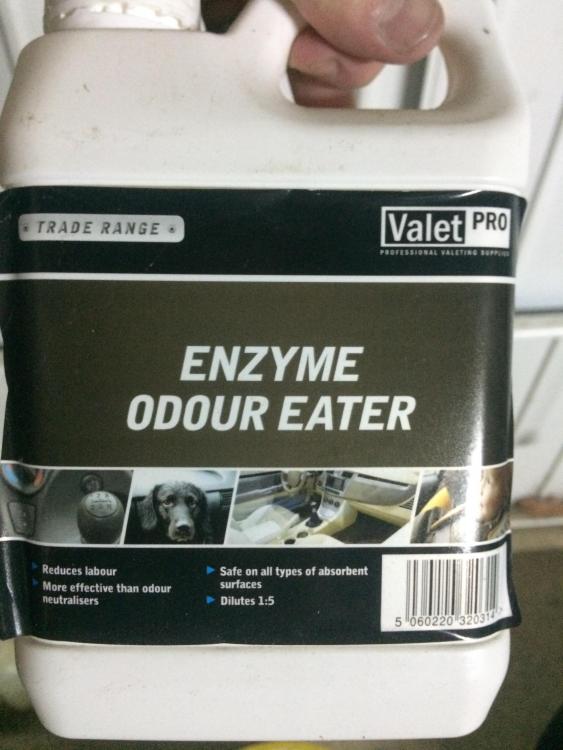
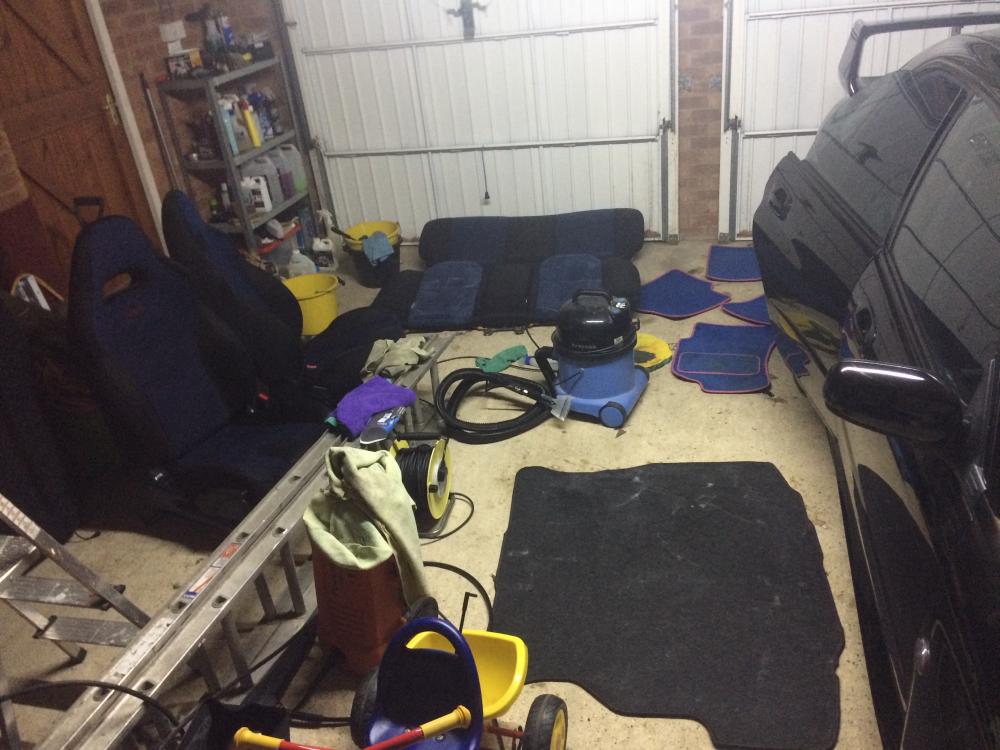
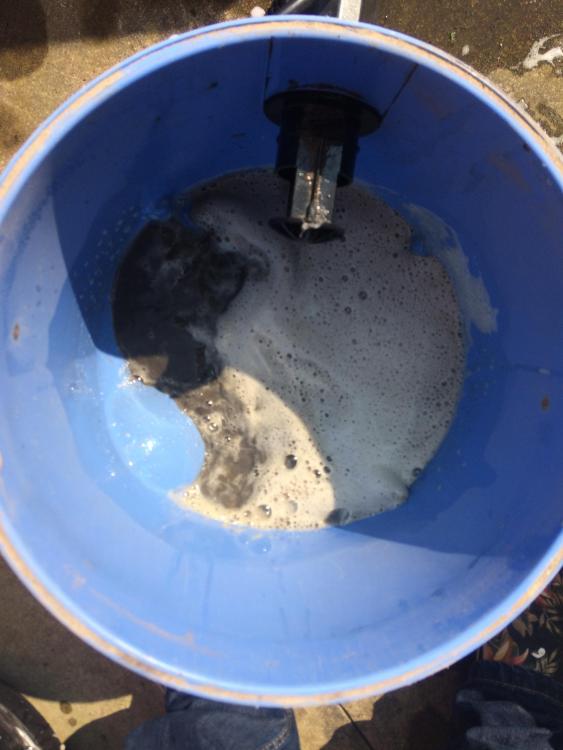
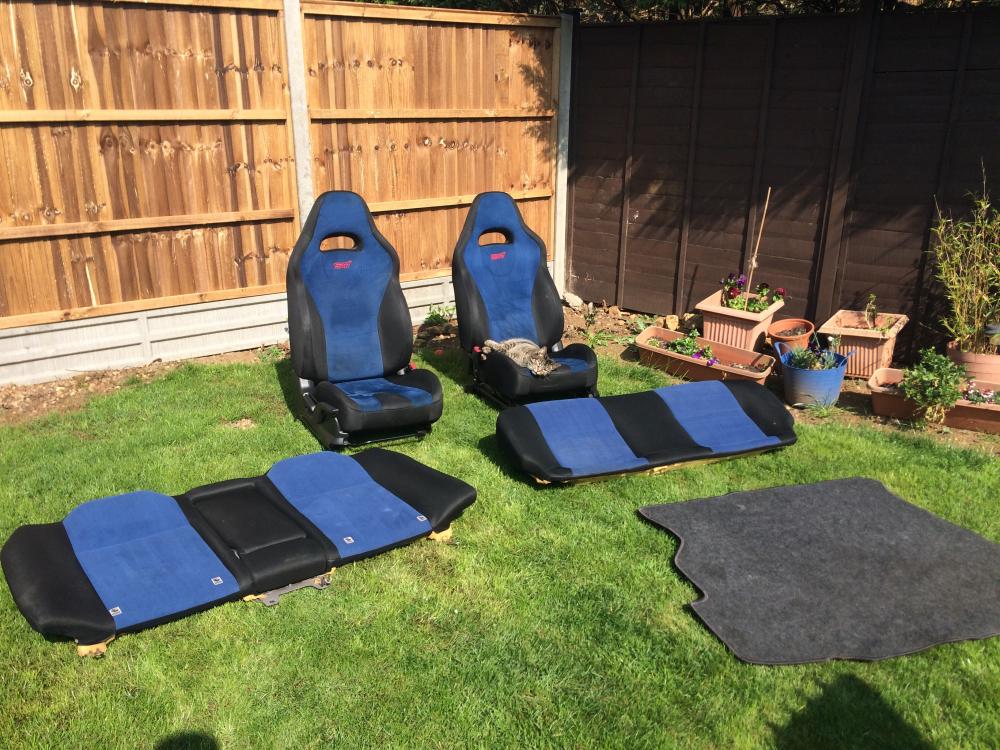
So this last week I've had all the seats out so I could wet vac all the carpets and seats properly. Been round the car with ValetPro Enzyme Odour Eater to try to get rid of the tobacco smell then wet vac'd with a mixture of carpet shampoo and some Flash Febreeze APC. Just waiting for a new cabin filter to be delivered to I can swap that as the one that came out was minging!! Next up is to sort the suspension. I've bought a set of OEM Shocks and Springs to replace the XYZ Coilovers as it drives awful at the minute. Also wire in a KPH to MPH converter to get it reading correctly again.
-
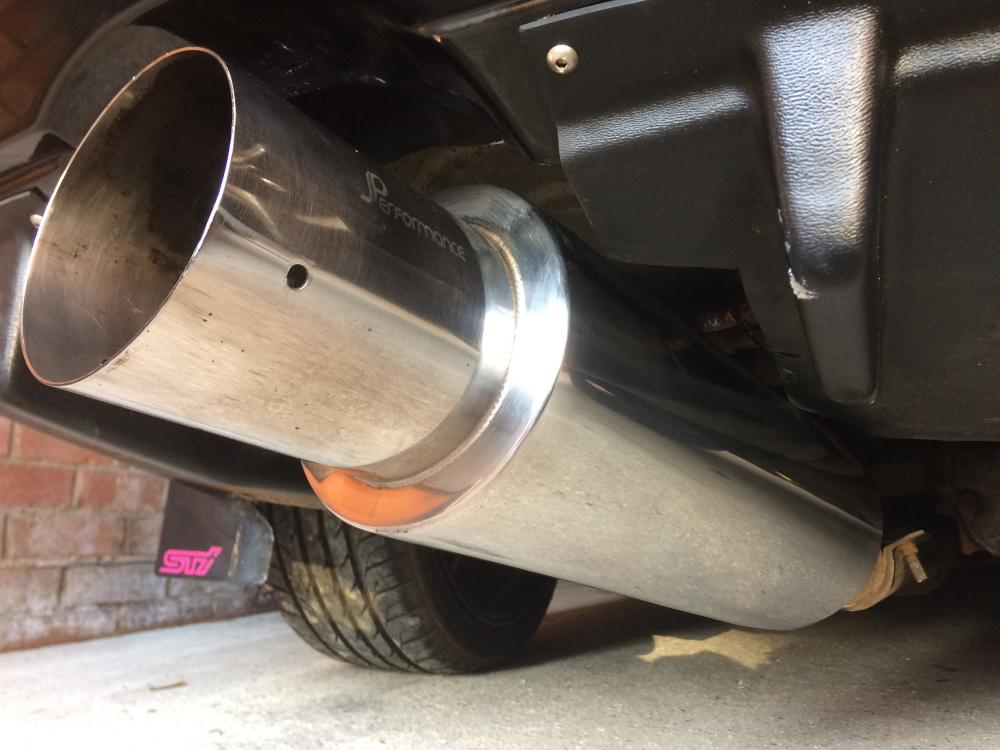
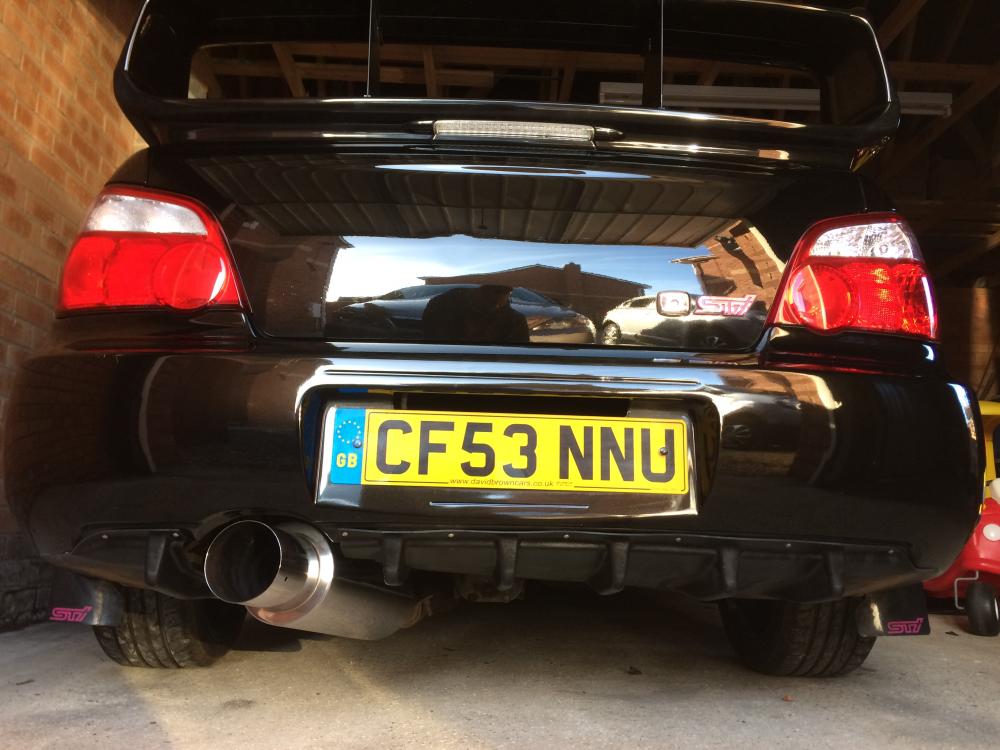
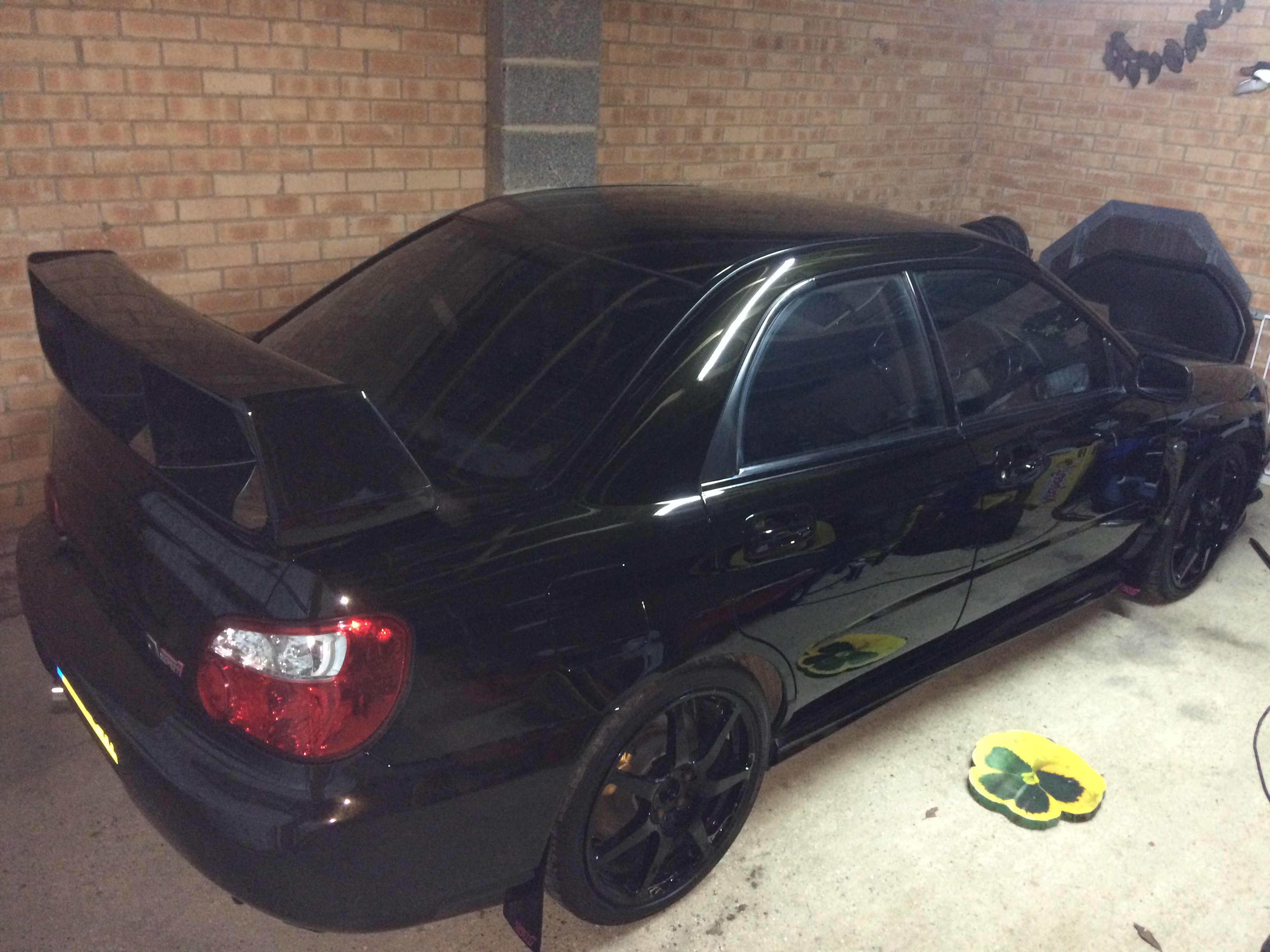
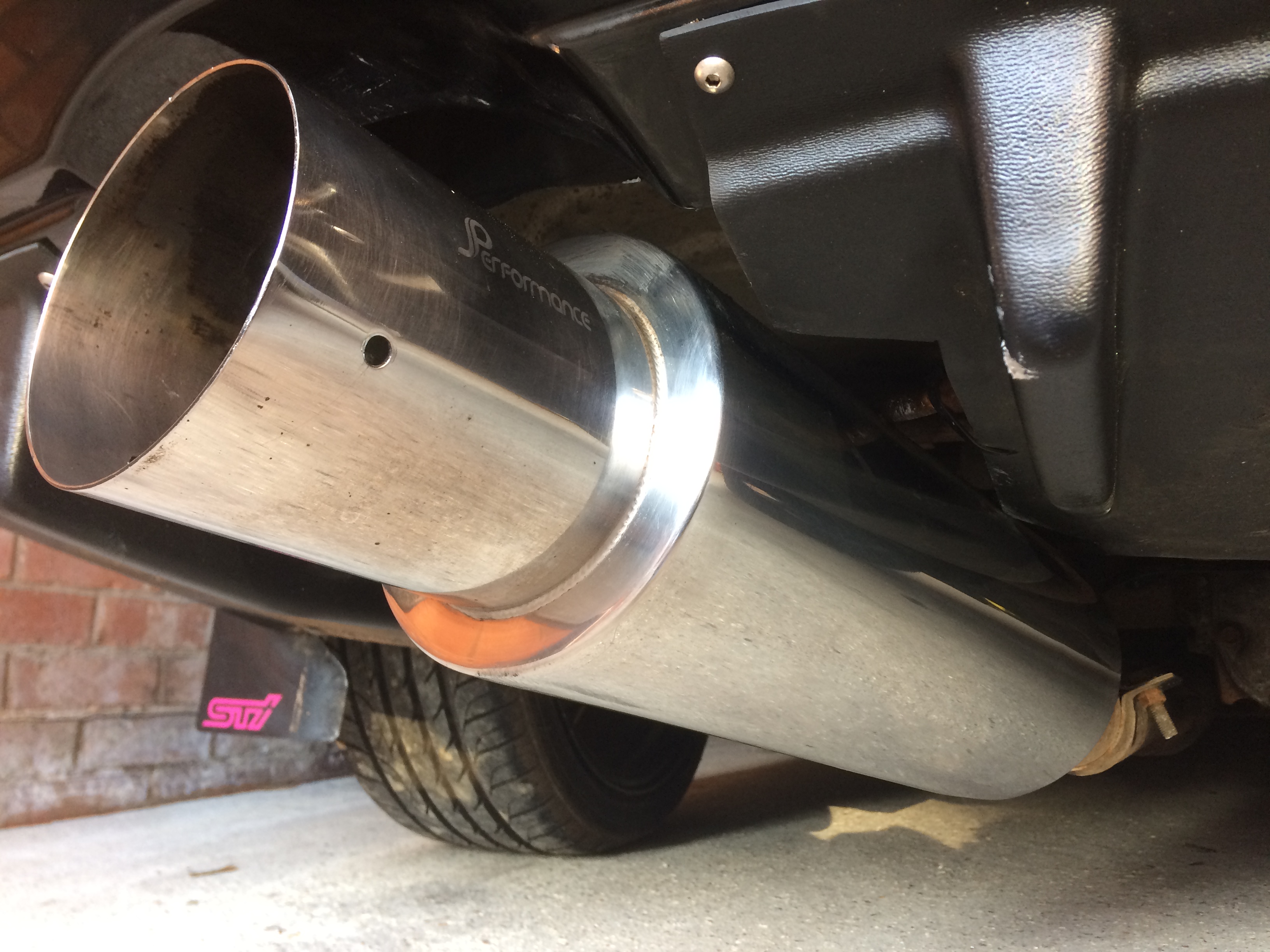
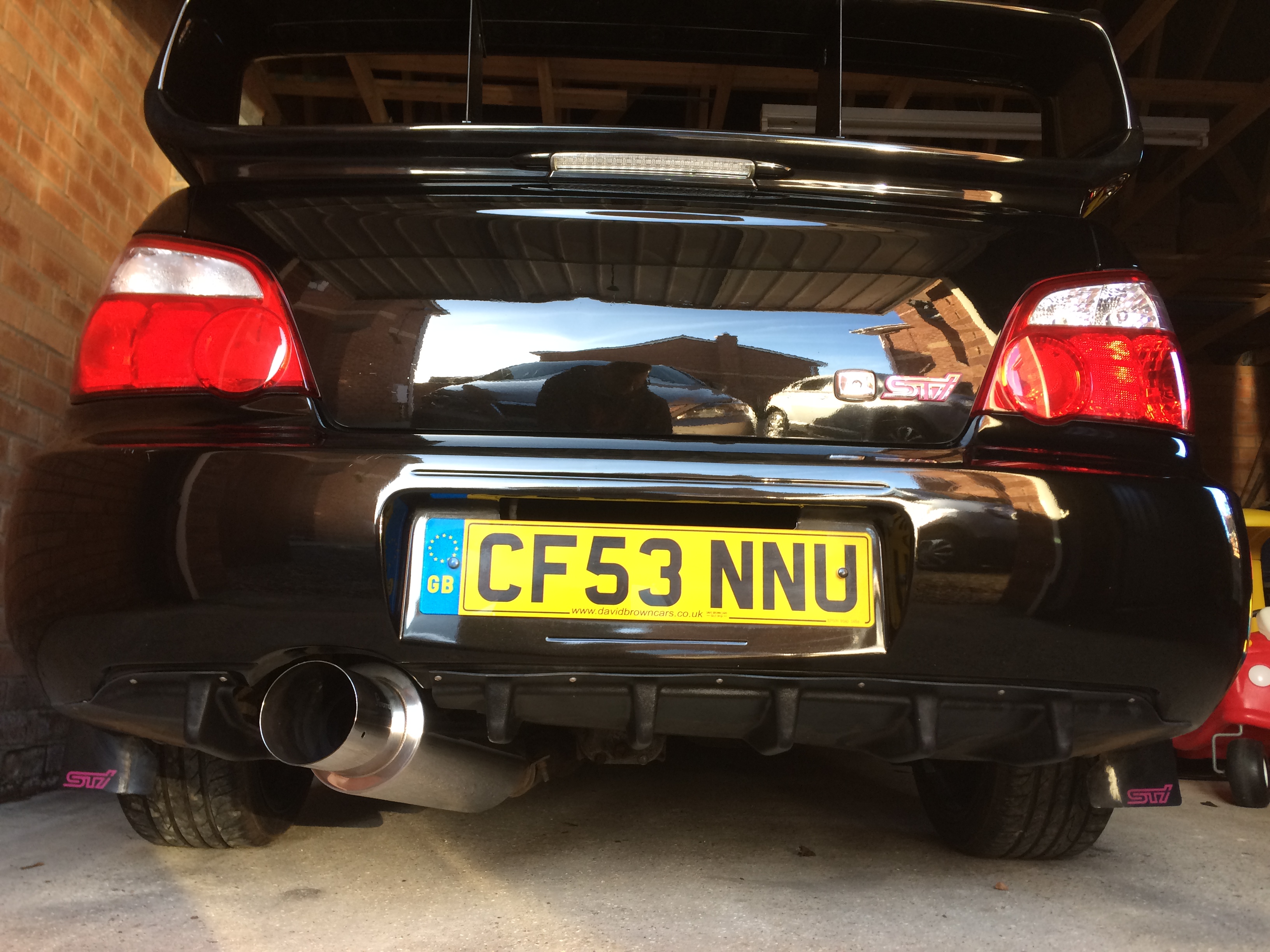
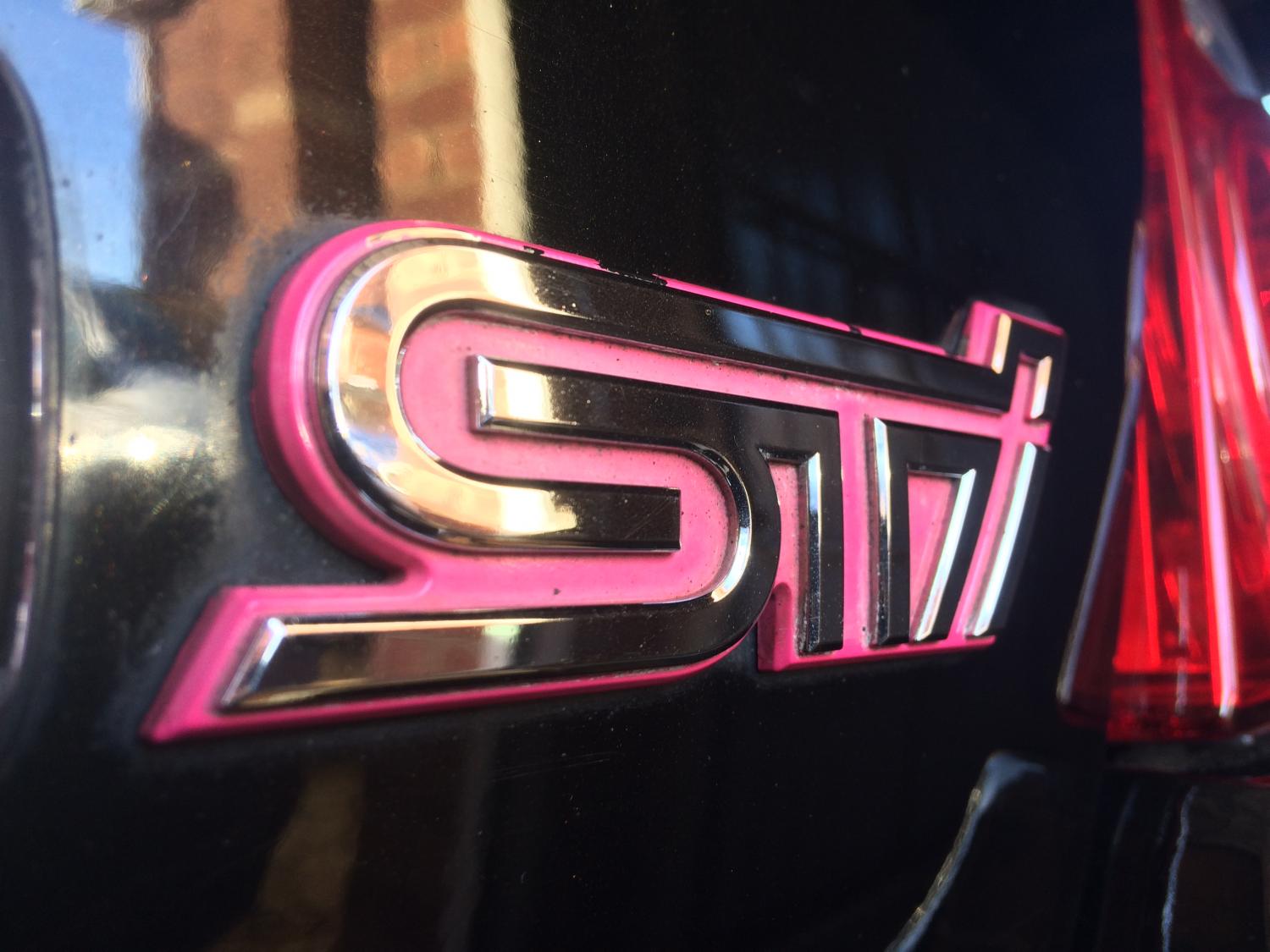
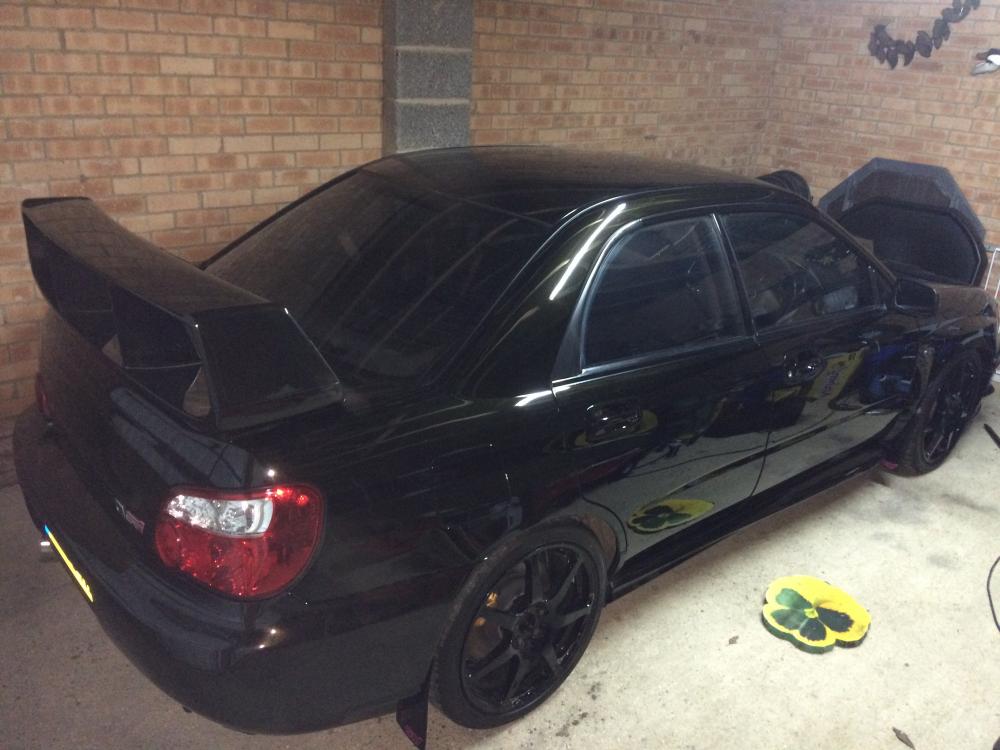
Only had the car 5 days but eager to get started on it. Had a free hour today so spent it polishing up the exhaust and some of the boot using Auto Finesse products. I'll add more photo's as I work around the car.