Maclaren
Members
-
Joined
-
Last visited
Everything posted by Maclaren
-
All booked up
-
Thanks for your comments guys. And yes probably best left alone, as it's the final edition, Got number 109, spoke to dealer about the possibility of getting number 150 but Subaru apparently keep that along with number 1. I also asked how many of each colours were released but this information has apperently Not made public, unless anybody knows? I would asume that the world rally blue would be the most popular colour and more produced, cant wait to find out and collect the car Saturday 9:30am and counting, will post more pick when collected.
-
Thanks, my brother had the forester which is why I am such a fan out the subaru in general. Yours looks mint. Can't wait to collect mine this week.
-
 It looks fantastic in the dark grey, first final I've seen in the grey. Cracking number as well 13. 👍
 -
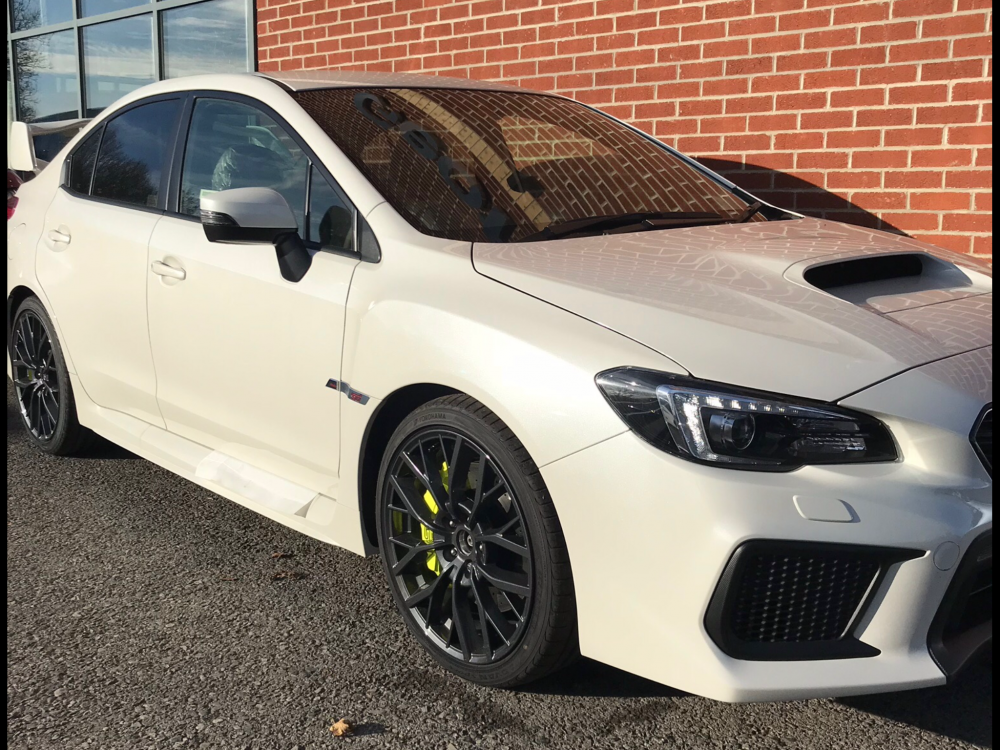
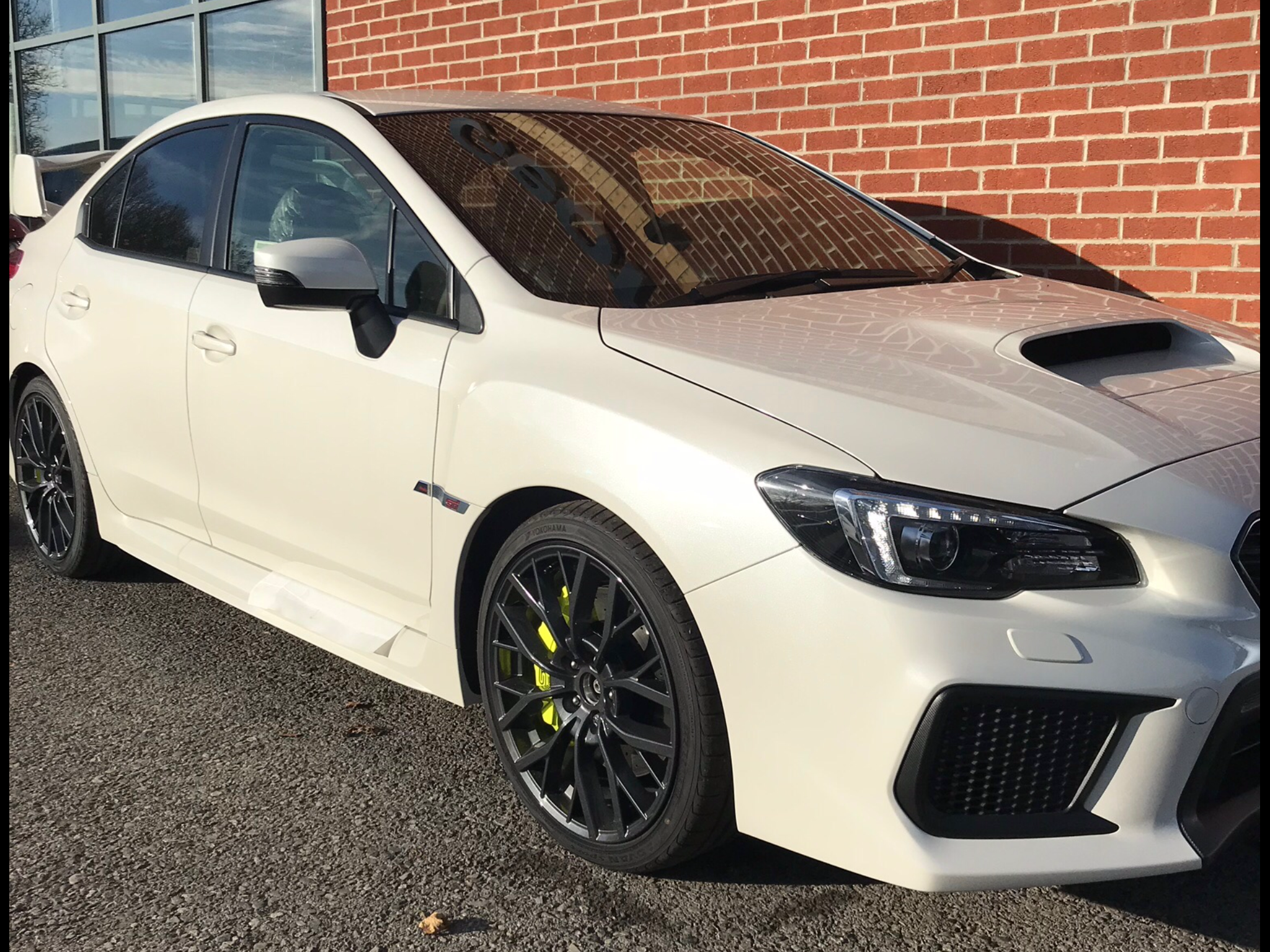
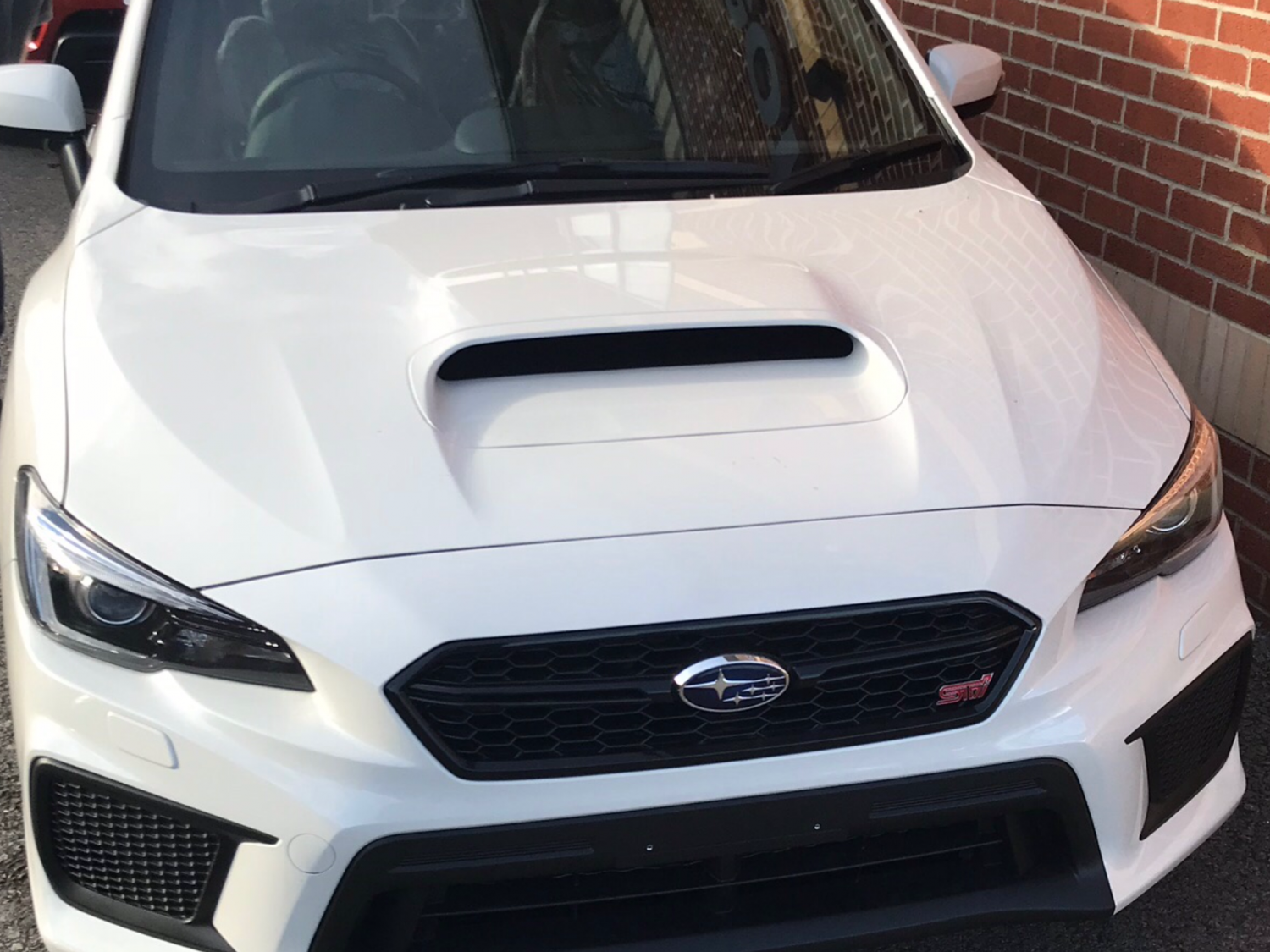
Hi all, just signed up to the owners club and I am thrilled to be one of the lucky 150 that had the opertunity to purchase a final edition, could not get one in the wr blue, missed out on 2 (apparently sold to rally drivers), could only source this one in pearlescent white. Any though on a usable map?