Melbel13
Members
-
Joined
-
Last visited
-
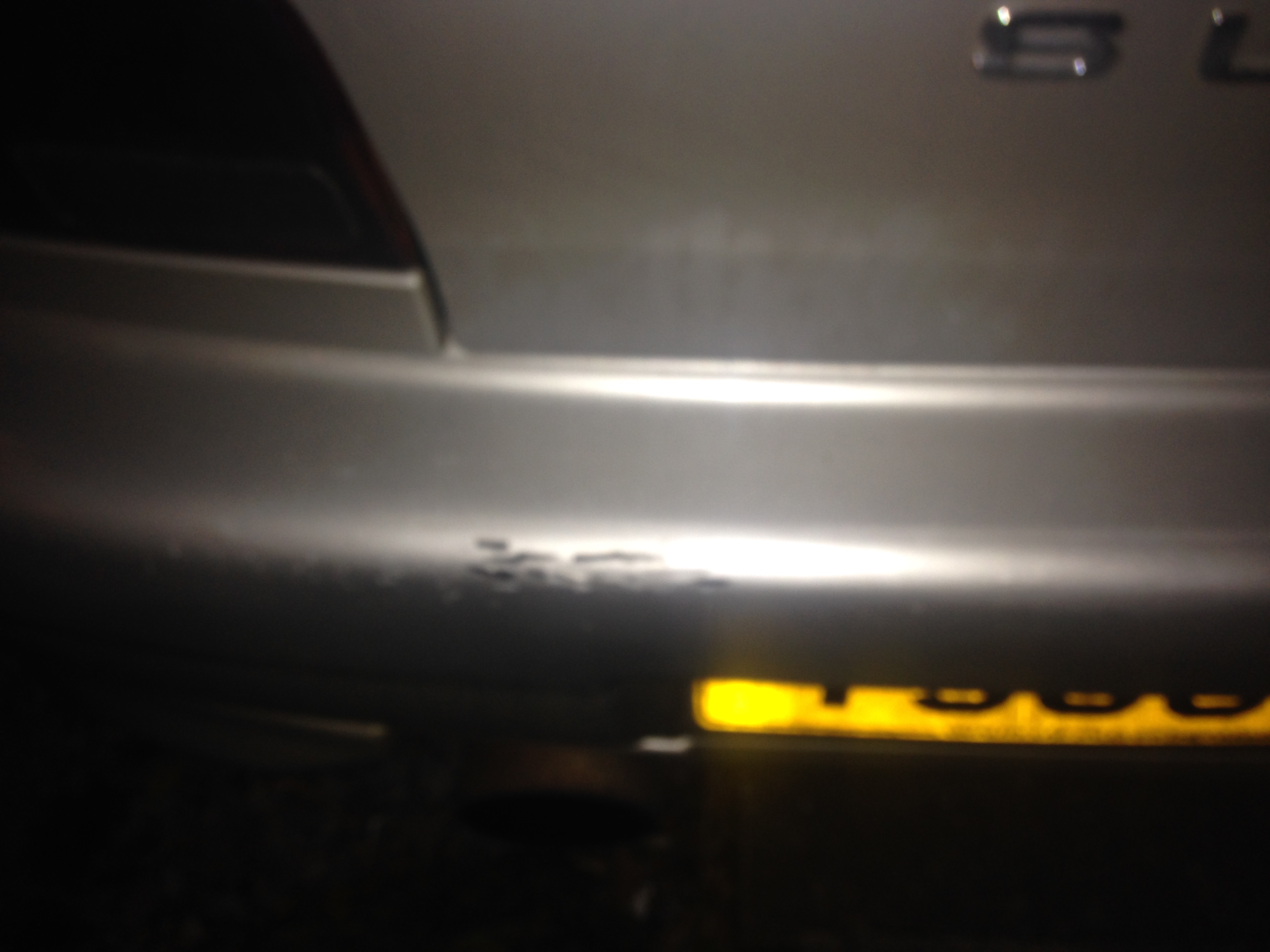
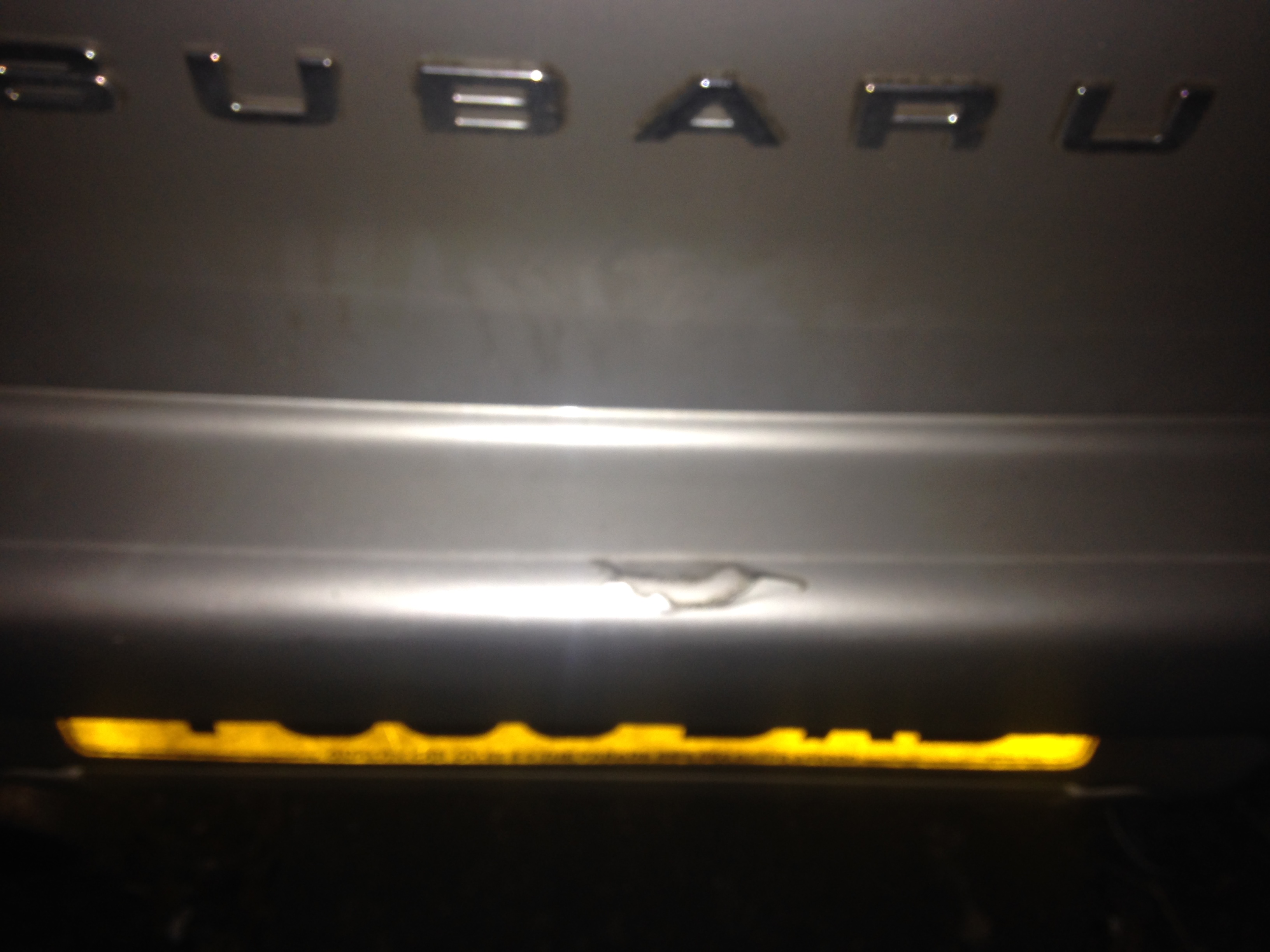
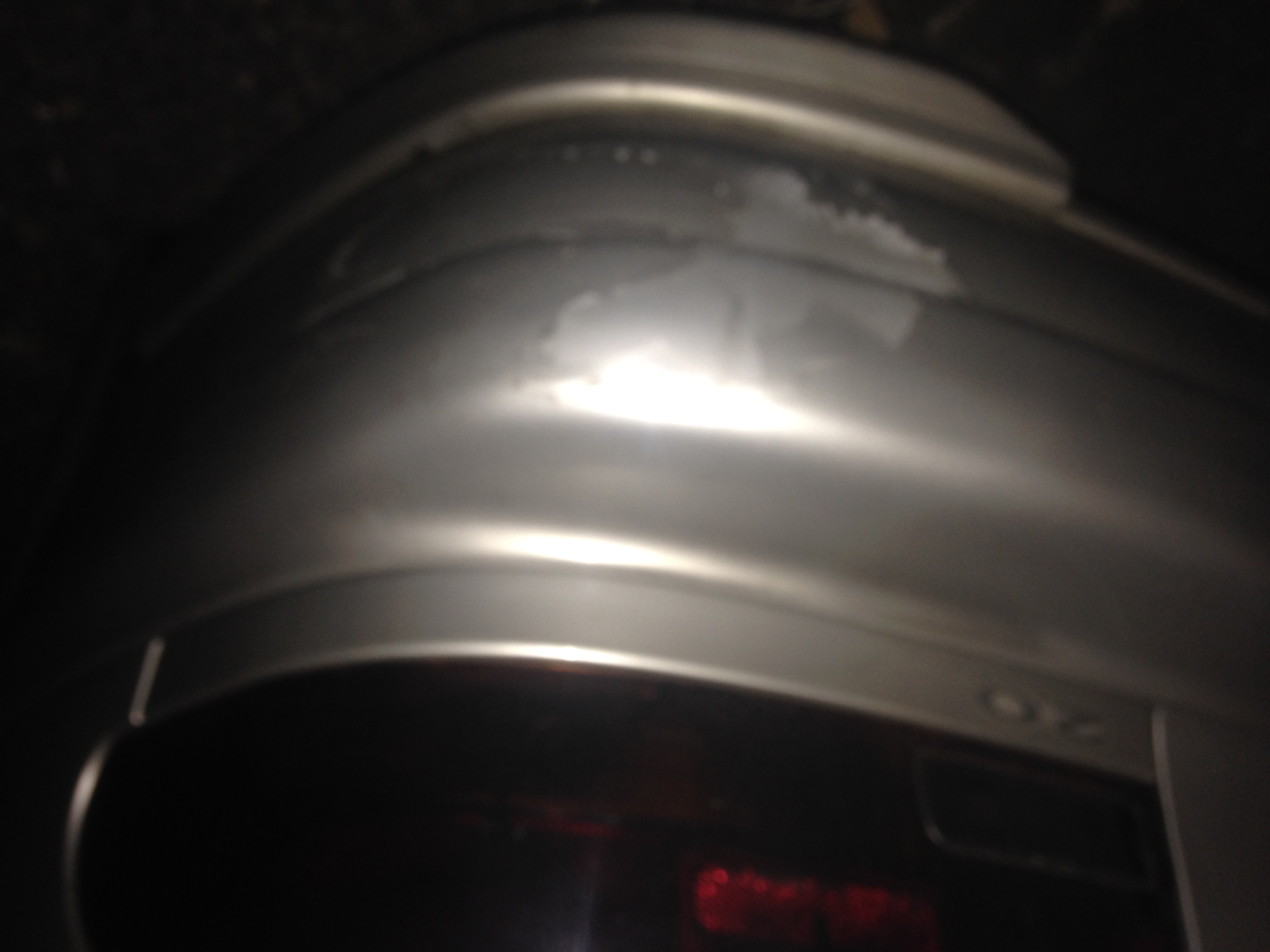
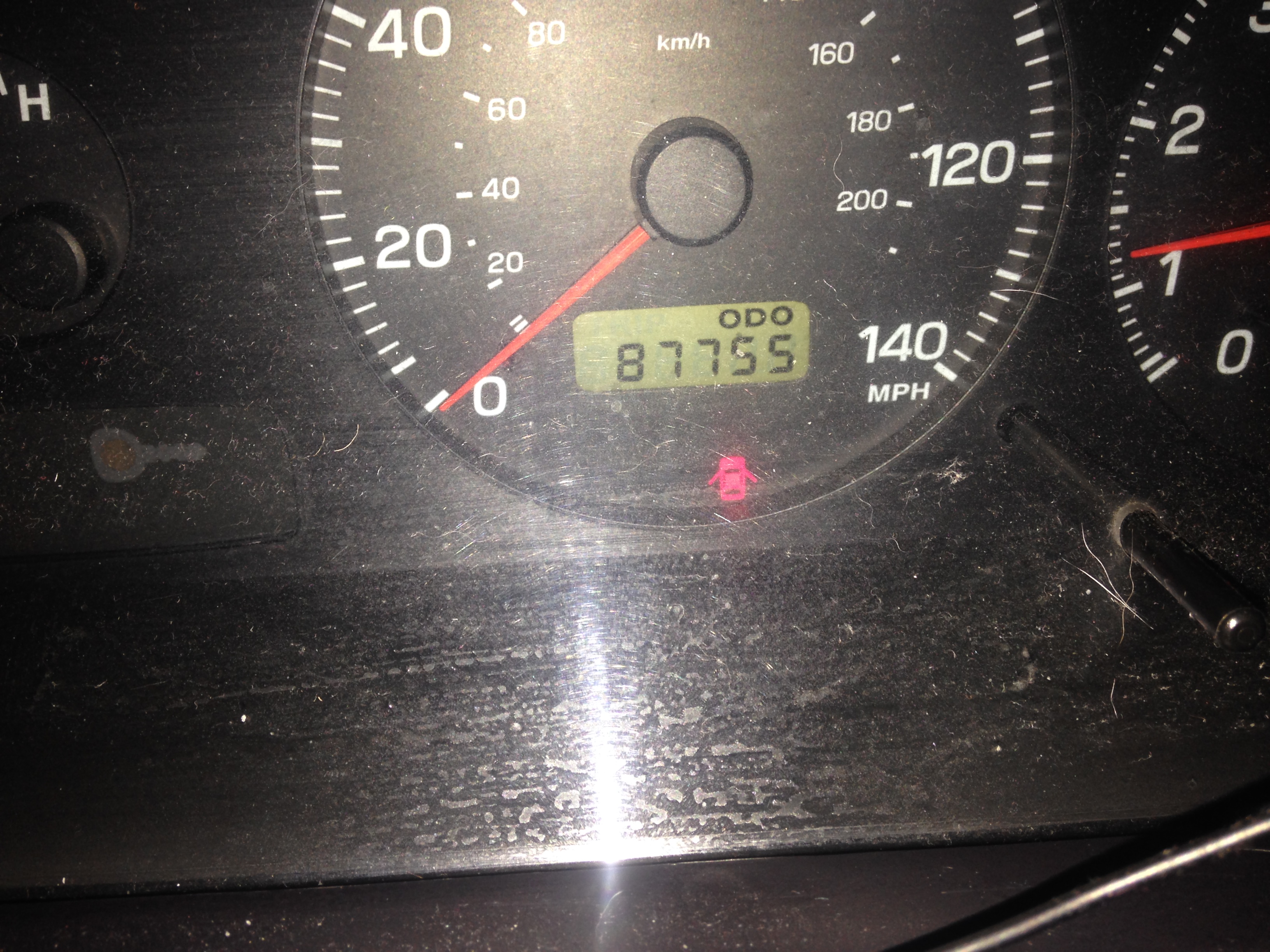
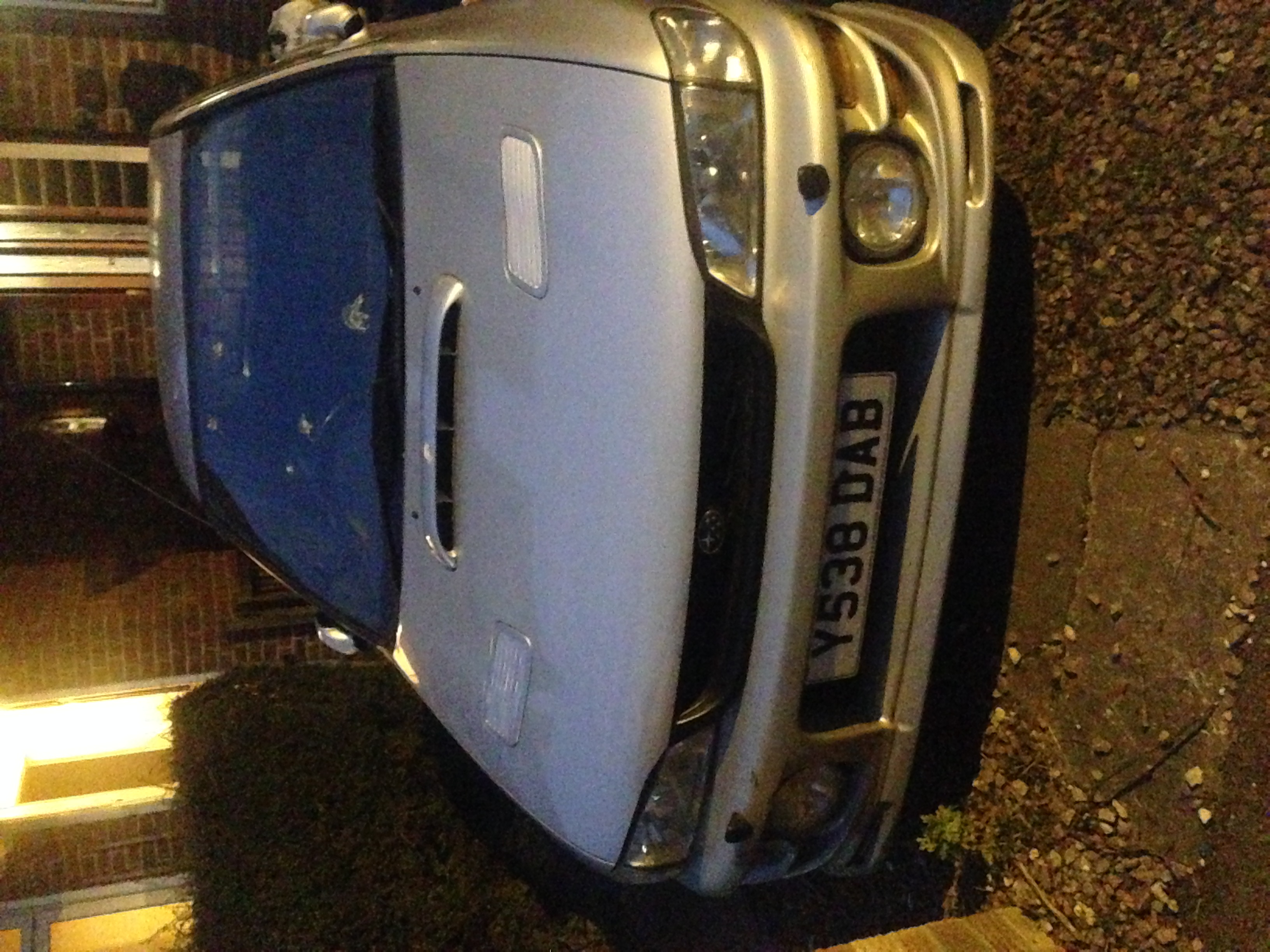
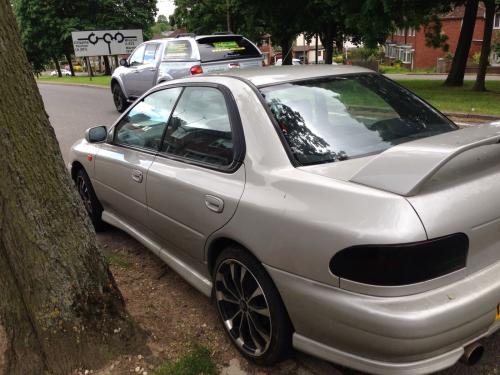
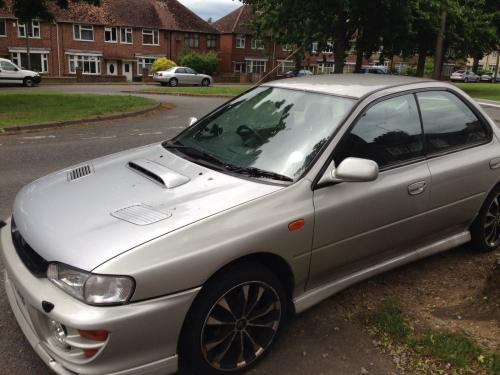
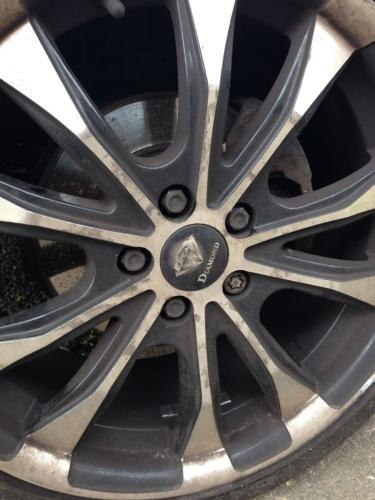
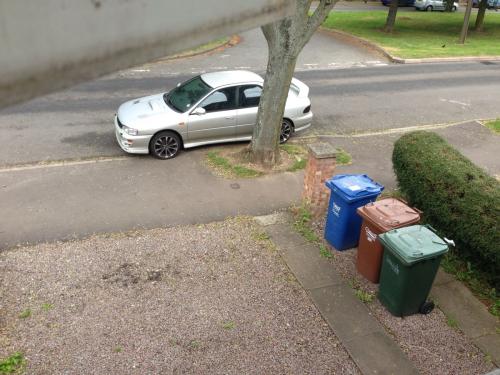
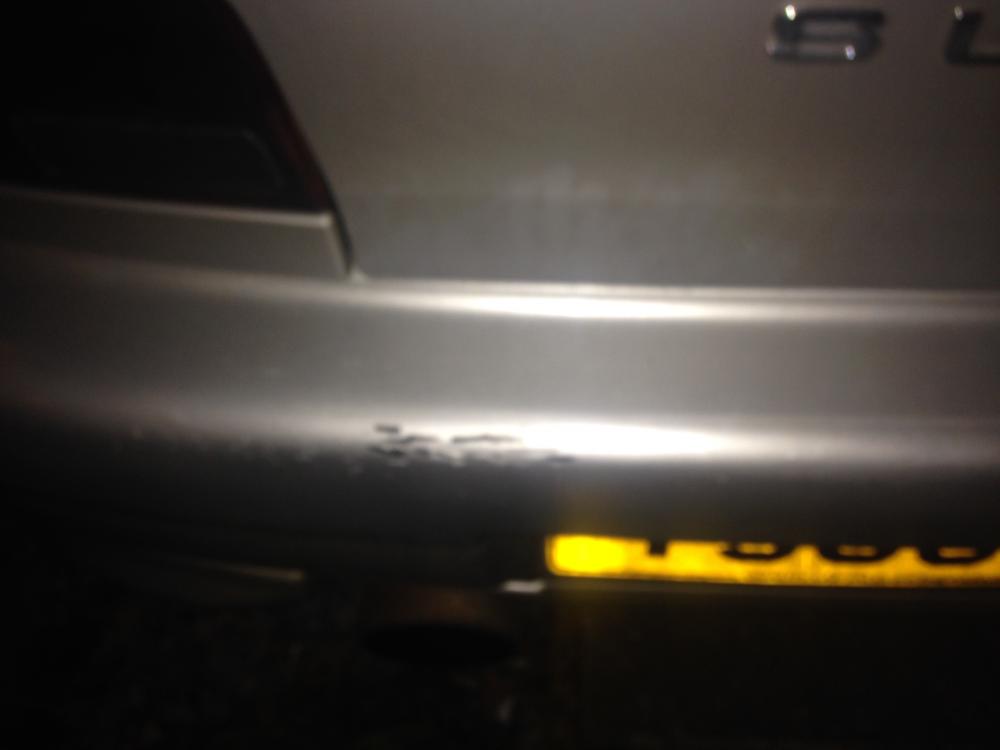
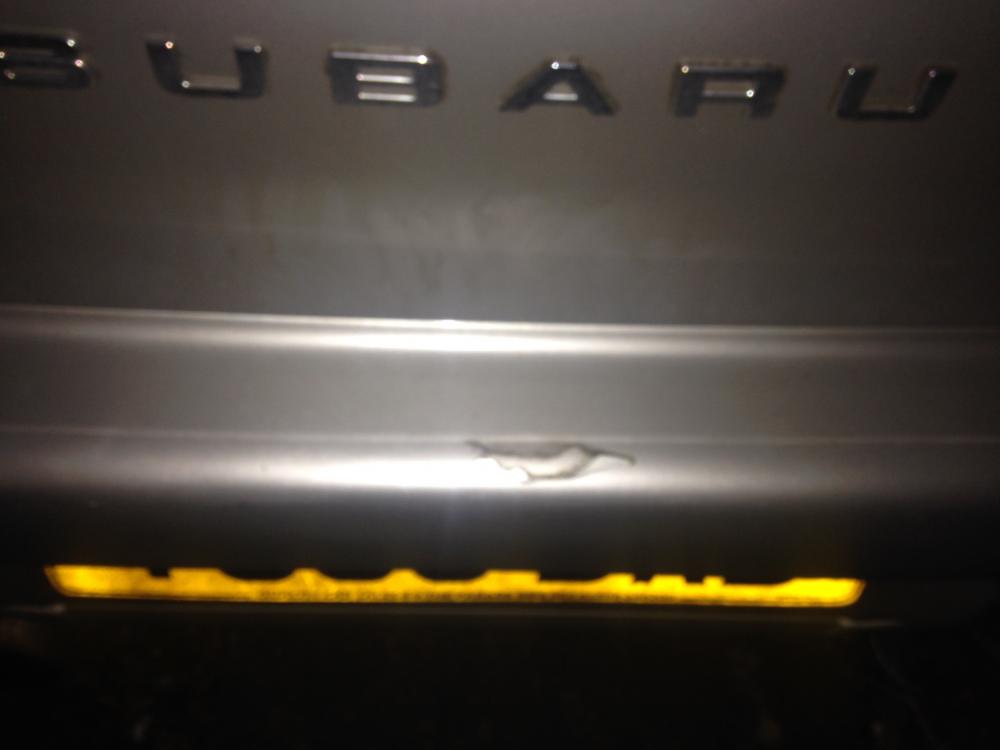
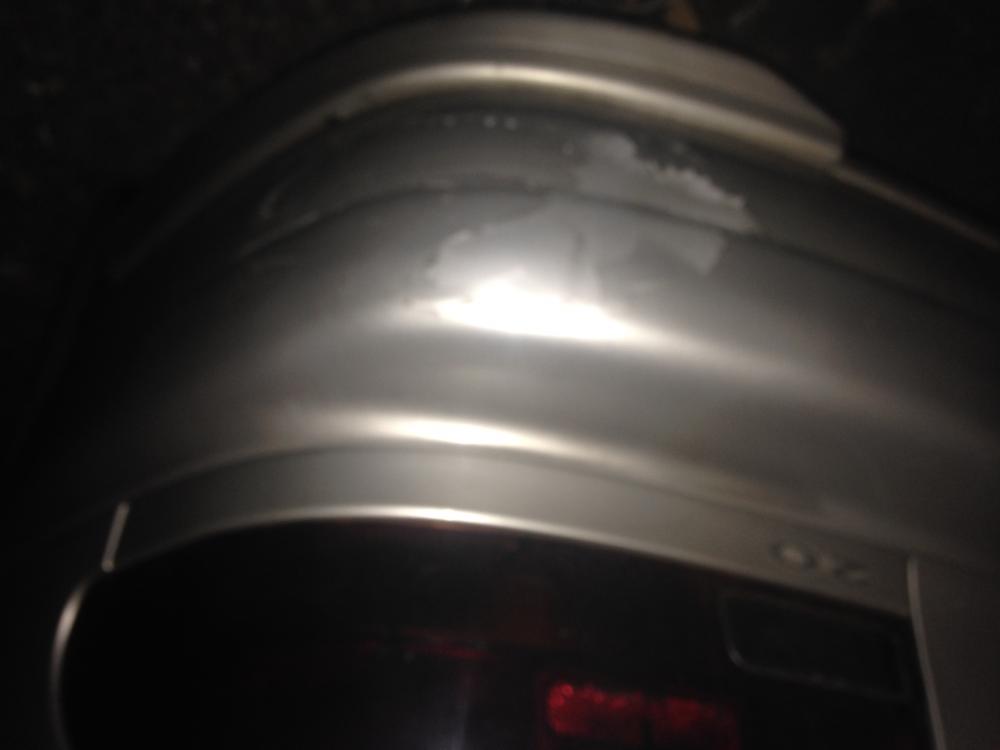
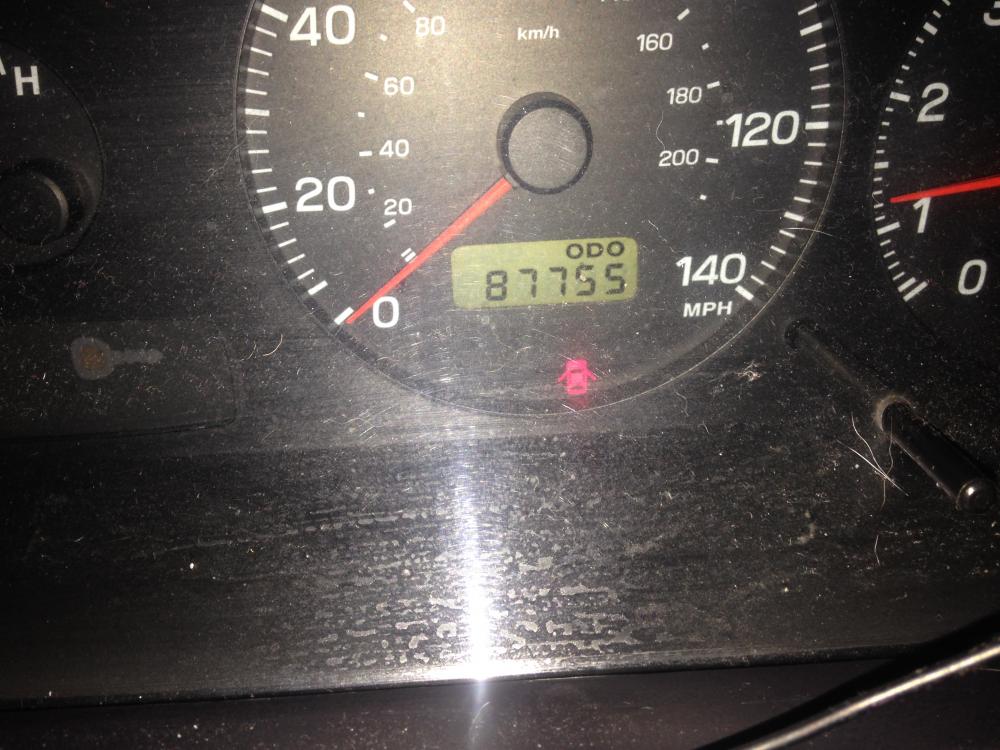
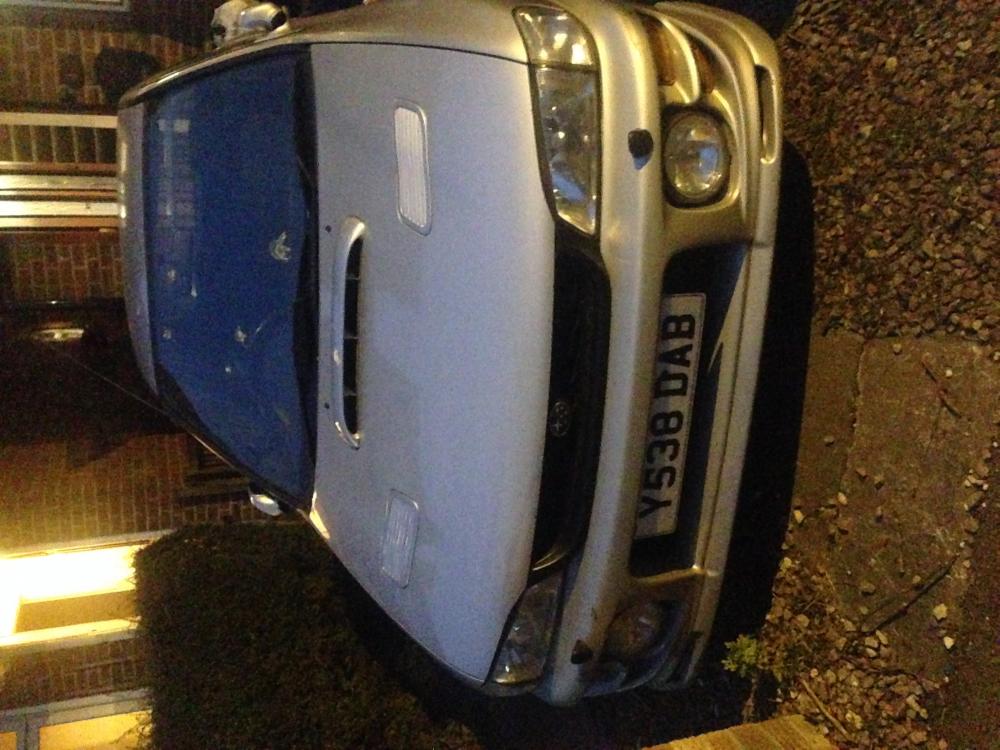
£995! Subaru Impreza sport 2L 87755miles 5 months mot N/a Bluetooth stereo Alloys Remote central locking Electric Windows Few nicks but was a good family car
-
Oki thanks. Good to have an idea before I imagine if get ripped off lol. You guys are helpful. Thanks xx
-
Http://youtu.be/DW-j42_S7Kk Bit longer and I think noisier!!
-
Service was about 4/5 months ago. It's literally big standard. It's only done just over 80,000 miles. I will try and get another video up a bit longer. X
-
Http://Youtu.be/68si6q0Buxs
-
Okay so I have a video. Car not overly doing it . But how do I add a video? Xx
-
Heya yeh It sounds a bit like that video actually. But it stops once the car has warmed up and better after higher revs. Yeh I will try to get a video either tonight or tomorrow. Thanks xx
-
Heya guys. I have an impreza sport. I think the tappets are !Removed!. How easy is this to sort? It's noisy and !Removed! embarrassing. Thanks in advance xx
-
It's not turbo'd. If that changes anyone's views on induction kits I'm very new to this if you didn't know lol. Thanks for all the input though.
-
Heya. I have a impreza 2000/2001 classic sport. Can anyone recommend a good induction kit. Thanks muchly x
-
-
Favourite car since I was little